Free samples · first edit free with Google
Remove people from photos
Describe the person or crowd to remove. The AI edits your photo and rebuilds the background for you.
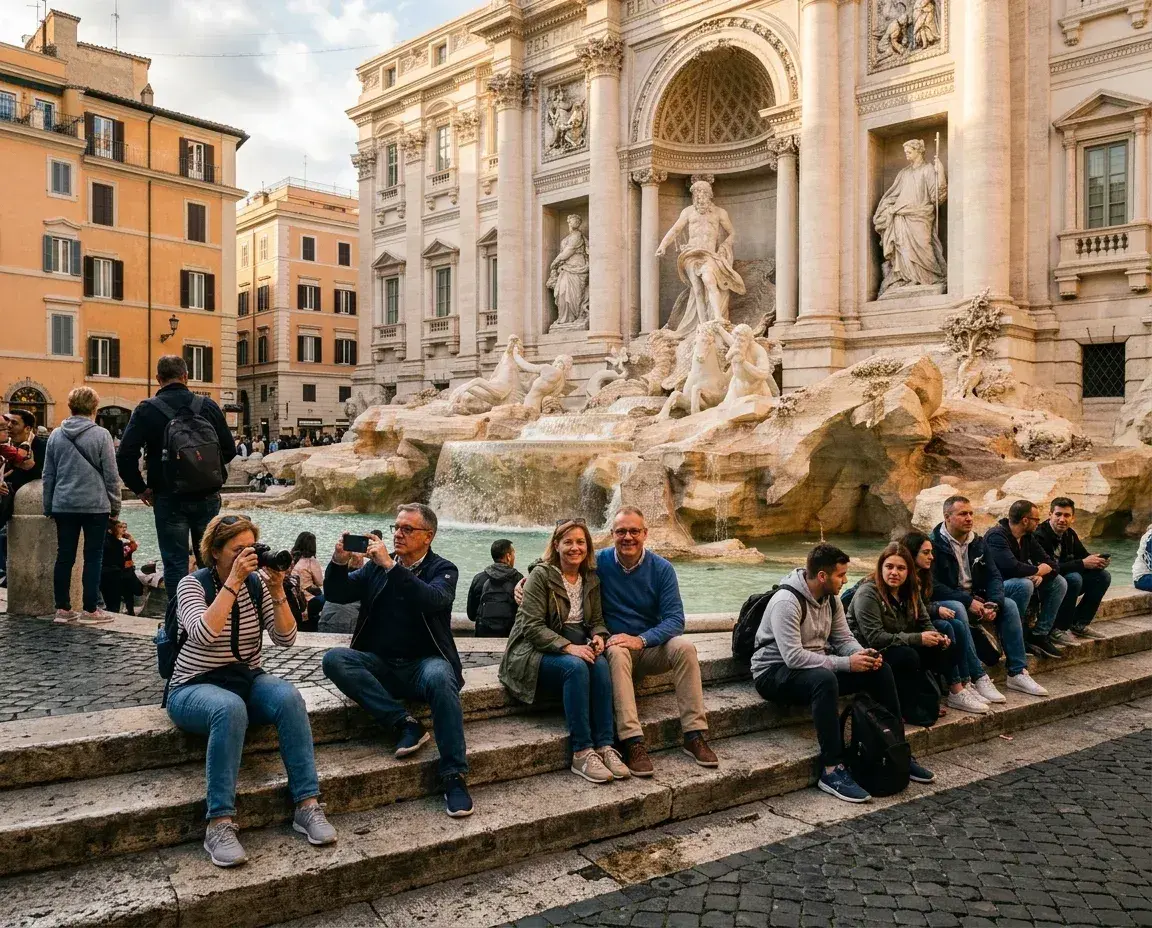
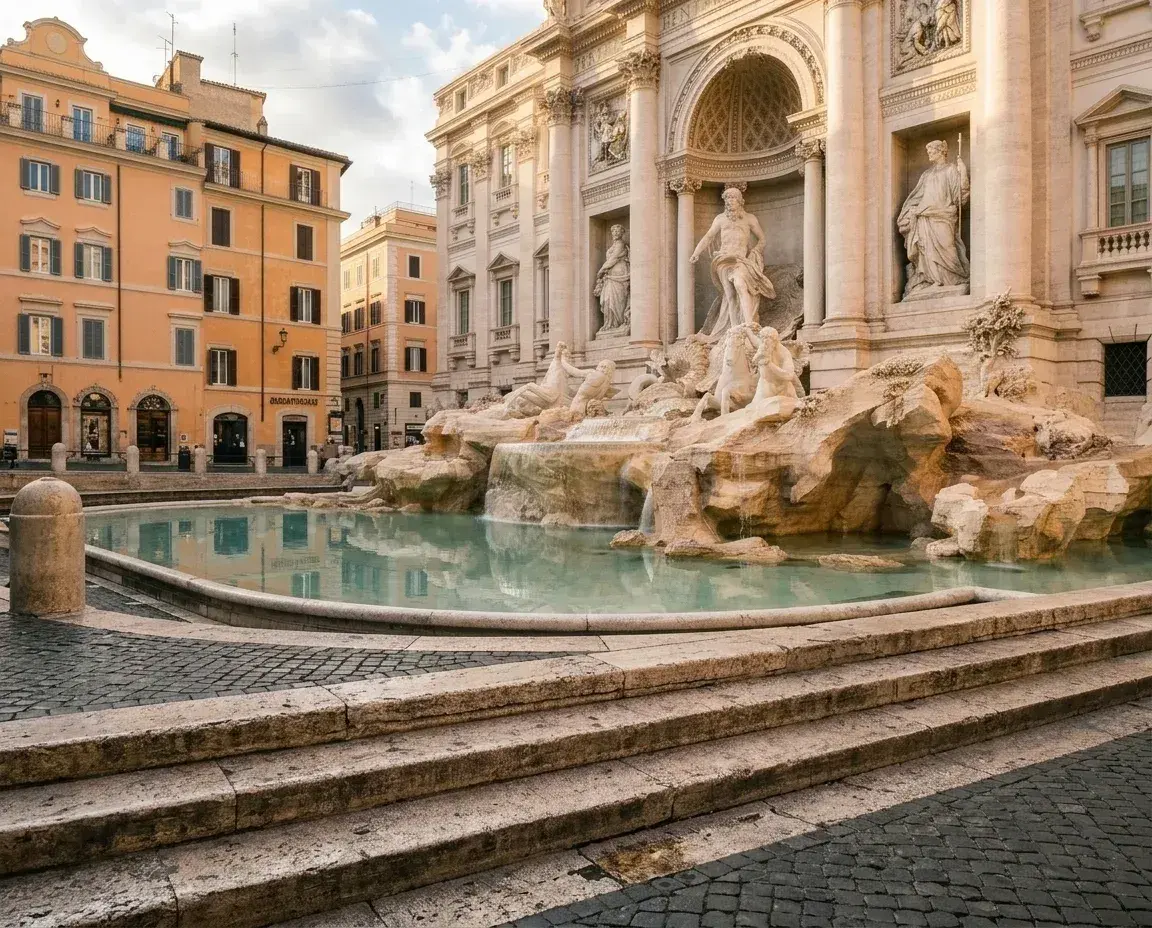 Before → after
Trevi Fountain, Rome · a crowd of tourists, gone
or drop a file, paste a photo
JPEG · PNG · WebP · up to 20 MB
No photo handy? Try one of these:
Real results
Straight from the tool
Watch the people disappear. Every pair is an unretouched AI output.
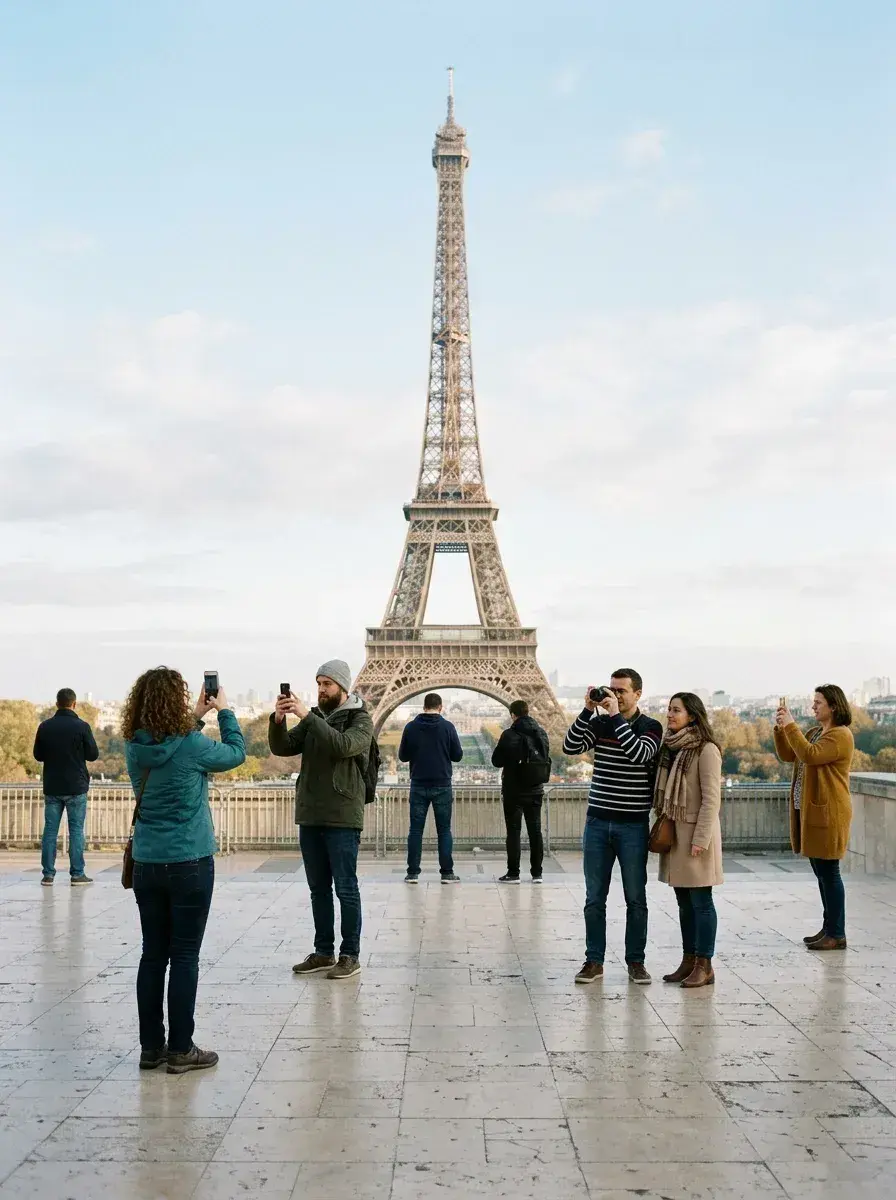
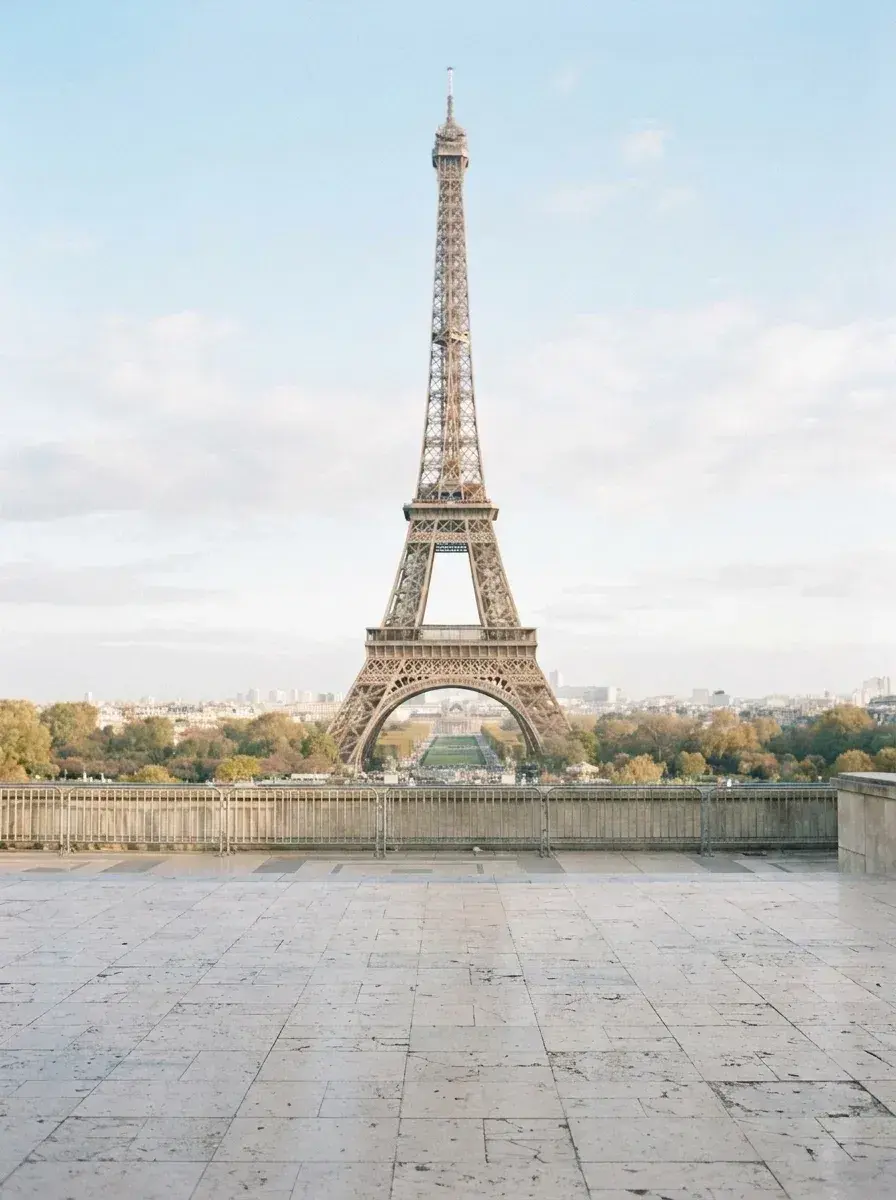 BeforeThe tool removes a group of tourists from a terrace overlooking the Eiffel Tower.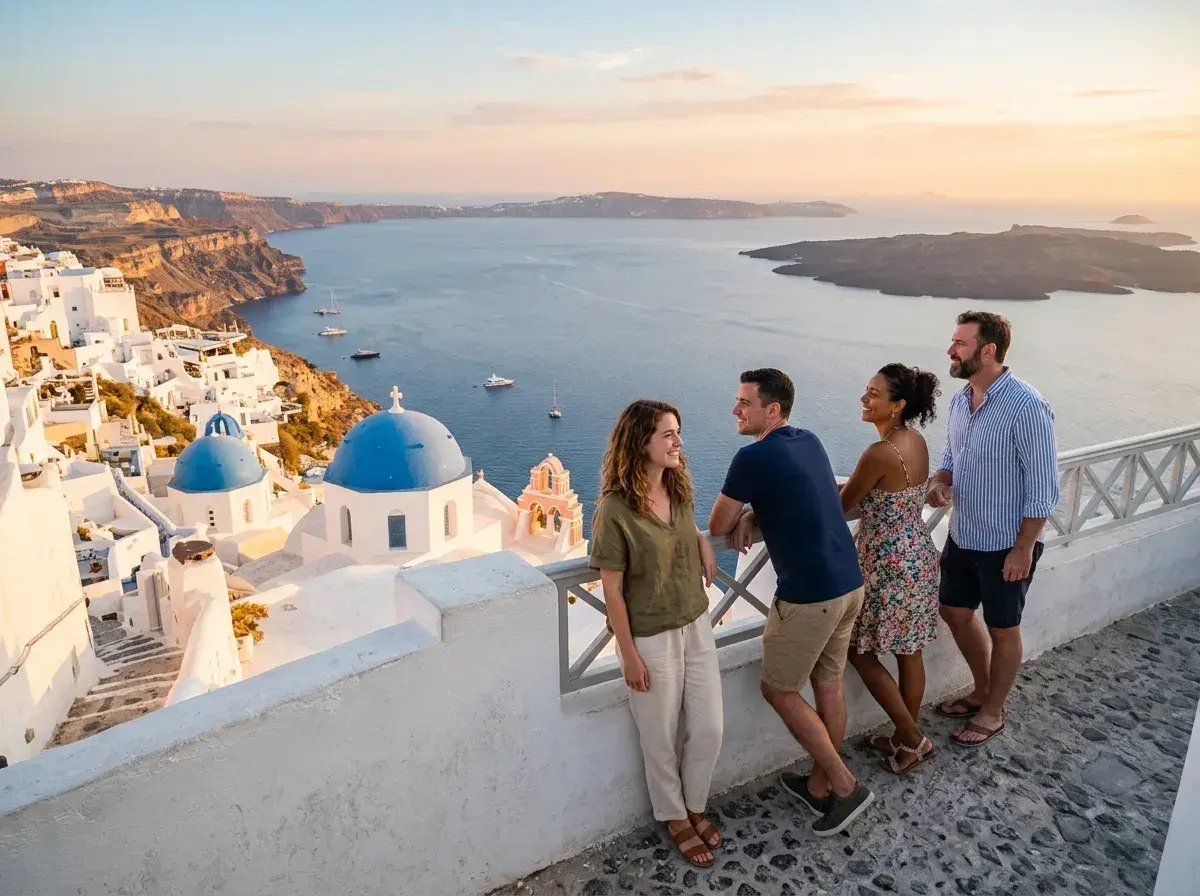
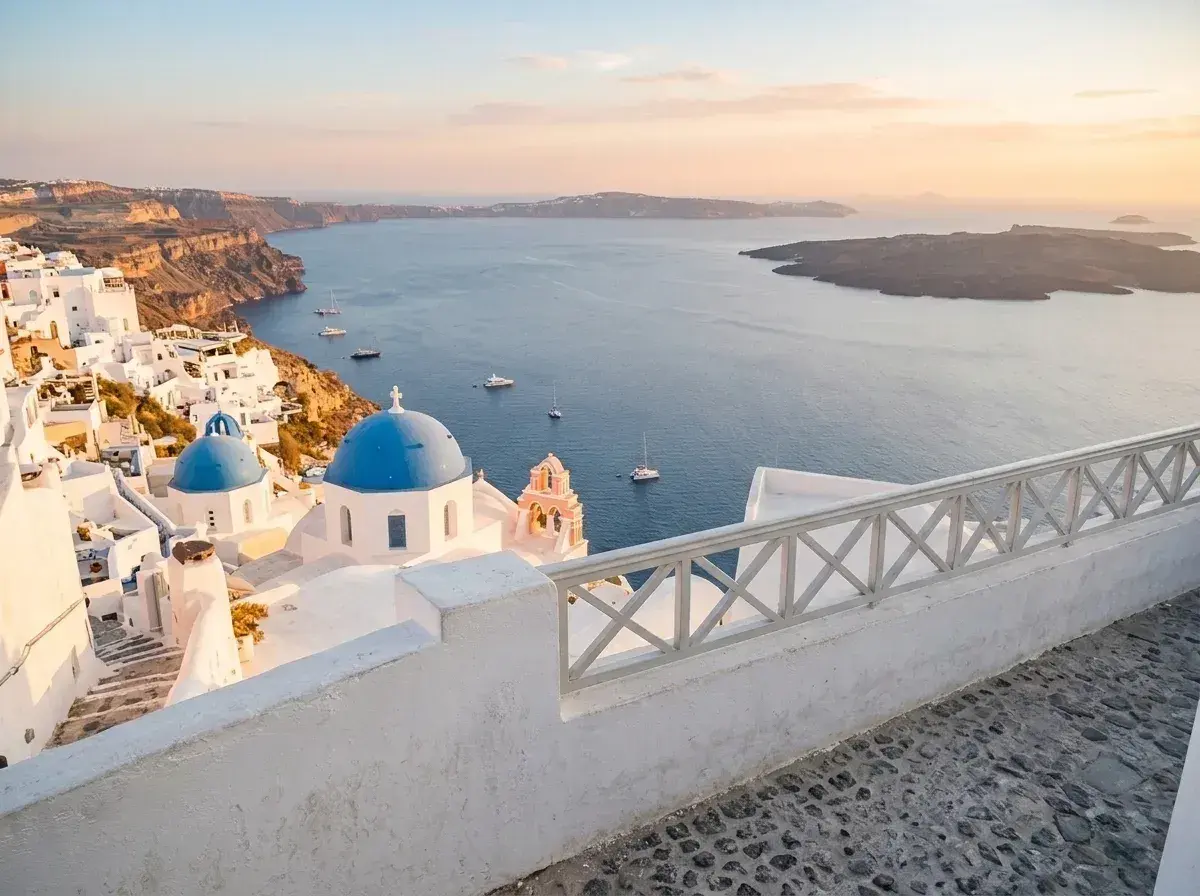 BeforeFour people are removed from a balcony overlooking the Santorini coastline.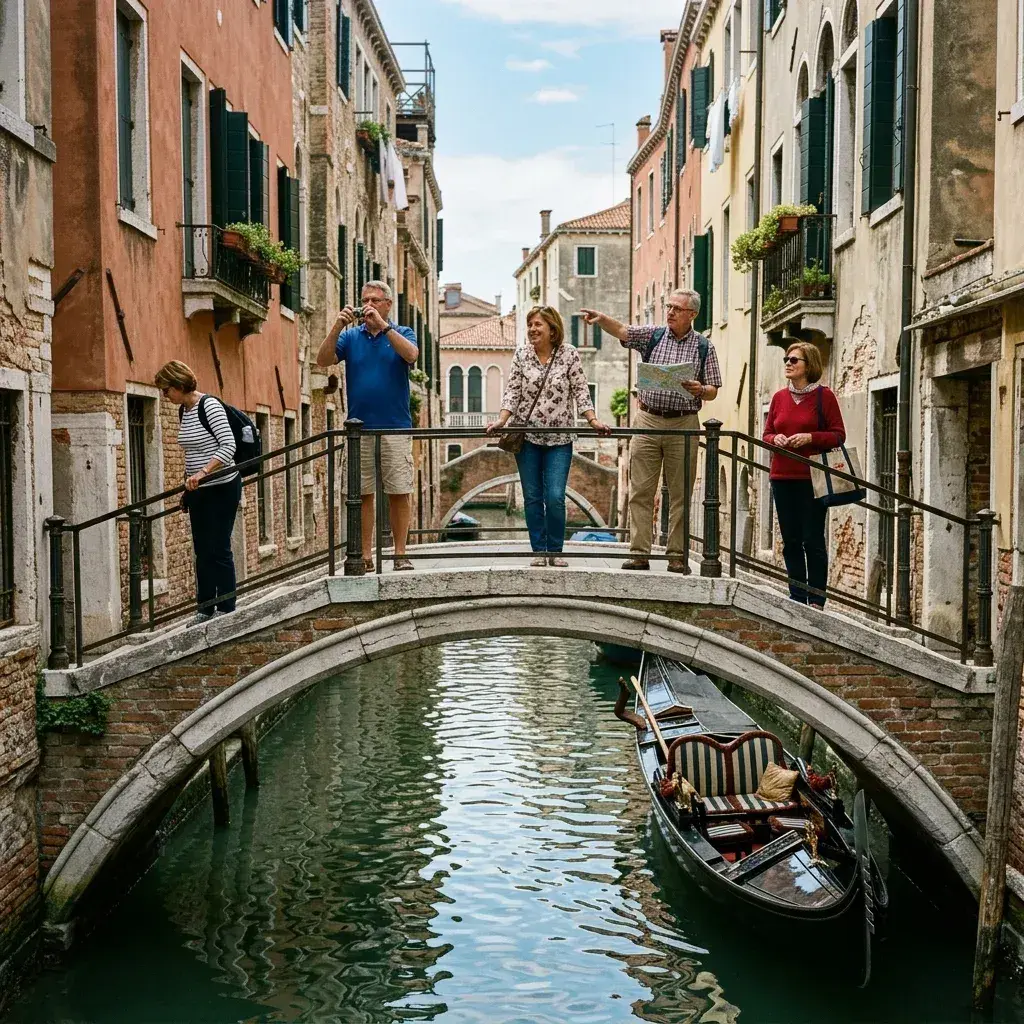
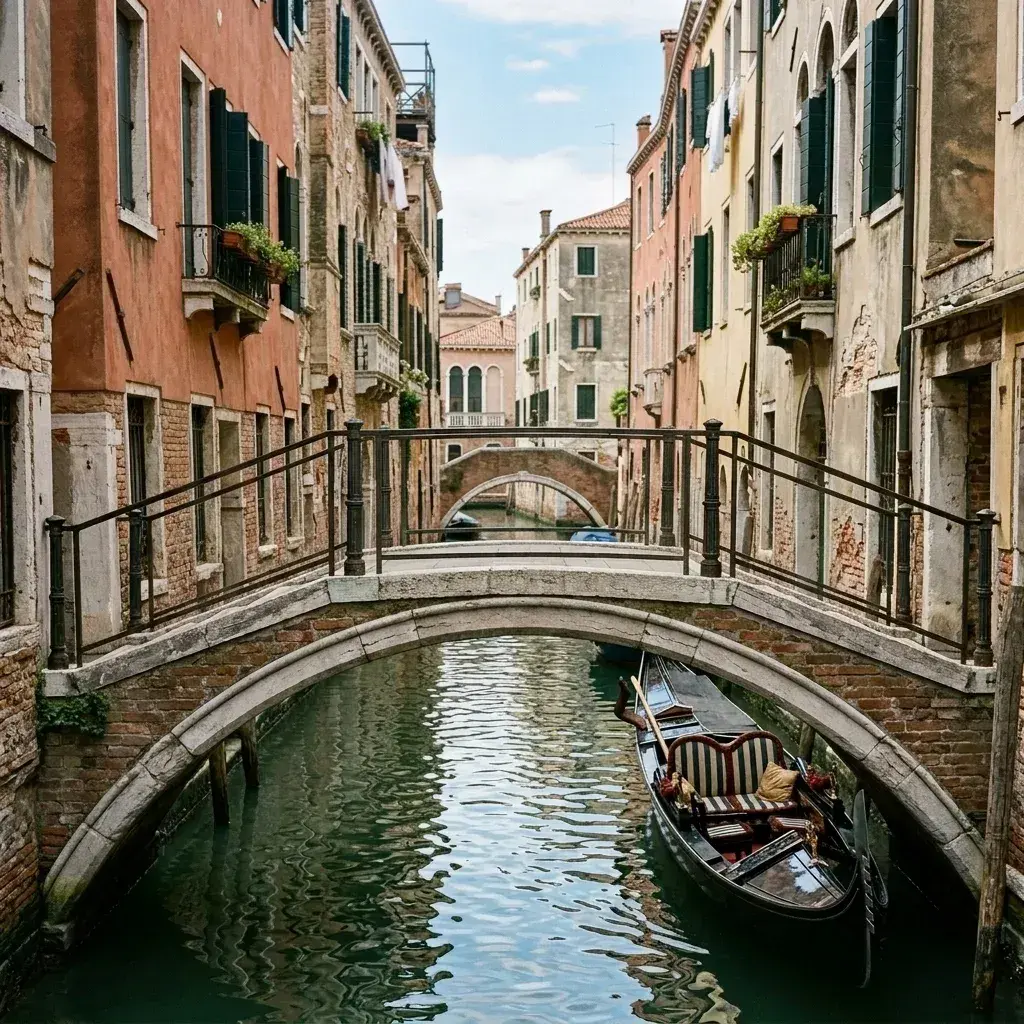 BeforeThe tool removes five people from a stone bridge over a canal.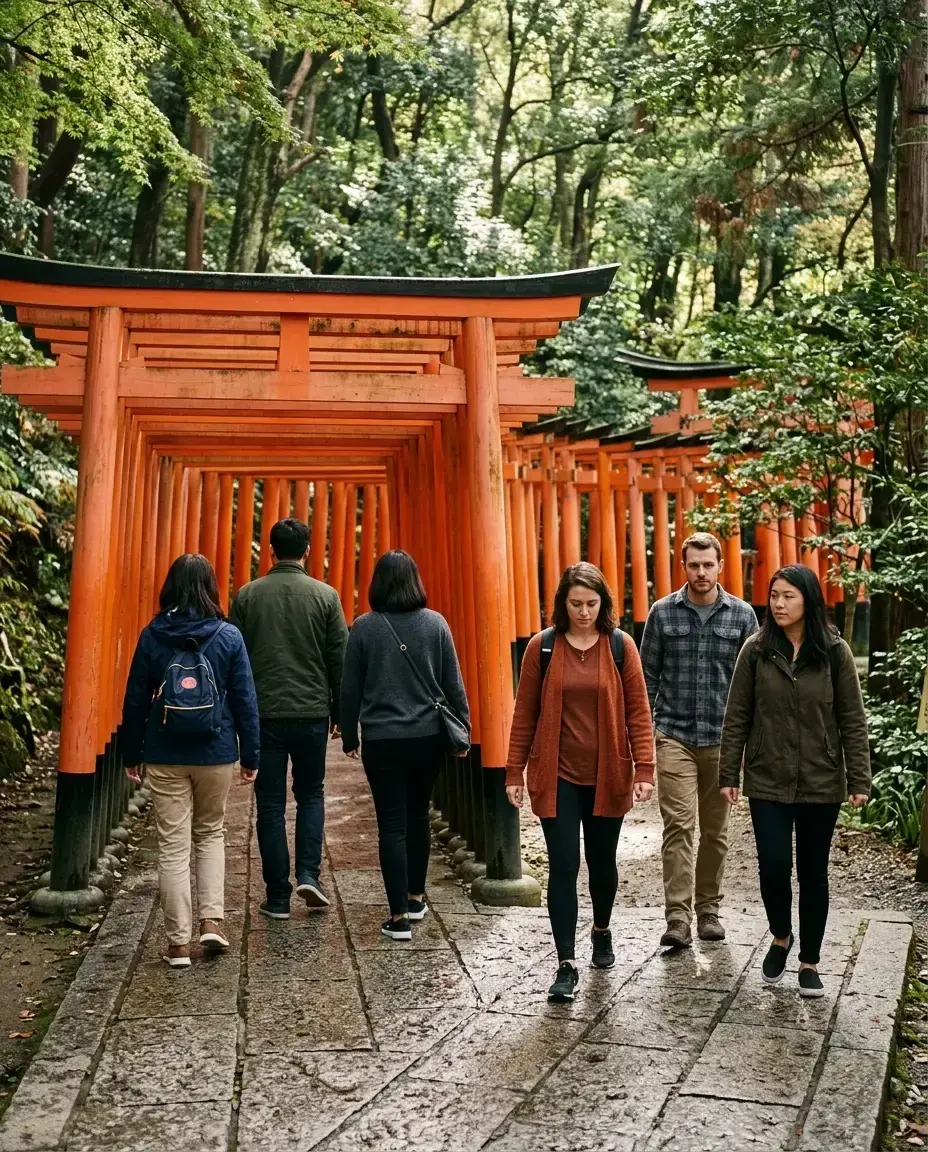
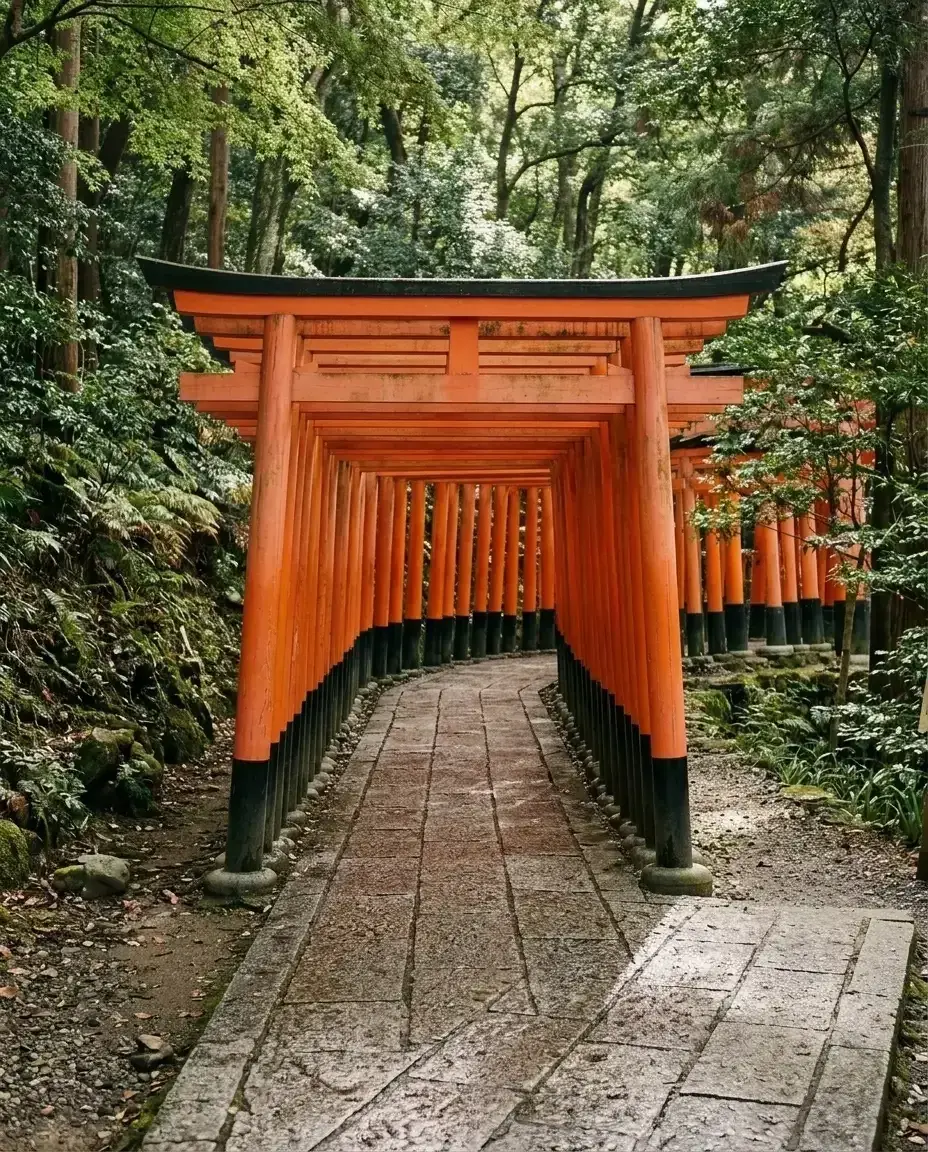 BeforeThe tool removes six people walking through a tunnel of orange torii gates.BeforeThe tool removes a crowd of tourists from the steps in front of the Trevi Fountain.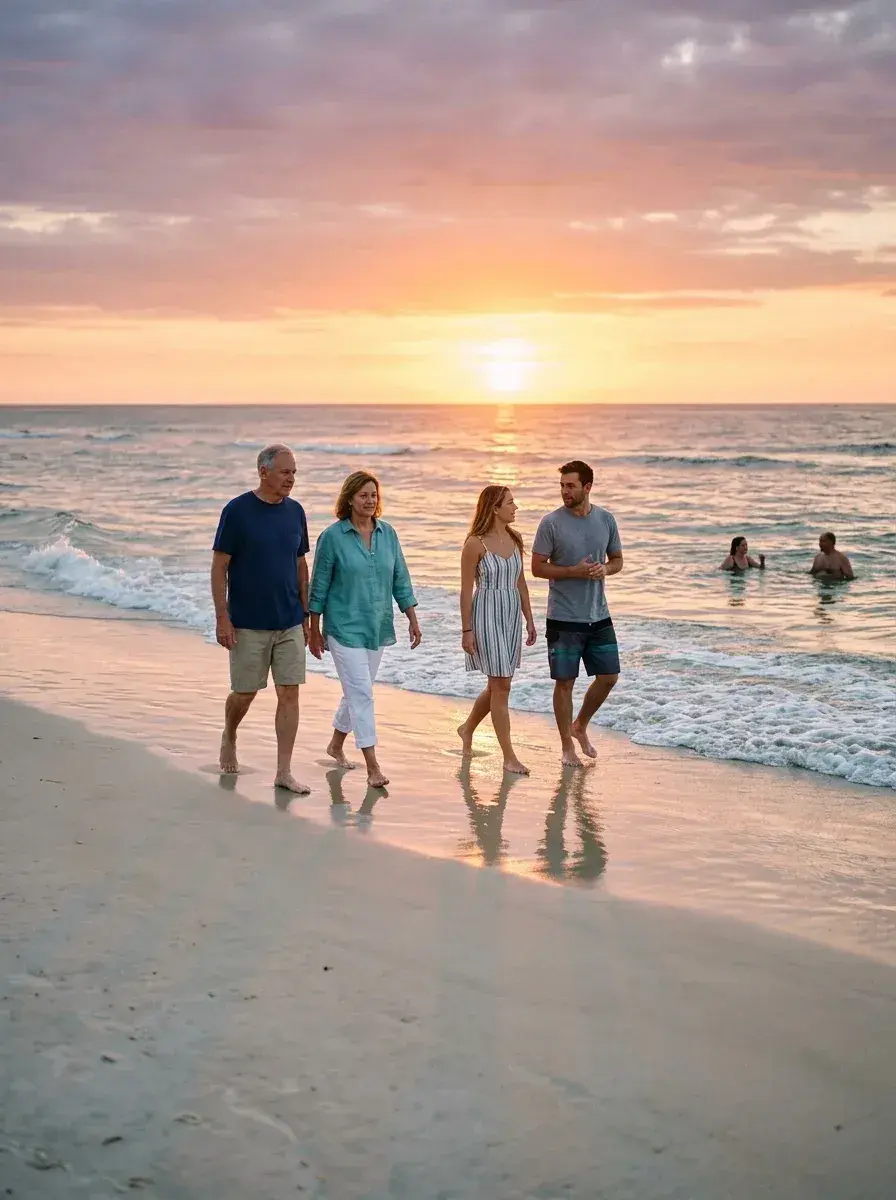
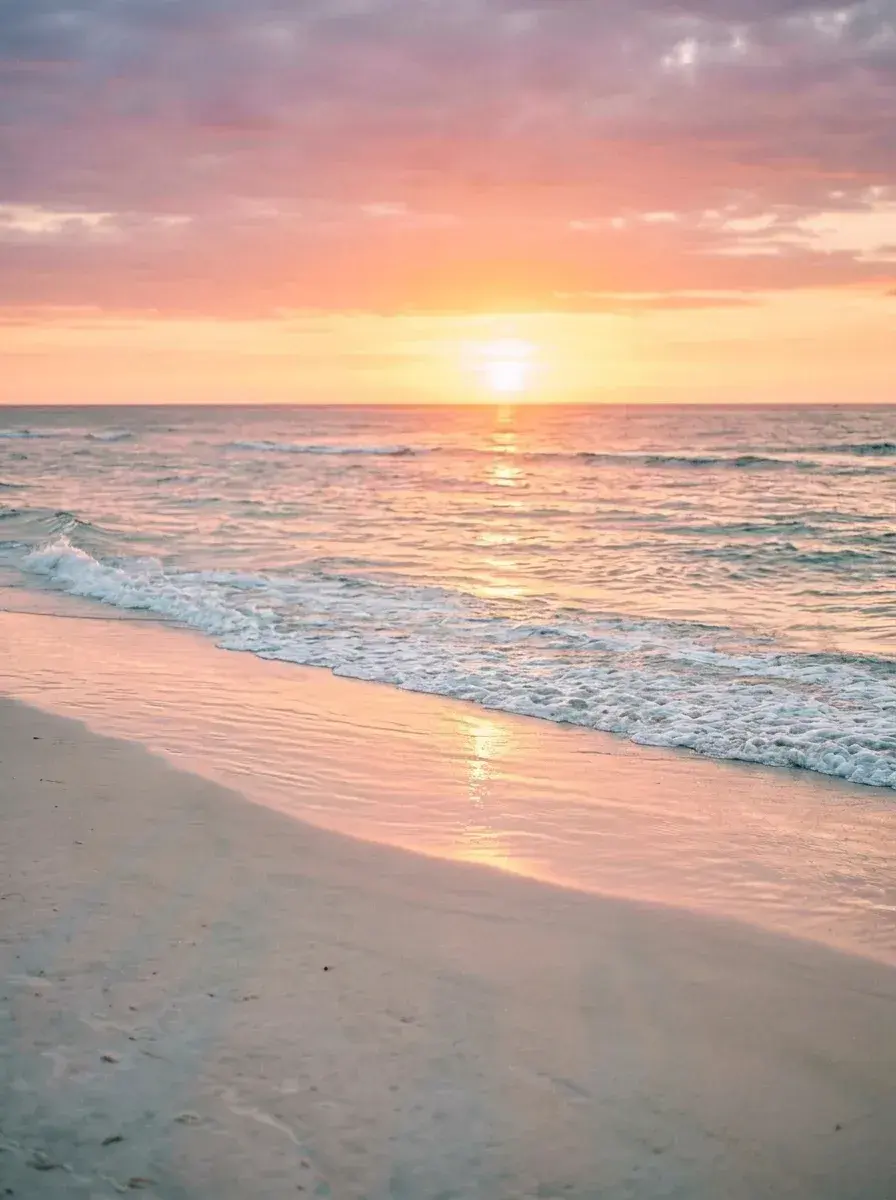 BeforeThe tool removes all people from the beach at sunset.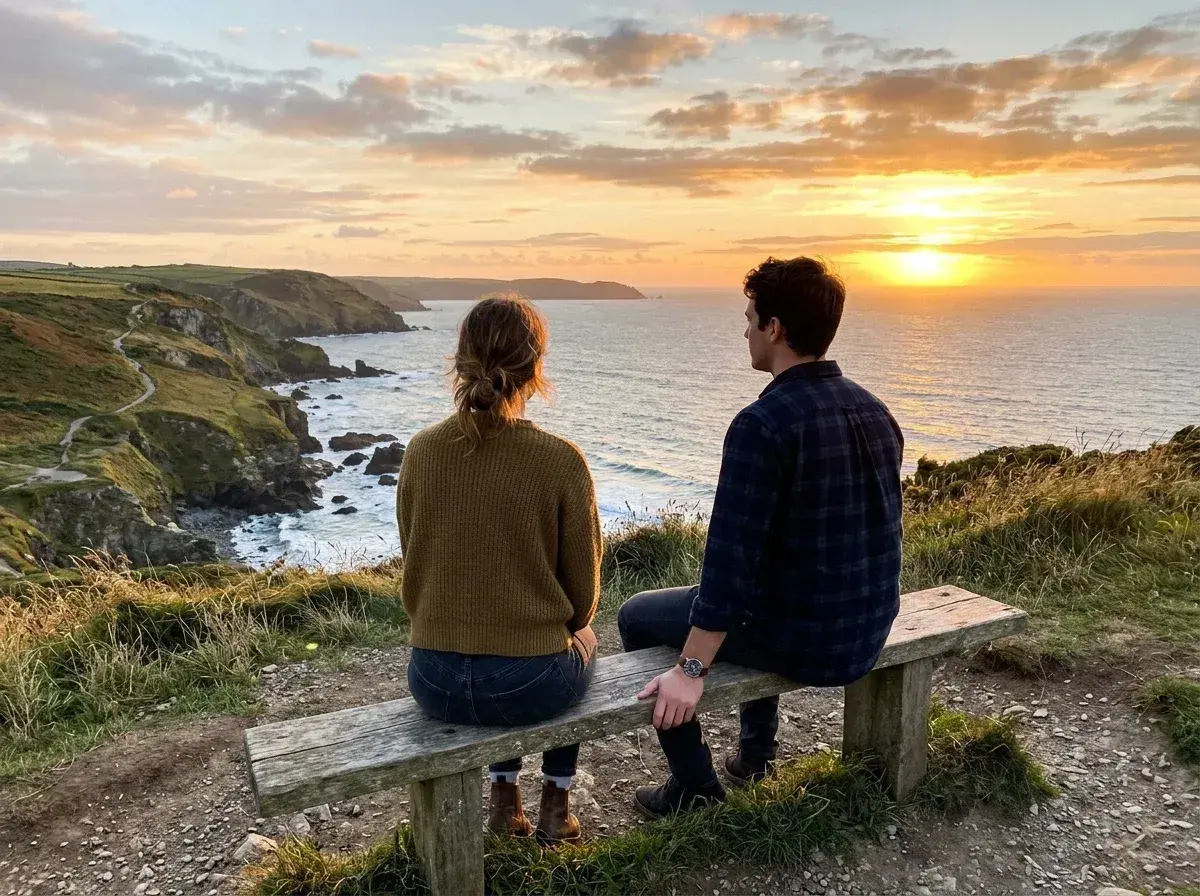
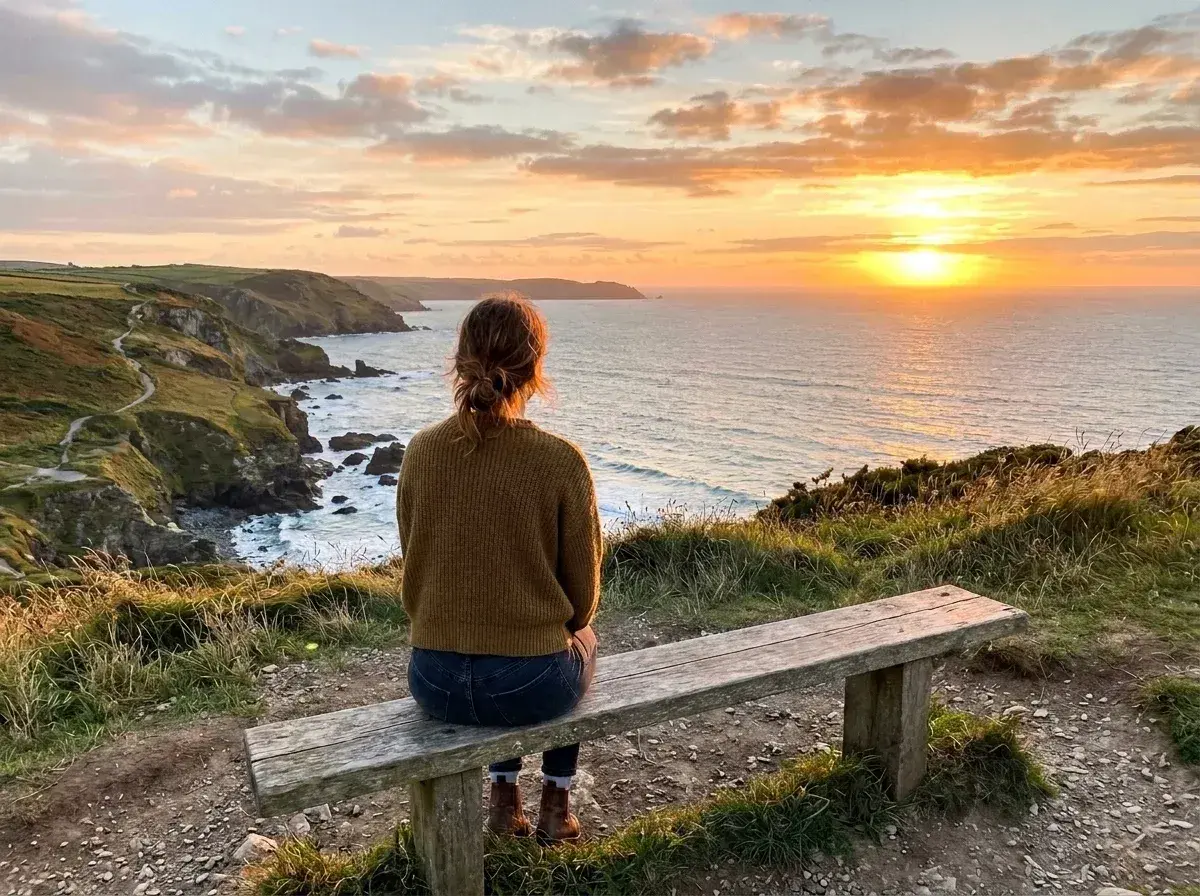 BeforeThe man sitting on the right side of the bench is removed.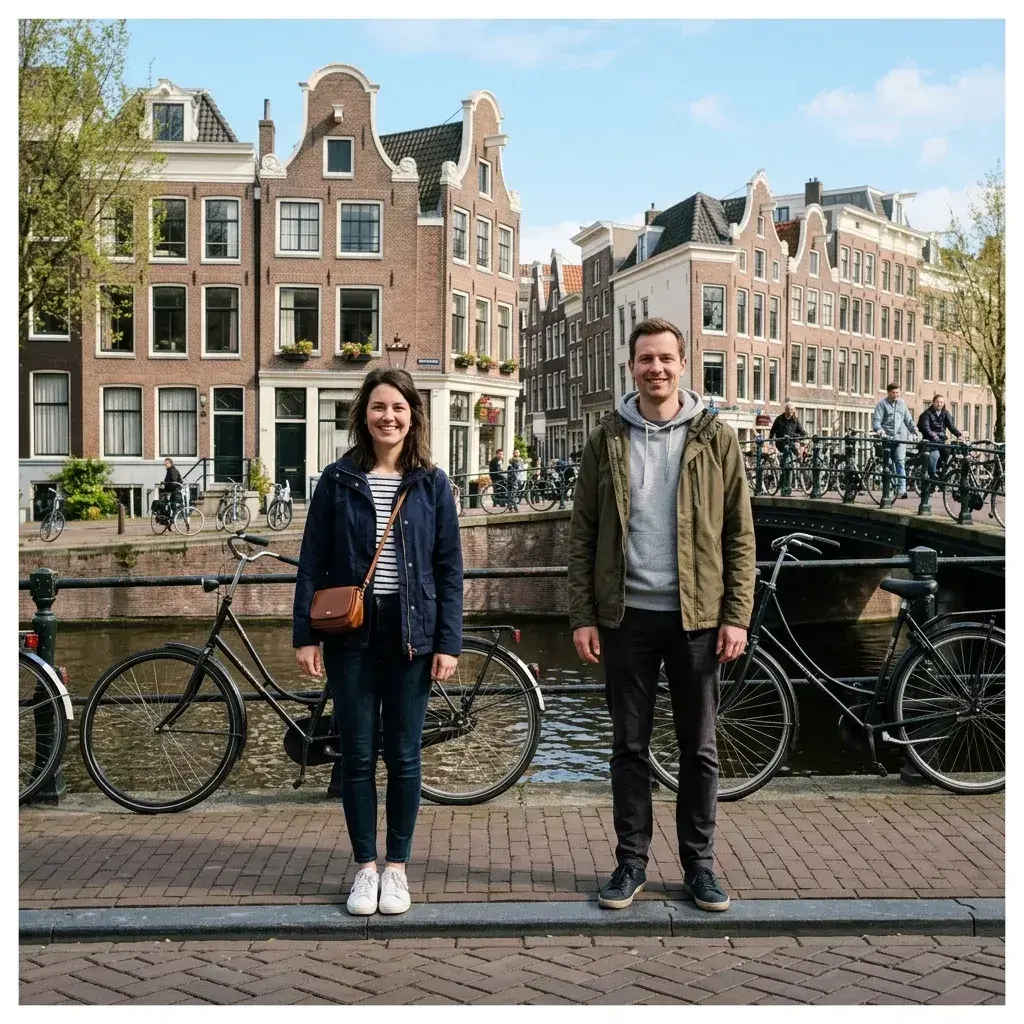
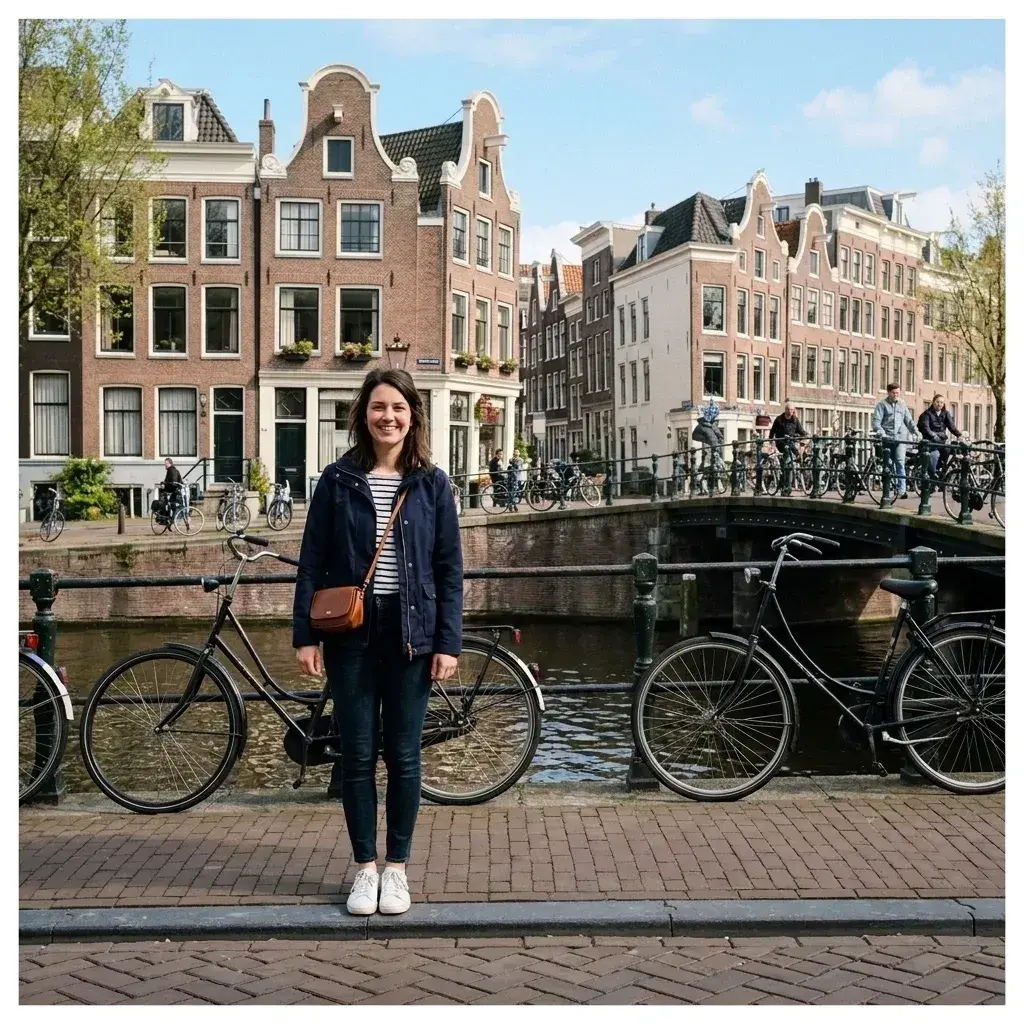 BeforeThe tool removes a man standing next to a woman.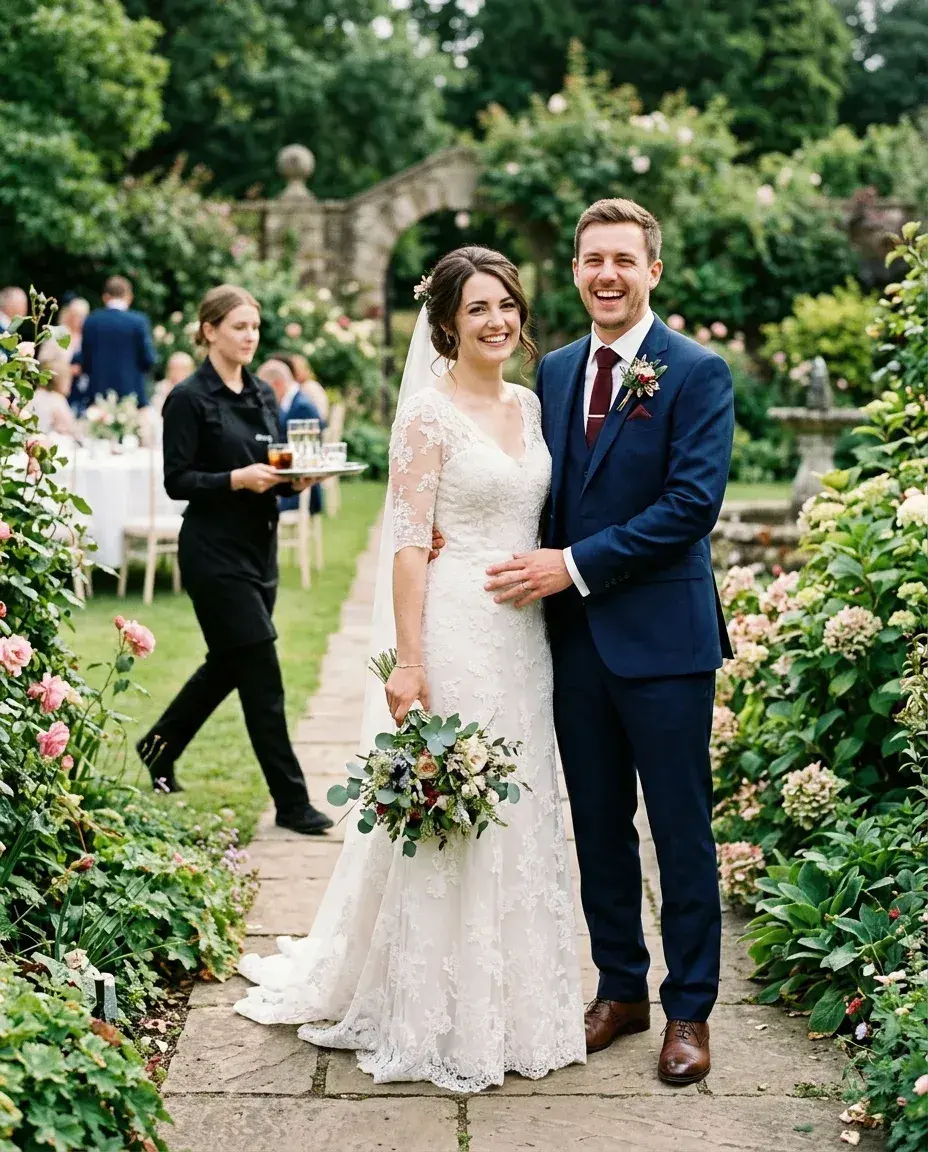
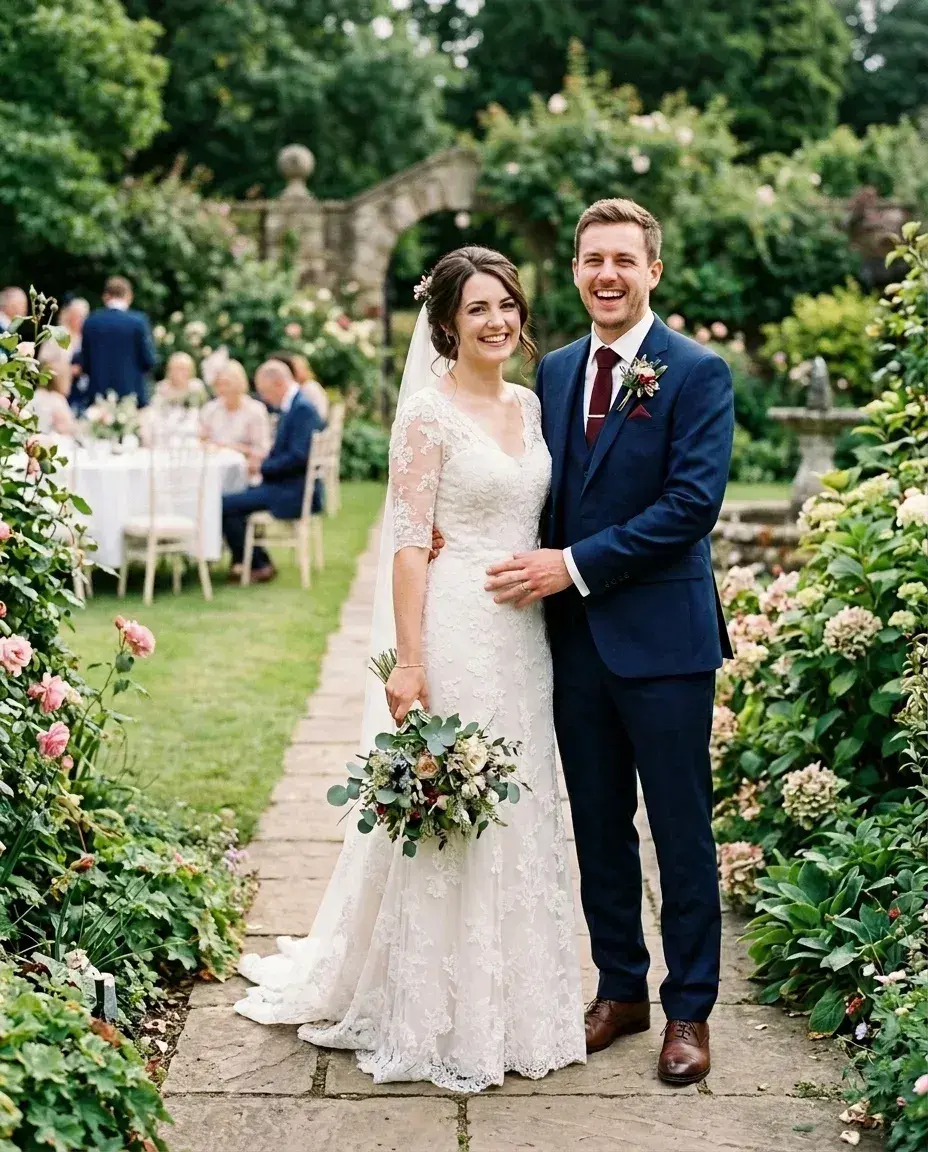 BeforeThe server walking in the background is removed from the wedding photo.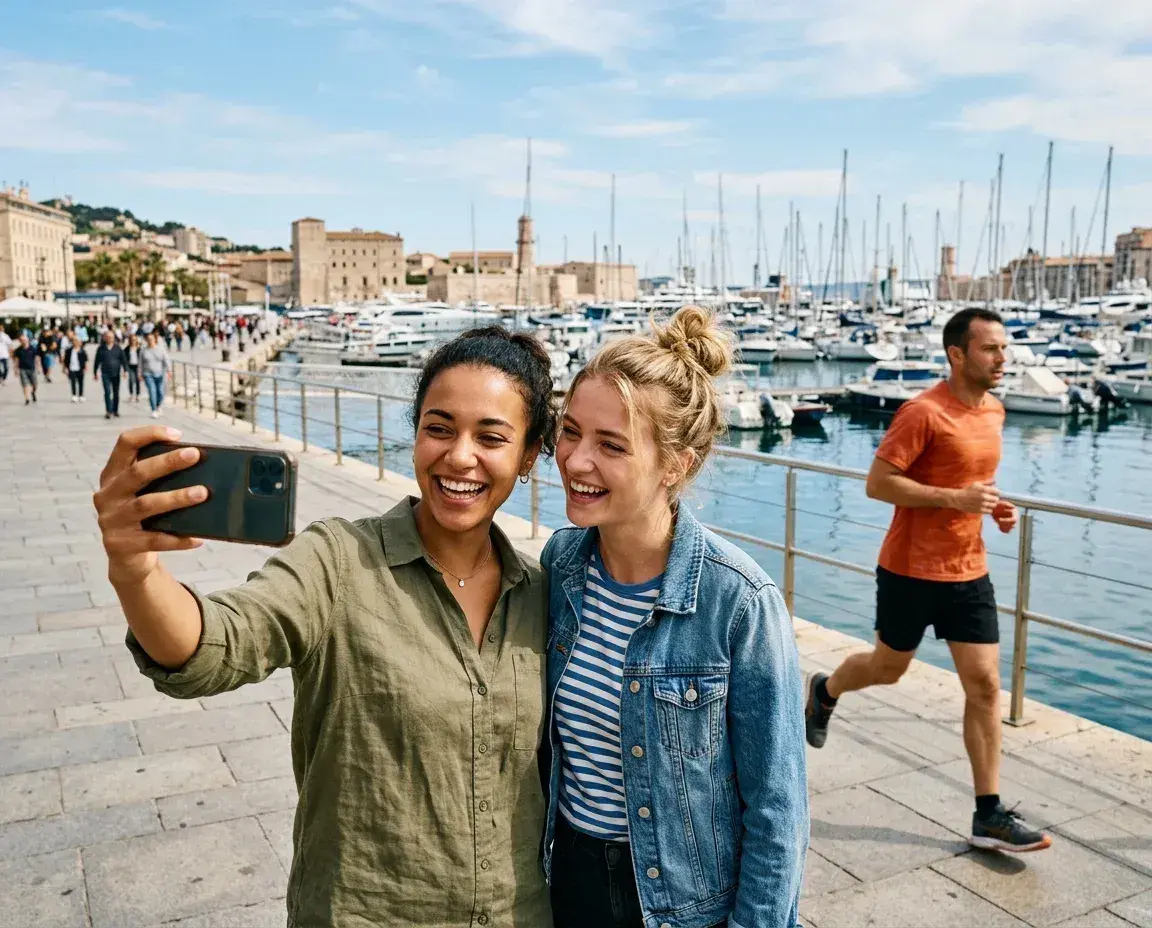
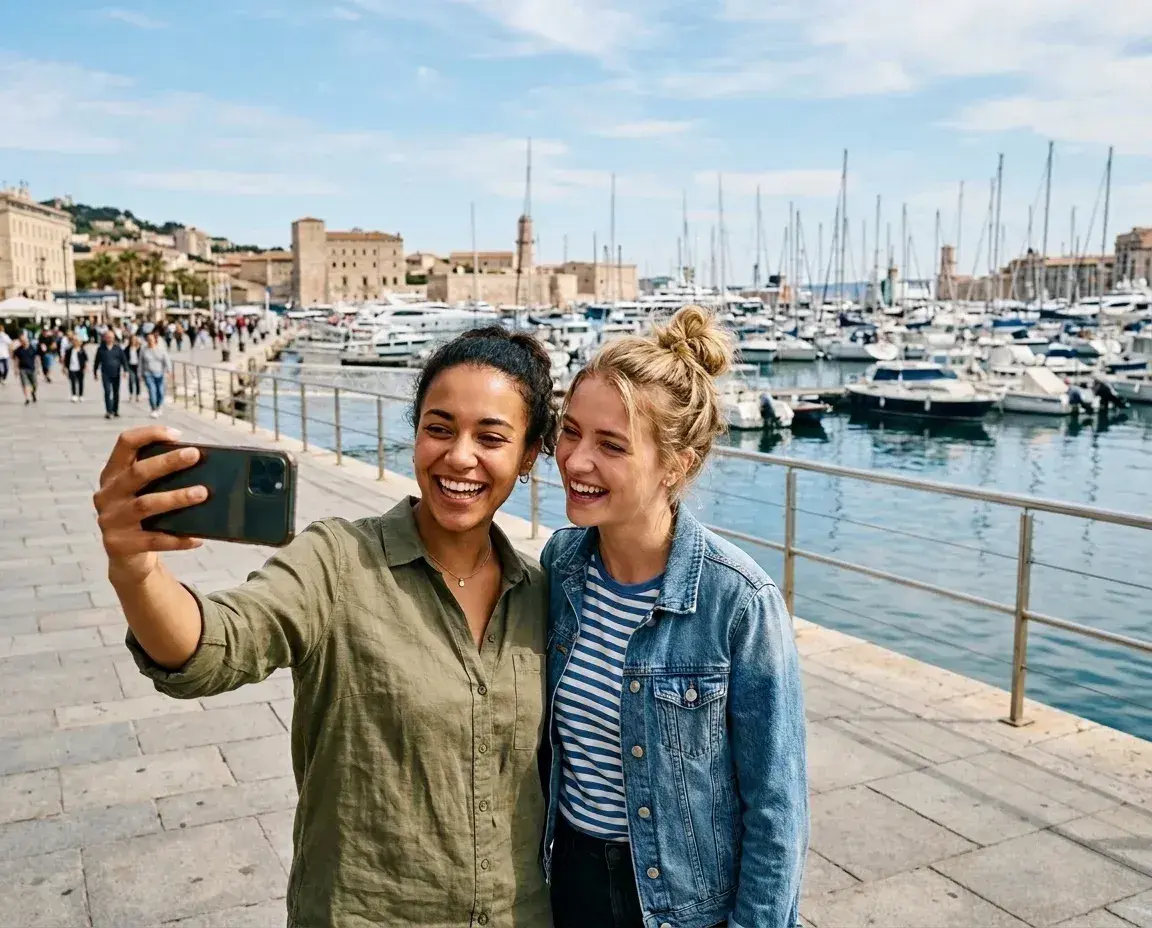 BeforeThe tool removes a jogger from the background of a harbor scene.
 BeforeBackground people are removed, leaving the graduate standing alone on the campus path.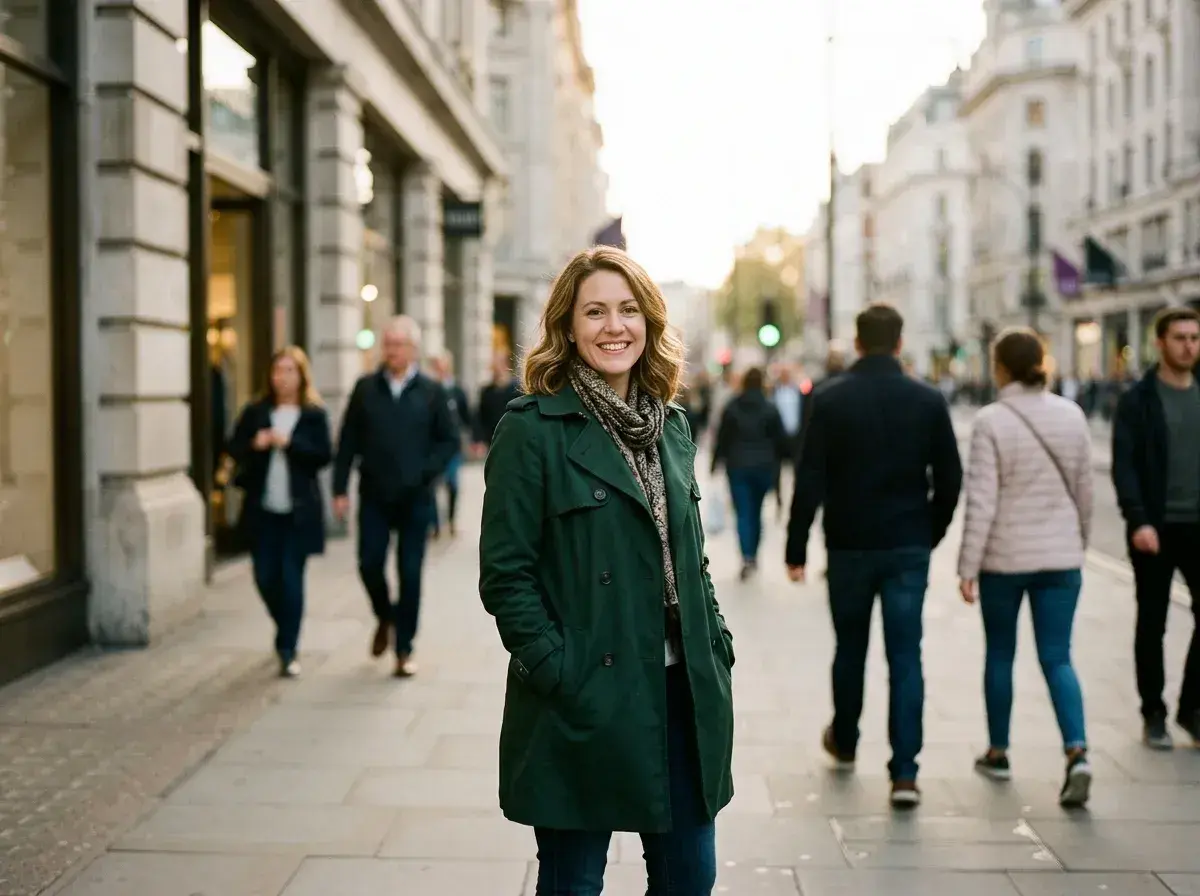
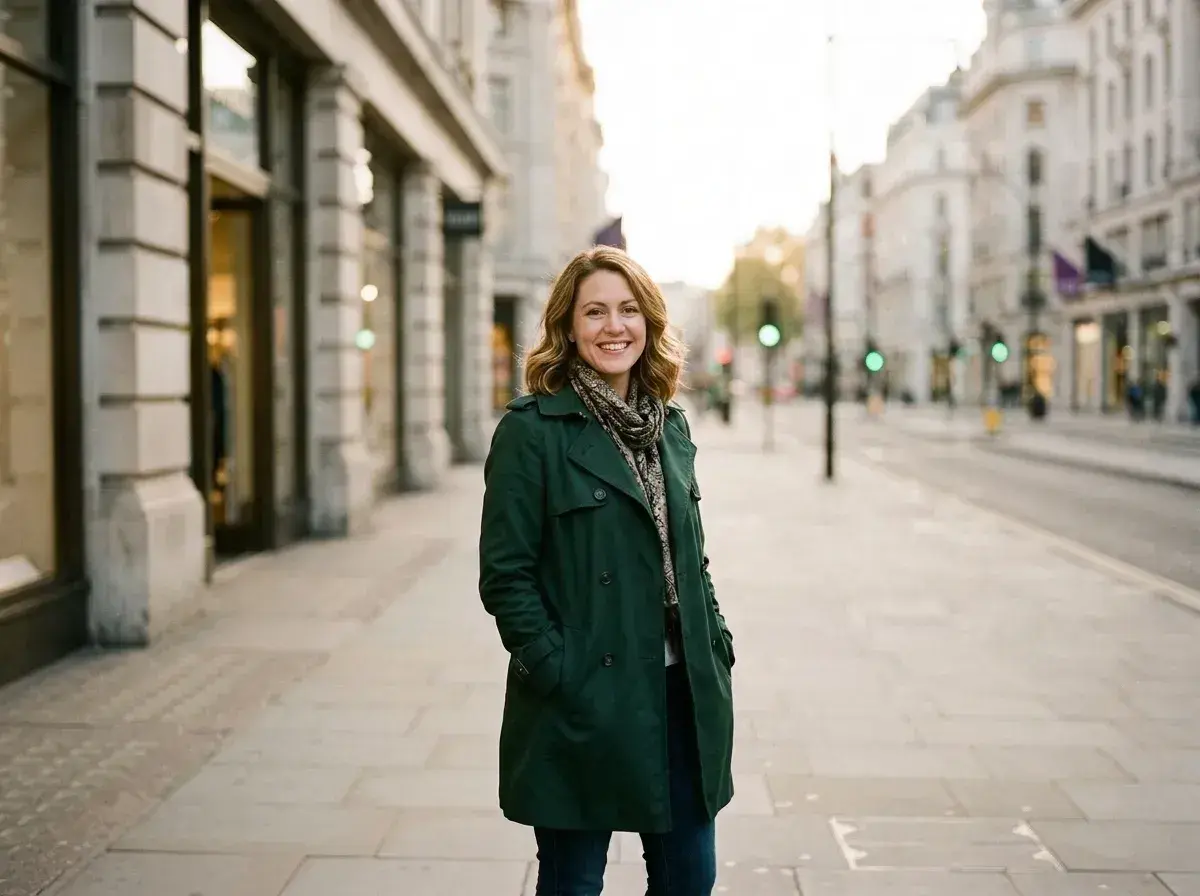 BeforeThe tool removes several pedestrians from the background of a city street portrait.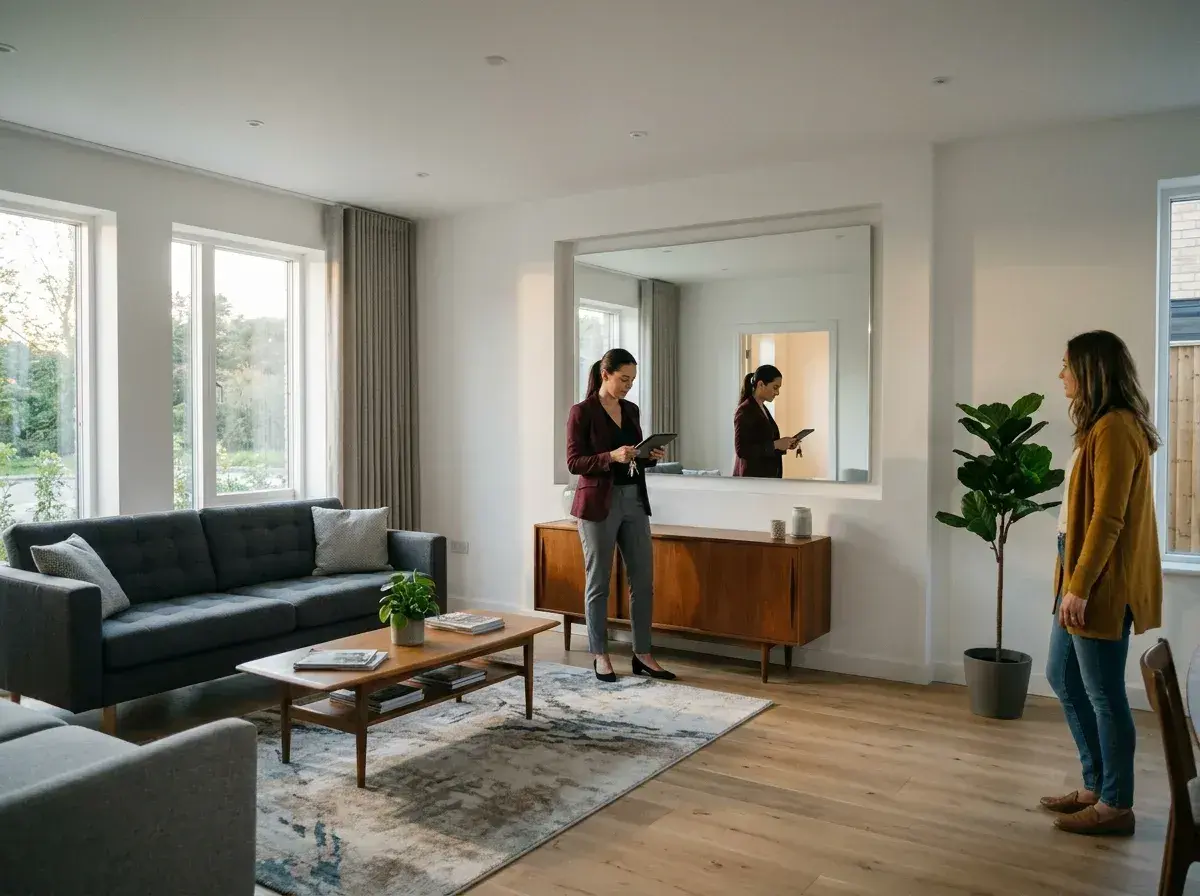
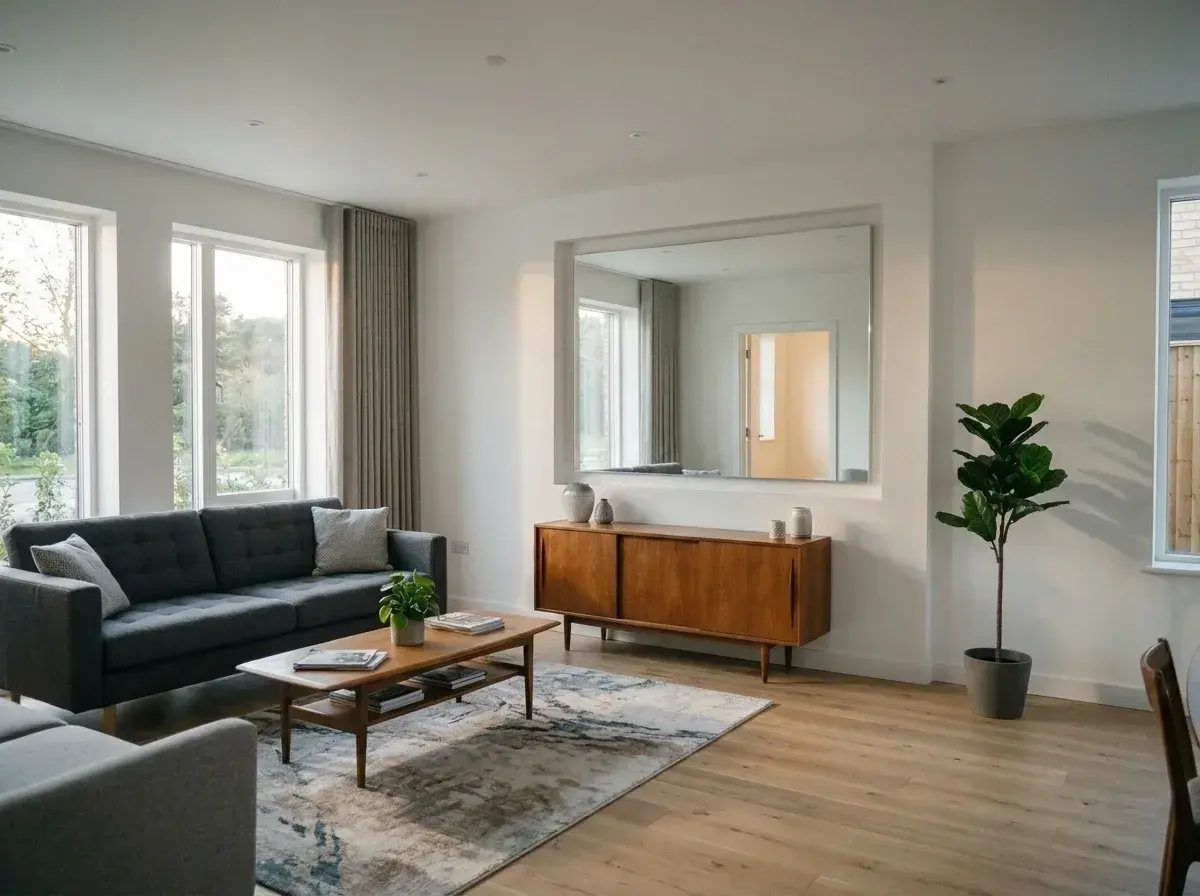 BeforeThe tool removes two people and a mirror reflection from a living room photo.
 BeforeThe tool removes a woman from a lounge chair next to a swimming pool.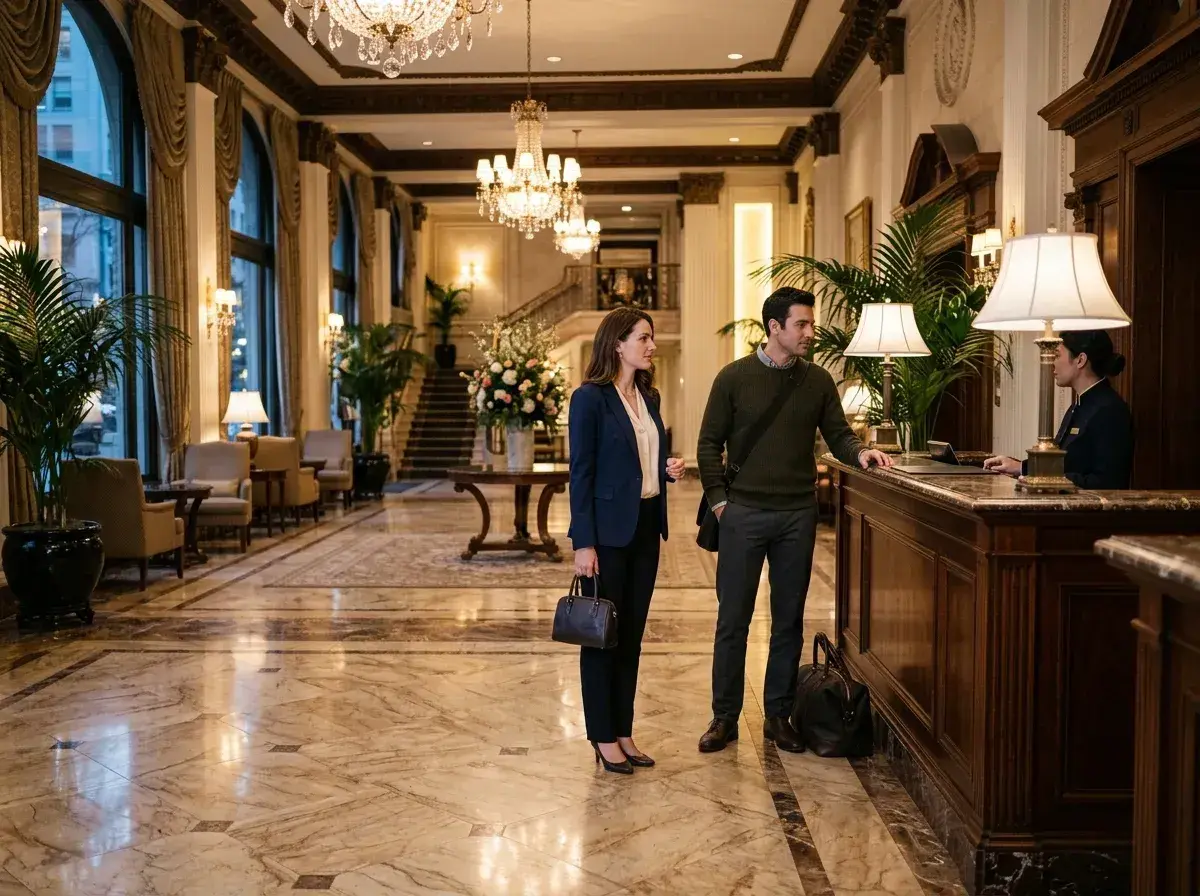
 BeforeThe tool removes three people from a grand hotel lobby.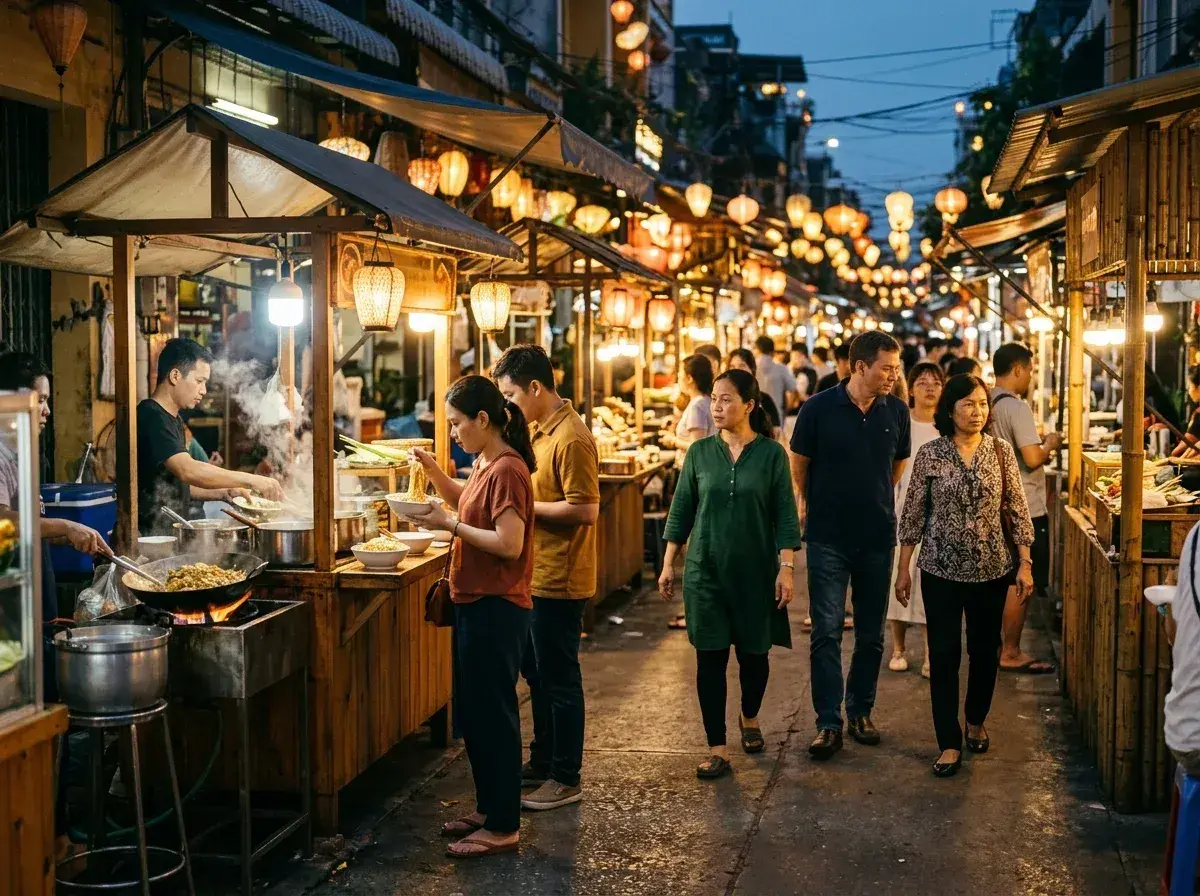
 BeforeThe tool removes several people from a busy night market scene.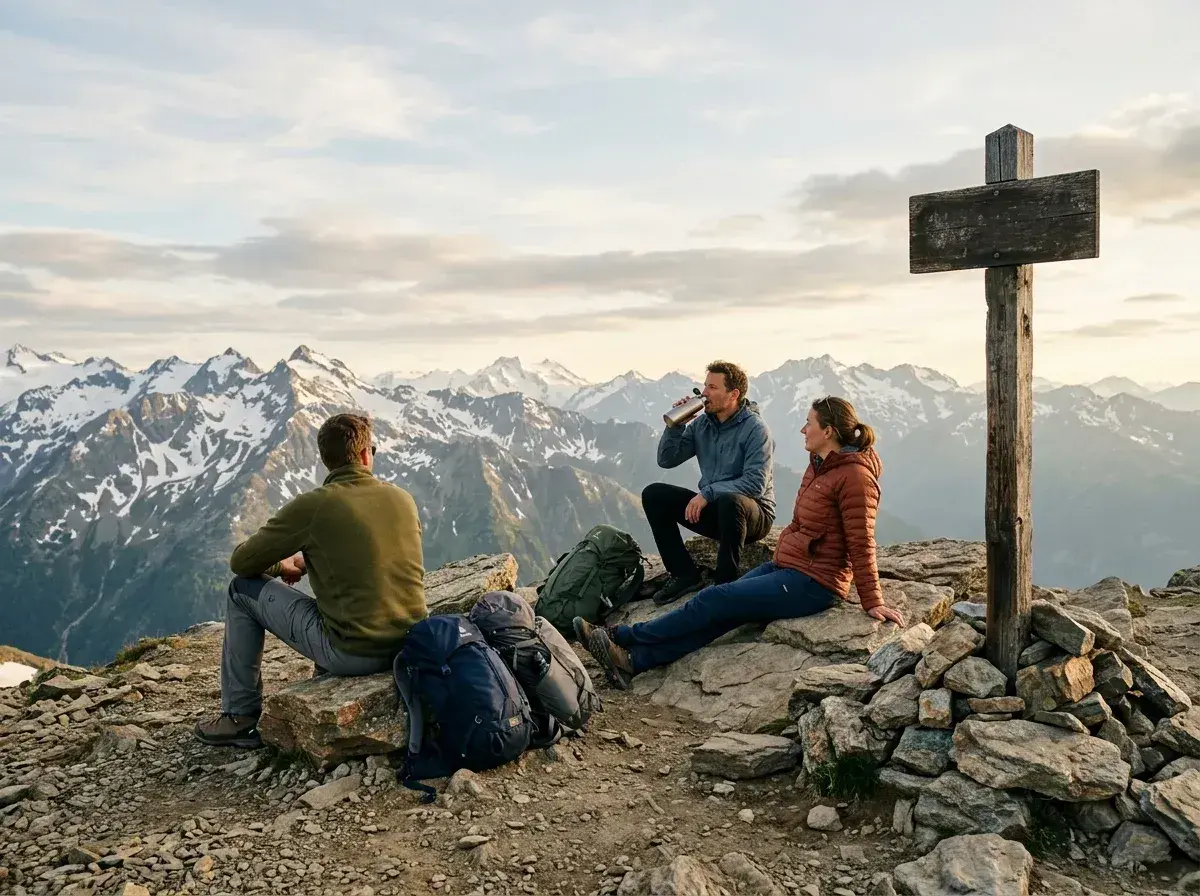
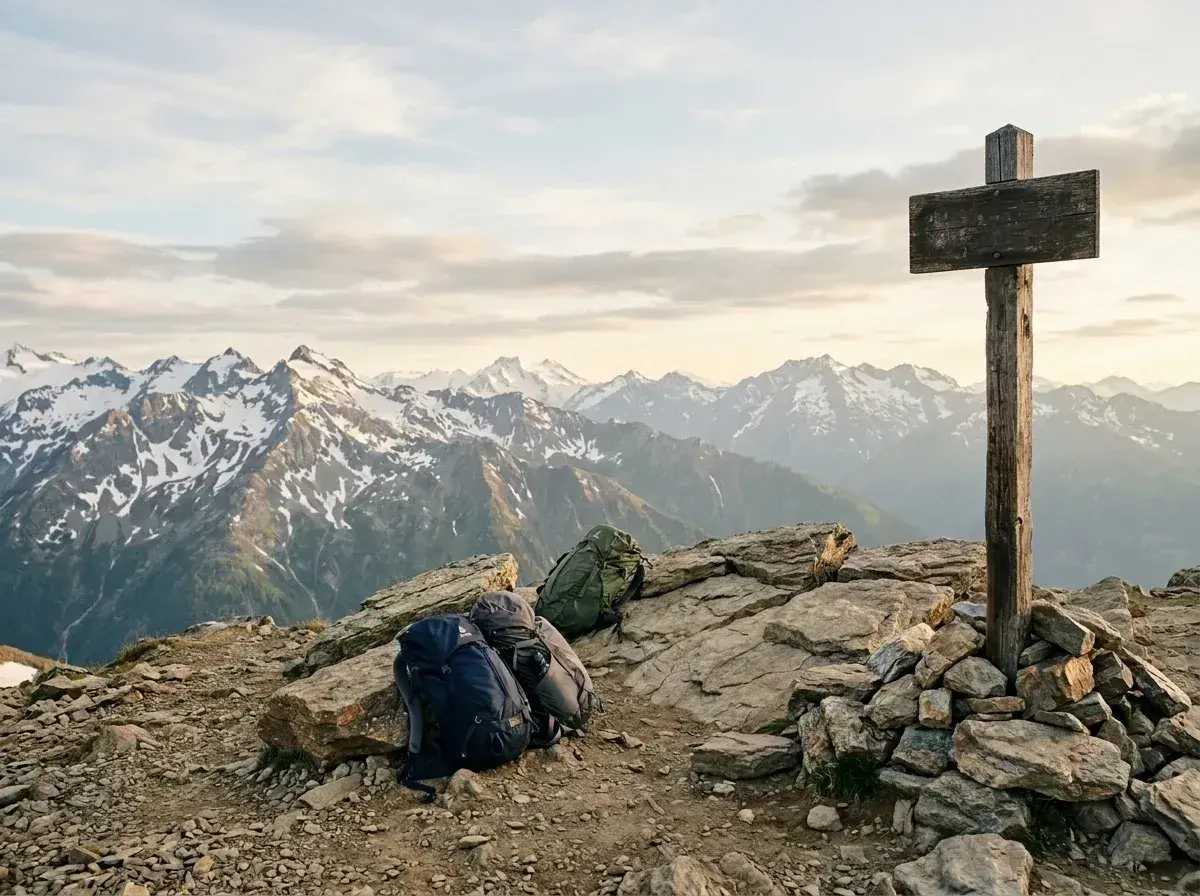 BeforeThe tool removes three hikers from a mountain summit, leaving their backpacks on the rocks.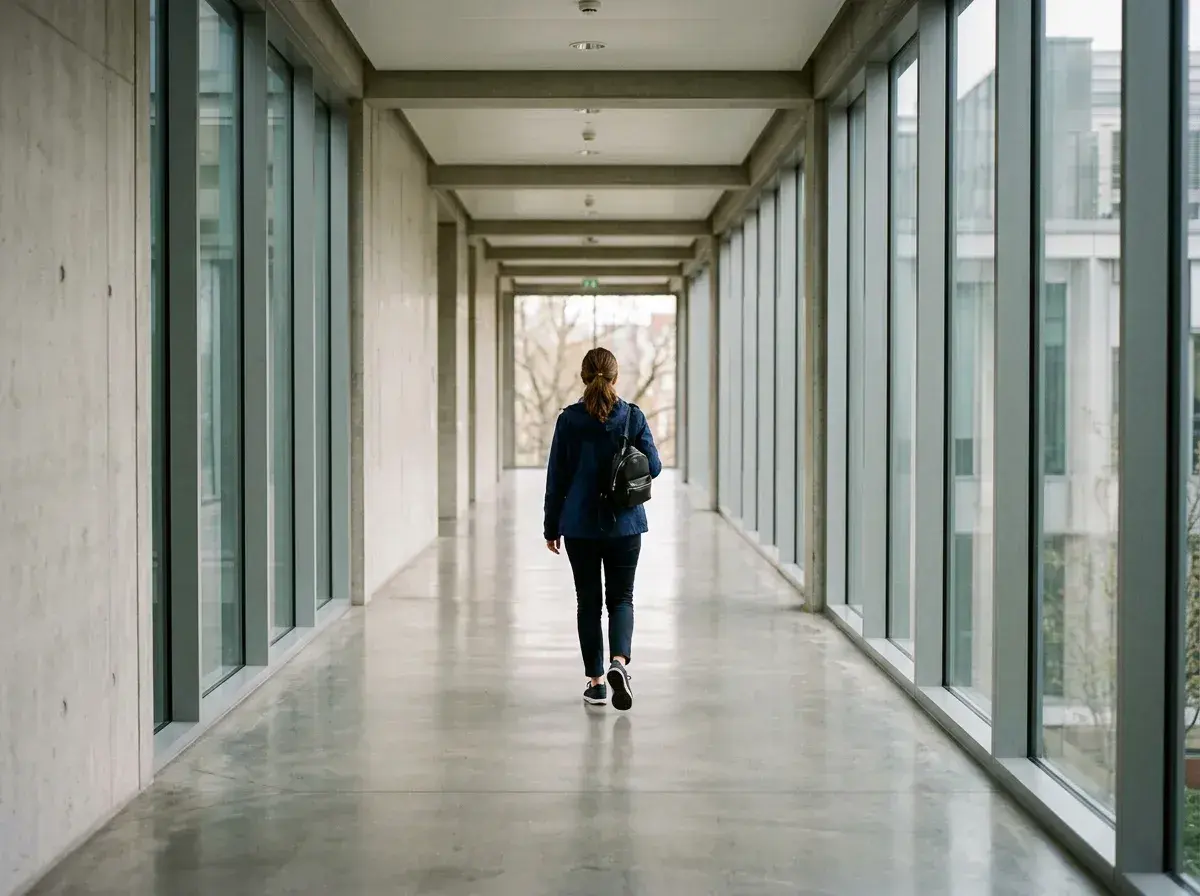
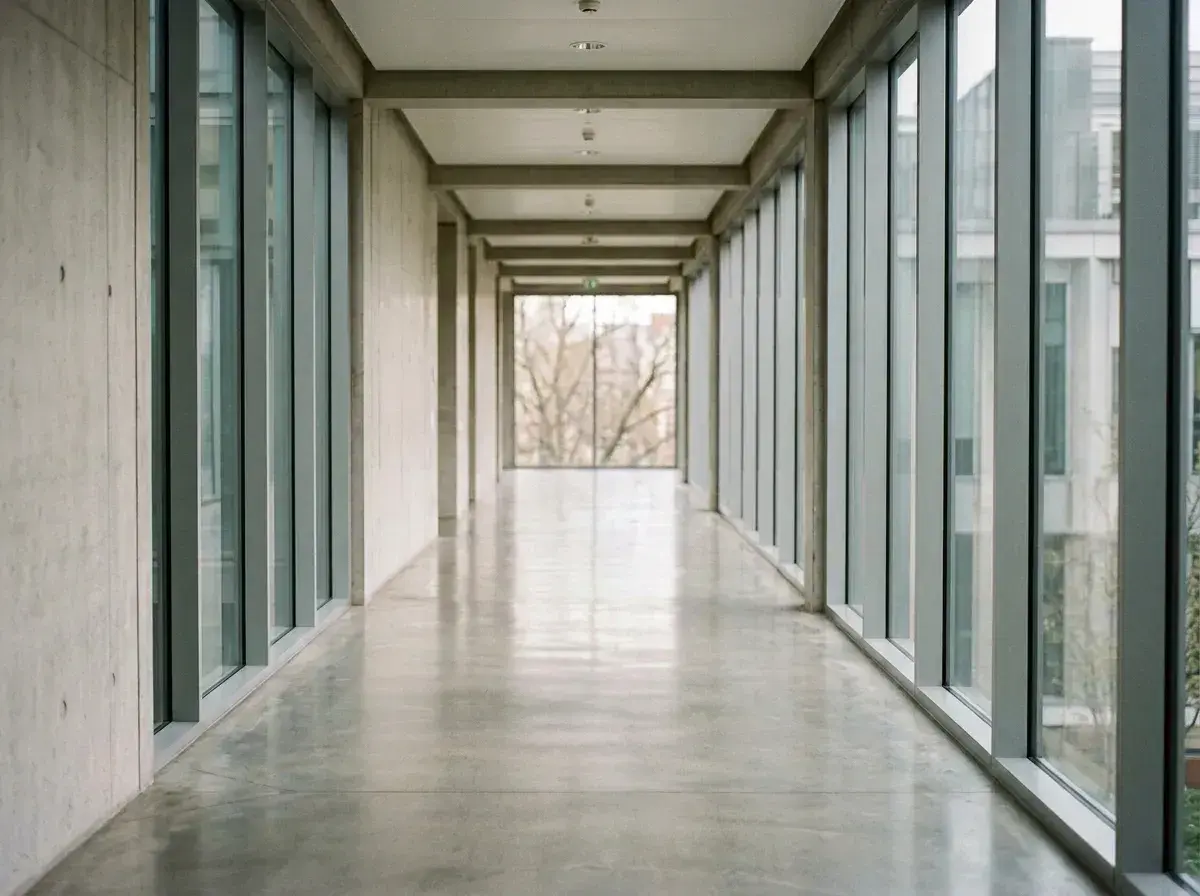 BeforeThe tool removes a woman walking down a long, modern hallway.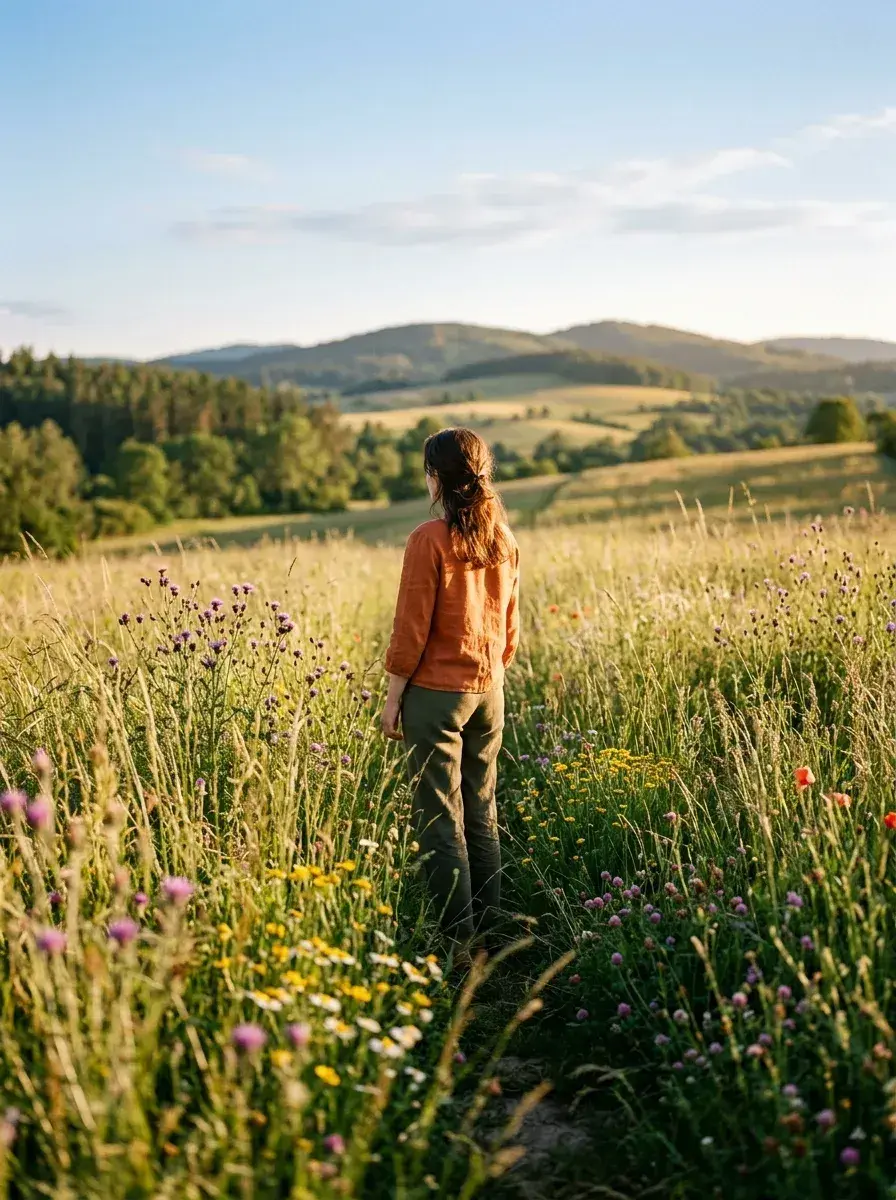
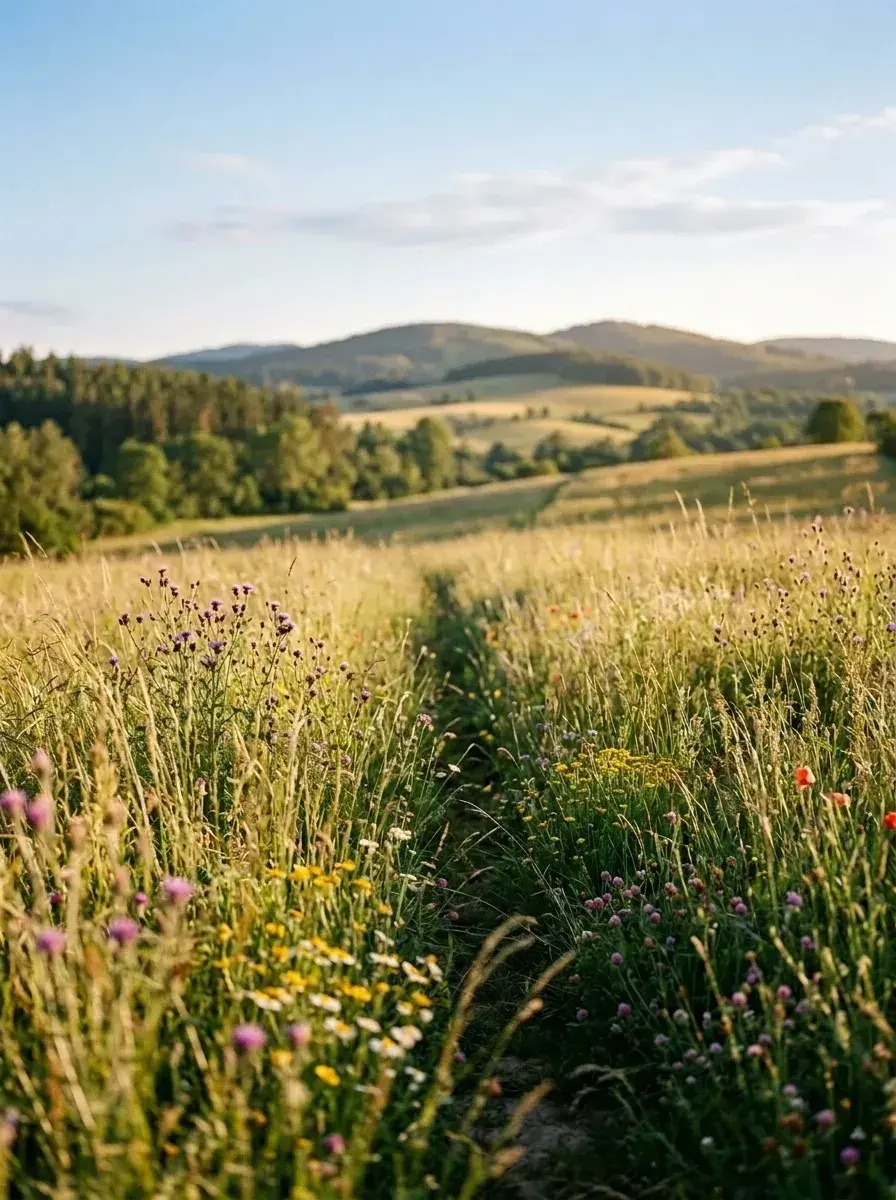 BeforeThe tool removes a woman from a wildflower field.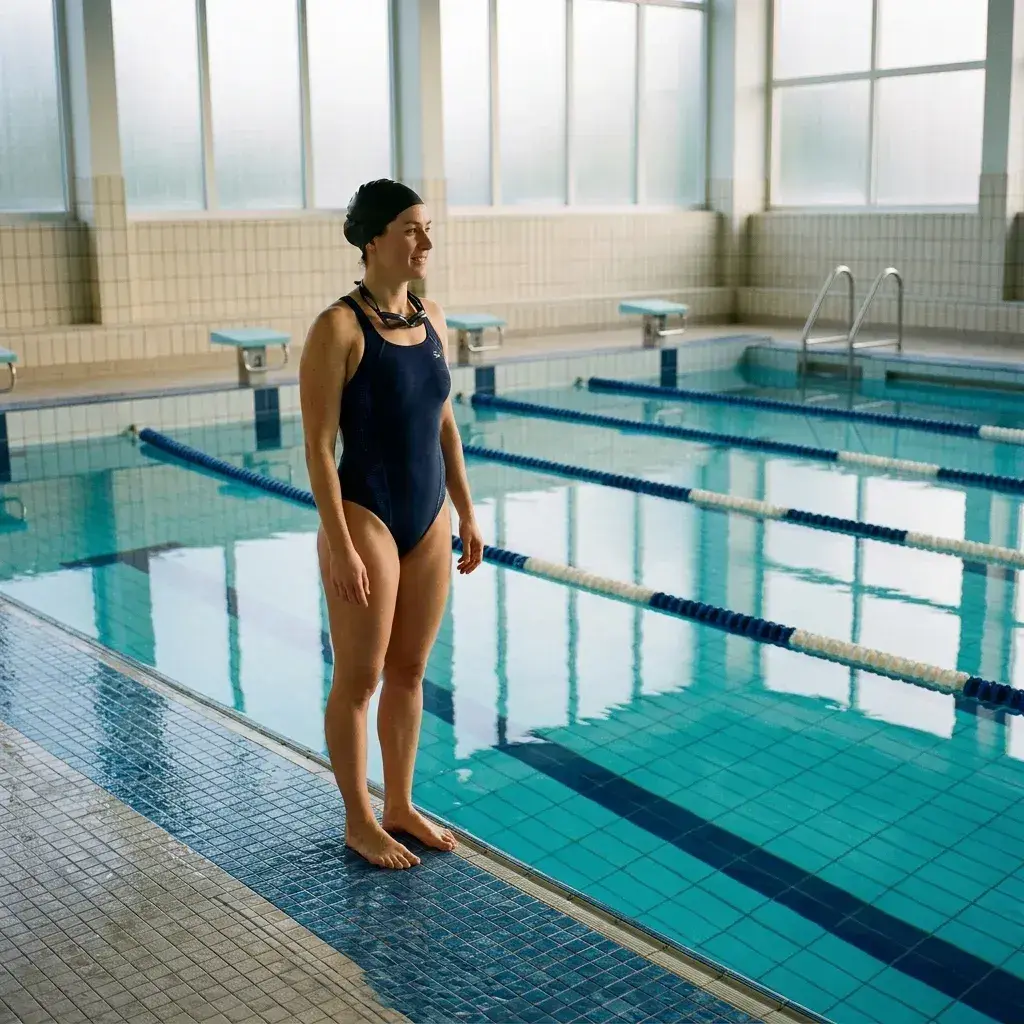
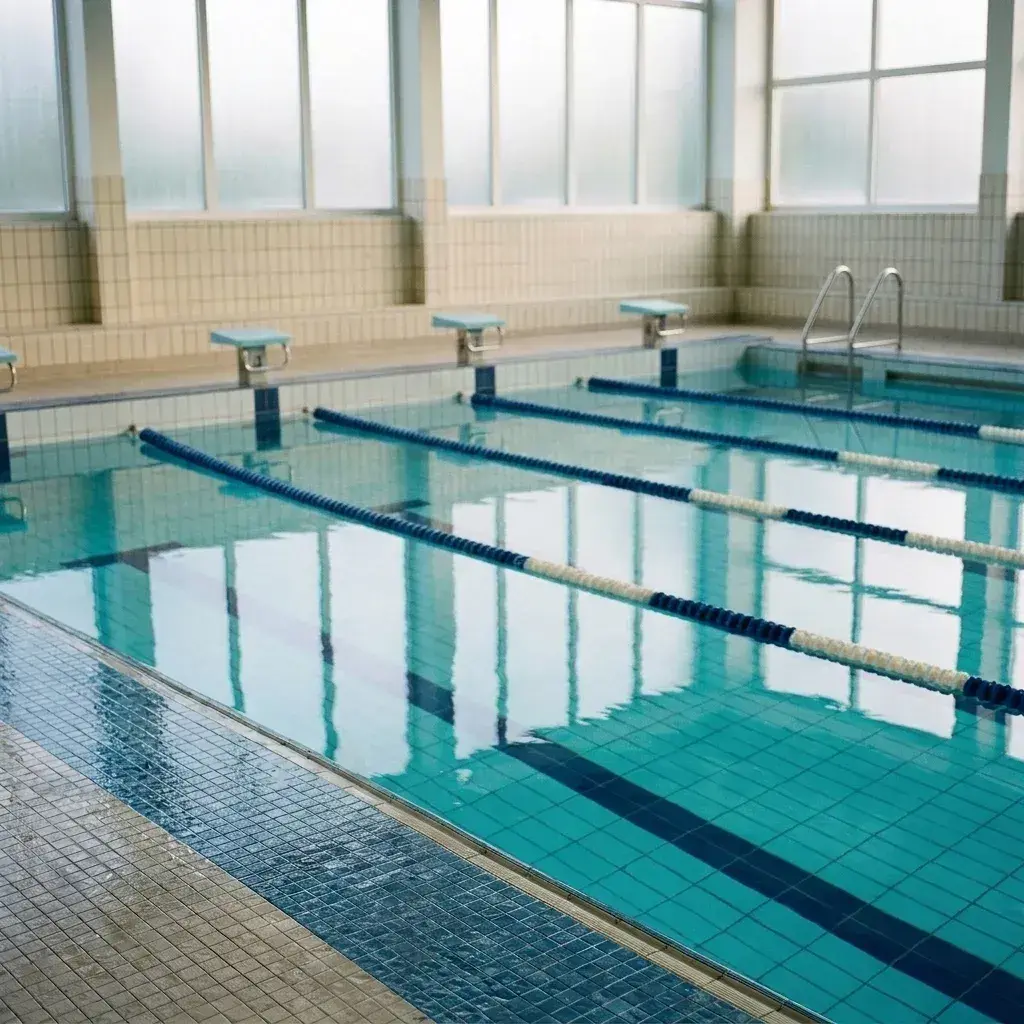 BeforeThe tool removes a woman standing at the edge of an indoor swimming pool.
 BeforeThe tool removes a woman gardening in a courtyard.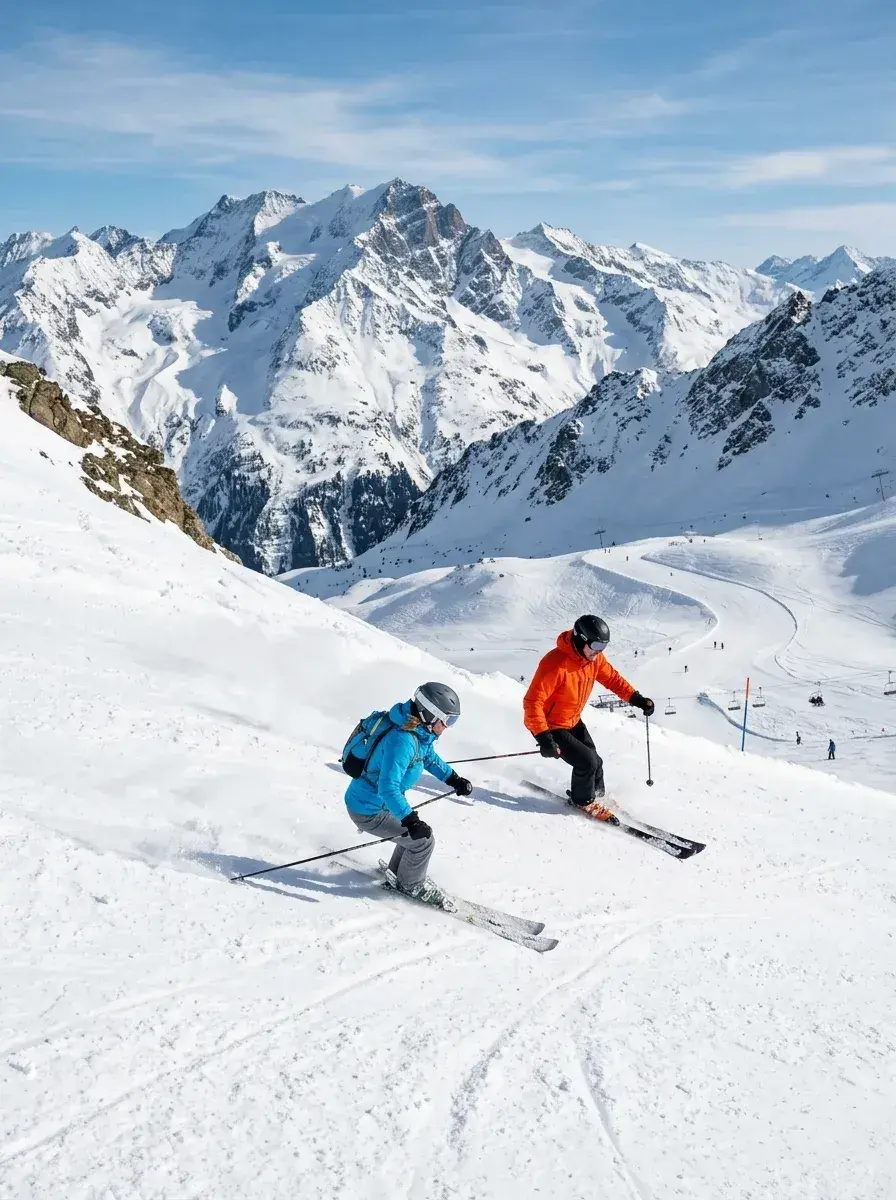
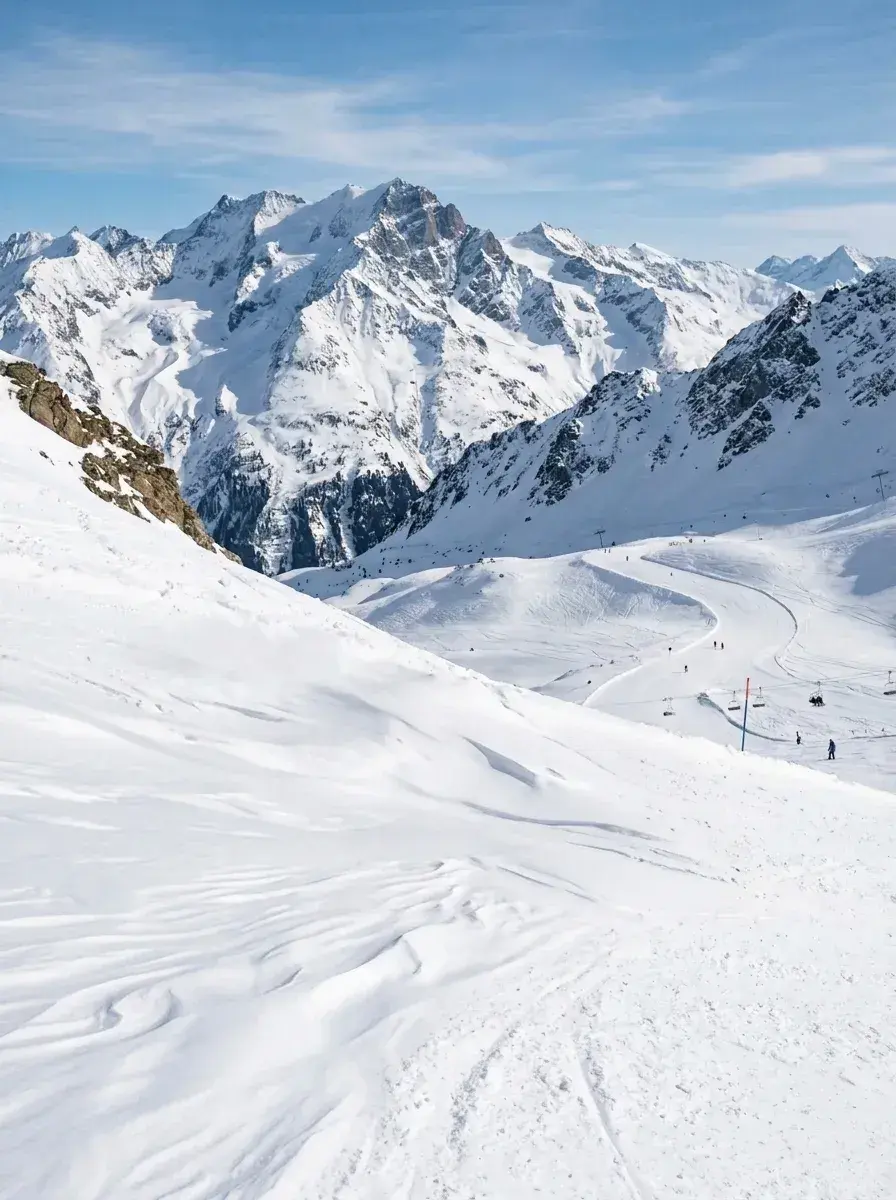 BeforeThe tool removes two skiers from the foreground of a snowy mountain slope.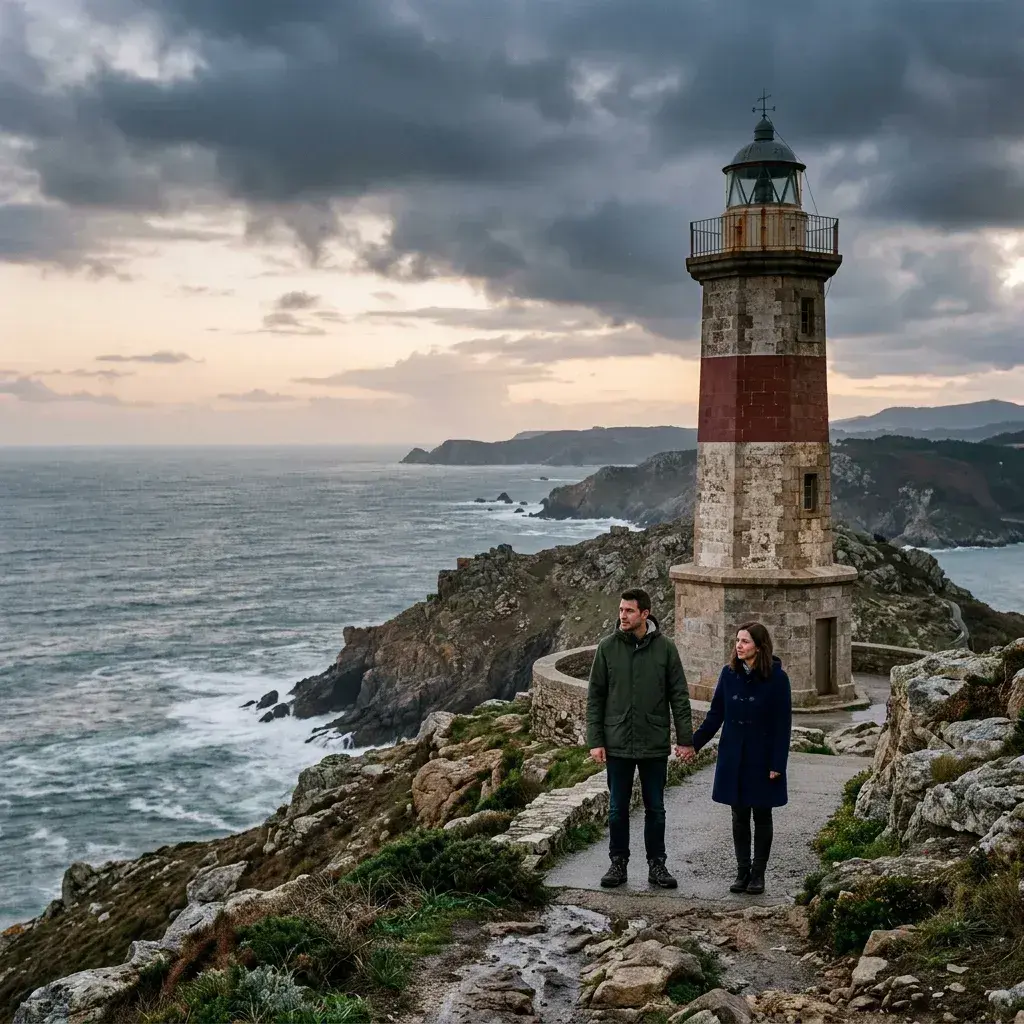
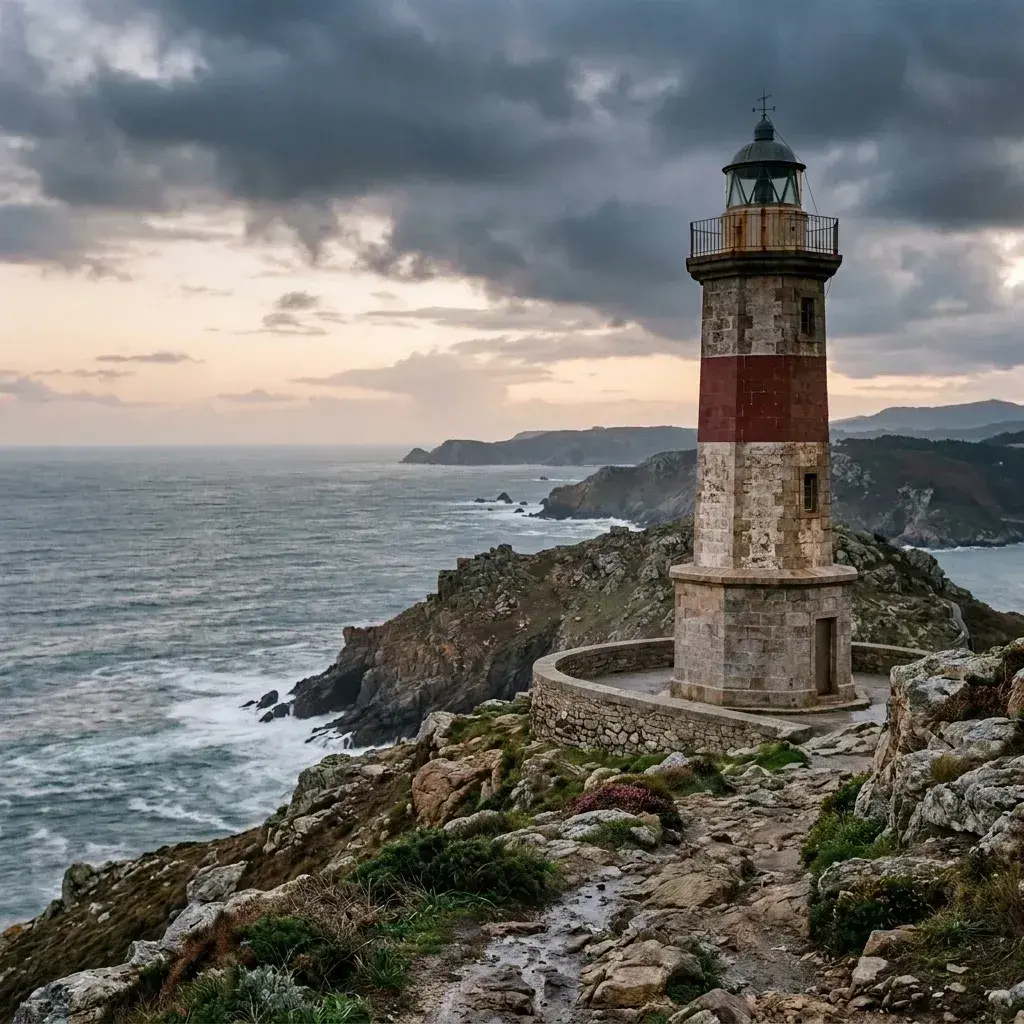 BeforeThe tool removes a couple standing on a path near a lighthouse.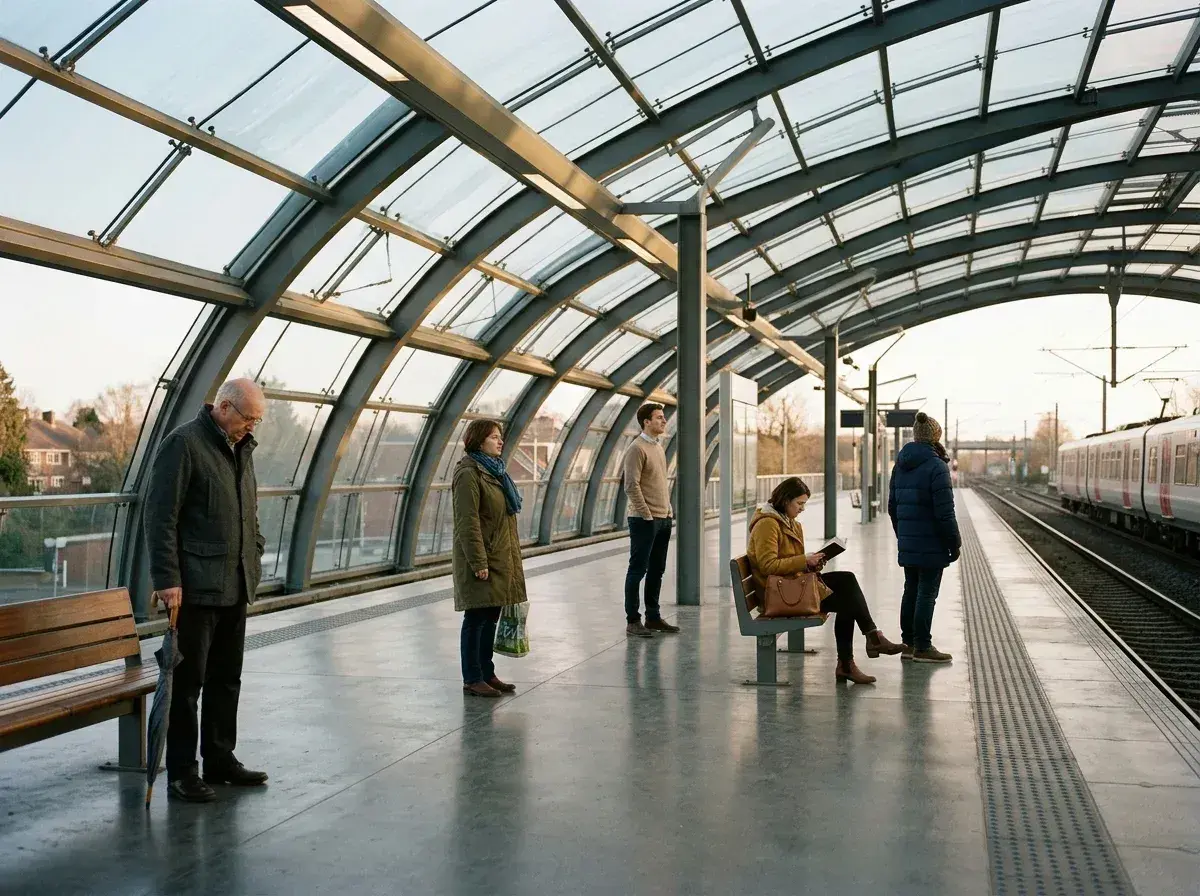
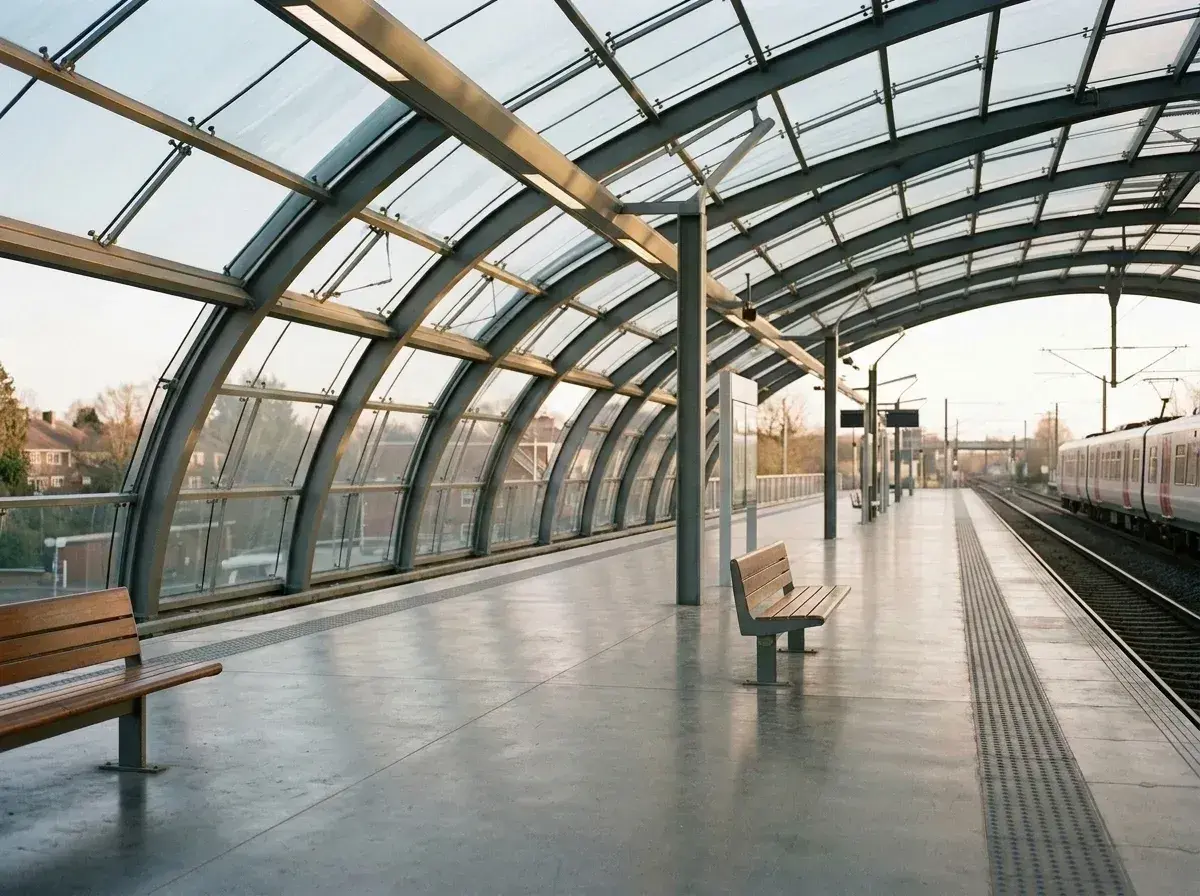 BeforeFive people are removed from a train station platform.
How it works
Three steps, no skill required
No Photoshop. No layers. Describe what you want gone — it's gone.
Upload your photo
Drop in any JPEG, PNG or WebP — from your phone, tablet, or desktop.
Say who to remove
Type it in plain words — “remove the person on the left”. No selecting, no masking.
Download clean
The AI erases them and rebuilds the background. Download at your plan’s resolution, without a watermark.
From cluttered to clean in one edit
Three HD edits for $4.99 once, or plans from $9/month.
How it works and its limits
removepeople.ai is an AI people remover that runs in your web browser. Upload a photo, type who should go (for example “the man on the left”) and the AI removes them and rebuilds the background. Your first edit is free once you sign in with Google; after that, 3 HD edits cost $4.99 once, or plans start at $9 a month. There's no watermark, and photos aren't stored on our servers; they're processed by Google's Gemini model. Results vary with busy backgrounds, so check edges before you download.
Use cases
Every reason to remove someone
From holiday snaps to professional listings — one tool for every scenario.
Remove an ex
Edit them out of photos you still love.
Clear tourist crowds
Get the landmark shot without strangers.
Fix photobombers
Someone ruined your shot. We fix it.
Real estate photos
Remove people for professional listings.
Wedding photos
Remove uninvited guests from memories.
Travel photography
Perfect landscape shots, no strangers.
The proof
Judge it on the results, not the reviews
Compare the original photos with their AI-generated results. Drag any slider, or open a prepared sample result in the editor before you pay. Your first edit of your own photo is free with Google sign-in; after that, edits use credits.
Pricing
Every plan does the same thing. Pick how big and how often.
No add-ons, no surprises. Change or cancel whenever you like.
Just a few photos?
3 HD edits · JPEG downloads · no watermark · no subscription.
Pay $4.99 once. Each new generation uses one edit.
Starter
For the odd photo that needs fixing
Crisp on phones, social and messaging
Starter outputs HD at 1408 by 768 pixels, enough for a 6×4 print.
HD · 1408 × 768
- 20 edits every month
- HD output (1408 × 768) — sharp on any phone screen
Plus
For anyone editing photos most weeks
Four times the detail — holds up printed, not just posted
Plus outputs 2K at 2816 by 1536 pixels, enough for A4.
2K · 2816 × 1536 · 4× HD
- 50 edits every month
- 2K output (2816 × 1536) — 4× the pixels of HD, prints sharp to A4
- Export as PNG or WebP, with quality control
- Everything in Starter
Studio
For property, product and client work
Full-frame quality — for photos you hand to someone else
Studio outputs 4K Ultra HD at 5632 by 3072 pixels, enough for A2.
4K Ultra HD · 5632 × 3072 · 16× HD
- 100 edits every month
- 4K Ultra HD output (5632 × 3072) — 16× the pixels of HD, prints to A2
- Export sets — master, web and social from one crop
- Export beyond native size for oversized prints
- Priority support
- Everything in Plus
An edit is a photo, not a person. “Remove the two people on the left and the man behind the fountain” is one edit, not three — so 20 a month goes further than it sounds.
On every plan
- Everyone you name goes in a single edit — a whole group costs one
- Objects too: photobombers, bins, wires, signs
- Crop, straighten, resize and rename before you download
- Just describe it in plain words — no brushes, no masking
- No watermark, on any plan
- Photos are never stored and never used to train models
- JPEG, PNG and WebP up to 20MB
FAQ