Remove Background People from a LinkedIn Photo
Erase strangers from your professional headshot in seconds. Use our AI to remove people from linkedin photo background online. No editing skills needed.
3 HD edits for $4.99 once · no subscription
or drag & drop it here
JPEG · PNG · WebP · up to 20 MB · zero photo storage

 Before → after
You finally found it—the one picture where your hair is perfect, your smile is genuine, and you actually look like a leader. The only problem? You’re standing in the middle of a crowded conference hall, or worse, at your cousin’s wedding with a bridesmaid’s shoulder cutting into the frame. You need a professional headshot for your profile, but you don't have the time or budget for a studio session today.
The 'good-photo-wrong-place' problem is a common hurdle for professionals. Often, our most authentic and approachable portraits are captured in candid moments—at a bar, a graduation, or a networking event. These images feel more 'you' than a stiff studio portrait, but the strangers milling around in the background make the shot look unprofessional for a platform like LinkedIn. Our AI tool is designed to bridge that gap, allowing you to take that perfect snap and turn it into a clean, focused profile picture.
Using our tool in your browser, you can get rid of whoever's in the way without ever touching a brush or a masking tool. By simply describing who you want to erase, our model handles the complex work of reconstructing the background behind you. After you submit the instruction, you can transform a busy social image into a polished professional asset that looks like it was taken in a private setting.
This is one situation the tool handles. Remove people from any photo — upload yours and describe who should go.
The Candid-to-Corporate Transition
Recruiters and hiring managers spend only a few seconds looking at your profile before forming a first impression. While they aren't necessarily looking for a high-end fashion shoot, they do notice distractions. A stranger’s face peering over your shoulder or a crowded background can make your profile feel cluttered and secondary. When you remove people from linkedin photo background, you shift the entire focus of the image back to yourself.
Our AI doesn't just cut people out; it understands the context of the environment. Whether you were at a sunny outdoor event or a dimly lit conference, the tool erases the unwanted subjects and intelligently fills in the gaps. This allows you to keep the natural lighting and the genuine expression of a candid photo while stripping away the 'party' or 'crowd' context that doesn't belong on a job-seeking platform.
Authentic Backgrounds vs. Artificial Replacements
A common mistake many professionals make is replacing their entire background with a stock image of an office or a generic gradient. These often look 'uncanny' because the lighting on your face rarely matches the fake background. It creates a visual disconnect that recruiters can spot instantly. A better approach is to keep the original setting but delete the people who make it look crowded.
By using our online tool to take out specific individuals, you preserve the authentic depth and lighting of the original shot. If you were at a nice restaurant with great bokeh (background blur), keeping that environment—minus the other diners—looks far more sophisticated than a flat, artificial backdrop. It signals that you are a real person in a real environment, just without the distractions.
No Brushes, No Masks, Just Plain Language
Most photo editors require you to carefully trace around a person's hair or shoulders, which is a nightmare for anyone without graphic design experience. Our interface is built on plain language. You simply upload your image and type a command like 'remove the man in the blue shirt' or 'get rid of everyone behind me.'
Our AI model interprets your words and identifies the subjects automatically. It is particularly effective at handling the difficult edges around hair and clothing, ensuring that your silhouette remains crisp while the background people disappear. This 'no-brush' approach means you can clean up a professional headshot in your browser during a coffee break, with no steep learning curve required.
Privacy and Professional Standards
A professional headshot can be personal. Your photo is sent for processing, held in server memory for the edit, and not stored in our photo library or used to train AI models. You can read the full handling details in our privacy policy.
Once the AI finishes the reconstruction, you can download your result immediately. All downloads are free of watermarks, ensuring your LinkedIn profile looks clean and high-end. Whether you need a standard resolution for a quick update or a high-resolution file for a keynote presentation, our plans are designed to scale with your professional needs.
More real results
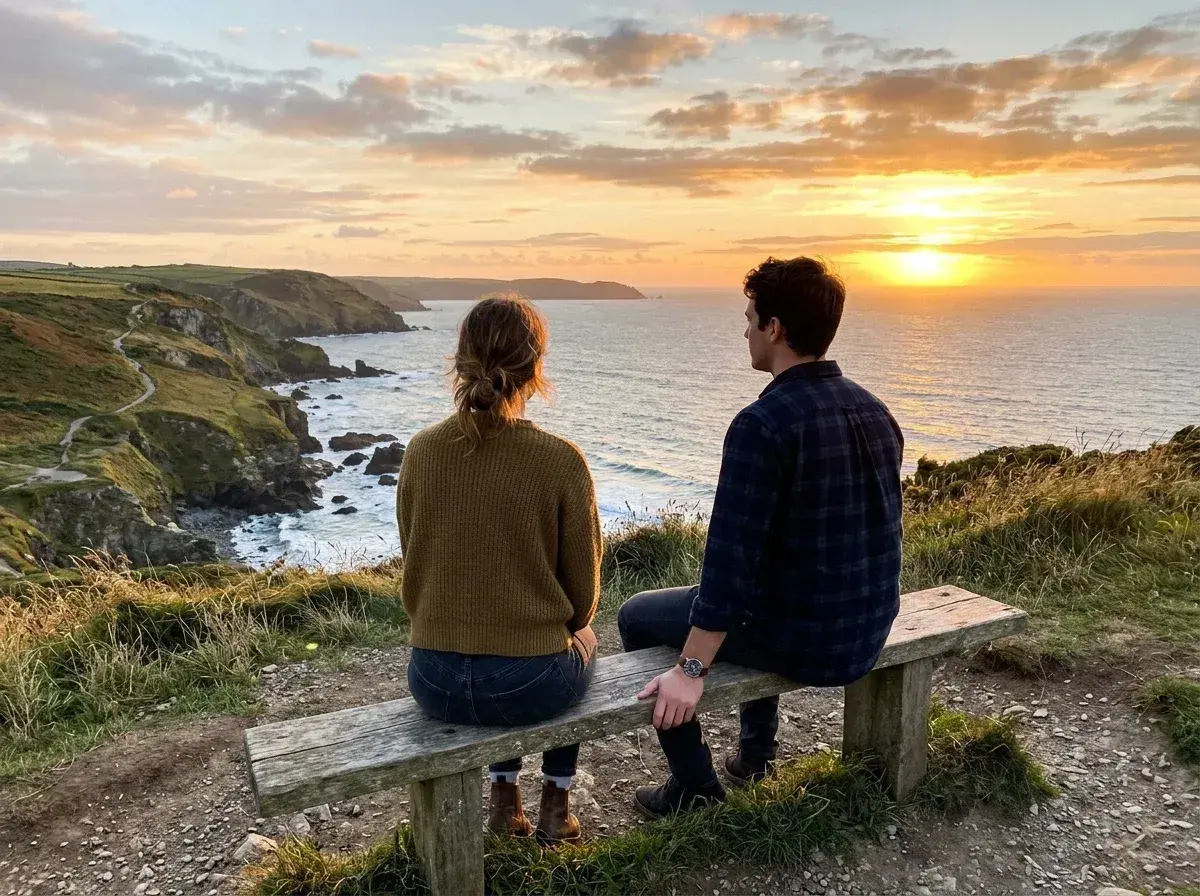
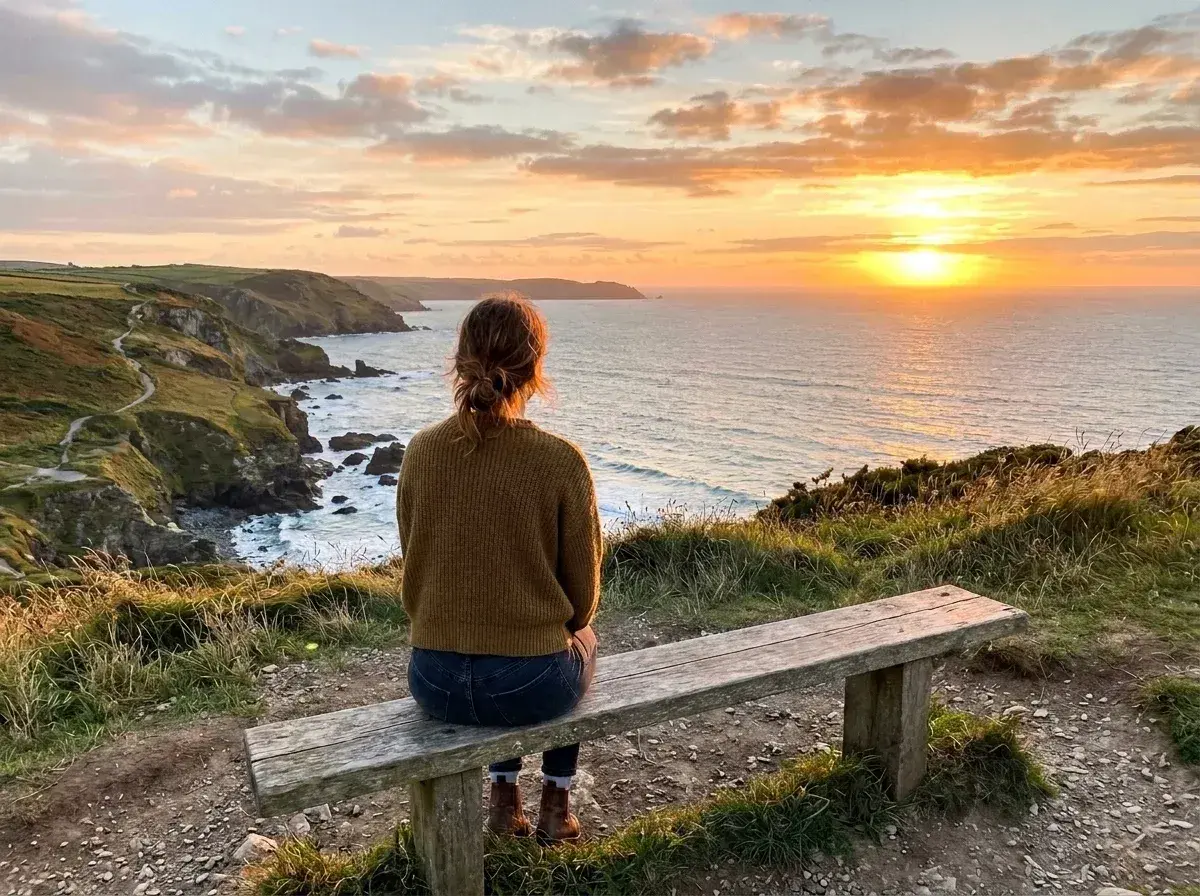 Before → after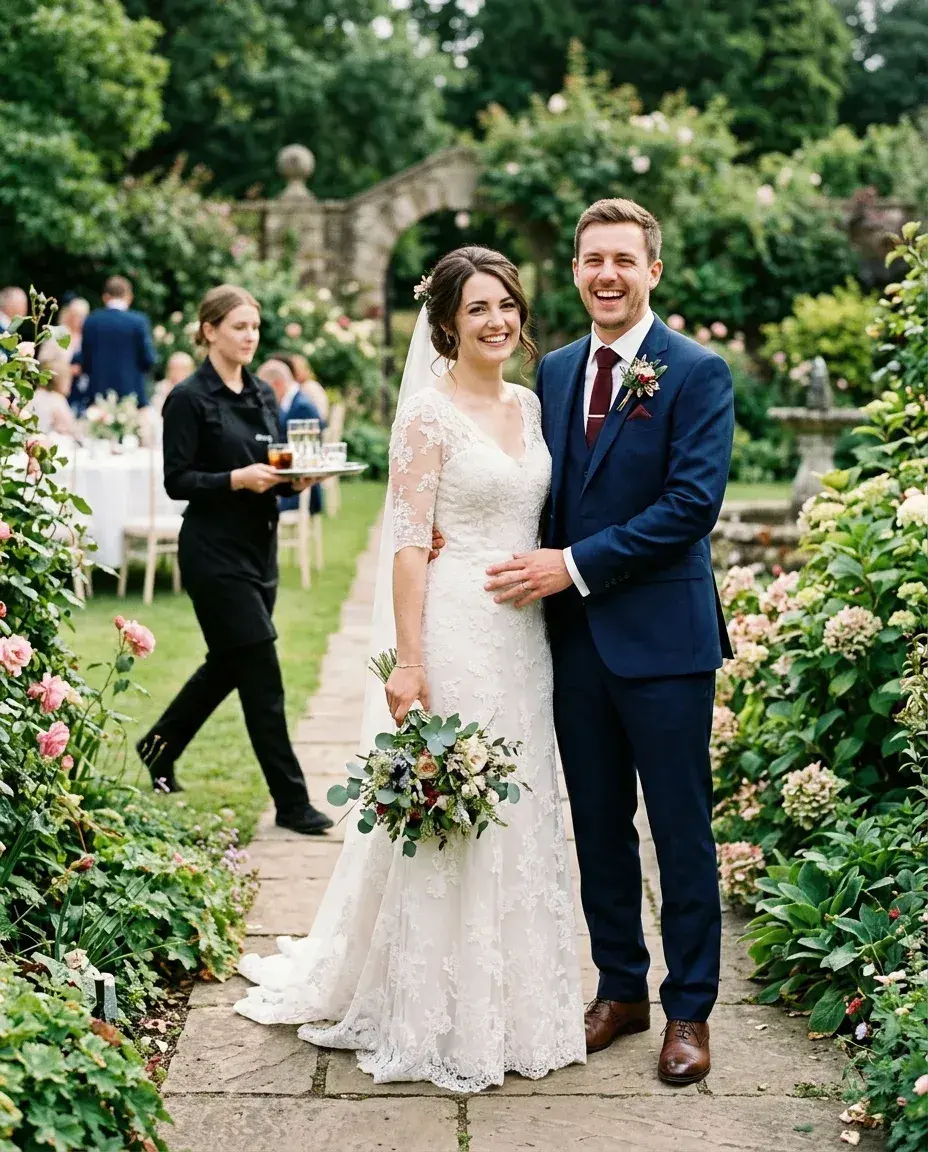
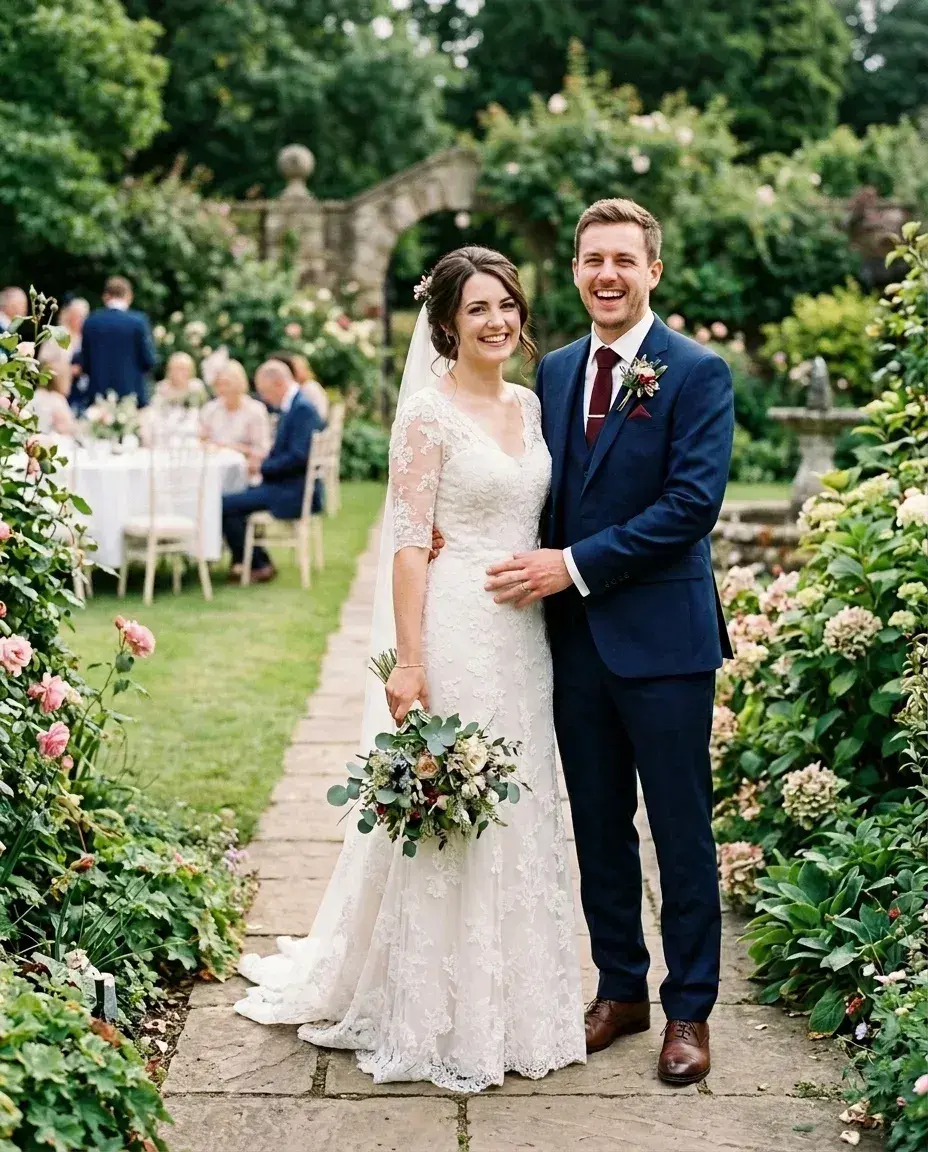 Before → after
Common questions
Can it make a party photo look professional enough for LinkedIn?
Should I remove the people or just blur the whole background?
Will my face and hair stay completely untouched?
How long does the process take?
What resolution will my new LinkedIn photo be?
Can I try the tool before buying a plan?
Ready to fix your photo?
3 HD edits for $4.99 once · no subscription. Each new generation uses one edit.
or drag & drop it here
JPEG · PNG · WebP · up to 20 MB · zero photo storage