Remove people from sunset beach photos
Remove people from sunset beach photos. See the before-and-after result and a practical editing instruction. Upload your photo; no subscription needed.
Edit your own photo · 3 HD edits for $4.99 once · no subscription
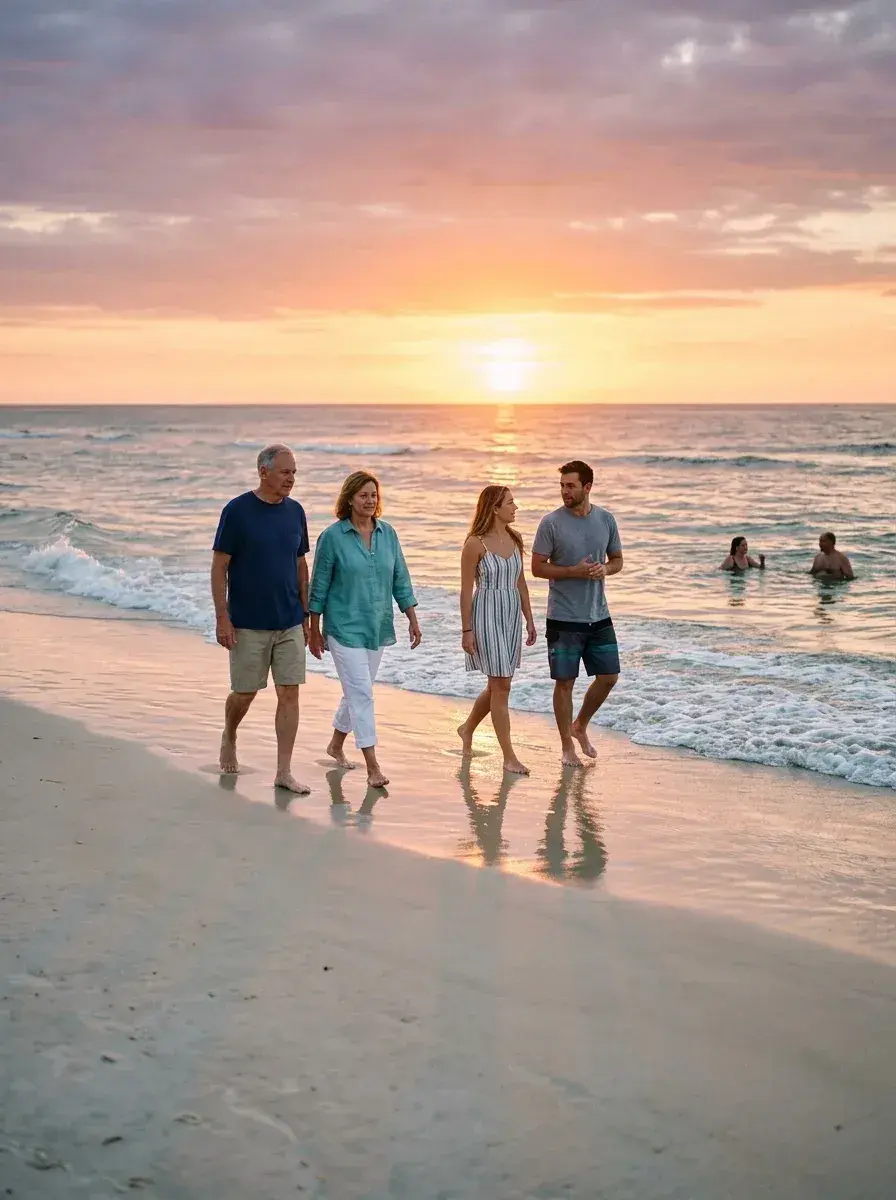
 Before → after
Illustrative sample photo with an AI-edited result. Compare both images before editing your own.
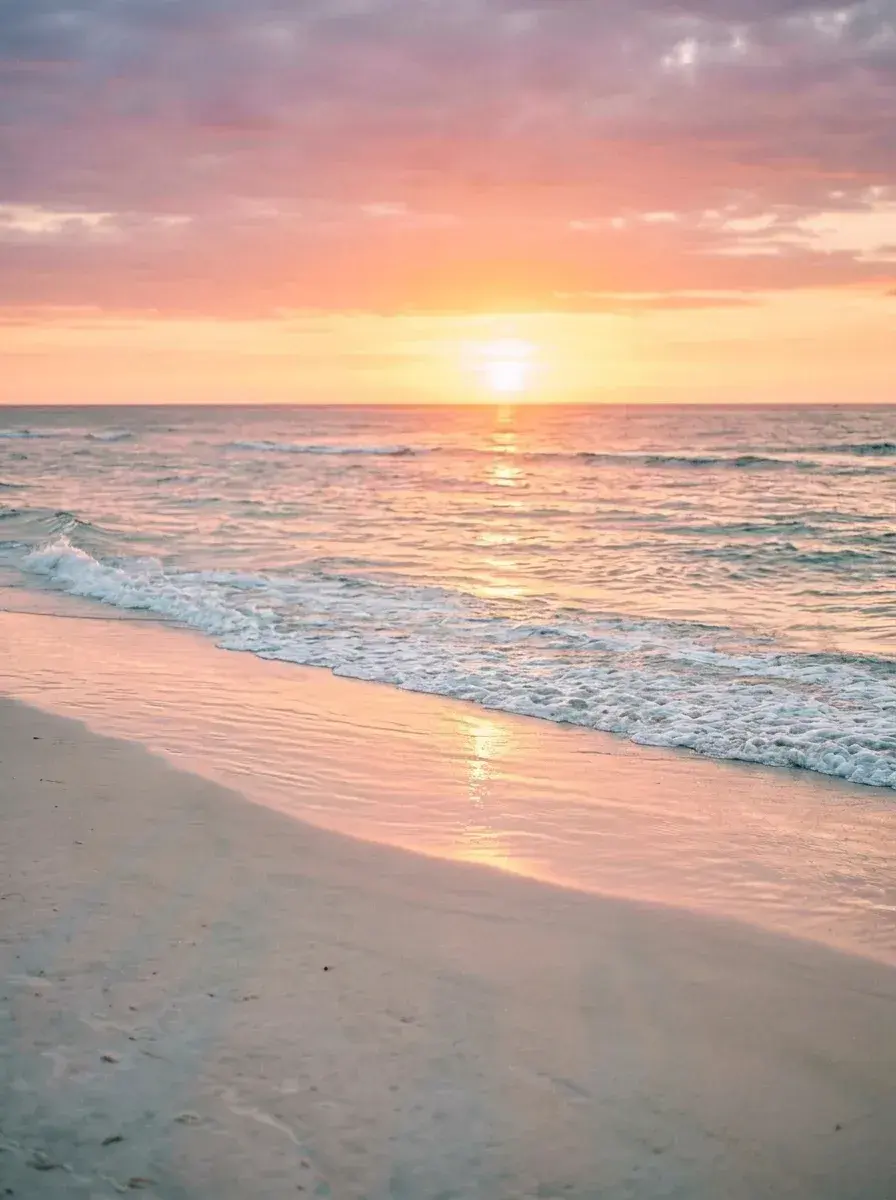
Several people interrupt the shoreline beneath a pink and orange sunset. The result removes the walkers and distant figures, leaving the beach, surf and sky as the subject.
This is an illustrative sample with a prepared AI-edited result. Use the comparison to judge this kind of removal before buying an edit for your own photograph. Your result will depend on the scene and how much of it is hidden.
An instruction for a similar photo
“Remove all people.”
Adapt the description to your photo. Name who should stay as well as who should go.
What changes in this example
Check the wet sand beneath the removed figures and the line where the waves meet the shore. Shadows and reflections may need to be mentioned separately if they remain in your result.
For your own photo, upload the original JPEG, PNG or WebP and describe who should go. The AI generates a replacement for the area they covered. Review the result before downloading, especially where someone overlaps a person or object you want to keep.
Tips for this kind of shot
- Describe the walkers and distant figures you want removed. Include their shadows or reflections in the instruction when those would otherwise reveal where they stood.
- Use the original photo rather than a screenshot or a heavily compressed copy. Small, sharp details give you a better basis for checking the result.
- One generation uses one edit, even when it removes several people. A revised instruction starts another paid generation, so check your description before running it.
Do this to your own photo
3 HD edits for $4.99 once · no subscription. Each new generation uses one edit.
or drag & drop it here
JPEG · PNG · WebP · up to 20 MB · zero photo storage