Remove People from Graduation Photos
Remove people from graduation photos in seconds with AI. Describe who to erase in plain words—no manual editing needed. Clean shots ready to share fast.
3 HD edits for $4.99 once · no subscription
or drag & drop it here
JPEG · PNG · WebP · up to 20 MB · zero photo storage
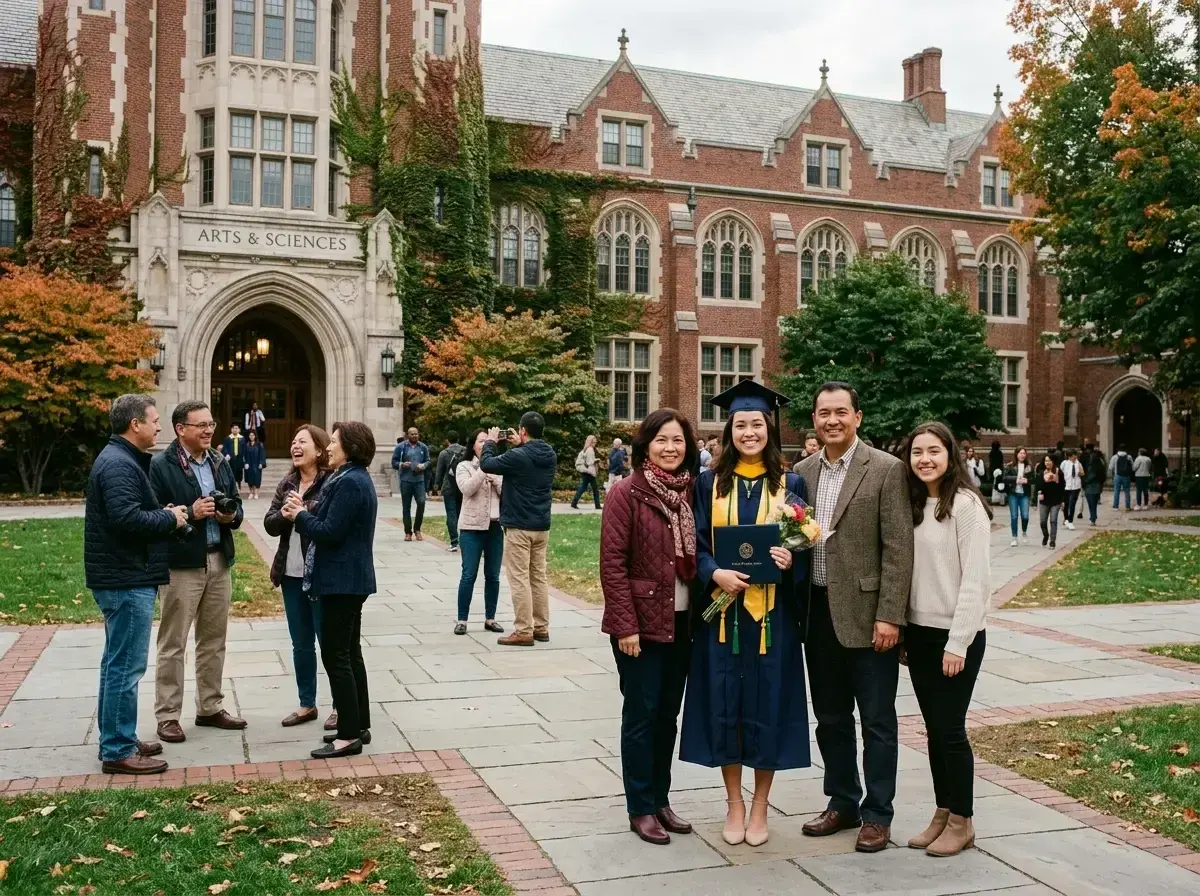
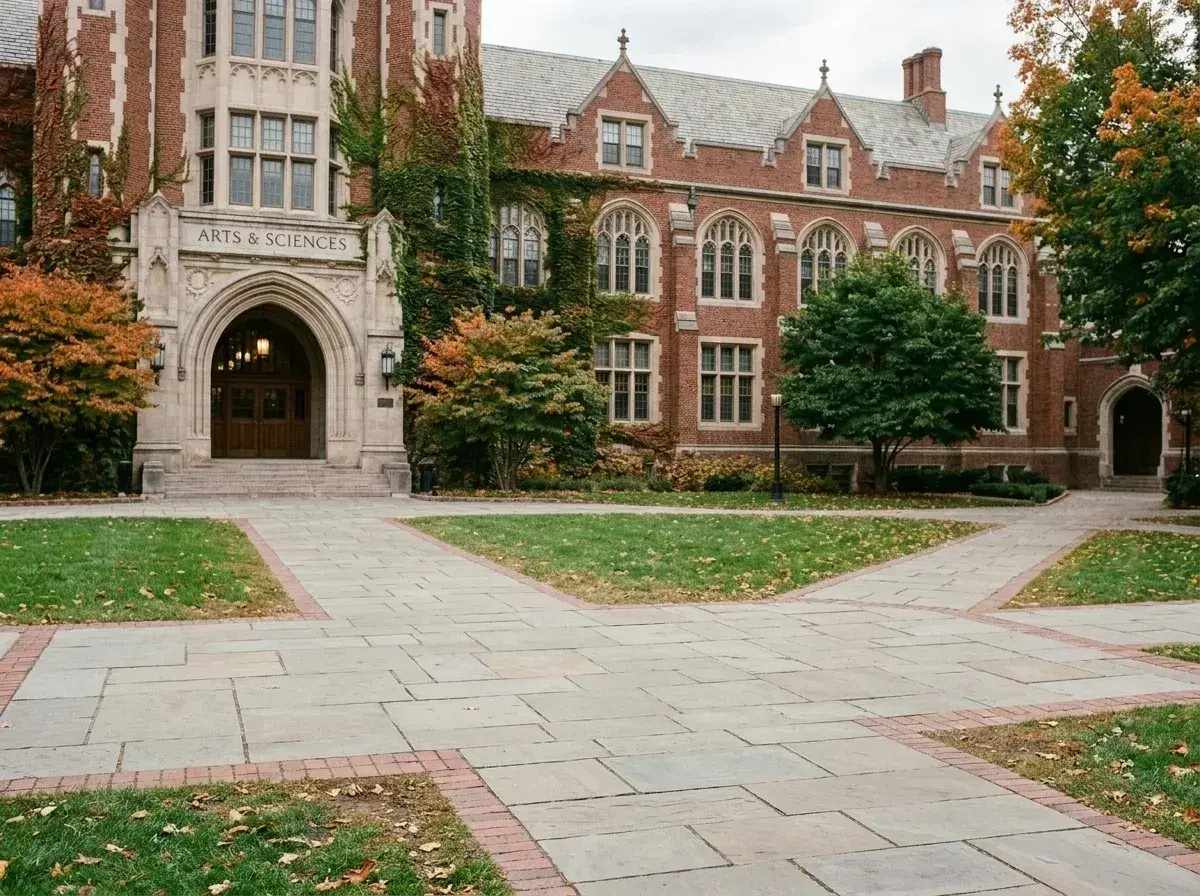 Before → after
Graduation day is filled with milestone moments: walking across the stage, posing in front of university landmarks, and catching that breathless cap toss on the quad. But campus ceremonies are inherently chaotic. When you review your photos, those once-in-a-lifetime framing shots are often crowded with other graduates' families, wandering tourists, or strangers standing right in the background.
Fixing these memories shouldn't require complex graphic design software or painstaking manual work. With our AI tool online, you can remove people from graduation photos simply by describing who shouldn't be there in plain words. Open the tool in your browser on your phone or laptop, type what to take out, and let the editor do the work.
Our model quickly reconstructs the brickwork, campus greenery, and historic architecture behind whoever was in the way. After you submit the instruction, you get a clean picture that highlights your graduate, ready to send to proud relatives before the celebration dinner even starts.
This is one situation the tool handles. Remove people from any photo — upload yours and describe who should go.
Clear Crowded Campus Landmarks and Quad Backgrounds
Every campus has iconic spots—the university entrance gates, the library steps, or the central clock tower—where every single family wants a picture. Getting a clear angle without someone else stepping into frame is almost impossible during commencement week.
Instead of waiting endlessly for the area to clear, take your shot whenever you get a chance. You can upload the photo and write a simple instruction like 'erase the family behind us' or 'take out the man in the dark suit near the library pillar.' Our AI identifies the extra figures, deletes them completely, and fills in the architecture seamlessly without touching your graduate.
Perfect Action Shots Like the Cap Toss and Diploma Pose
Action moments happen in a split second. During the celebratory cap toss or when holding up a diploma scroll, you cannot control who wanders into the edge of your image frame. A stranger walking past or an onlooker staring into the lens can instantly pull focus away from the graduate.
You don't need any technical skills, masking tools, or precision selection brushes to fix it. Just type 'delete someone in the background on the left' or 'remove person standing near the grass edge.' The tool recognizes the graduate, keeps their gown, tassel, and expression crisp, and removes whoever's in the way from the surroundings.
Fast Mobile Edits to Share with Family Right Away
Graduation snaps are meant to be shared immediately with grandparents, aunts, and friends who couldn't attend the ceremony in person. Waiting days to fix background clutter on a desktop computer ruins the excitement of the day.
Because our tool works directly in your browser, you can upload a fresh photo right after the ceremony ends. You get a watermark-free picture back in seconds so you can text crisp, professional-looking images to your family group chat while you're still walking off campus.
More real results
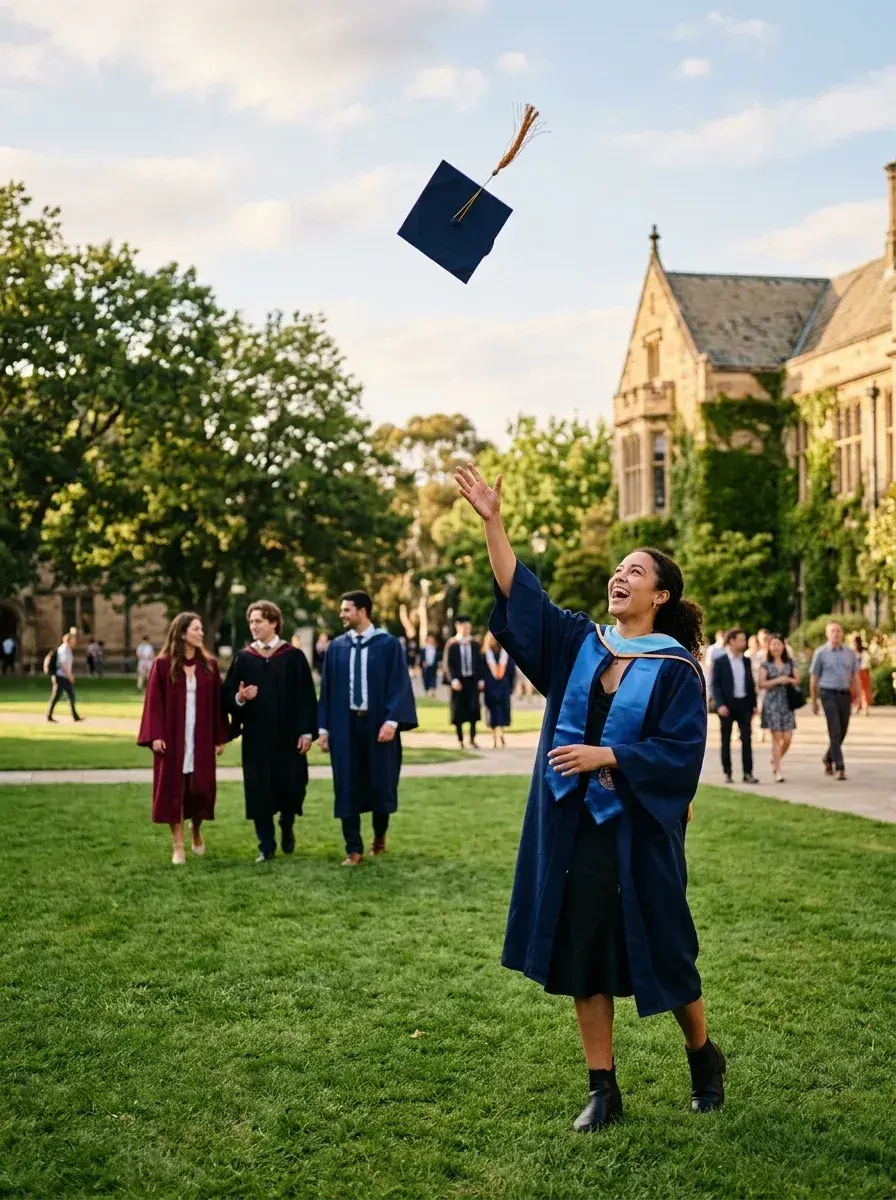
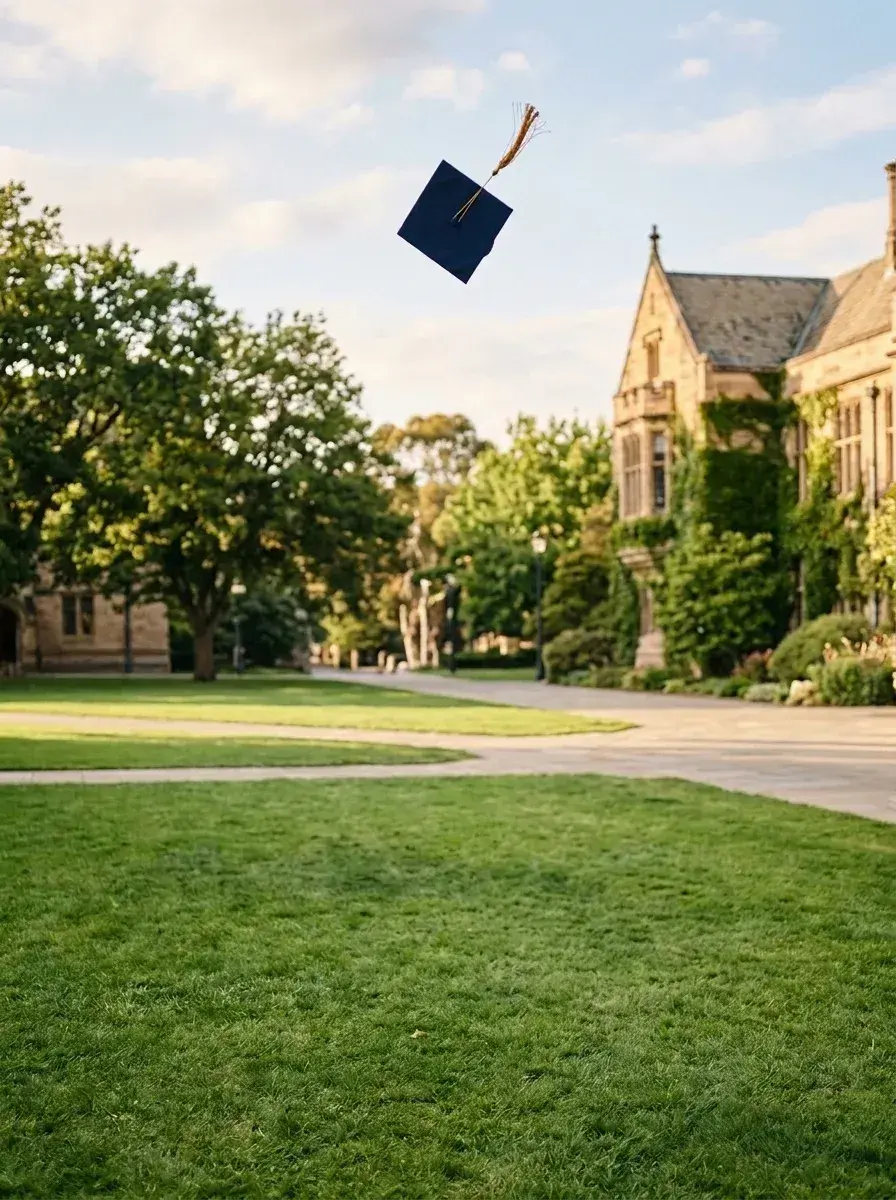 Before → after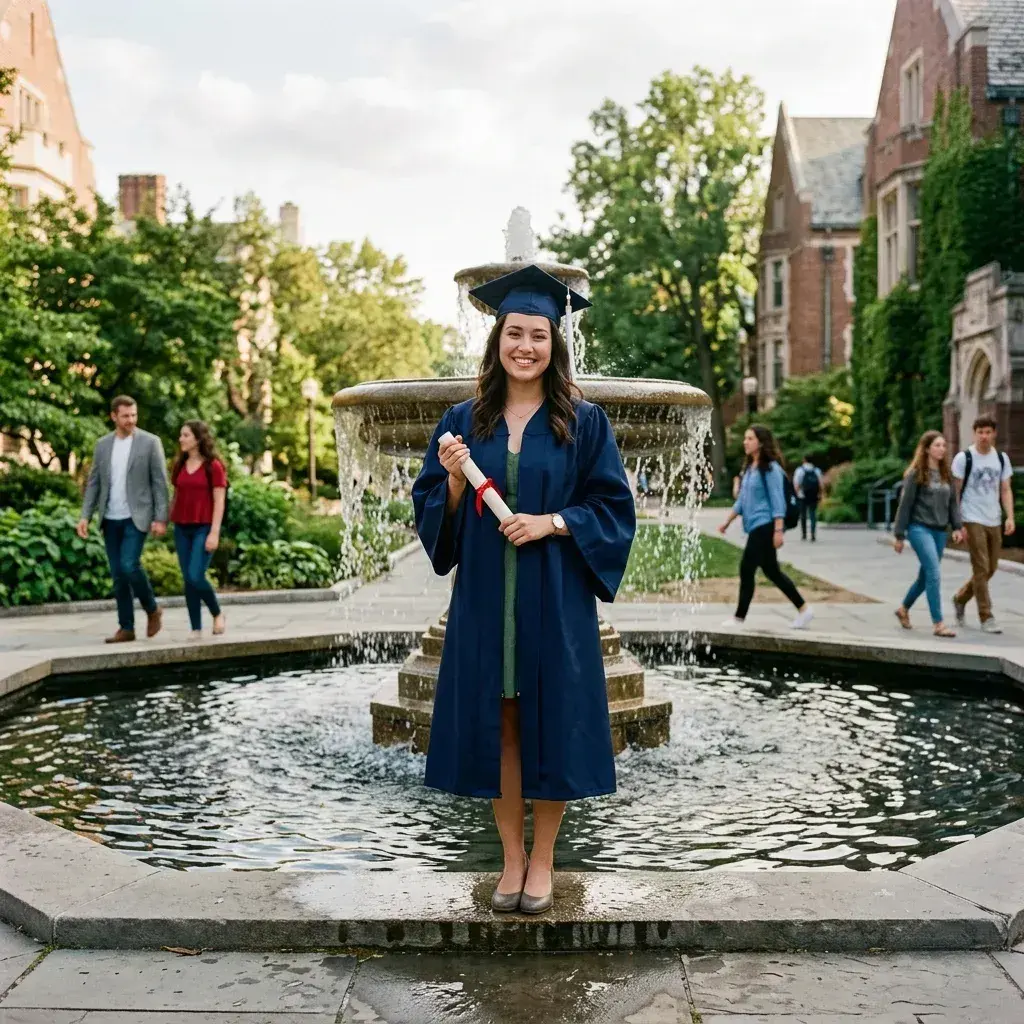
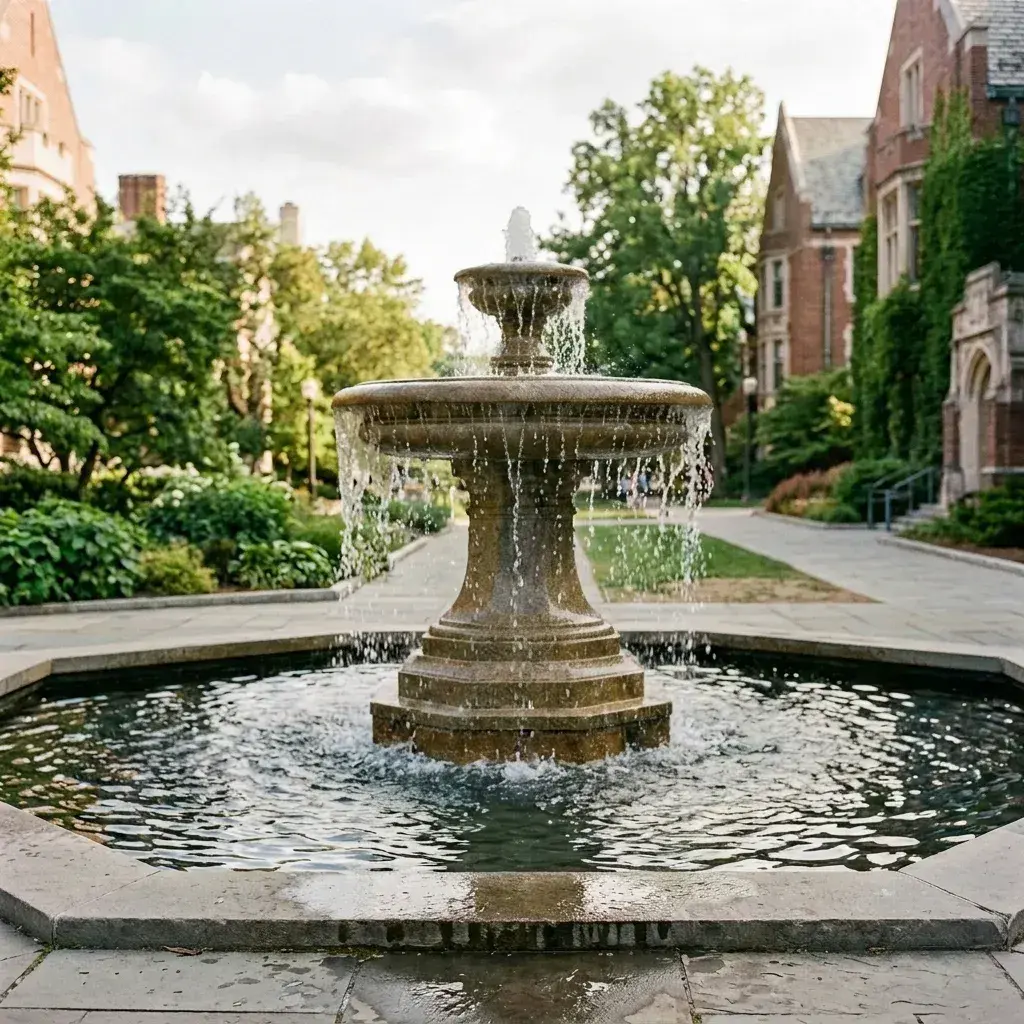 Before → after
Common questions
Can it clear the whole background but keep my graduate sharp?
Does it work with busy backgrounds like crowds of families?
How fast can I get the photo back to share with relatives?
Do I need to brush over people or manually draw outlines?
What happens to my graduation photos after I edit them?
Can I try sample graduation photos before subscribing?
Ready to fix your photo?
3 HD edits for $4.99 once · no subscription. Each new generation uses one edit.
or drag & drop it here
JPEG · PNG · WebP · up to 20 MB · zero photo storage