Remove People from Concert Photos
Erase strangers, phones, and heads from your concert shots in seconds. Use plain language to remove people from concert photos online. No masking required.
3 HD edits for $4.99 once · no subscription
or drag & drop it here
JPEG · PNG · WebP · up to 20 MB · zero photo storage
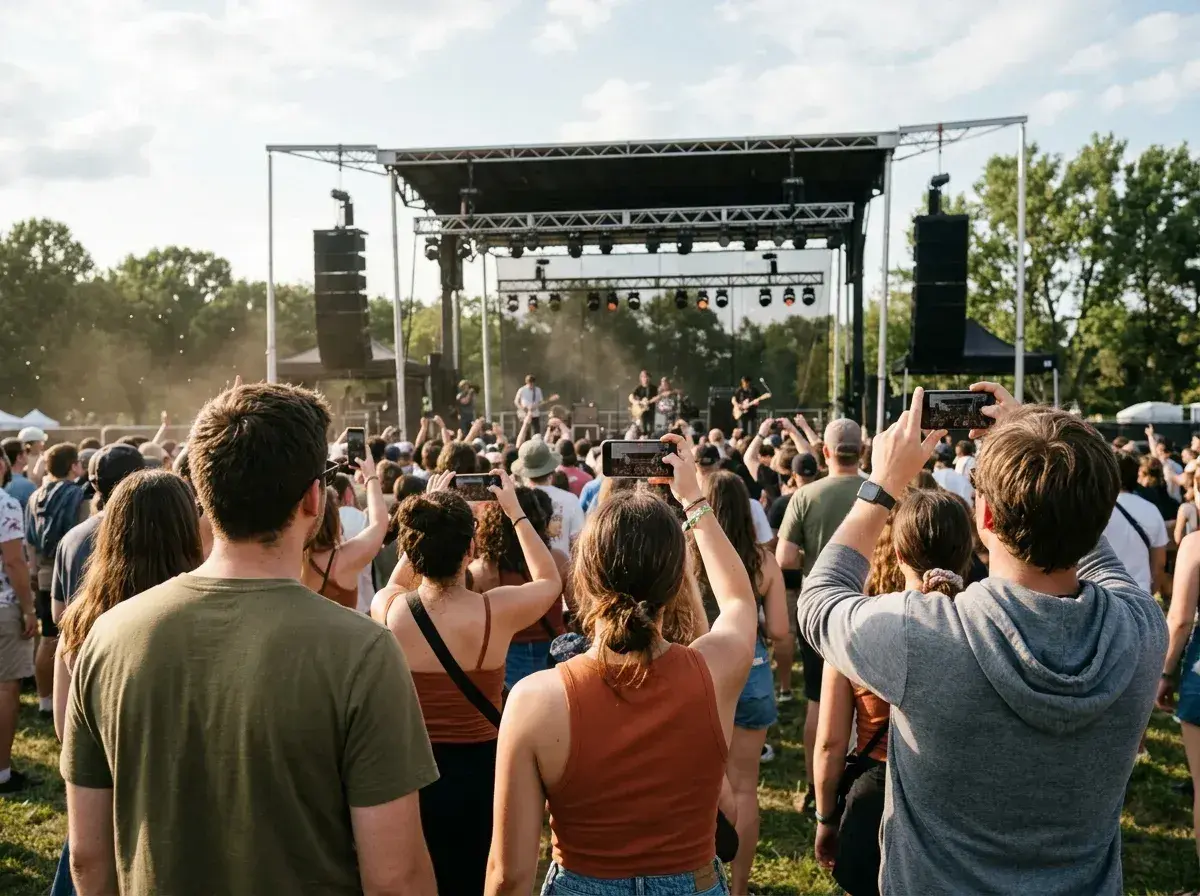
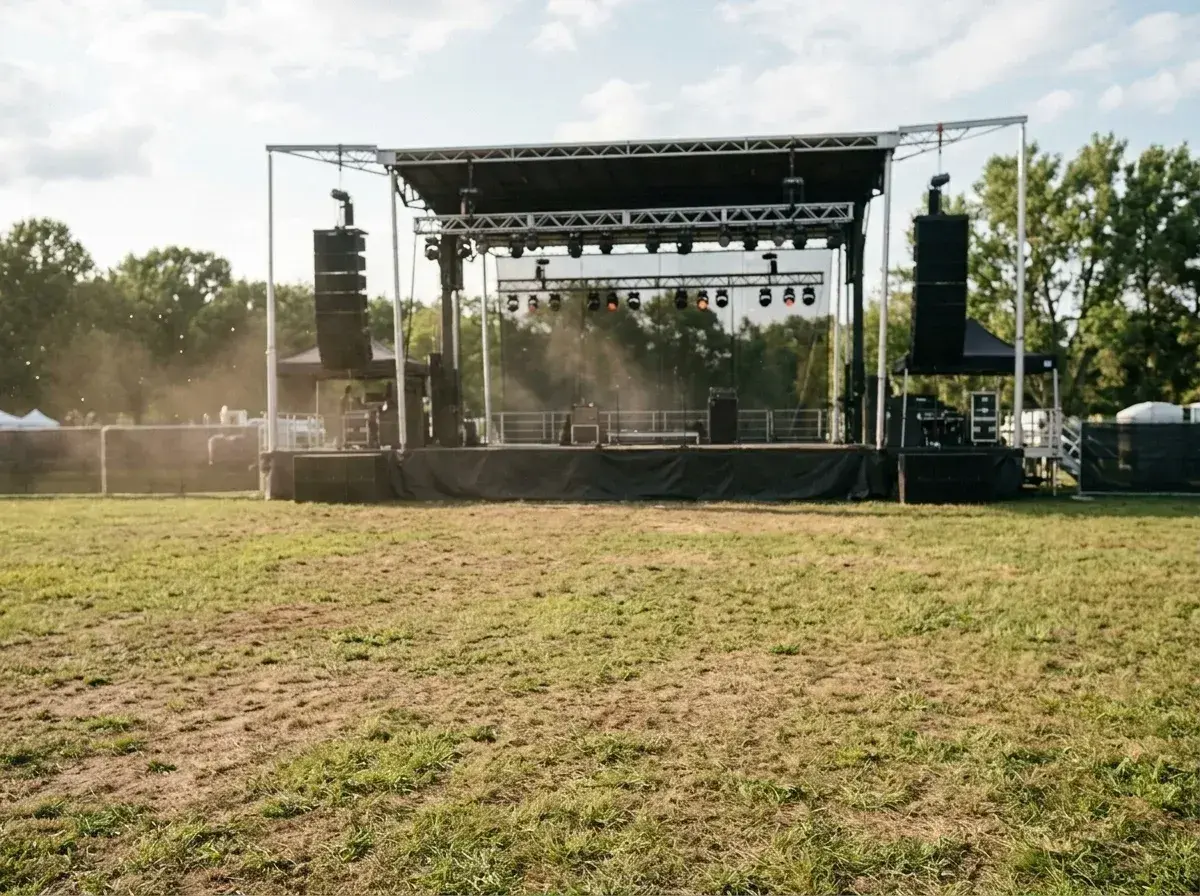 Before → after
You finally got to the front row, the lighting was perfect, and the lead singer looked right at your lens. Then you check your camera roll and realize a stranger’s glowing smartphone screen is blocking the best part of the stage. It is the classic concert-goer’s dilemma: the atmosphere is electric, but the crowd is physically in the way of your memories. Whether it is a stray hand in the air or a tall fan blocking your view of the drummer, those unwanted elements can turn a professional-looking shot into a cluttered mess.
Our AI tool allows you to clean up these images directly in your browser without needing any complex editing software. You do not have to spend hours carefully masking out silhouettes or trying to clone-stamp stage lights. Instead, you simply describe who you want to get rid of using plain English. Our model understands the context of a live performance and works to reconstruct the background so you can finally have that clean, unobstructed shot of the artist you paid to see.
Because we process everything online, there is nothing to install. You can take a photo at a festival during the day or a dark club at night and edit it in your browser. Describe who should go, then review the result to see whether the stage and lighting still look right.
This is one situation the tool handles. Remove people from any photo — upload yours and describe who should go.
Handling Low Light and Venue Noise
Indoor gigs and night-time sets present a unique challenge for any image editor. Low-light photography often results in 'noise' or grain, and shadows are rarely a solid black. When you use our AI to take out a person from a dark venue shot, the tool does not just slap a black box over them. It analyzes the surrounding grain and lighting to ensure the reconstructed area matches the rest of the image.
This is particularly important for shots taken in small, intimate clubs where the lighting is moody and inconsistent. If you erase someone standing in the shadows near the edge of the frame, our model works to maintain that specific level of darkness and texture. We focus on realism, ensuring that the spot where a stranger once stood does not look unnaturally smooth or blurry compared to the rest of your concert snap.
Clearing the Sea of Phones and Heads
The most common frustration at modern shows is the 'sea of screens.' You might have a great view of the stage, but the bottom third of your picture is filled with the back of people's heads and dozens of glowing phones. While sometimes a simple crop can fix this, cropping often cuts off the performer's legs or ruins the scale of the stage. Our tool offers a better way to get rid of those distractions.
By telling the AI to 'remove the heads at the bottom' or 'delete the person holding the phone on the left,' you can clear the foreground while keeping the original dimensions of your photo. This allows you to maintain the full height of the stage and the overhead lighting rigs, which are often essential for capturing the true scale of a stadium show or a massive festival mainstage.
Preserving Stage Lights and Special Effects
Concert photography is all about the light—lasers, strobes, smoke machines, and pyrotechnics. A major concern when you remove people from concert photos is whether these effects will be ruined. If a fan is standing directly in front of a blue spotlight, removing them requires the AI to 'guess' what the light looks like behind them. Our model is trained to understand how light behaves in three-dimensional space.
When you get rid of a photobomber, the tool attempts to continue the beam of a laser or the glow of a wash light through the space they occupied. This ensures that the atmosphere of the gig remains consistent. Whether it is the hazy purple smoke of a synth-pop show or the bright white strobes of a metal set, the goal is to keep the artist's production looking exactly as it did in person.
Simple Language, Professional Results
We believe you shouldn't need a degree in graphic design to fix a picture. Our interface is built entirely around plain language. You don't need to brush over pixels or zoom in to select edges. Just upload your image and type a natural sentence like 'remove the guy in the front row' or 'erase everyone behind the barrier.'
Once you submit your request, our AI processes the change and returns a clean image without manual masking. We offer three straightforward plans to fit your needs. The Starter plan at $9/mo gives you 20 edits at standard resolution. For those who want higher quality, the Plus plan at $19/mo offers 50 edits at high resolution. Professional photographers or superfans can opt for the Studio plan at $49/mo, which includes 100 edits, 4K output, and priority support. All plans allow you to cancel in one click, and your unused edits refresh every month.
More real results
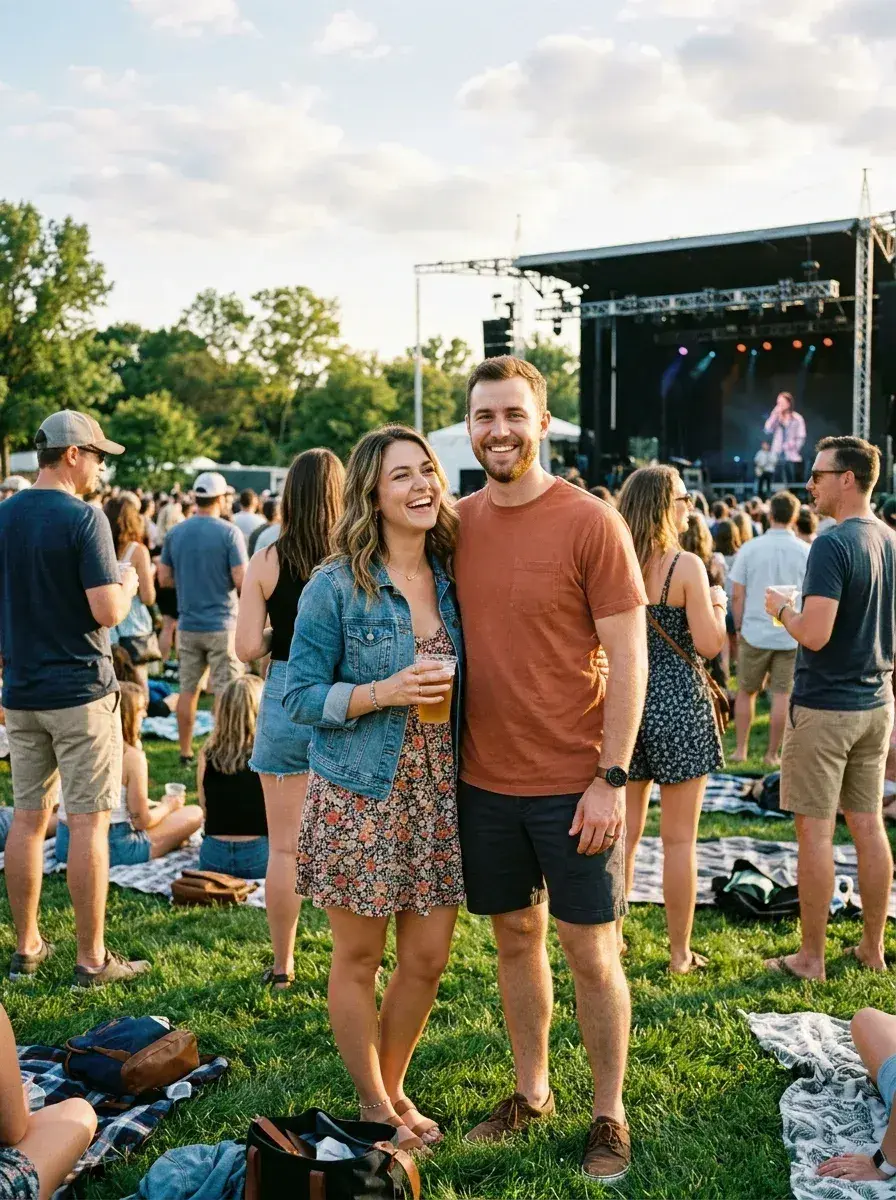
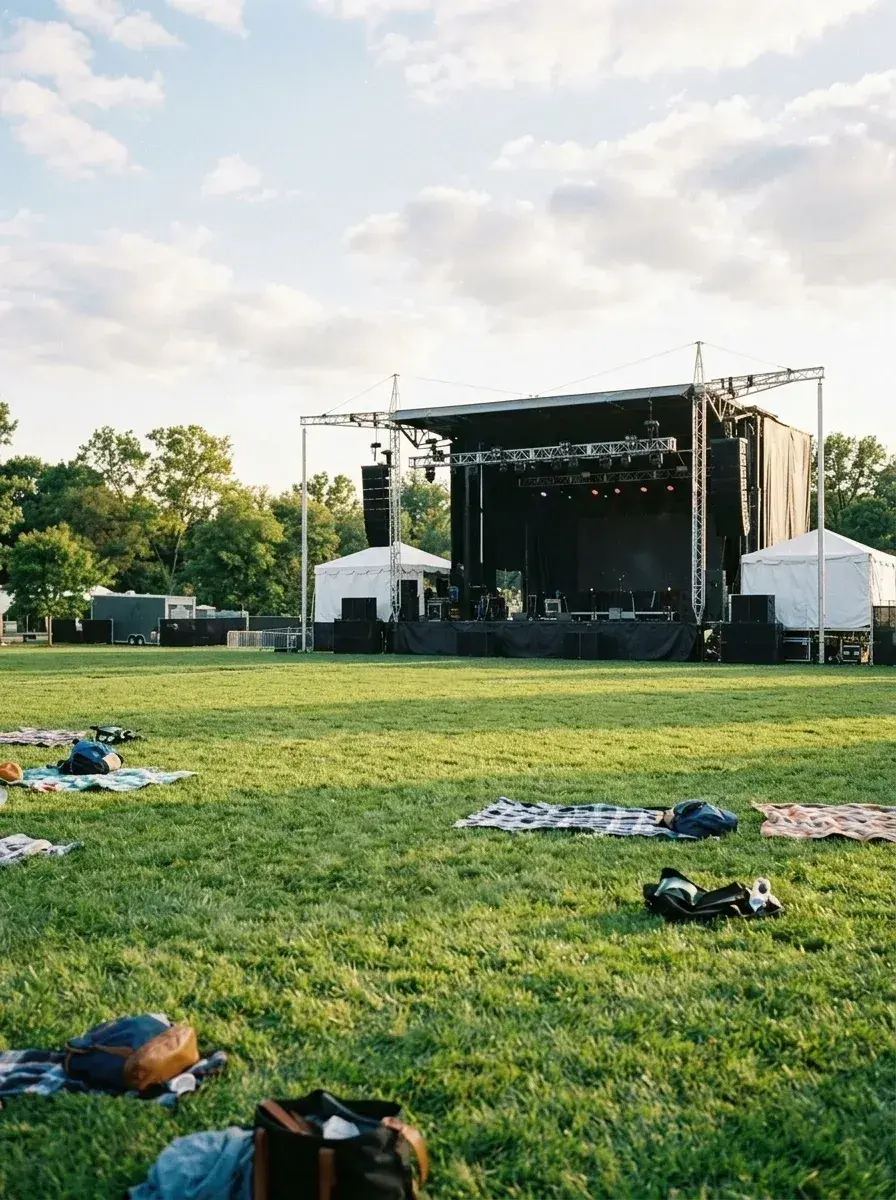 Before → after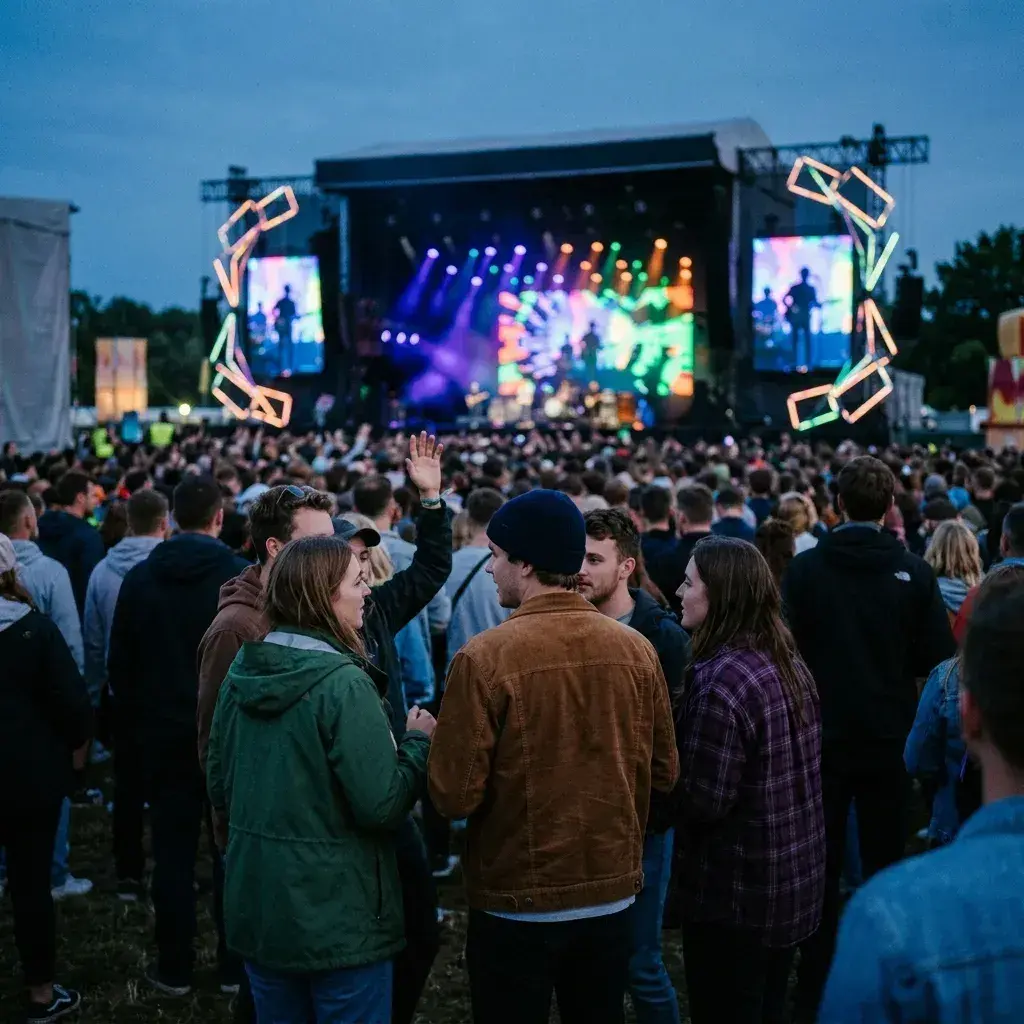
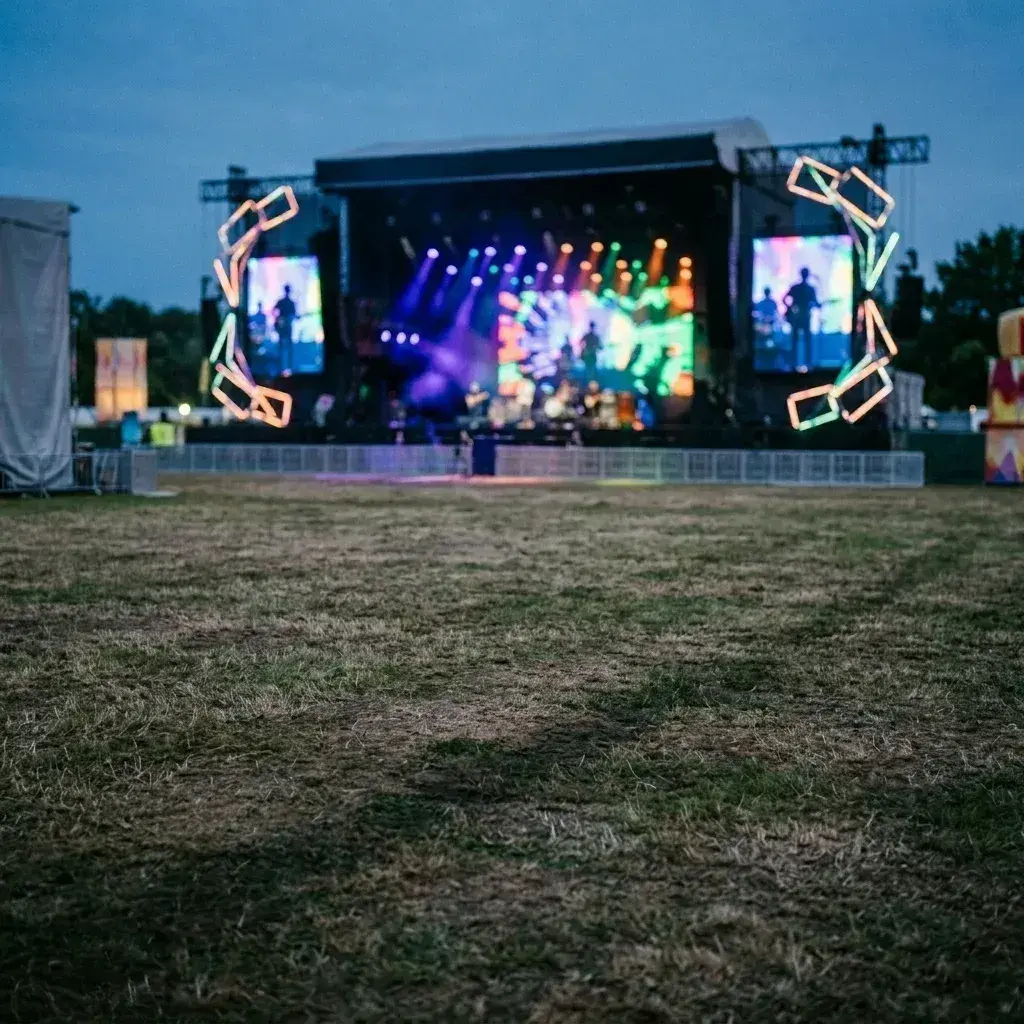 Before → after
Common questions
Can it remove the heads and phones at the bottom of my concert shot?
Does it work on dark indoor concert photos?
Will the stage lights and effects stay untouched?
Is there a limit to how many people I can take out at once?
Are my concert photos stored on your servers?
How do I get the best results for a crowded festival shot?
Ready to fix your photo?
3 HD edits for $4.99 once · no subscription. Each new generation uses one edit.
or drag & drop it here
JPEG · PNG · WebP · up to 20 MB · zero photo storage