How to Remove a Person from a Photo
How to remove a person from a photo in your browser. Upload the picture, describe who to erase, then download. Three HD edits cost $4.99.
3 HD edits for $4.99 once · no subscription. Editing your own photo uses a paid credit.
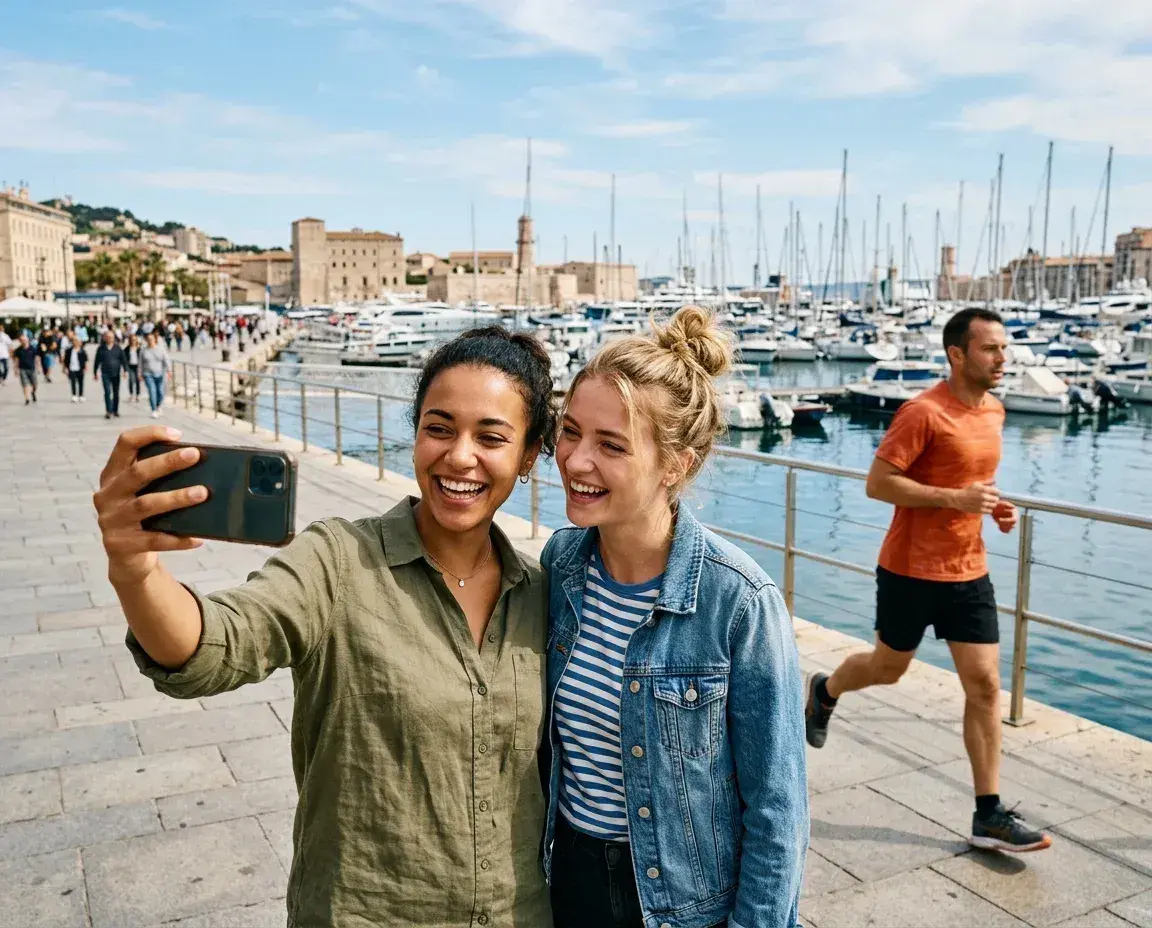
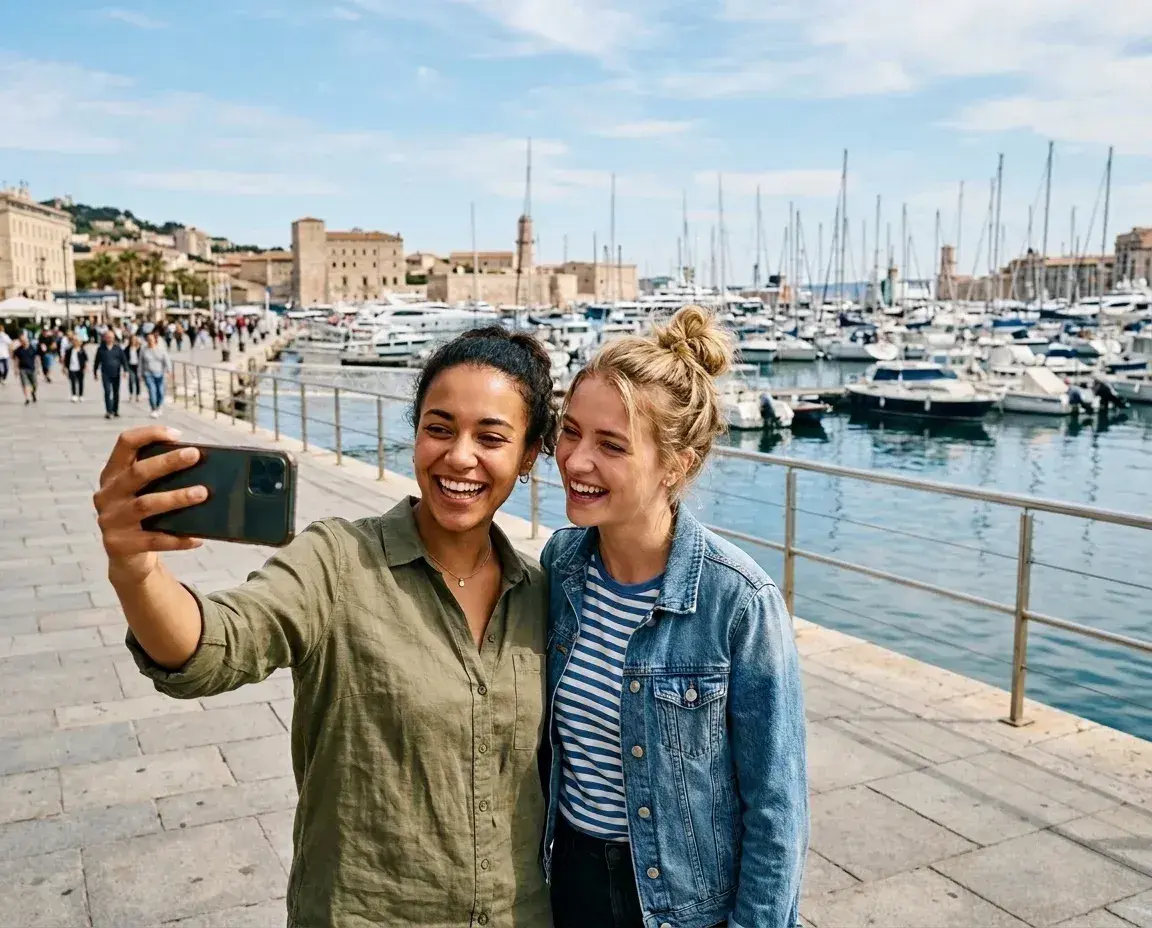 Before → after
You do not need Photoshop, a brush, or a selection tool to remove a person from a photo. In the browser you upload the picture, describe the person in ordinary words, and the tool rebuilds the space they occupied.
The three results on this page are real outputs from removepeople.ai, made for the site from photographs we own. None of them are unpaid customer photos. The harbour selfie used the prompt quoted in the steps below.
Editing a photo you upload uses a paid credit. Three HD edits cost $4.99 once, with no subscription. You can inspect prepared sample results on the homepage without paying. This is a how-to for a single person; for a photobomber in the background or the same job on iPhone, use those guides.
How to do it
- Open the editor. Use the button under these steps. It opens the browser editor with the prompt already filled in. There is nothing to install.
- Upload your photo. JPEG, PNG or WebP, up to 20 MB. Use the original file rather than a screenshot.
- Describe the person. Name them by clothing and position, and say who should stay. The harbour selfie on this page used this exact prompt:
the jogger in the background
- Check the result, then download. Compare faces, edges and the rebuilt ground before you save it. Each new generation uses one paid credit. A revised instruction starts another generation.
Editing your own photo uses a paid credit. 3 HD edits for $4.99 once · no subscription
Limits
- Editing your own photo needs a paid credit. The $4.99 pack is three HD JPEG downloads with no watermark; subscriptions start at $9 a month for 20 HD edits. Prepared homepage samples do not use a credit.
- People who overlap the subject you want to keep are the hardest case. The tool may alter hair, clothing or nearby faces. Compare the original at full size before you share the result.
- Busy patterns, fences, railings and water often need a second, more specific description. That second run costs another credit.
- Starter and the one-time pack return HD (1408 × 768). 2K is Plus; 4K is Studio only.
- Photos are processed in memory, never stored on our servers, and never used to train models. Save the download on your device; we do not keep a library. See the privacy policy.
What to write instead of brushing
A useful description is specific and short. Clothing, position and who to keep beat a relationship label or “remove him”. “The man sitting on the right side of the bench” is the prompt that produced the cliff-bench result on this page. “The woman on the lounger, keeping the lounger and side table” produced the poolside result.
One generation can remove several people if you name them together. Naming them in one instruction still costs one credit, not one per person.
More real results
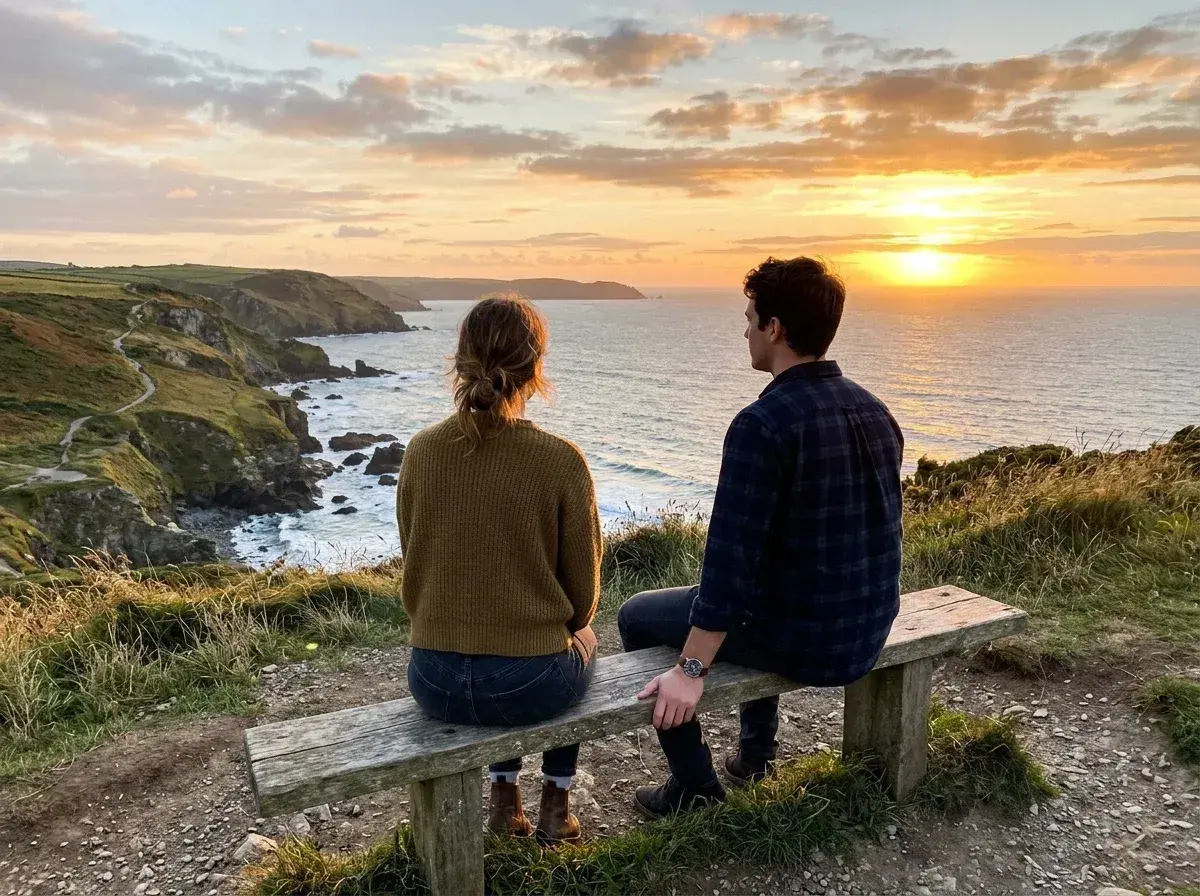
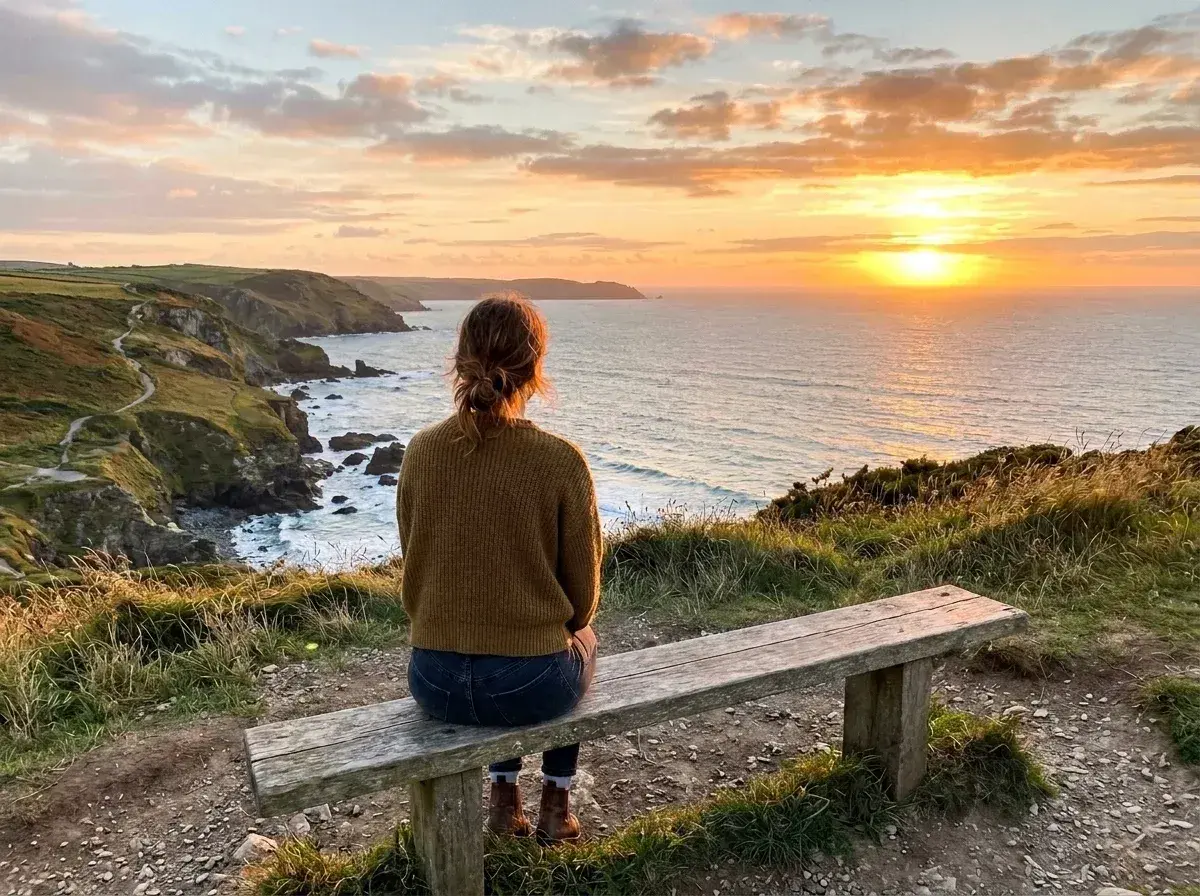 Before → after
 Before → after