Remove Crowds from Photos
Erase crowds from your pictures in seconds. Just describe who to remove in plain words. No masking or brushing. Get clean, high-res results online.
3 HD edits for $4.99 once · no subscription
or drag & drop it here
JPEG · PNG · WebP · up to 20 MB · zero photo storage
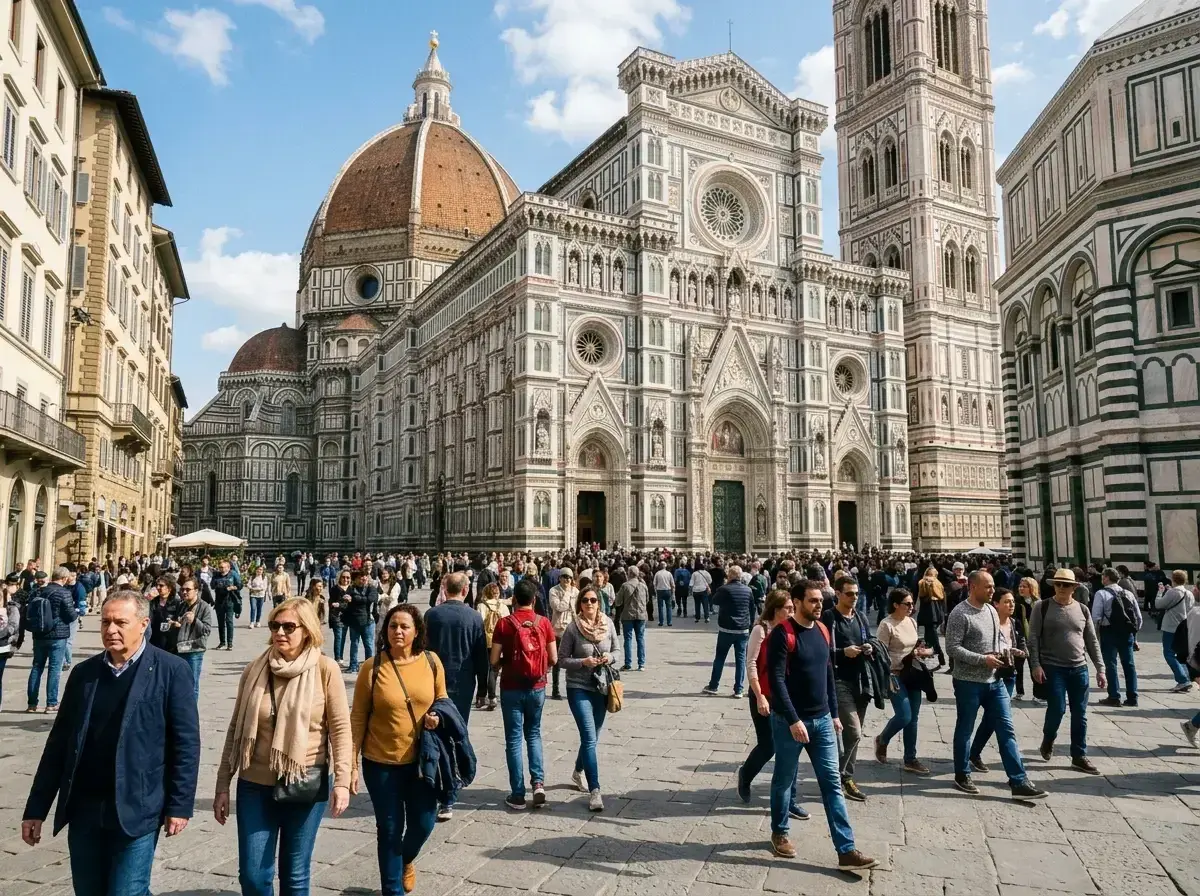
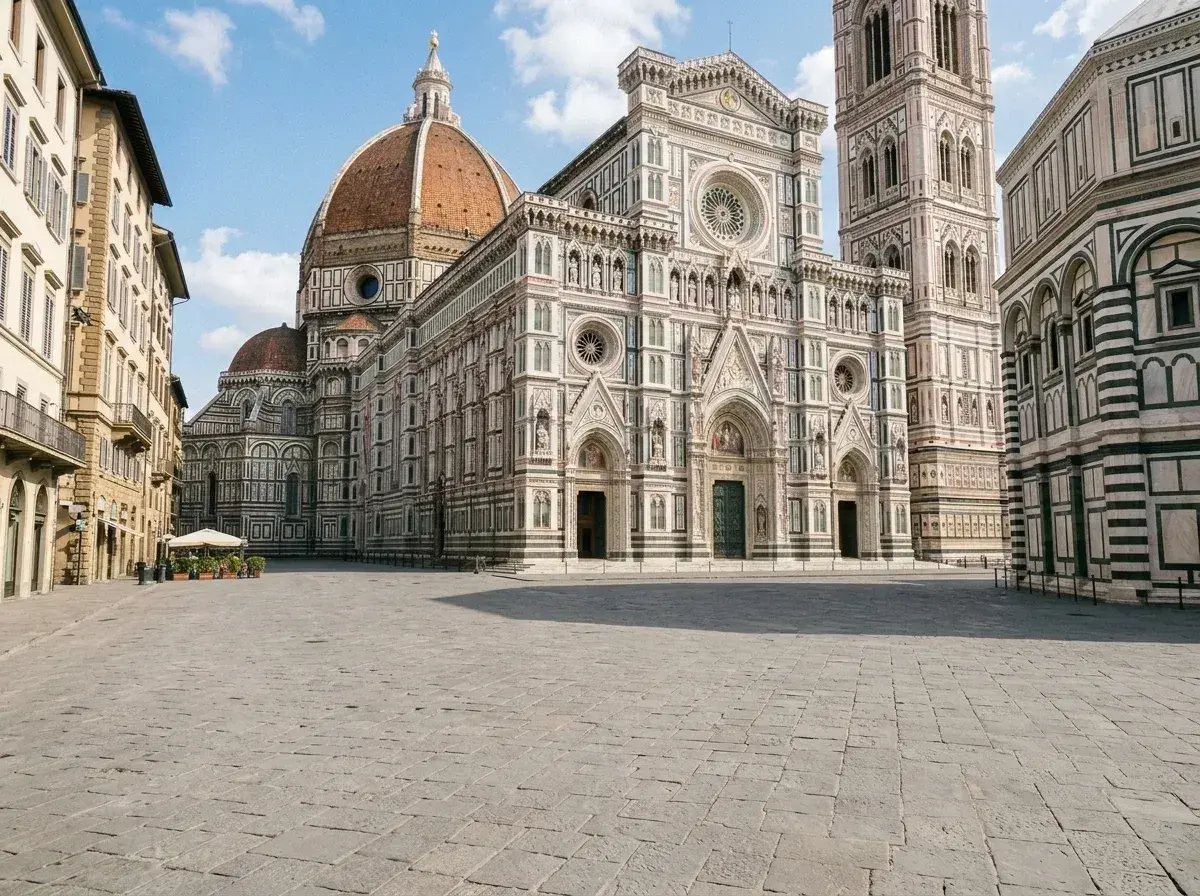 Before → after
You finally made it to the Trevi Fountain or the steps of the Met, only to find a sea of tourists in every shot. It is the classic travel dilemma: you want to capture the majesty of a landmark, but the reality is a cluttered mess of strangers. Traditional editing tools make it nearly impossible to clean these up without hours of tedious work, but our AI changes that dynamic entirely.
At removepeople.ai, we have built a tool specifically designed to handle the complexity of busy environments. You do not need to be a professional editor or spend twenty minutes carefully brushing over every head in the background. Our interface is built on plain language. You simply upload your snap and tell the tool what to do—like "remove the crowd behind us"—and our model handles the rest without manual masking.
Whether you are trying to save a vacation memory or clean up a professional event shot, you can get rid of the noise directly in your browser. There is nothing to install and no complex menus to navigate. We focus on one thing: making it look like you had the whole place to yourself.
This is one situation the tool handles. Remove people from any photo — upload yours and describe who should go.
Why Crowds are the Hardest Removal Case
Removing a single person from a clean background is relatively simple for most software. However, when you need to remove crowd from photos, the challenge scales exponentially. A crowd creates a massive 'occlusion'—a fancy way of saying they are blocking a huge portion of the actual scenery. When you delete those people, there is a giant hole in the image where the background should be.
Most basic editors leave behind blurry smudges or repetitive patterns that look like a bad glitch. This happens because they are just pulling pixels from the immediate surroundings. To truly erase a crowd, the AI needs to understand what the architecture, the pavement, or the horizon is supposed to look like. It has to 'hallucinate' the missing parts of the world with enough logic that the human eye cannot detect the intervention.
How Our AI Reconstructs Large Occluded Areas
Our tool does not just 'patch' holes; it reconstructs the scene. When you ask the AI to take out a group of people, it analyzes the entire composition of the picture. It looks at the lines of the buildings, the texture of the grass, and the direction of the light. It then generates new pixels that match the environment perfectly.
This process happens online. The AI evaluates the prompt, identifies the subjects to remove, and builds a new background; processing time varies with the photo and current demand. Because the results are generated in high resolution (depending on your plan), the final image maintains the integrity of your original shot. You get a clean, watermark-free download that looks like the strangers were never there to begin with.
Tips for the Best Crowd Removal Results
While our AI is powerful, a few simple photography choices can make the removal process even more seamless. First, try to shoot slightly wider than you think you need. Having more 'clean' background visible at the edges of the frame gives the model more context to work with when it reconstructs the area behind the crowd.
Second, try to keep your main subject—the person you want to keep—clear of the crowd. If a stranger's arm is overlapping your subject's shoulder, the AI has to work much harder to separate them. If there is a small gap between your subject and the people you want to get rid of, the results will be significantly sharper. Finally, ensure your subject is well-lit; consistent lighting helps the AI match the newly generated background to the existing shadows in the snap.
Realistic Expectations for Dense Crowds
It is important to be honest about the limits of AI. If you are standing in the middle of a packed protest or a sold-out stadium where the 'background' is 100% human beings, there is no scenery for the AI to recover. In these cases, the tool will try its best to create a logical background, but it may not match the specific historical reality of the location.
The best use case for this tool is a busy tourist spot or an event where the crowd is an obstacle to the scenery. If the AI can see even a glimpse of the ground, the walls, or the sky, it can usually reconstruct the rest. Our goal is to provide a clean, believable image that puts the focus back on you, rather than the fifty strangers who happened to be in the frame at the same time.
More real results
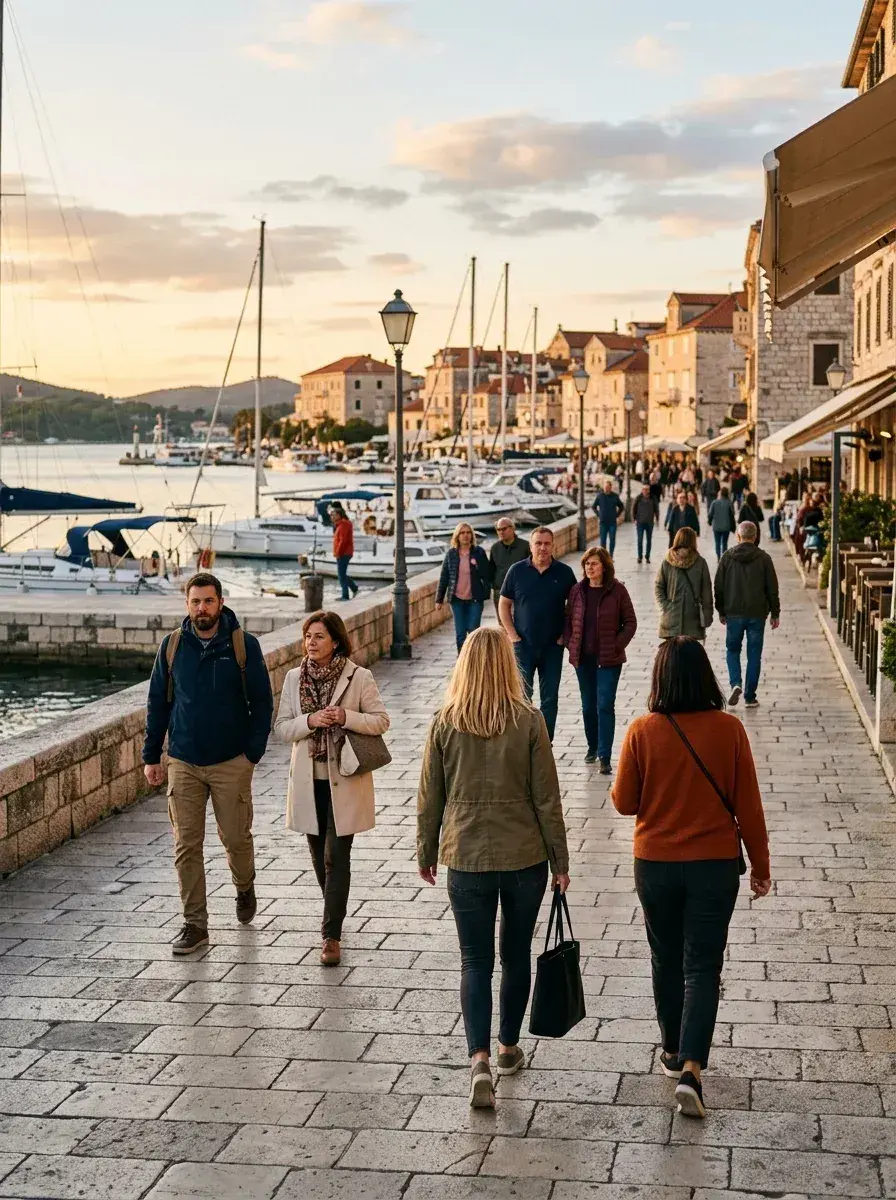
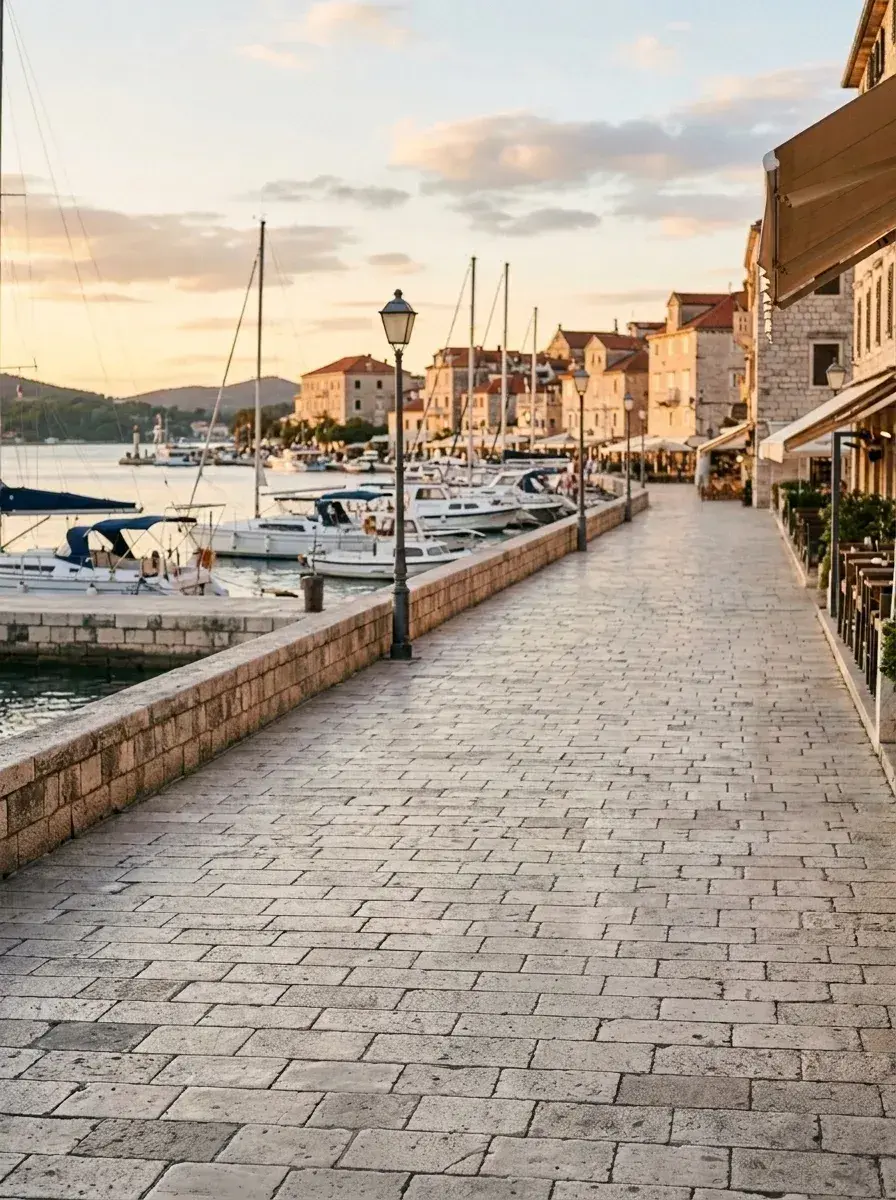 Before → after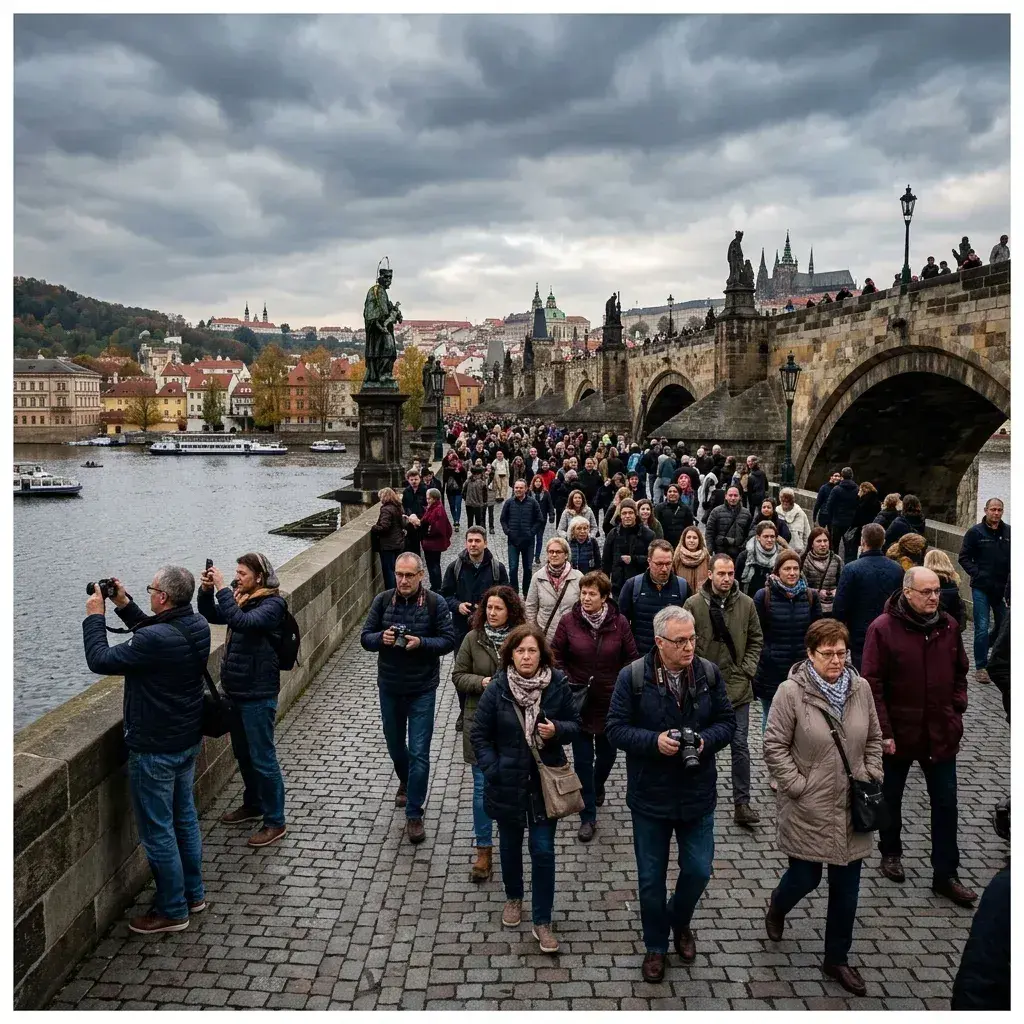
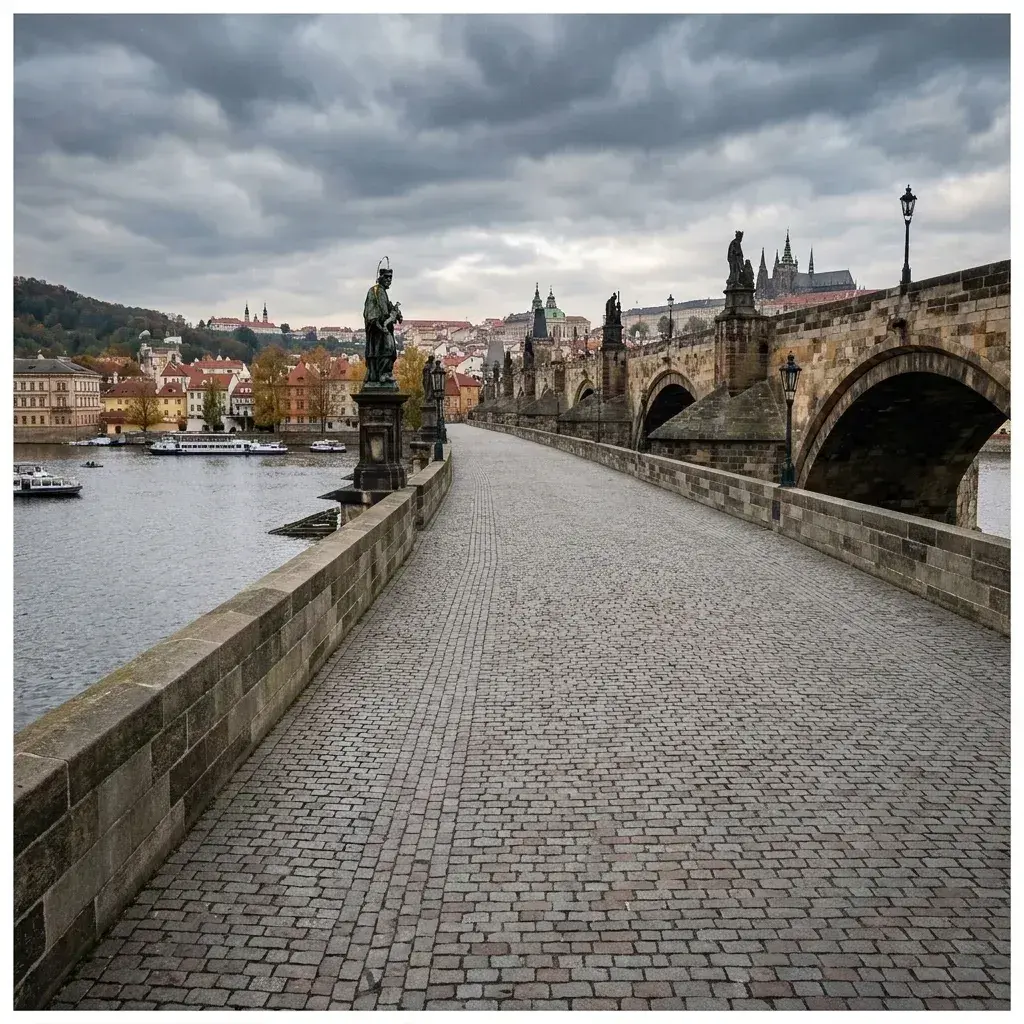 Before → after
Common questions
Can it remove a whole crowd or just a few people?
What happens to the areas the crowd was covering?
Do crowd removals cost more credits?
Is my privacy protected when I upload a photo?
Can I try the tool before buying a plan?
What resolution are the downloads?
Ready to fix your photo?
3 HD edits for $4.99 once · no subscription. Each new generation uses one edit.
or drag & drop it here
JPEG · PNG · WebP · up to 20 MB · zero photo storage