Remove an Ex from Photos with AI
Remove an ex from a photo without cropping the memory. Describe who to erase and AI rebuilds the scene. First edit free with Google sign-in.
3 HD edits for $4.99 once · no subscription
or drag & drop it here
JPEG · PNG · WebP · up to 20 MB · zero photo storage
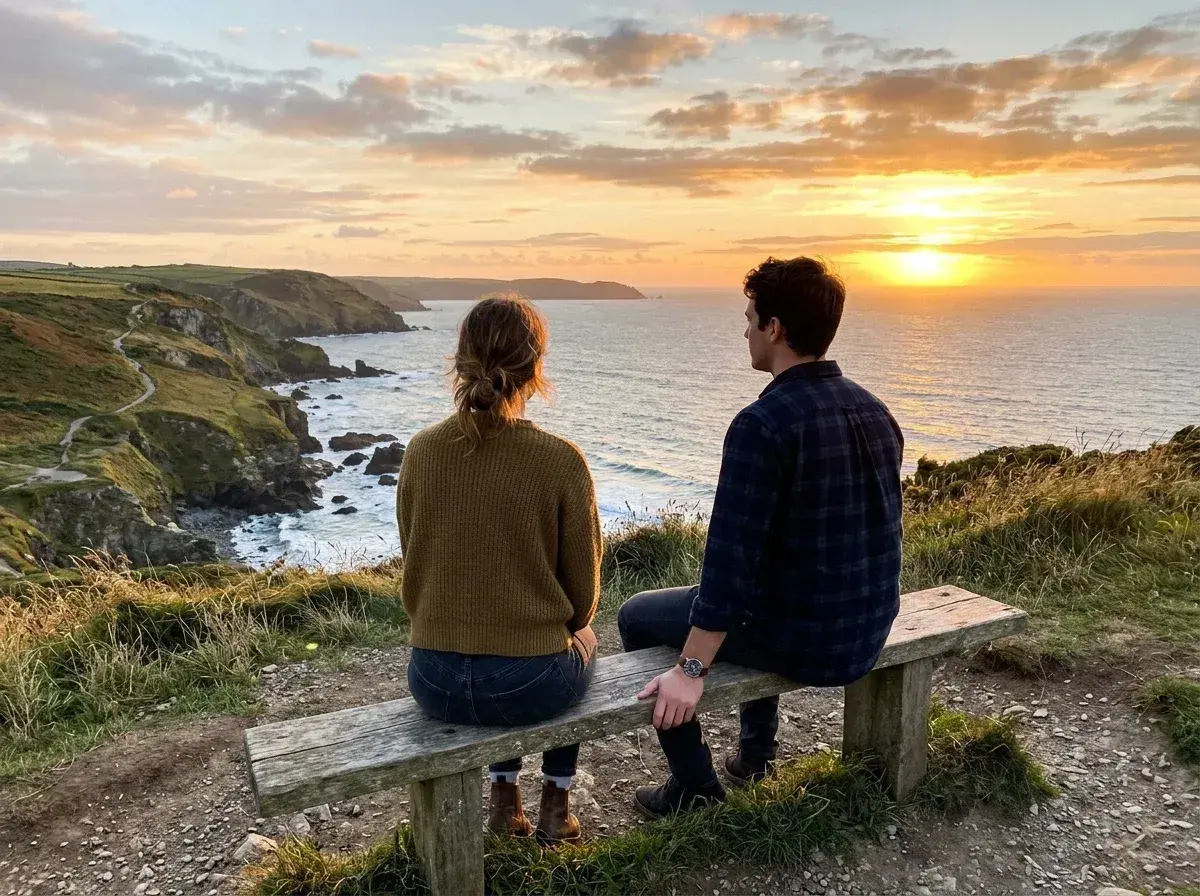
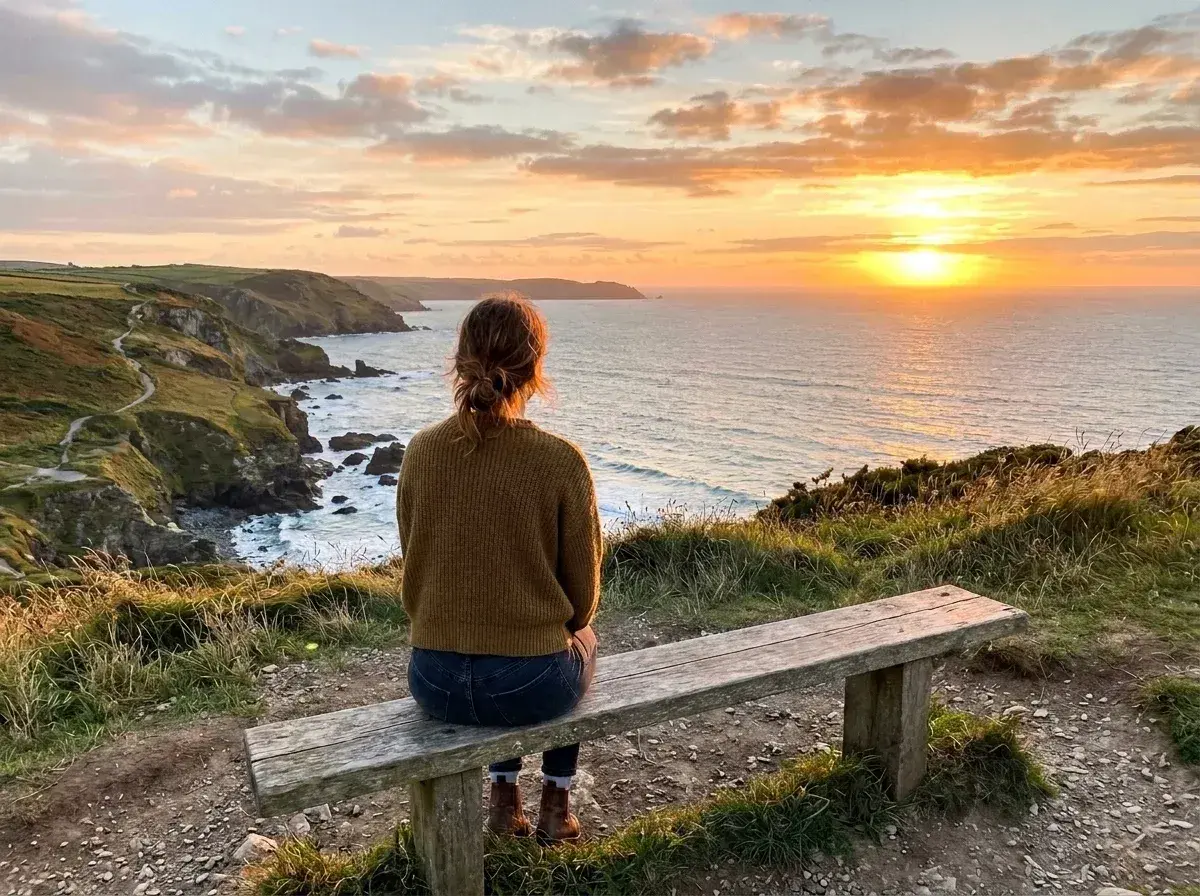 Before → after
If cropping an ex out also cuts away the view or part of your own body, try a removal edit instead. The before-and-after photo above shows a man removed from a coastal bench scene while the woman and sunset remain. The second example shows a man removed beside a canal.
Upload your photo, describe the person by location or clothing, and check the result at full size. For example: 'Remove the man on the right; keep the woman and the bench.' A specific instruction helps when two people are close together.
The AI fills in the background it could not see in the original. It may invent a bench edge, an arm, or clothing where the people overlap, so keep the original and compare the edit before you download it.
This is one situation the tool handles. Remove people from any photo — upload yours and describe who should go.
Reclaim Your Best Solo Portraits
Start with a photo where the person you want to keep is clearly visible. If the two of you are standing apart, removing one person usually leaves a simpler area to rebuild. In the canal example above, the person who remains is separate from the person removed.
If someone has an arm around you or is holding your hand, inspect your shoulder, hand and clothing after the edit. Those details were hidden in the original, so no editor can reconstruct them with certainty. Try a more precise instruction or another photo if the result looks wrong.
No Brushing, No Masking—Just Plain English
You do not need to paint a mask. Upload a photo and type who should go: 'Remove the man on the right' or 'Remove the person in the blue jacket; keep everyone else.' If the first result removes the wrong person, revise the description and try again.
Review straight lines, shadows and the outline of the person you kept. A background fill can look plausible at phone size but reveal mistakes when enlarged. Keep the original until you are happy with the edit.
A Private Way to Edit Your Past
Editing a photo of an ex can feel personal. Your image is sent to the AI provider to make the edit, but is not stored in our photo library or used for model training. Our server holds it in memory only while processing. See our privacy policy for details before uploading a sensitive photo.
The homepage offers prepared samples to try without signing in. To edit your own photo, the one-time pack costs $4.99 for three HD edits; subscriptions are available for larger volumes. You can review the price before you pay.
Professional Results Without the Watermark
Paid downloads have no watermark. The one-time pack and Starter plan export at HD; Plus offers 2K and Studio offers 4K. Choose based on where you will use the image, and inspect the downloaded file before posting or printing it.
Processing time varies by photo and demand. If you want to see the editor first, try a prepared sample on the homepage for free. A pack is a one-time purchase, while subscriptions renew until cancelled.
More real results

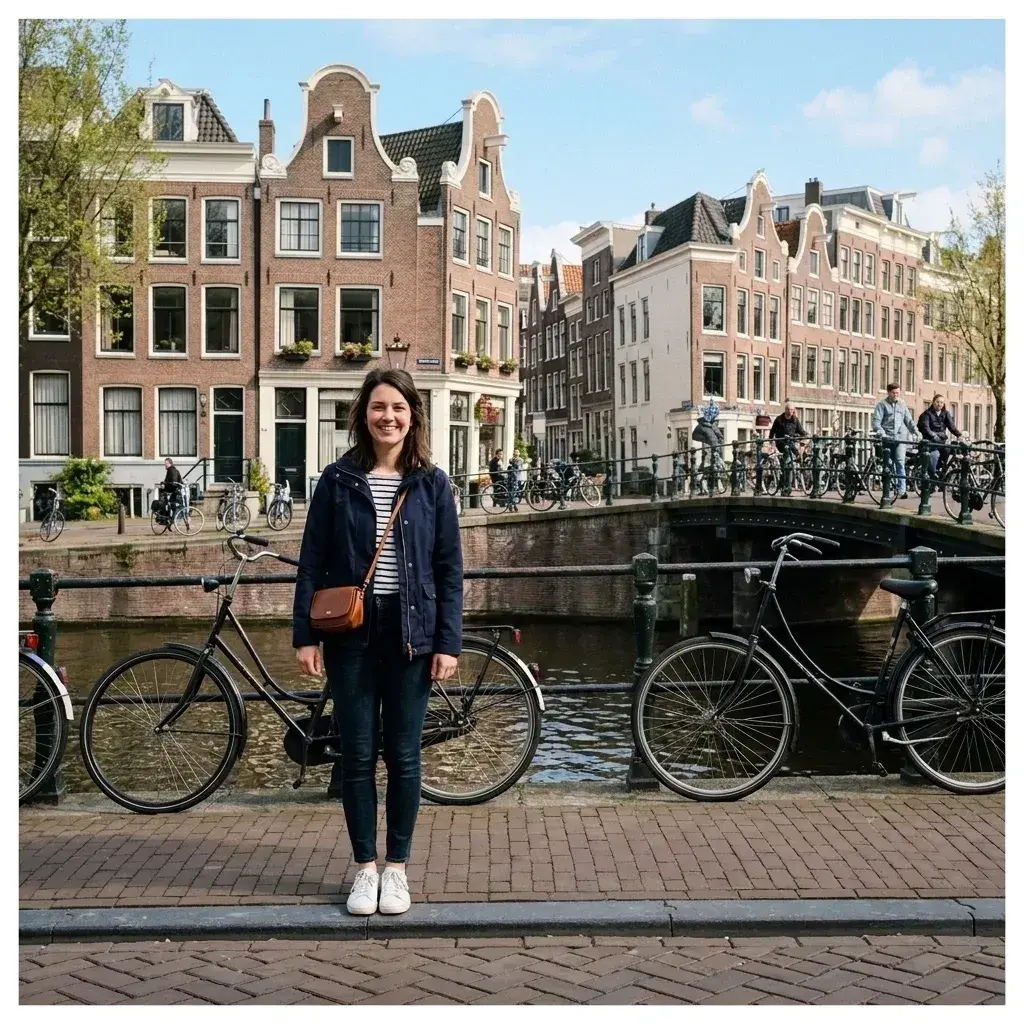 Before → after
Common questions
Can I keep myself looking natural when the other person is removed?
Is this private—does anyone see my photos?
What happens where we were touching or holding hands?
How long does the process take?
Do I need to be good at Photoshop to use this?
Can I use this on my phone?
Ready to fix your photo?
3 HD edits for $4.99 once · no subscription. Each new generation uses one edit.
or drag & drop it here
JPEG · PNG · WebP · up to 20 MB · zero photo storage