People Remover
Understand how a modern people remover works. Erase unwanted strangers in your browser using plain text prompts in 10 seconds. No watermarks.
or drag & drop it here
JPEG · PNG · WebP · up to 20 MB · zero photo storage
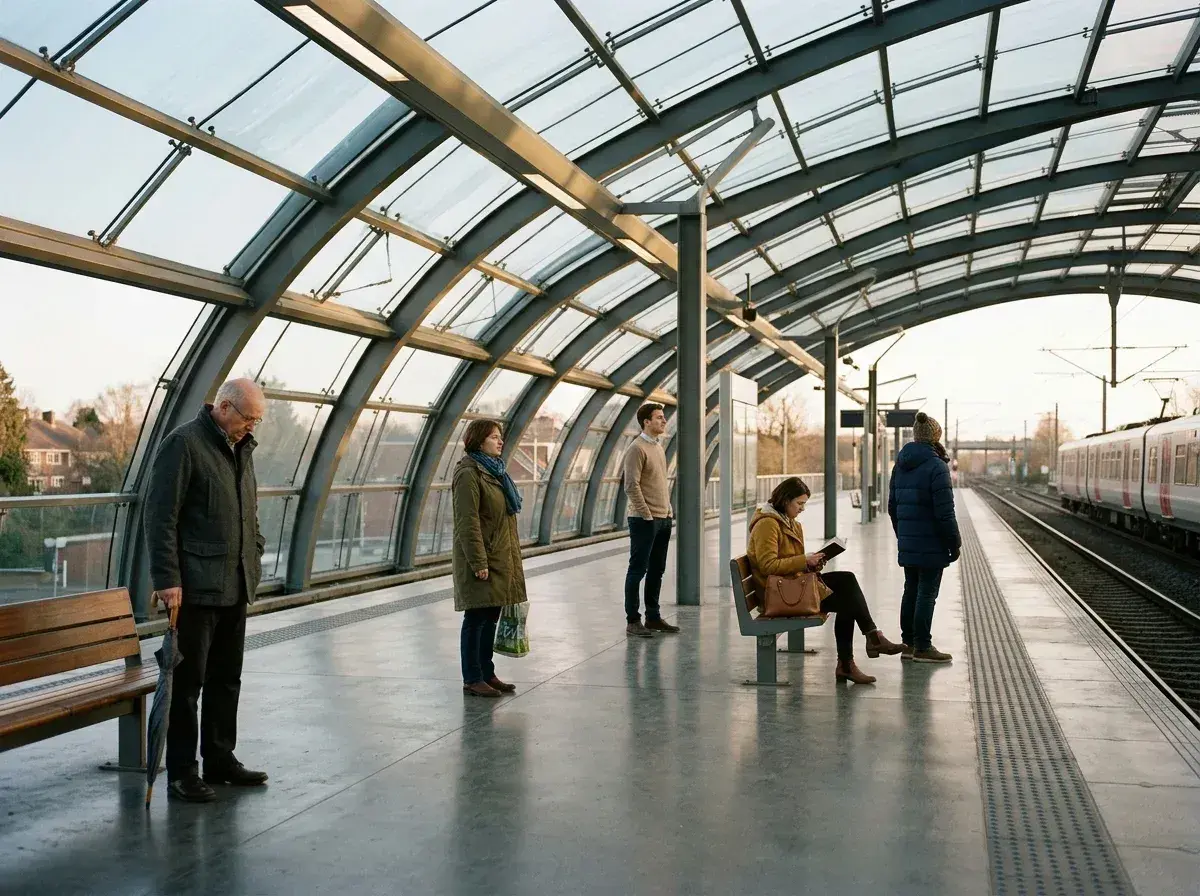
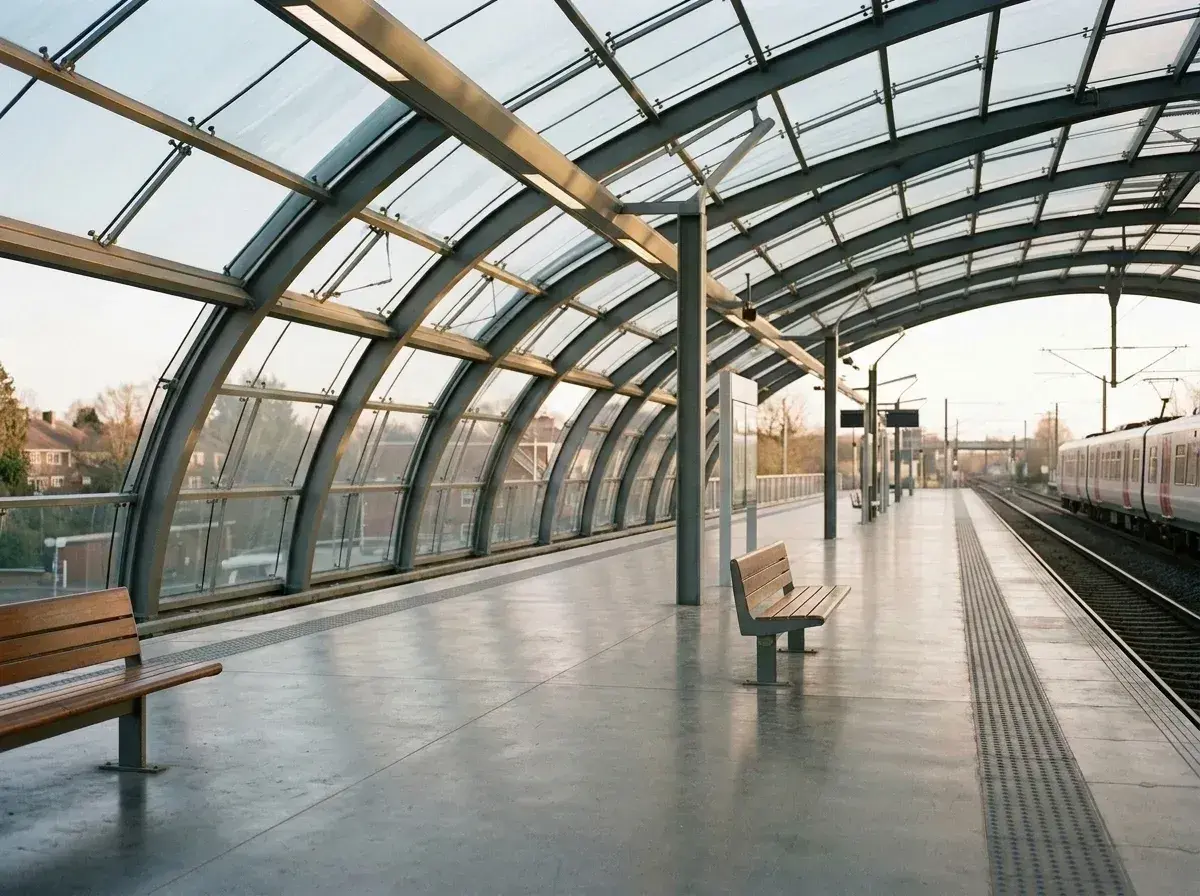 Before → after
When someone steps into your frame or an ex stays in an otherwise perfect shot, you need a way to take them out without destroying the surrounding scene. At its core, a modern people remover is a web-based utility designed to isolate individuals in an image, remove their visual data, and reconstruct the background so the final picture looks completely untouched. While the objective is straightforward, the technology used to clear out unwanted clutter has evolved dramatically.
Understanding how these tools operate helps you select the right method for your specific image. Today, anyone trying to get rid of a person from a photo relies on one of three distinct approaches: manual retouching, traditional object-removal brush apps, or generative AI reconstruction. Each option comes with clear trade-offs in speed, technical effort, and realistic output quality.
This is one situation covered by our main guide, Remove a Person from a Photo — start there if you want the full walkthrough.
The 3 Ways to Take Someone Out of a Shot
The traditional method relies on manual pixel manipulation using software like desktop retouchers. Photographers use clone stamps, patch tools, and layer masks to manually copy visual textures from adjacent regions over the subject. This approach offers complete artistic control and excels on simple, repeating surfaces like blue skies or calm water. However, it demands significant design experience, meticulous selection skills, and often takes 15 to 45 minutes of manual labor per image.
The second approach uses traditional object-removal apps with content-aware fill algorithms. You highlight whoever's in the way with a virtual brush, and the app samples neighboring pixels to patch the space. These utilities are accessible and work directly on mobile devices, making them useful for minor spots or small power lines. Unfortunately, when tasked with deleting a large foreground figure, they usually produce blurry smudges, distorted lines, or unnatural repeating patterns because they lack semantic context about what actually belongs behind the subject.
The third and most advanced method is AI reconstruction, which powers our platform. Instead of smudging nearby color pixels or forcing you to trace intricate outlines, our AI interprets the entire composition alongside natural language instructions—such as 'the man in the red jacket' or 'everyone behind us.' Rather than patching over the area, the model predicts and generates realistic textures, lighting, and structural lines in under 10 seconds. It runs online in your browser on both mobile devices and desktop computers without requiring software installations.
Marketing Promises vs. Realistic Results
Many online utilities market magic results with a single click, but practical image editing requires setting clear expectations. Generative AI reconstruction excels at rebuilding complex environments—such as brick walkways, patterned architectural wallpaper, or ocean waves—far better than simple pixel-blurring apps. Because our AI understands depth and structural geometry, it can infer where a fence line should continue or how natural shadows should fall across a floor once someone is taken out.
However, every technology has physical boundaries. Edits can lose fidelity when attempting to erase someone who occupies more than half of the snap, or when isolating a subject whose body heavily overlaps another person you wish to keep. In high-overlap scenarios, fine details like trailing hair or shared reflections may require precise text instructions. Recognizing these boundaries ensures you produce believable, high-quality images without artificial distortion.
Browser Convenience and Privacy Standards
A major benefit of modern web platforms is instant browser access without hardware dependencies. You do not need a high-end graphic processing unit or dedicated mobile storage space. Whether you upload a snap from an iPhone, an Android tablet, or a desktop web browser, all computations are handled on remote server hardware. Final downloads export cleanly with no watermark attached.
Data privacy is equally critical when editing personal moments. On removepeople.ai, your picture is processed strictly in temporary memory and immediately discarded the moment your result is delivered. Nothing is written to physical disk, no image records are kept, and user uploads are never used to train future AI models. You receive instant edits while maintaining total privacy over your digital files.
More real results

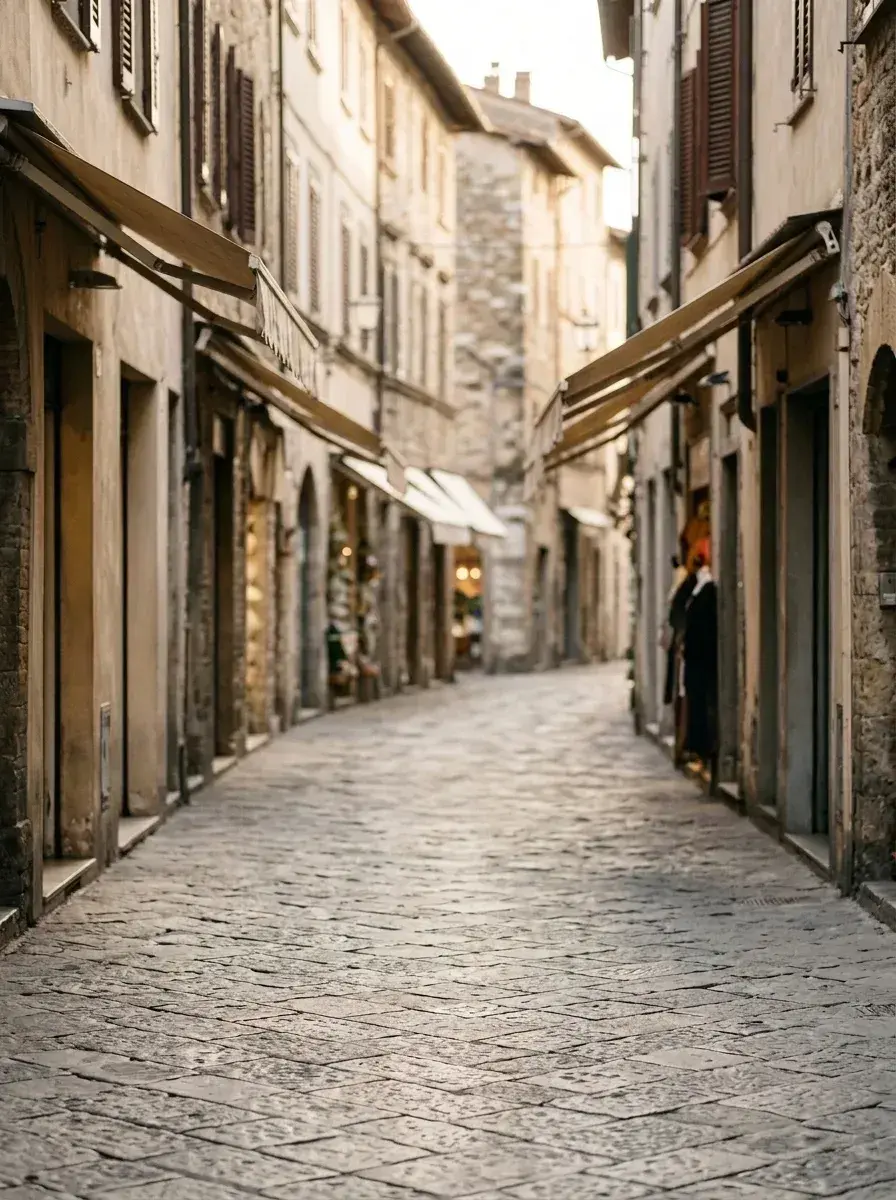 Before → after
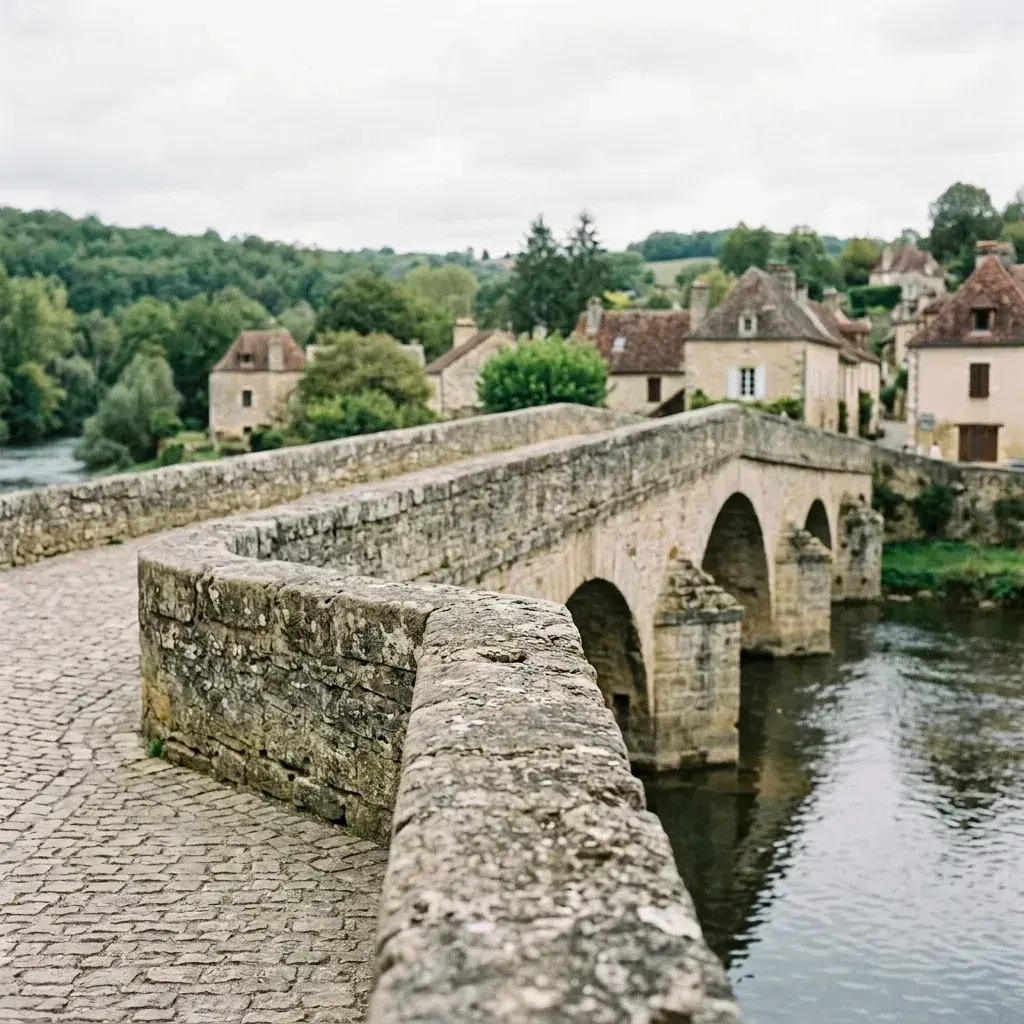 Before → after
Common questions
Do I need to download or install anything?
Does a people remover work on a phone?
How is this different from a background remover?
Do I have to brush or select the person I want to delete?
What happens to my uploaded photos after editing?
How do plans and pricing work on removepeople.ai?
Fix your photo in the next minute
Plans from $9/month · cancel anytime
or drag & drop it here
JPEG · PNG · WebP · up to 20 MB · zero photo storage