Remove a Person from a Photo
Remove a person from a photo in seconds using simple text. Our AI erases anyone and rebuilds the background online—no editing skills needed.
or drag & drop it here
JPEG · PNG · WebP · up to 20 MB · zero photo storage
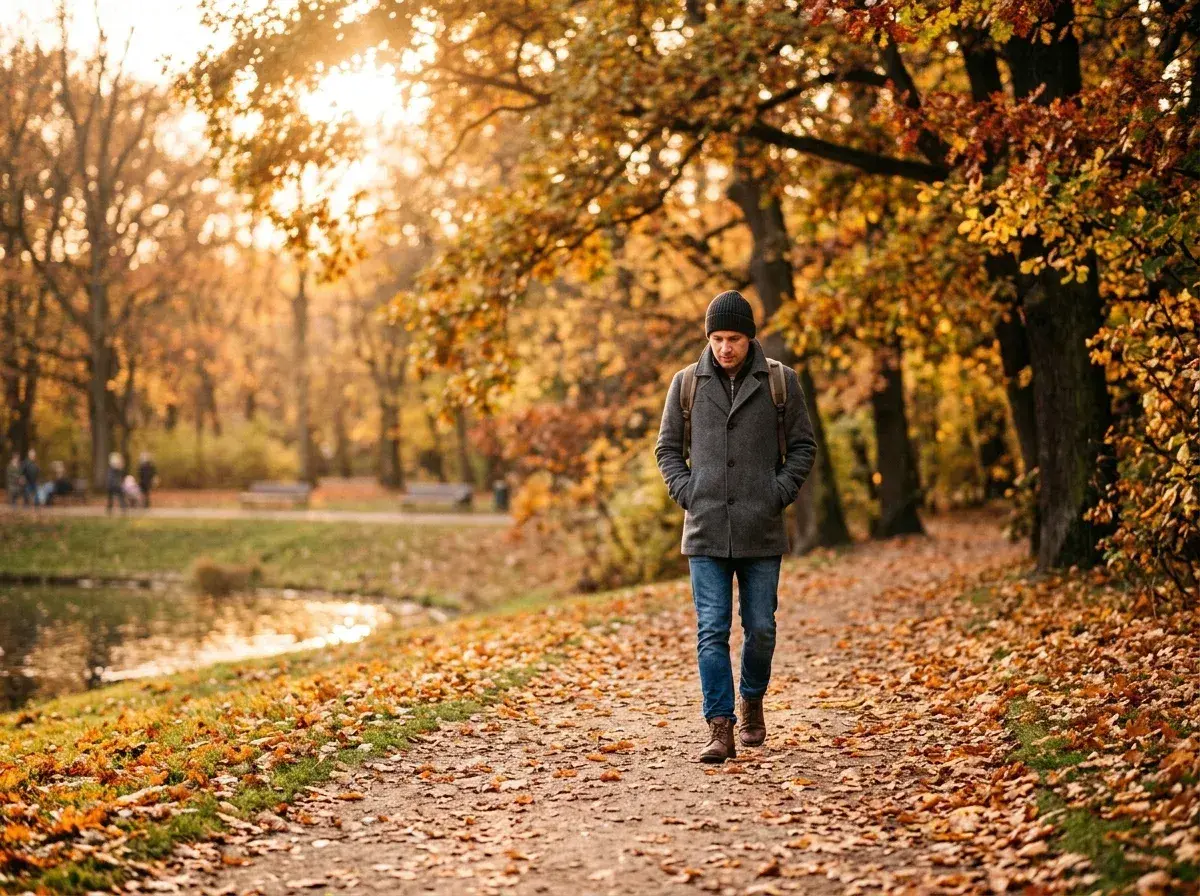
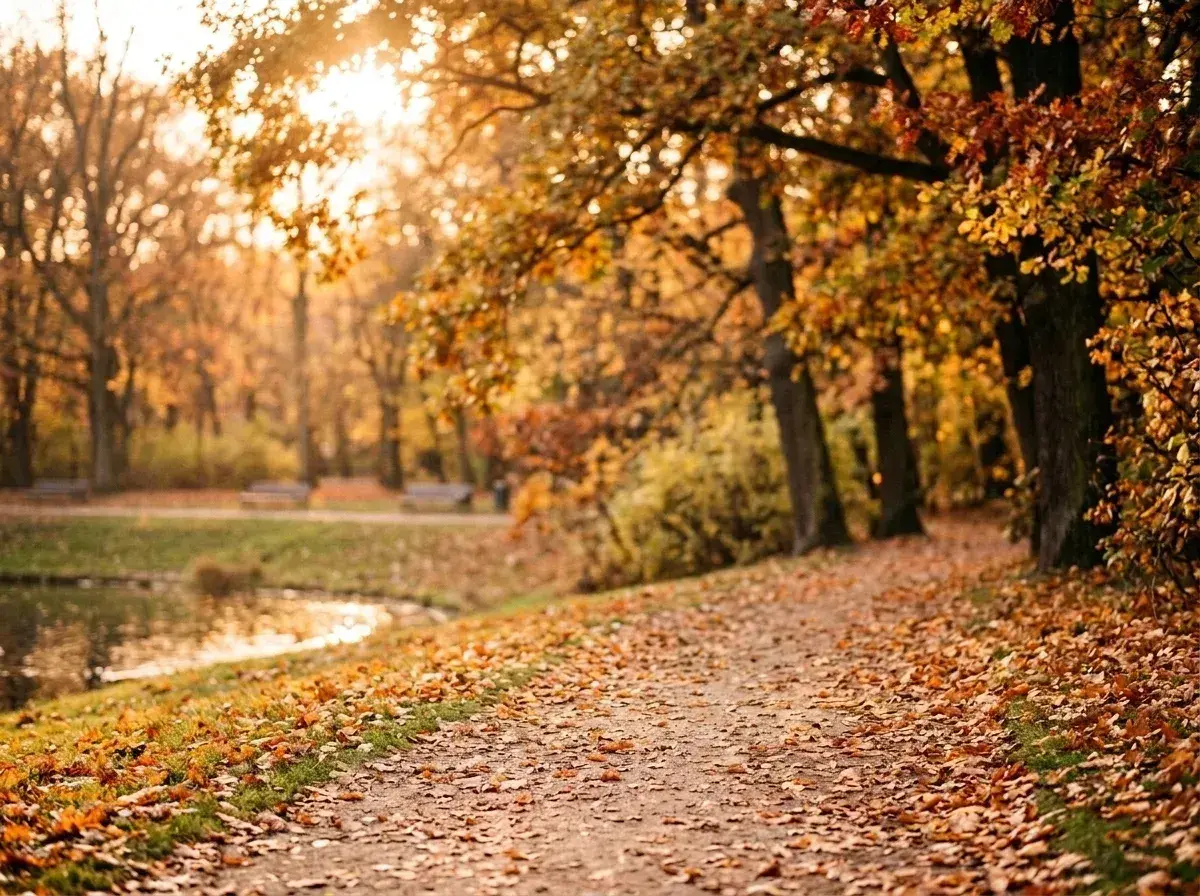 Before → after
You have a great snap, but someone is standing right where they shouldn't be. In the past, fixing this required opening heavy editing software, zoom-focusing on pixels, and painstaking tracing with a lasso tool. Today, you can take out unwanted subjects online right in your browser within seconds.
Our AI tool changes how image editing works by replacing complex selection tools with plain language. Instead of spending ten minutes painting over an area with a brush, you simply upload your picture and type who to erase. Within about 10 seconds, our model processes your image and generates a clean version ready for download without watermarks.
Describing Who to Erase in Plain Words
The core interface relies entirely on text prompts rather than manual selection tools. You do not need to brush, mask, or trace around arms, hair, or clothing. You simply describe the target in natural words.
To get rid of someone, use clear visual or spatial descriptions. Phrases like "the man in the red jacket," "the woman standing on the left," or "whoever's in the way behind us" give our AI exact context. This text-first approach makes it easy to isolate one specific individual, even in busy shots where multiple people are present. Because the tool interprets descriptive words, you never have to worry about missing fine details like loose hair or complex shoe shadows.
How the AI Reconstructs the Missing Background
When you remove a person from a photo, the most critical step is filling the empty space left behind. Old automated tools simply smudged neighboring pixels into the gap, creating blurry patches that revealed the edit instantly.
Our AI model analyzes the structural context of your entire image. It identifies surrounding patterns, light direction, textures, and depth before reconstructing what should logically exist behind the subject. If a stranger was standing in front of a brick wall, wooden fence, or calm lake, the model extends those exact lines and textures through the cleared area. The result is a seamless background fill that preserves the original lighting of your picture.
Simple vs. Busy Backgrounds: What to Expect
While our AI model is trained on millions of visual structures, the environment surrounding your subject influences the final edit. Understanding how different backgrounds interact with the generator helps set realistic expectations.
Results are cleanest on simple, consistent textures like open skies, water, grass, or uniform architecture. On these surfaces, the tool calculates missing patterns easily and delivers near-flawless fills. On highly complex settings—such as intricate wrought-iron railings or detailed street signs—the AI still rebuilds the space effectively, though minor visual variations can occur. In almost all cases, the background matches so naturally that casual viewers won't notice an edit was made.
Private, In-Memory Processing directly in Your Browser
Editing your images shouldn't mean sacrificing your personal privacy. Our platform operates entirely online in your browser, so there is nothing to download or install. You can test sample photos directly on our homepage for free without signing in.
When you upload your own photo on a paid plan, privacy is built into the pipeline. We never store your photos. Your image is loaded into volatile memory, processed by our model in under 10 seconds, and returned to you. The moment the edit is delivered, all temporary data is wiped. Nothing is written to disk, nothing is retained, and your content is never used to train AI models.
More real results
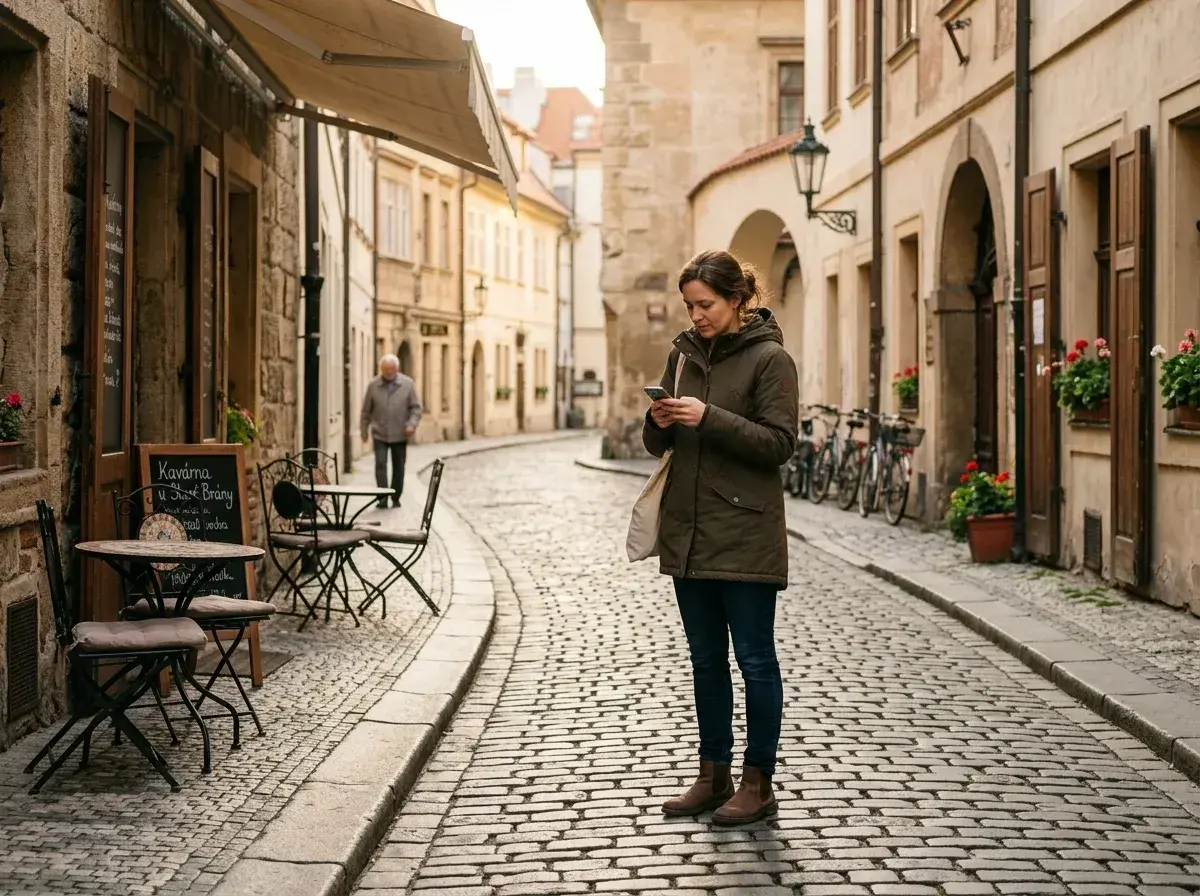
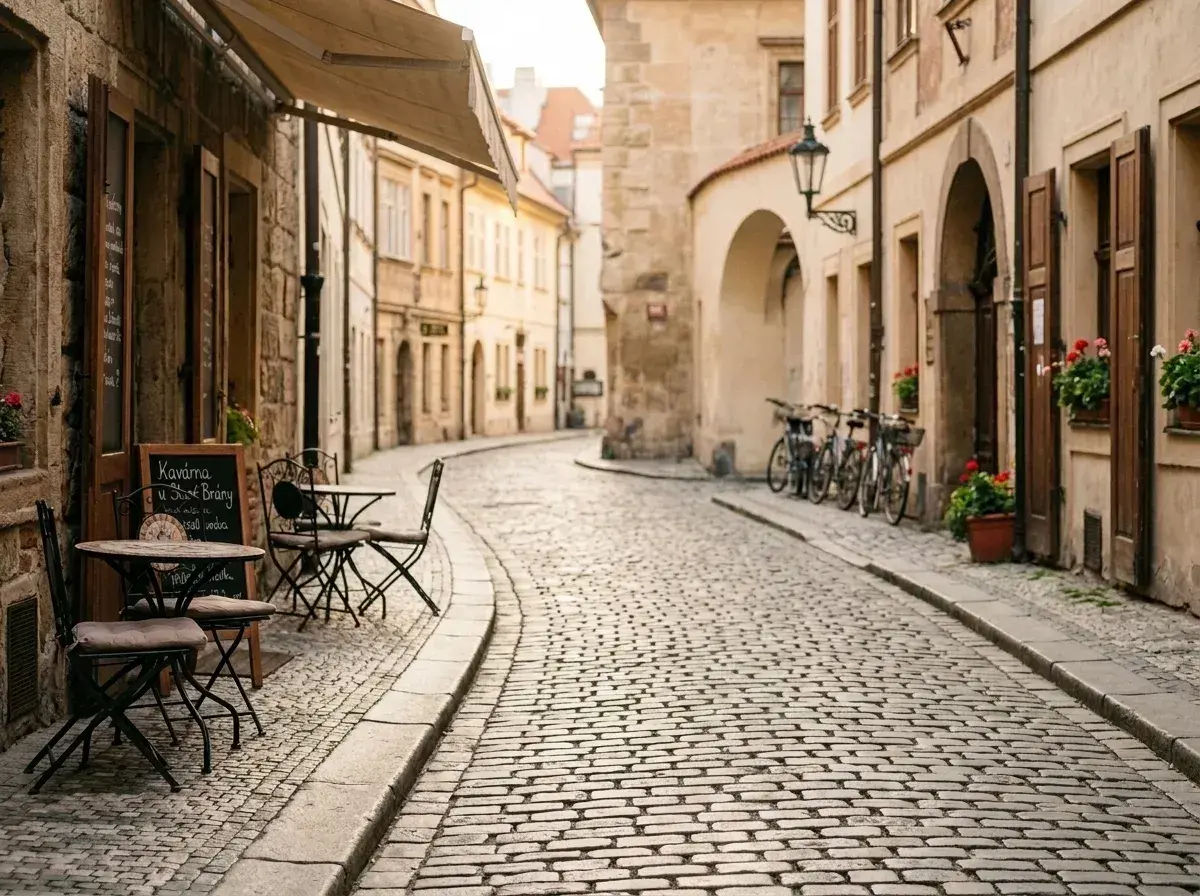 Before → after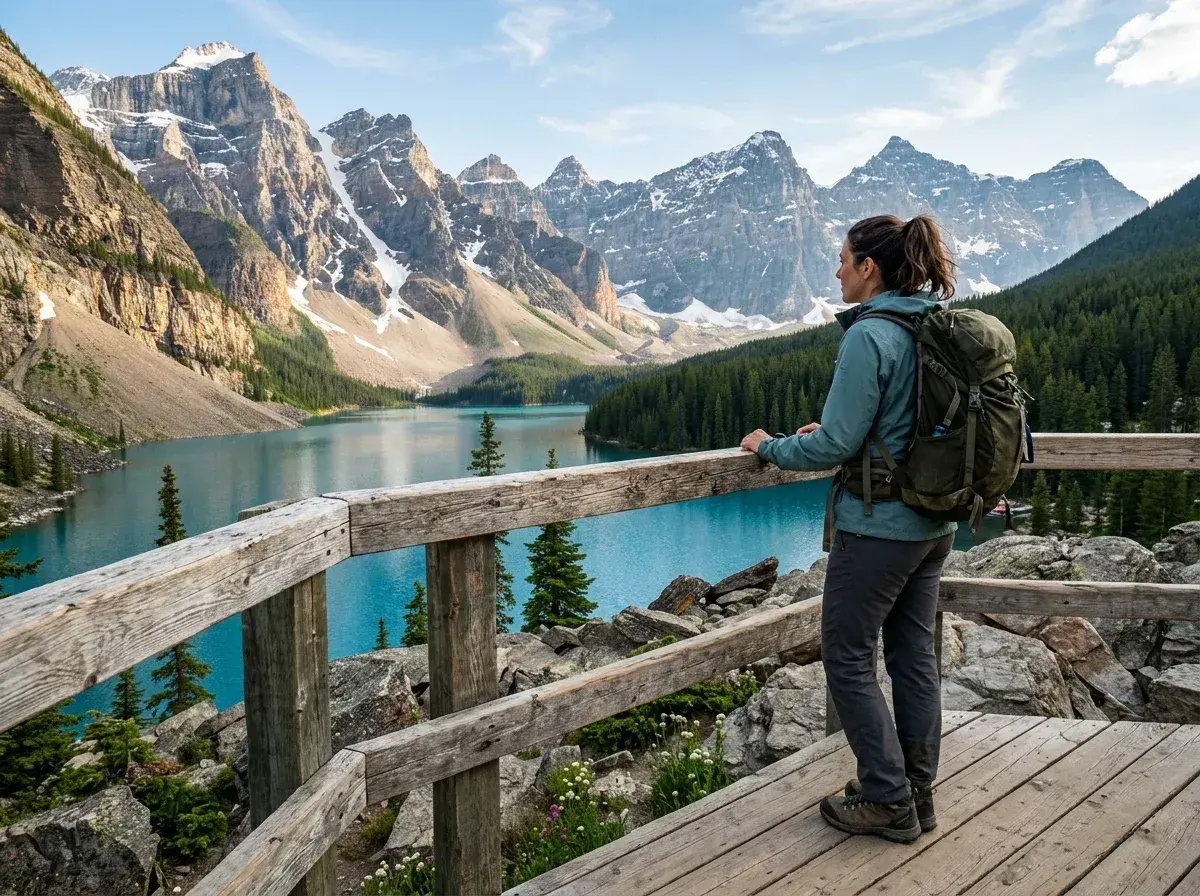
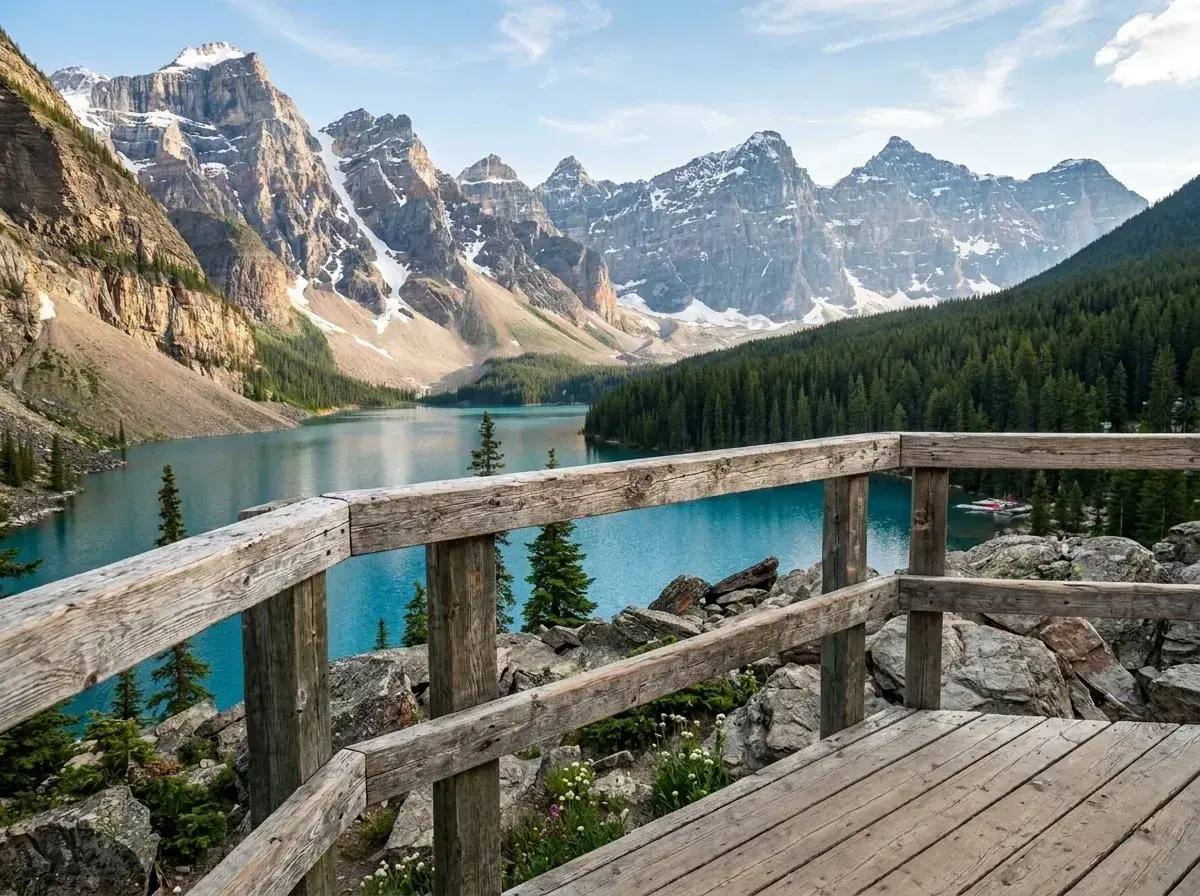 Before → after
Common questions
How do I remove one specific person when there are several people in the photo?
Will the background look fake where the person was?
Does it work if the person is partially blocking someone or something?
Do I need to brush or draw over the image to select the subject?
How are my uploaded images handled and stored?
What subscription plans are available?
Fix your photo in the next minute
Plans from $9/month · cancel anytime
or drag & drop it here
JPEG · PNG · WebP · up to 20 MB · zero photo storage