AI People Remover
Use our AI people remover to erase strangers from any photo in seconds. Just type who to take out—no brushing or editing skills needed.
or drag & drop it here
JPEG · PNG · WebP · up to 20 MB · zero photo storage
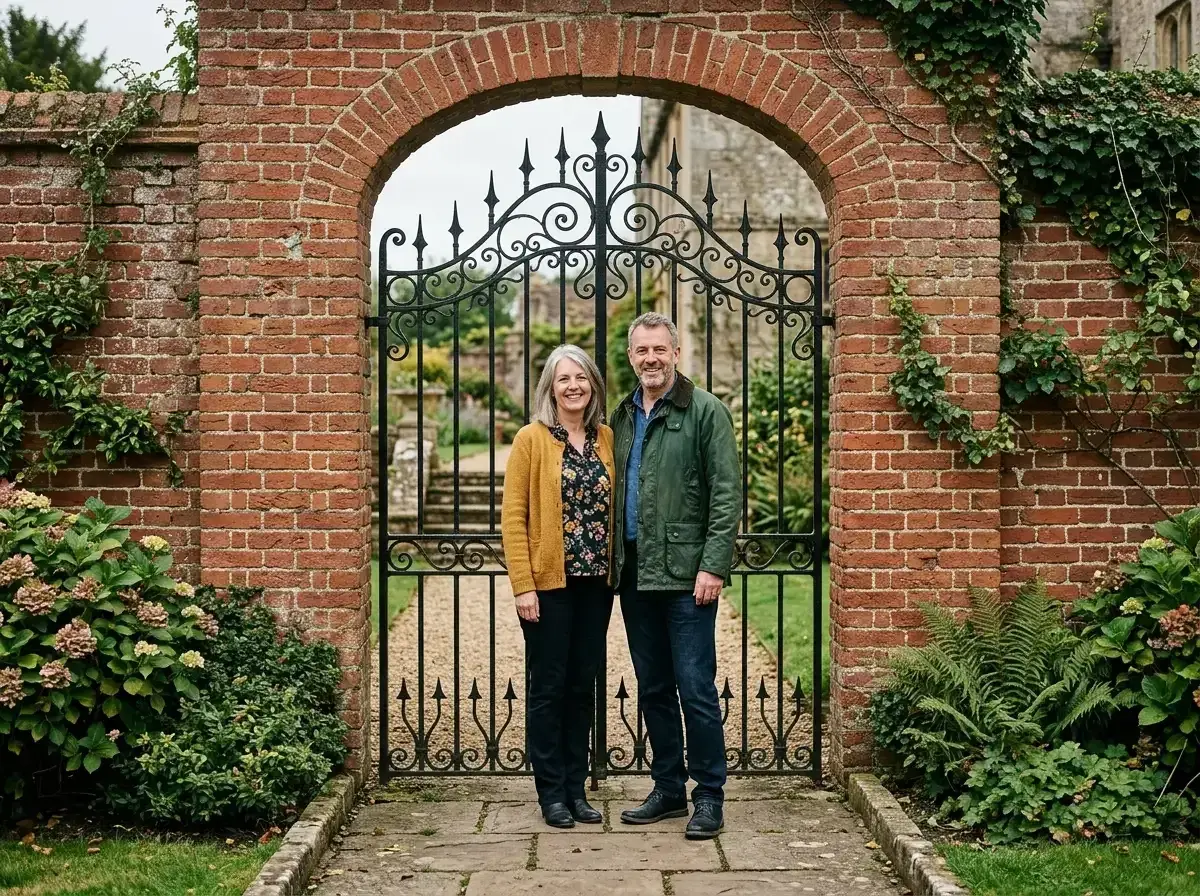
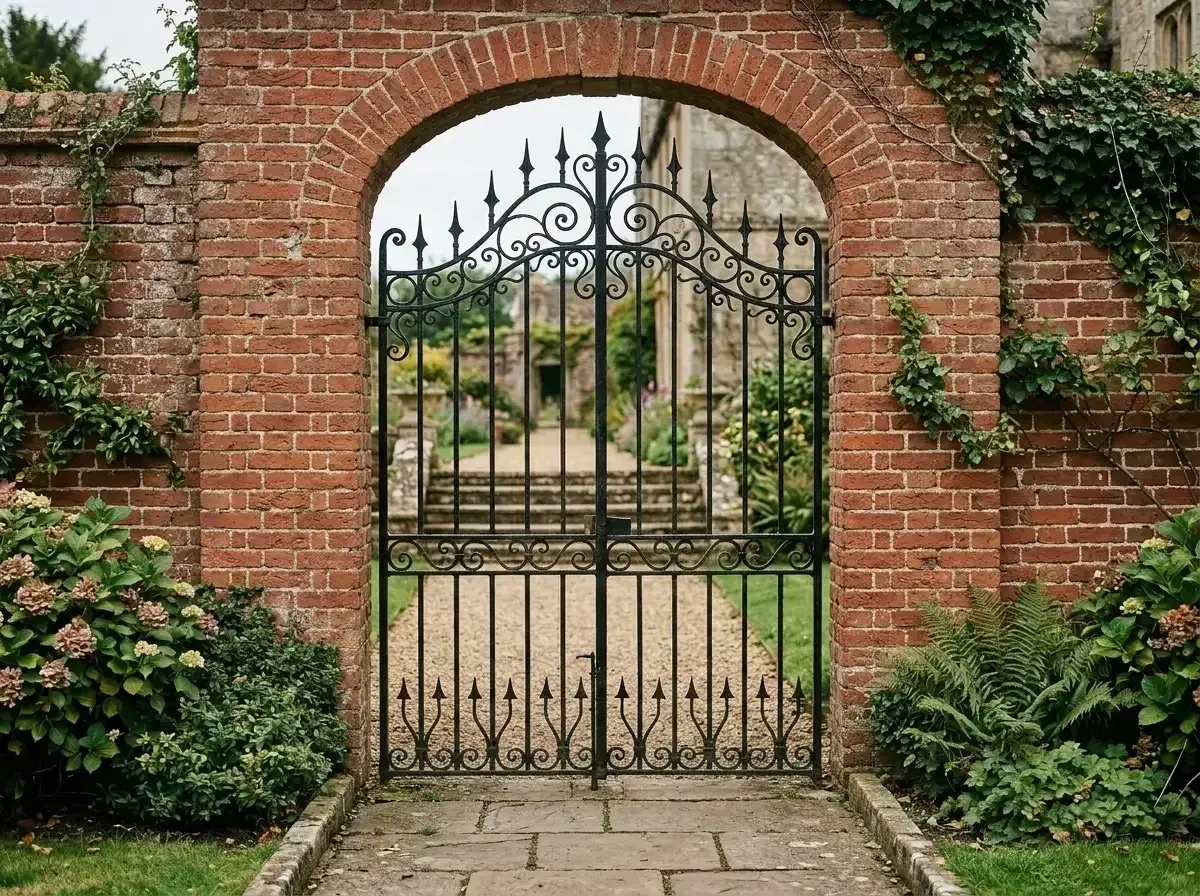 Before → after
Taking a great photo usually comes down to timing, but even perfect timing cannot stop a stranger from walking across your shot. For years, fixing this required opening heavy desktop editing software, carefully painting over the unwanted subject, and hoping the software did not mess up the rest of the image.
Our AI people remover changes how you edit pictures online. Instead of spending ten minutes manually tracing outlines or brushing over complex details, you simply describe who you want to get rid of in plain words—like "the man in the red jacket" or "everyone behind us". The model handles the rest directly in your browser.
In under 10 seconds, the tool identifies the person, takes them out, and completely reconstructs what was behind them. The final download is clean, sharp, and contains no watermarks.
This is one situation covered by our main guide, Remove a Person from a Photo — start there if you want the full walkthrough.
Why Clone Stamp and Patch Tools Leave Smudges
To understand why modern AI produces far better results, it helps to look at legacy photo editing tools. For decades, editors relied on the clone stamp, patch tool, or basic content-aware fill to delete unwanted objects from a picture.
These older tools work by copying existing pixels from one area of a photo and pasting them over the person you want to remove. While this works acceptably on a plain blue sky or flat green grass, it fails completely on more detailed shots. Because the software is just duplicating pixels from elsewhere in the same image, it often leaves noticeable smudges, blurry patches, or repeated patterns that immediately reveal the photo was edited.
Reconstructing the Background Instead of Copying Pixels
Our AI model does not copy and paste pixels from another part of your image. Instead, it analyzes the entire context of the picture—understanding depth, light direction, perspective, and architectural structures.
When you ask the tool to take out someone from a picture, it generates brand new visual content to fill the empty space. It predicts what should plausibly exist behind the subject, seamlessly extending lines, textures, and lighting so the finished snap looks like nobody was ever standing there in the first place.
Handling Complex Backgrounds: Brickwork, Water, and Foliage
Reconstructing realistic details is especially critical on detailed surfaces where manual clone stamping usually breaks down:
• Brickwork and Tile: Older patch tools slice through mortar lines, leaving misaligned bricks and jagged edges. Our model understands geometric lines and continues the brick pattern smoothly across the edited area.
• Trees and Foliage: Copying leaves creates obvious duplicate clusters that look fake. The AI builds realistic branches, light gaps, and leaf variations.
• Water and Waves: Water reflection and wave ripples change constantly across a frame. Rather than pasting static water textures, the editor generates natural fluid motion and lighting reflections.
• Background Crowds: Removing a single person standing in front of a dense crowd often turns into a messy blur with older software. The AI cleanly fills the space with realistic depth matching the surrounding environment.
No Selection Tools or Brushing Required
Traditional photo editors force you to zoom in and meticulously brush over every inch of the subject you want to erase. If your finger slips or your selection misses a shoe or a shadow, the final edit looks awkward.
With our text-based interface, plain language is the whole tool. Upload your image, type a short description of whoever's in the way, and let our AI handle the recognition and removal automatically. It saves time and produces a clean image every single time.
More real results
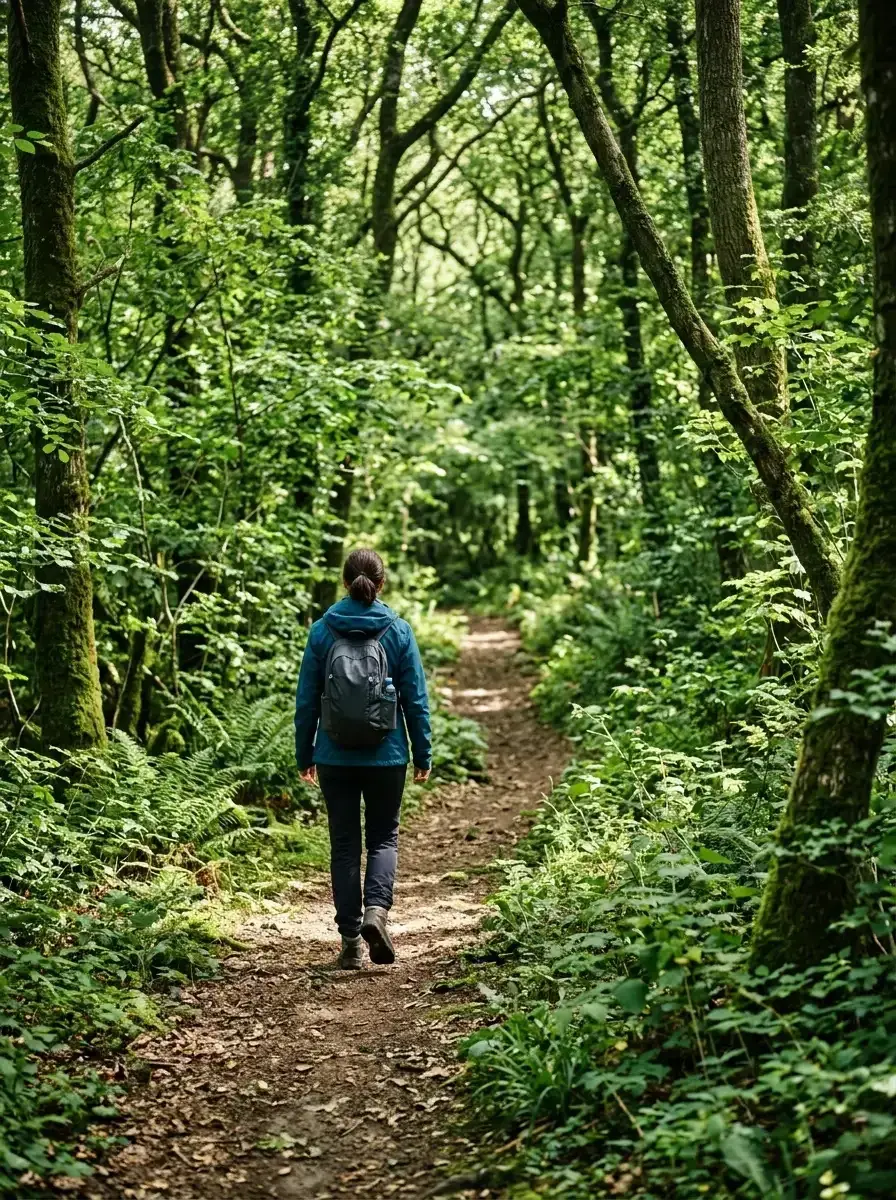
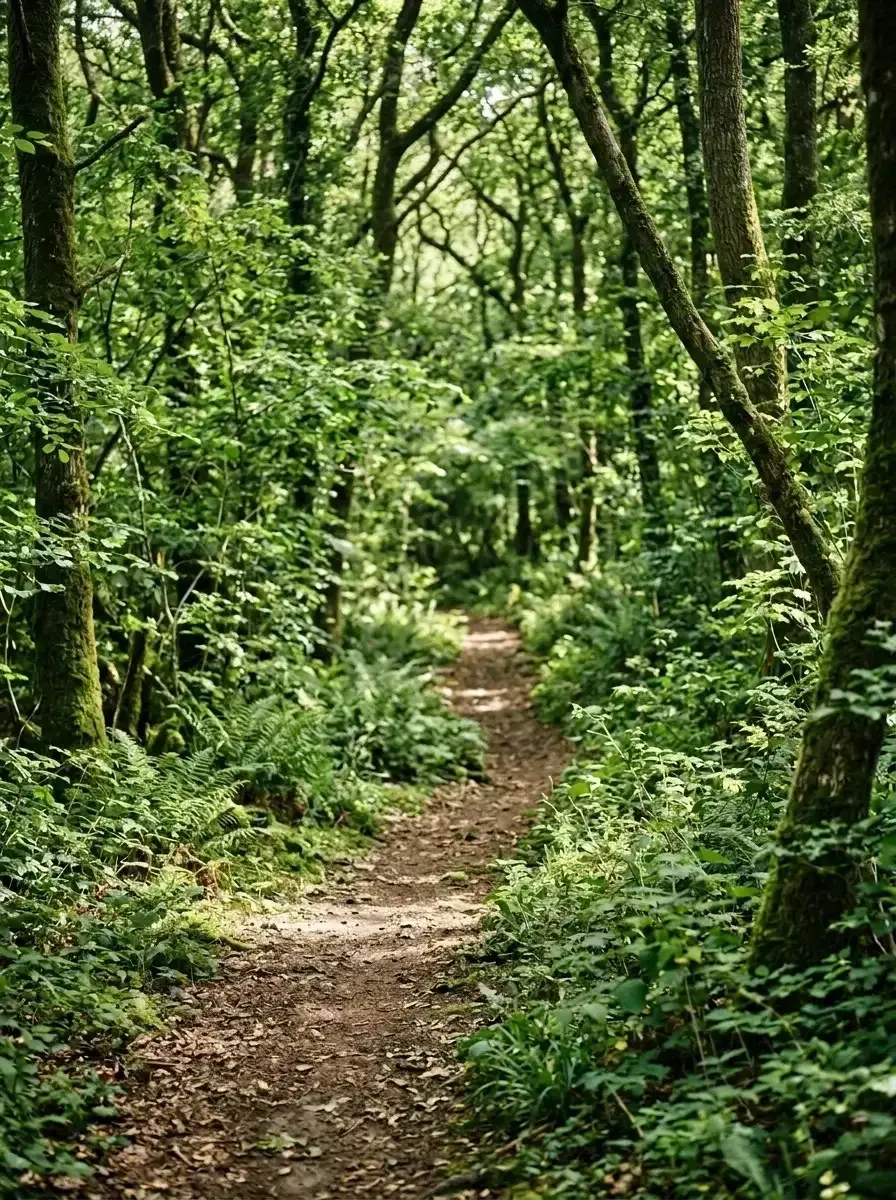 Before → after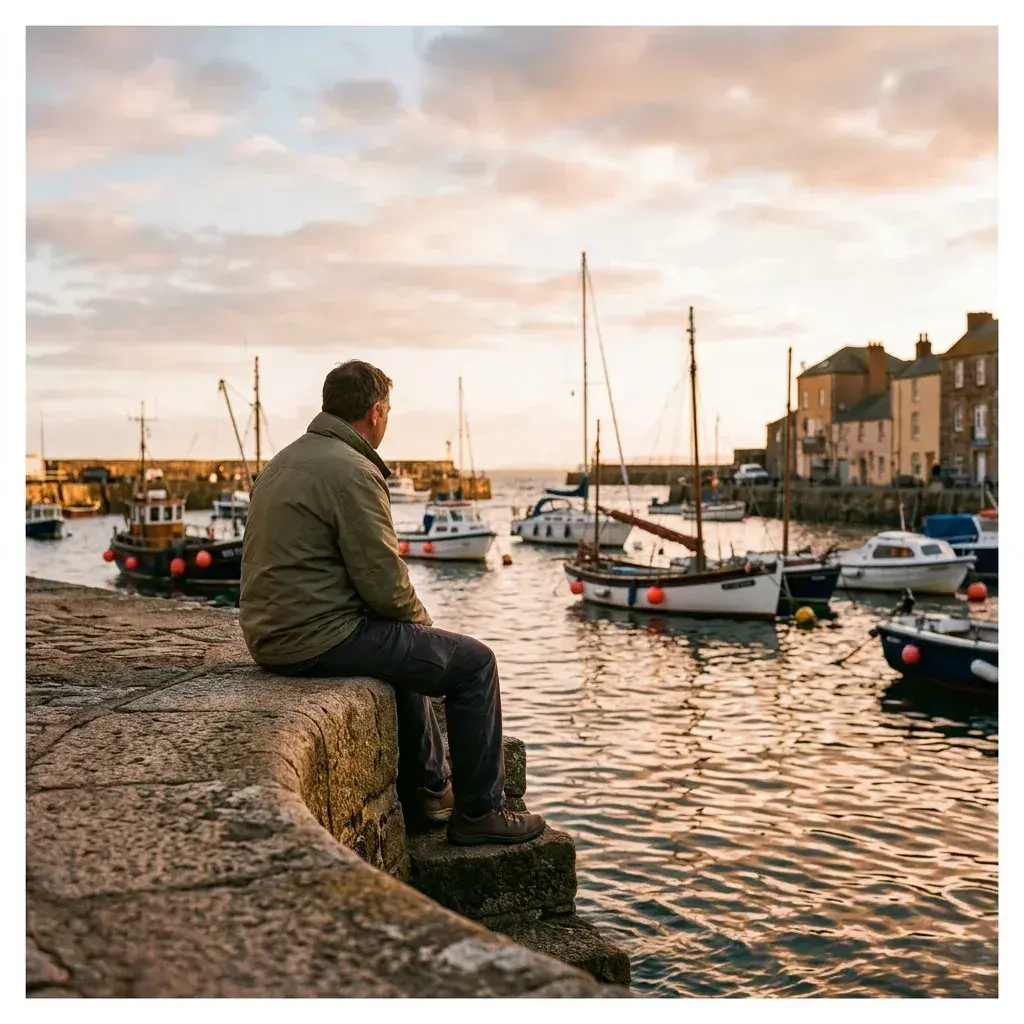
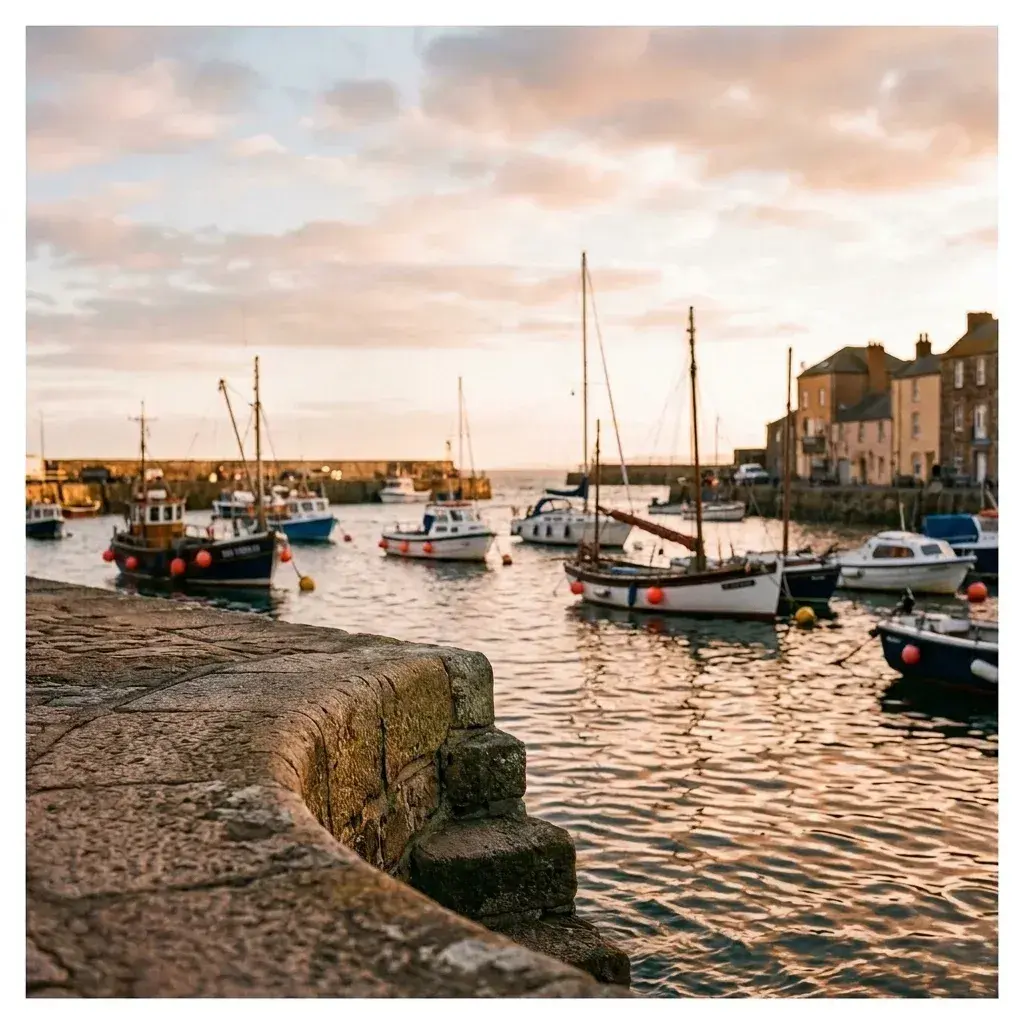 Before → after
Common questions
How is an AI people remover different from the clone stamp tool?
Why do older tools leave smudges and repeated patterns?
Does it work on complicated backgrounds like trees or crowds?
Do I need to install any software to use this tool?
Are my uploaded photos stored on your servers?
Can I try the editor before purchasing a subscription?
Fix your photo in the next minute
Plans from $9/month · cancel anytime
or drag & drop it here
JPEG · PNG · WebP · up to 20 MB · zero photo storage