Remove a Person from a Group Photo
Remove someone from a group photo with AI. Name who should go and who should stay, compare a sample result, and review your edit before downloading.
3 HD edits for $4.99 once · no subscription
or drag & drop it here
JPEG · PNG · WebP · up to 20 MB · zero photo storage
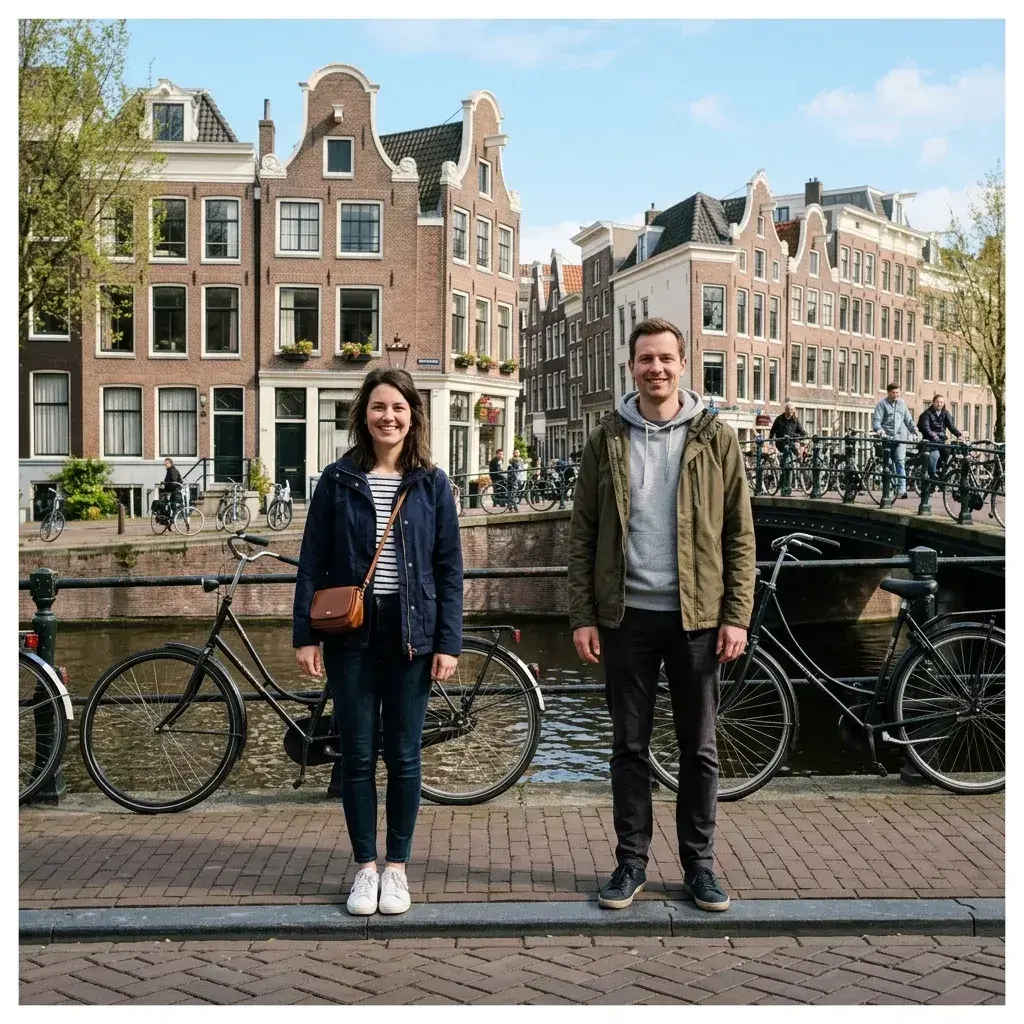
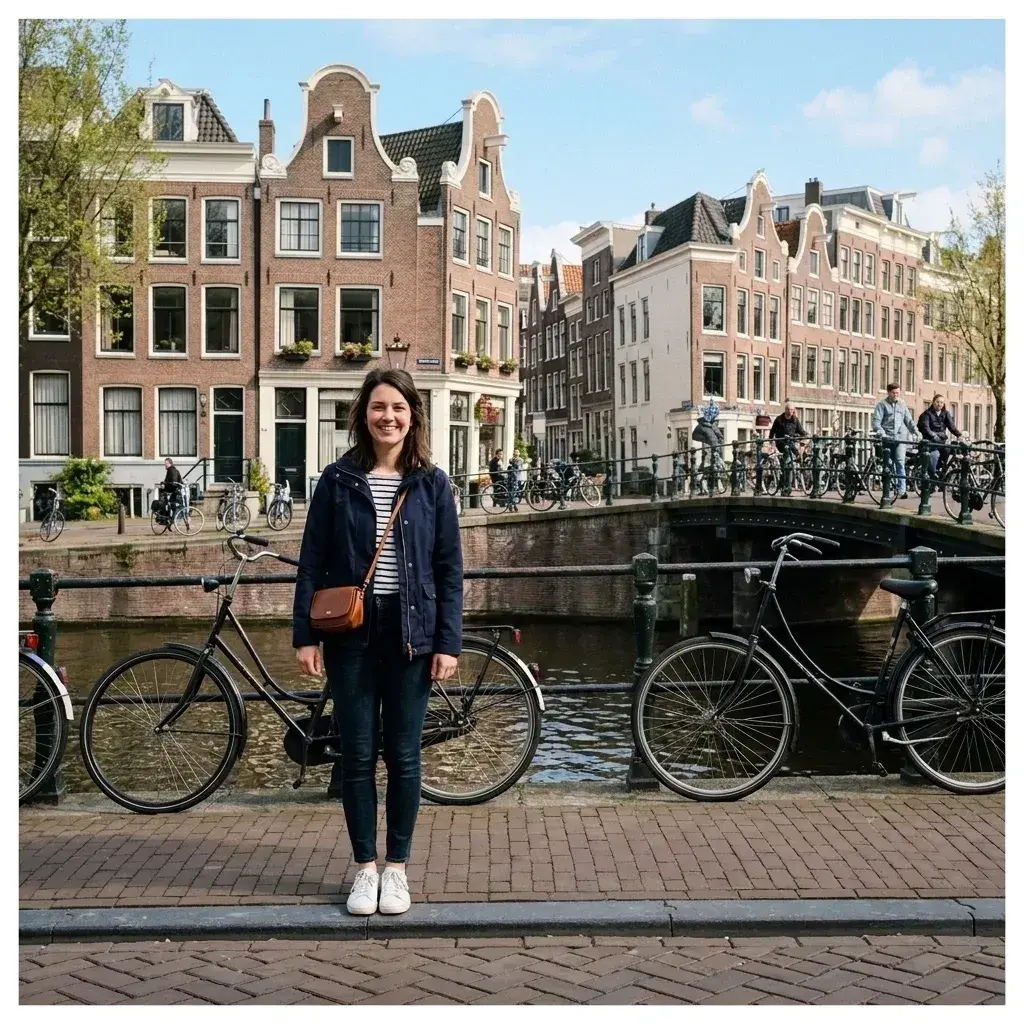 Before → after
Removing one person from a group photo is harder when people overlap. An arm may cross another person, or the person leaving may hide part of a wall, landscape or outfit. Those details need careful review in the finished image.
Upload your group photo and describe the person to remove in plain words. Add who must stay, such as “remove the man in the blue shirt on the left; keep the woman beside him.” You do not need to paint a mask or select every edge.
The AI generates an edited version of your photo. Compare it with the original before downloading, especially around faces, hands, clothing and the space behind the removed person. If a detail changed, make the instruction more specific and try another edit.
This is one situation the tool handles. Remove people from any photo — upload yours and describe who should go.
When people stand close together
The AI must infer what was hidden behind the person you remove. A crowded lineup or an arm around a friend leaves less visual evidence than someone standing alone in the background. This is a difficult case for any generative editor.
Start with a clear description of clothing and position. State who should remain, and check their faces, hands and clothing in the result. If people overlap heavily, results can vary and a second edit may be needed.
How to remove one person without brushing
Upload a JPEG, PNG or WebP. Describe the person to remove using a position and a distinguishing feature: “remove the man on the far right wearing a red jacket; keep everyone else.” Review the preview against your original before downloading.
The free prepared sample shows how the editor works. Editing your own photo uses a paid credit: the one-time pack costs $4.99 for three HD edits, or you can choose a monthly plan.
Check the result before you download
Look closely at the border where the removed person touched someone you kept. Check faces, arms, hair, clothing, shadows and repeating background patterns. Generative edits can change these details, particularly in tightly packed groups.
You can describe a narrower target and retry if the first result is not right. Every new generation uses one edit credit. Downloads have no watermark.
More real results
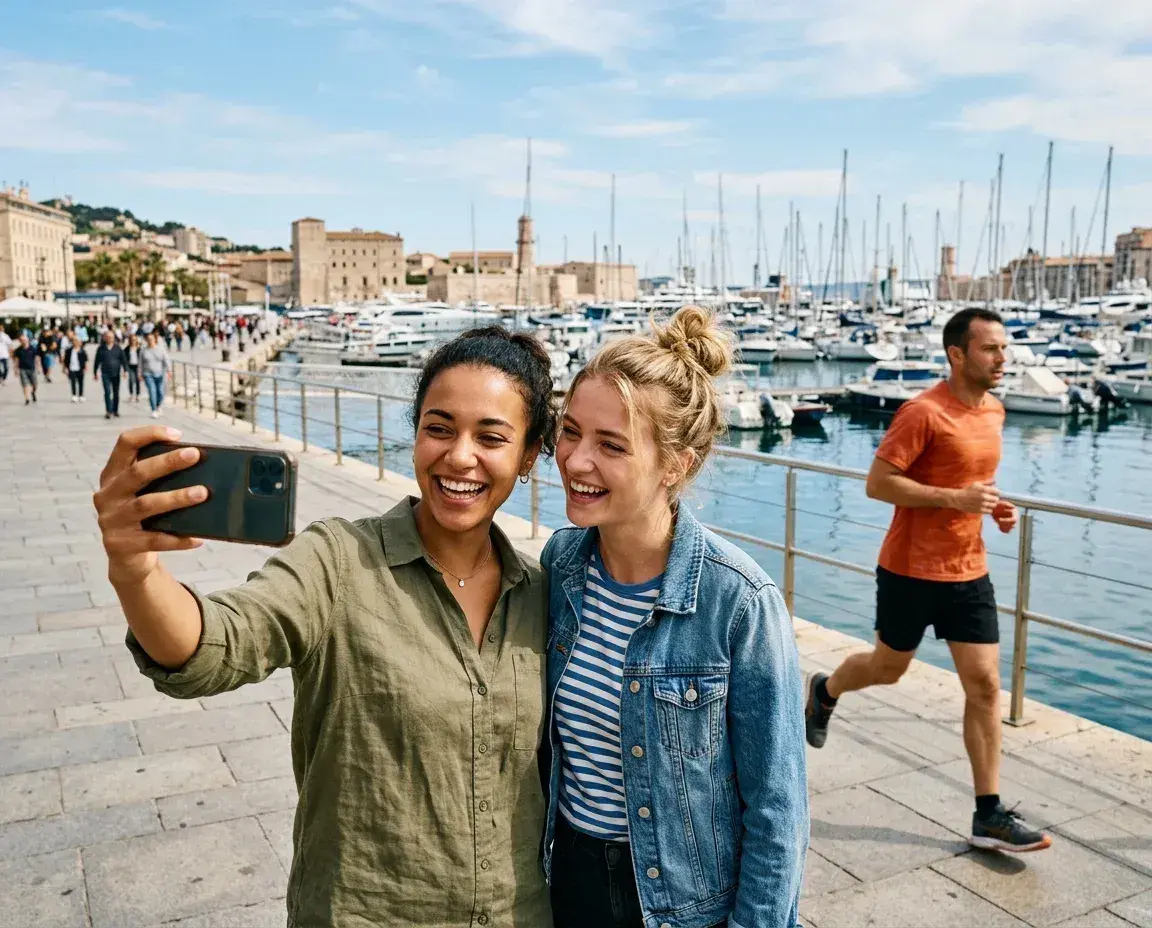
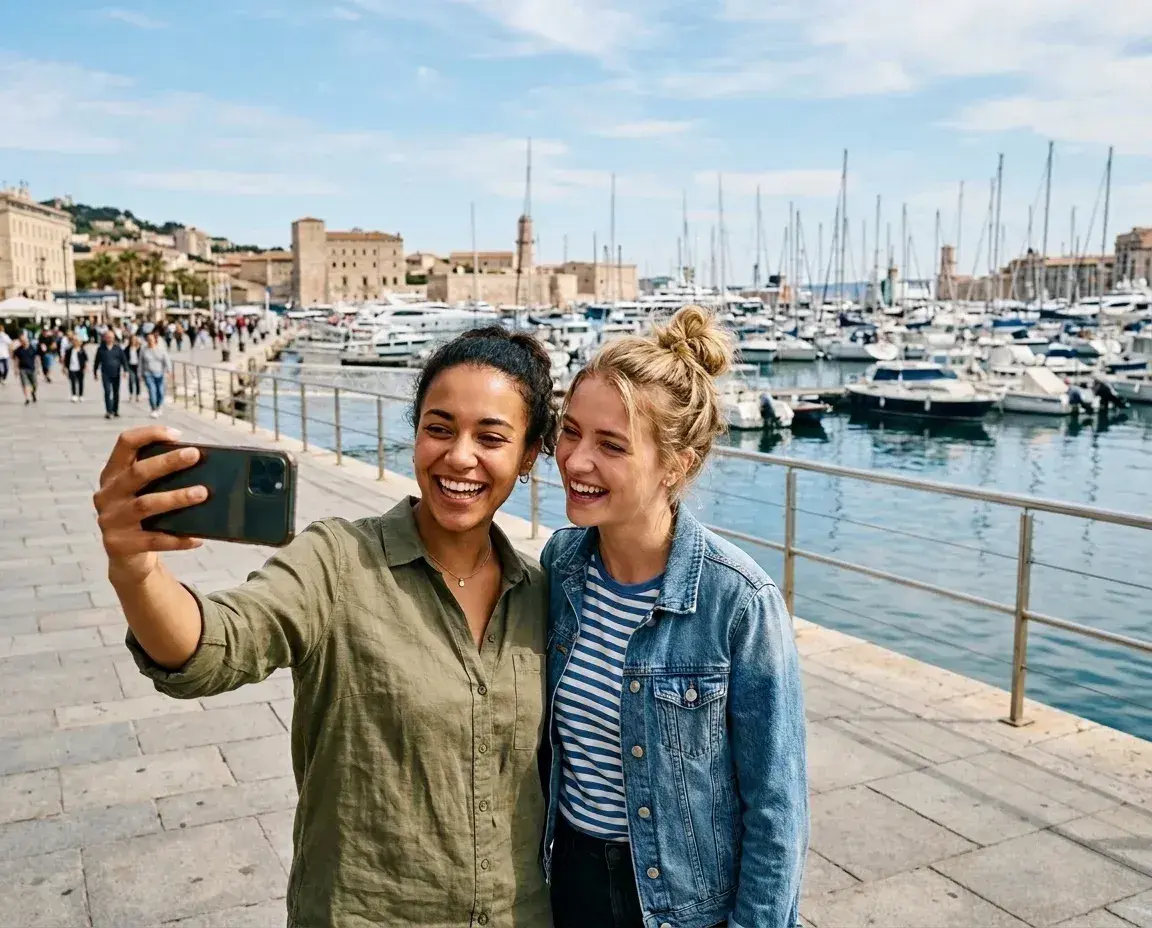 Before → after
Common questions
Can it close the gap where the person was standing?
What if the person's arm is around someone I want to keep?
Will the people I keep stay completely unchanged?
Are my photos stored or saved on your servers?
Which plan do I need to edit my own photos?
How accurate do my text prompts need to be?
Ready to fix your photo?
3 HD edits for $4.99 once · no subscription. Each new generation uses one edit.
or drag & drop it here
JPEG · PNG · WebP · up to 20 MB · zero photo storage