Remove Strangers from Photos
Remove strangers from photos online with AI. Describe who to erase in plain words, inspect the result, and download a watermark-free picture.
3 HD edits for $4.99 once · no subscription
or drag & drop it here
JPEG · PNG · WebP · up to 20 MB · zero photo storage
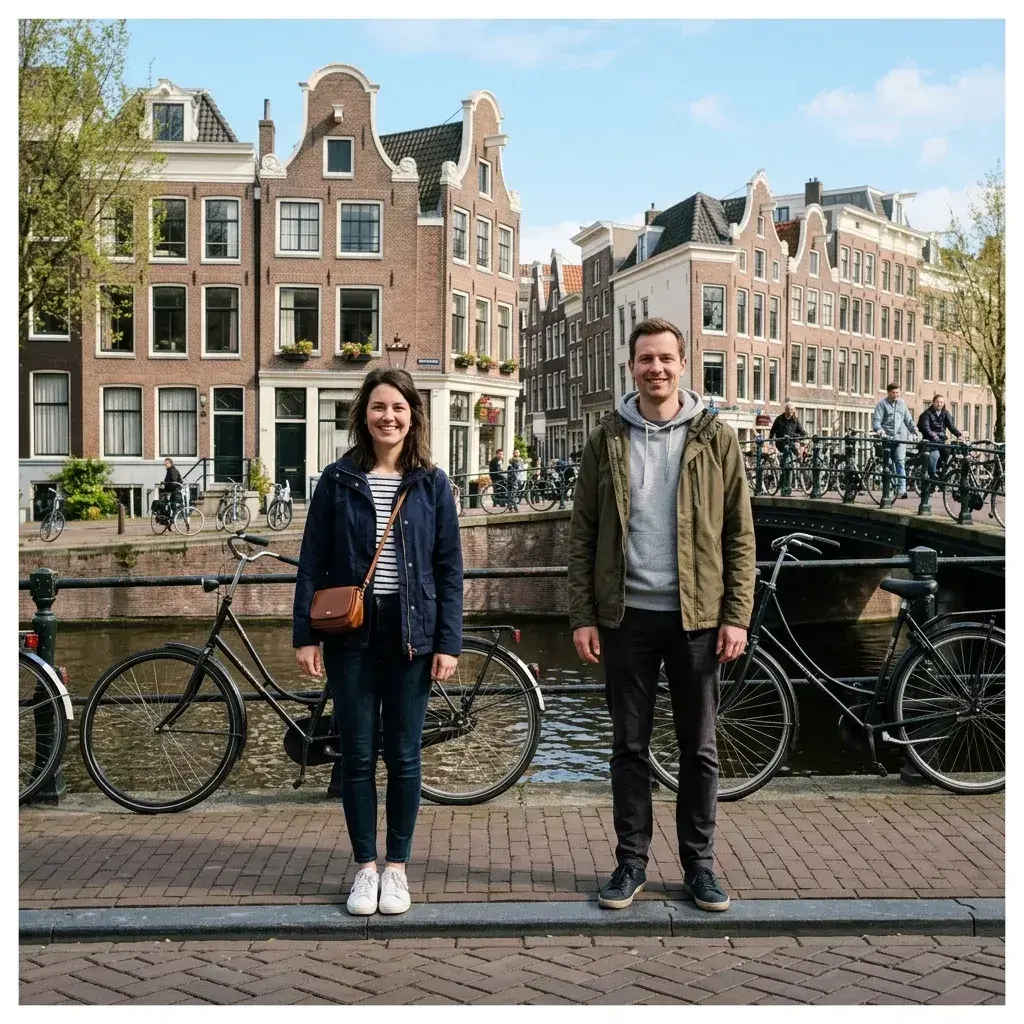
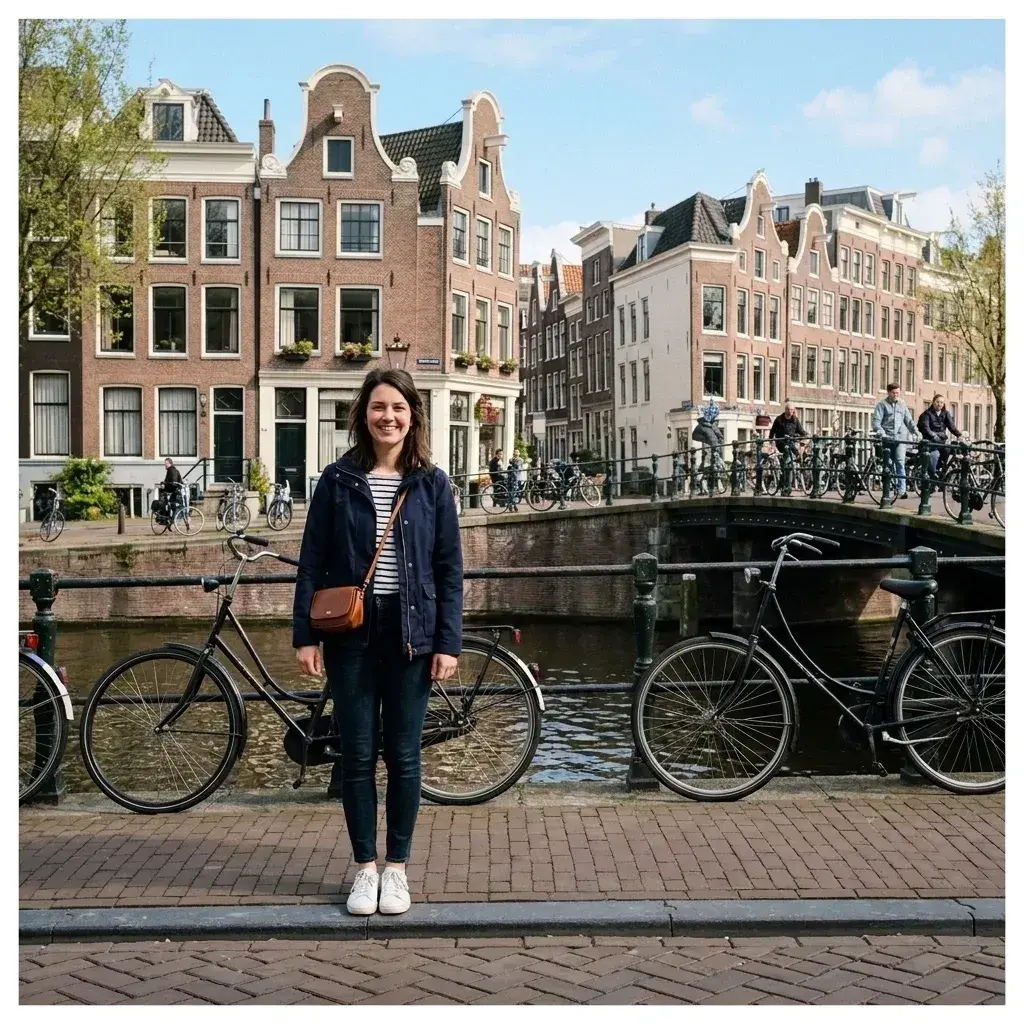 Before → after
Background strangers ruin more than just the framing of a great picture—they create real privacy concerns. Whether you are posting a family weekend snap on social media, sharing pictures of your children online, or uploading photos for a rental property, having recognizable faces of people you don't know in the frame is rarely ideal.
Our AI tool lets you remove strangers from photos online right in your browser without tedious manual editing. You do not need to draw precise selection lines or brush over complex background details. Simply upload your image and describe who you want to delete using plain words, such as 'the person standing near the bench' or 'everyone in the background.'
After you submit the instruction, the model takes out unwanted bystanders and reconstructs the scene behind them. You get a clean picture ready to share safely, completely watermark-free.
This is one situation the tool handles. Remove people from any photo — upload yours and describe who should go.
Protect Family and Child Privacy Online
When you share pictures of your kids or family on public platforms, keeping random individuals out of the frame is an important safety step. Unintentional background faces can accidentally reveal someone else's location or visually clutter a personal memory. Taking out unknown bystanders ensures the focus stays entirely on your loved ones while respecting everyone's privacy.
Instead of cropping your snap awkwardly and cutting out natural scenery, our AI fills in the missing background automatically. Whether it's a park lawn, a public sidewalk, or a beach coastline, the tool seamlessly recreates realistic textures so your photo looks original and untouched.
Keep Marketplace and Rental Shots Clean
Selling items online or listing a home rental requires crisp, clear images that highlight the property or object, not passersby. A stranger walking past a parked car or sitting on a patio furniture listing distracts potential buyers and raises privacy questions.
With our tool, you can erase people from your marketplace snaps directly in your browser. Just type who needs to go—like 'the stranger in the black hat'—and get rid of unwanted figures without needing complex photo editing software.
No Brushing or Complex Masking Tools
Most online photo editors force you to zoom in and meticulously brush over every outline. If you have a small phone screen or intricate background details like trees, manual brushing often leaves blurry edges and ruined textures. We replaced all manual selection tools with simple text instructions.
You simply describe whoever's in the way using everyday language. Our model understands context, identifies the target figure, erases them, and reconstructs the scene. Every download is crisp, clear, and watermark-free.
Strict Instant-Privacy Image Processing
Privacy applies to your own uploaded files as well. We never store your photos or retain your uploads. Your image is processed entirely in memory and completely discarded the instant your edited picture is returned.
Nothing is saved to disk, nothing is stored in a database, and your photos are never used to train AI models. You can clean up personal snaps knowing your visual data leaves zero digital footprint on our servers.
More real results

 Before → after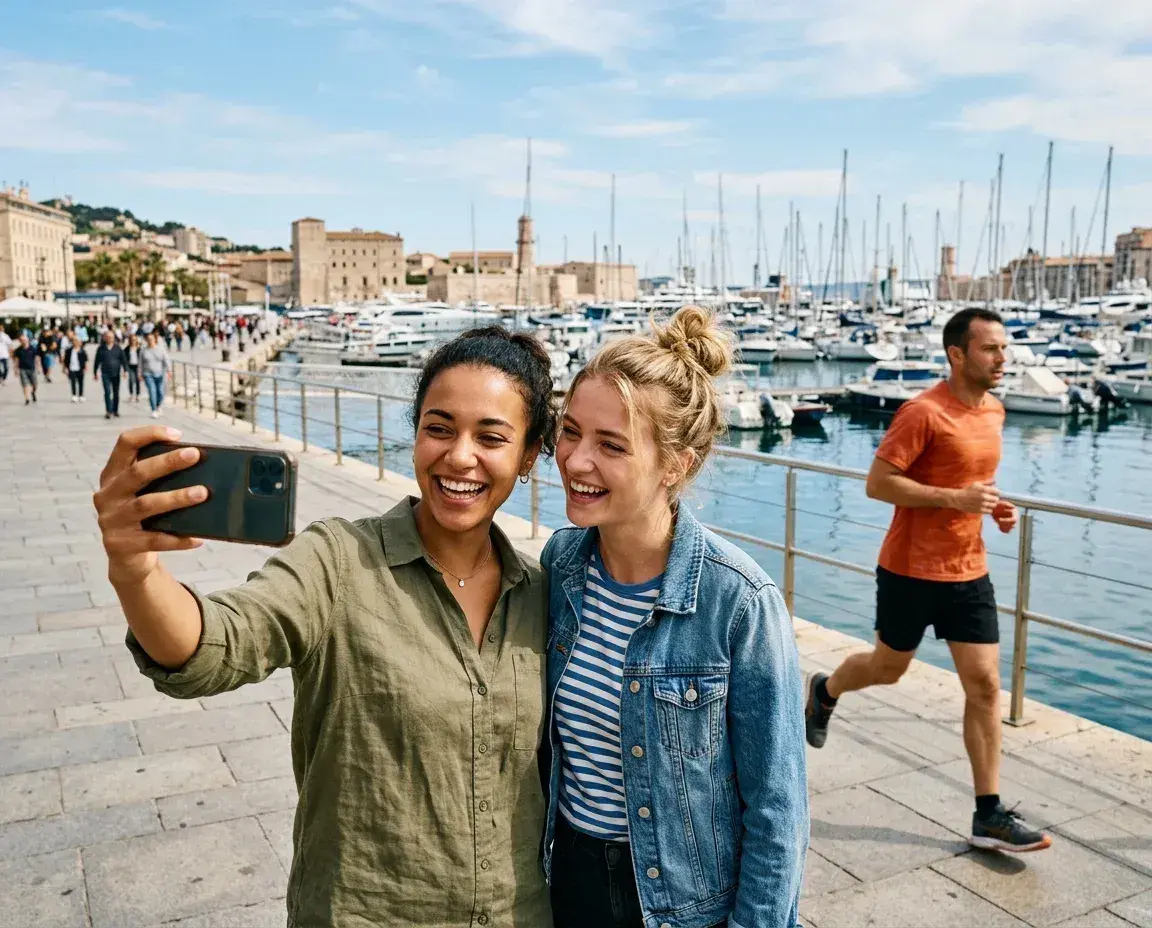
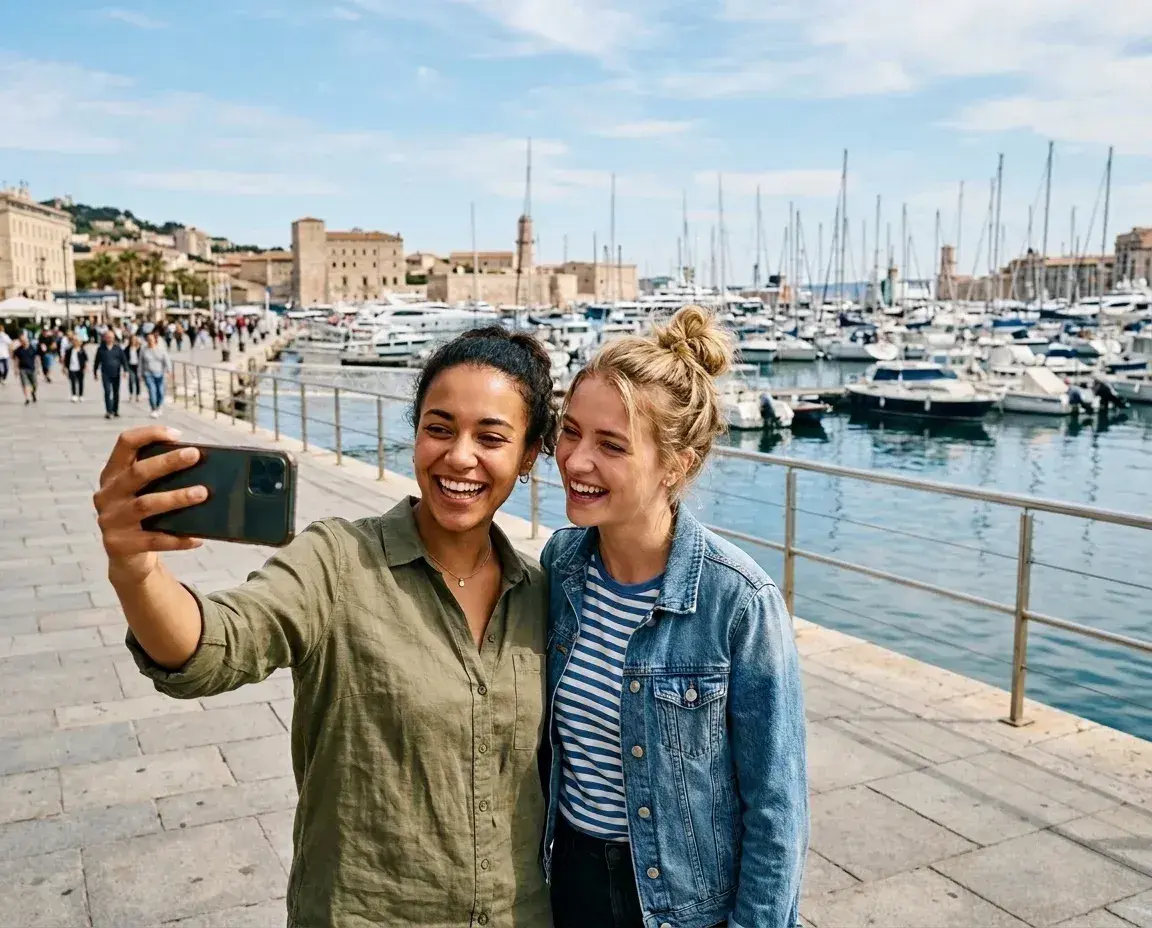 Before → after
Common questions
Is removing strangers before posting photos of my kids a good privacy practice?
Can it remove strangers without touching the people I want to keep?
Are my uploaded photos private?
How do your subscription plans work?
Can I try the tool before subscribing?
Ready to fix your photo?
3 HD edits for $4.99 once · no subscription. Each new generation uses one edit.
or drag & drop it here
JPEG · PNG · WebP · up to 20 MB · zero photo storage