Remove People from Wedding Photos
Erase uninvited guests or vendors from your wedding pictures in seconds. No editing skills needed—just describe who to remove. Get high-res results online.
3 HD edits for $4.99 once · no subscription
or drag & drop it here
JPEG · PNG · WebP · up to 20 MB · zero photo storage
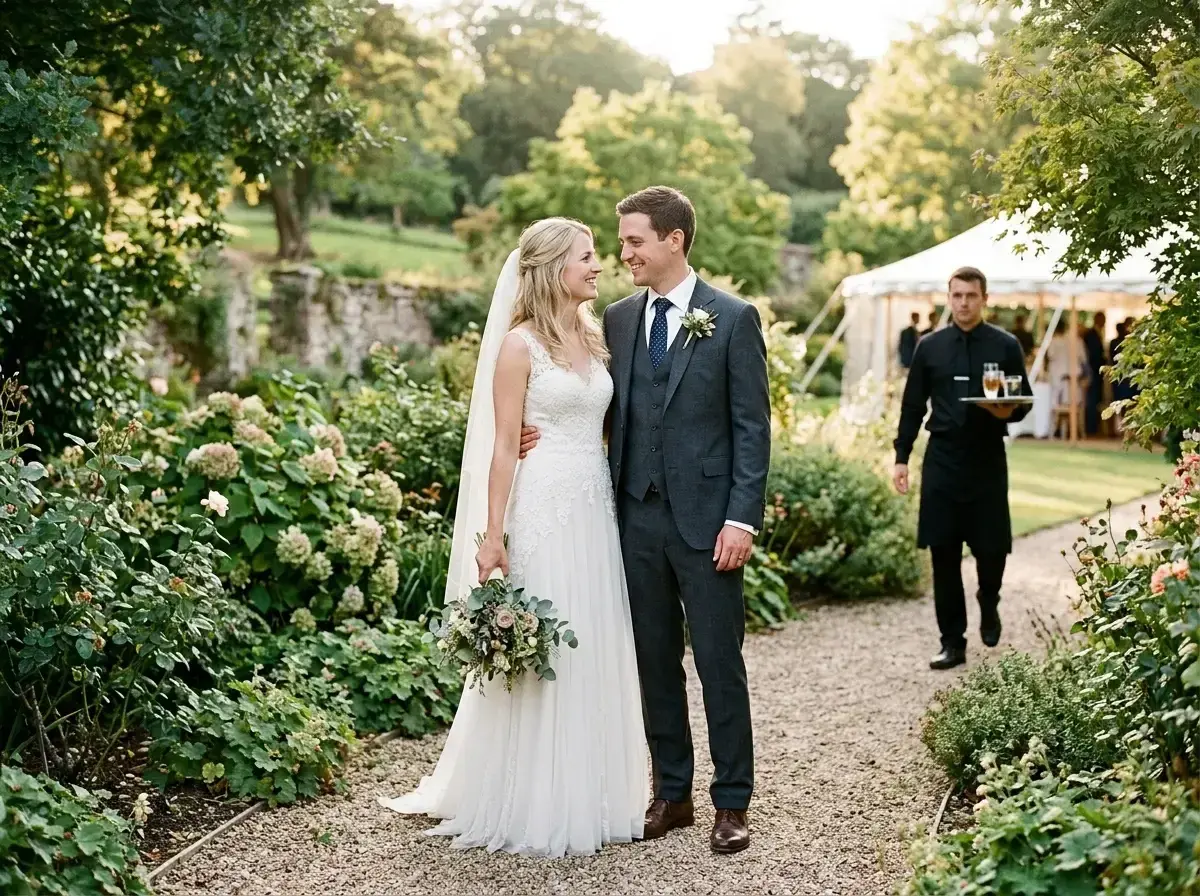
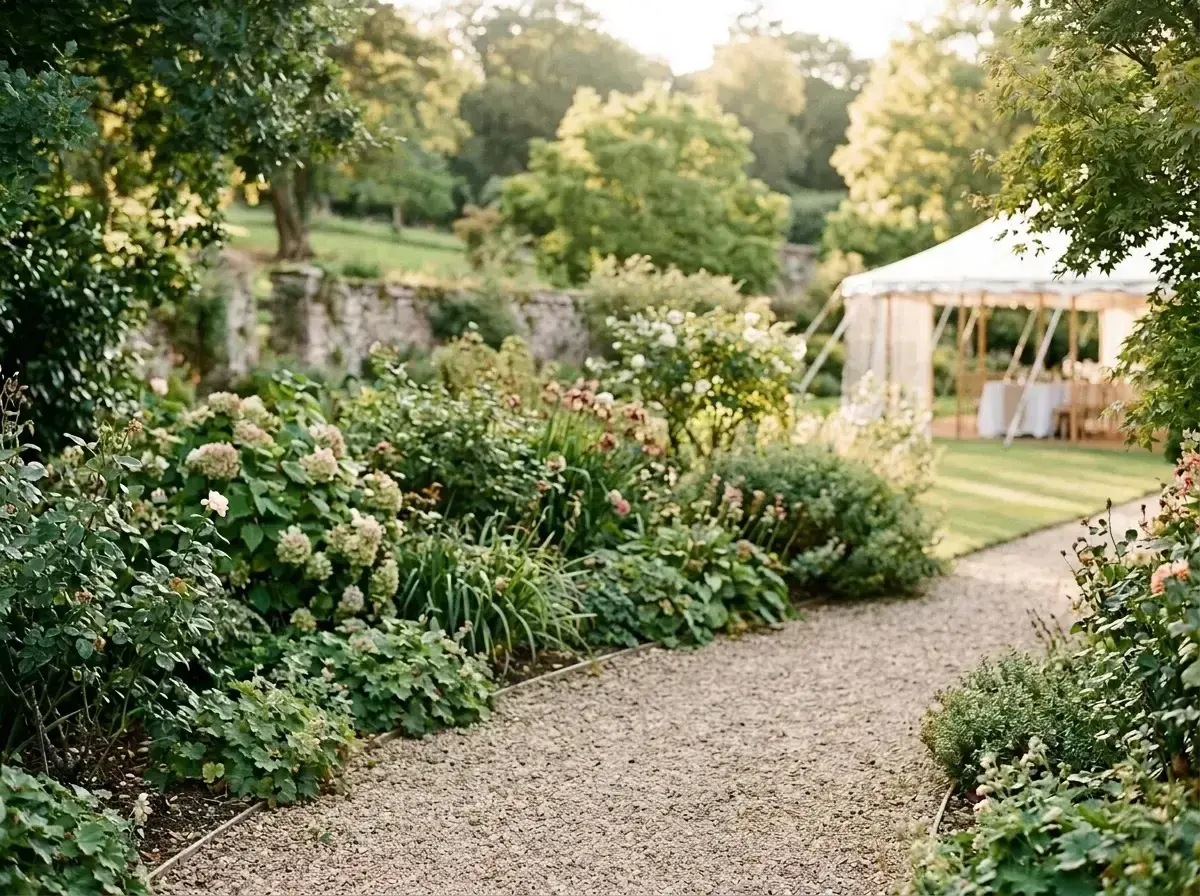 Before → after
Your wedding day is a collection of once-in-a-lifetime moments, captured by professional photographers and loved ones alike. However, even the most carefully staged shot can be interrupted by a wandering vendor, a guest who accidentally blinks into the frame, or a stranger walking through the background of your outdoor ceremony. These high-stakes images deserve to be perfect, but traditional editing can be time-consuming or expensive.
Our tool allows you to remove people from wedding photos directly in your browser without any technical expertise. Whether it is a catering staff member in your reception shots or an uninvited guest in the background of your first dance, our AI identifies the distraction and reconstructs the scene behind them. You don't have to worry about complex software; you simply describe what you want to change and let the model handle the rest.
By using plain language to edit your images, you can clean up your entire wedding gallery in minutes. The process is fast, private, and designed to maintain the integrity of your most cherished memories. From standard resolution for social sharing to ultra-high-definition for large prints, we provide the tools to ensure your wedding album looks exactly the way you envisioned it on the big day.
This is one situation the tool handles. Remove people from any photo — upload yours and describe who should go.
Erase Distractions with Plain Language
The biggest hurdle with traditional photo editing is the learning curve. Most tools require you to manually brush over an area or create complex masks to get rid of someone. Our AI changes that by using a text-based interface. To remove people from wedding photos, you simply upload your image and type a description like "the man in the white shirt" or "everyone behind the bridesmaids."
Our model processes your request and generates a clean result without manual masking. Because the tool understands context, it doesn't just blur the area; it intelligently reconstructs the background—whether that is a floral arch, a sunset beach, or a historic church interior. This allows you to take out unwanted elements while keeping the focus entirely on the couple and their invited guests.
High-Resolution Results for Once-in-a-Lifetime Shots
Wedding photography is an investment, and many couples plan to turn their favorite snaps into physical prints, canvases, or heirloom albums. For these purposes, resolution is everything. While standard edits are fine for a quick post on social media, high-stakes photos require the clarity found in our Plus and Studio plans. Our Plus plan offers high-resolution output, while the Studio plan provides 4K resolution, ensuring that even large-format prints remain crisp and professional.
When you delete a person from a high-quality image, our AI works to match the existing texture and detail of the shot. This is particularly important for wedding photography where lighting and atmosphere are key. By choosing a plan that matches your output needs, you can ensure that your edited pictures are indistinguishable from the original professional shots, ready to be framed and displayed on your mantle for decades.
Working Alongside Your Photographer’s Edits
Most professional photographers provide a beautifully color-graded gallery, but they may not have the time to meticulously remove every single stranger from every background shot. Our online tool is designed to work alongside those professional edits. Since our AI reconstructs the background based on the surrounding pixels, it respects the color profile and lighting of your original image.
You can get rid of a photobomber or a wandering videographer without ruining the 'vibe' of the professional edit. Because the tool runs entirely in your browser, you can make these adjustments as soon as you receive your digital gallery. There is no software to install and no need to send files back and forth. It is a streamlined way to put the finishing touches on your wedding story.
Privacy for Your Most Personal Moments
We understand that wedding photos are deeply personal. Privacy is a core part of how our tool operates. We never store your photos on our servers. When you upload an image to take out a person, it is processed entirely in memory. The moment the edit is returned to you, the image is gone from our system. Nothing is ever written to a hard drive, and we never use your personal photos to train our AI models.
This commitment to privacy means you can edit your ceremony and reception images with total peace of mind. Your data is never retained, and your memories remain yours alone. We focus on providing a fast, secure, and effective way to clean up your pictures so you can get back to enjoying your newlywed life.
More real results
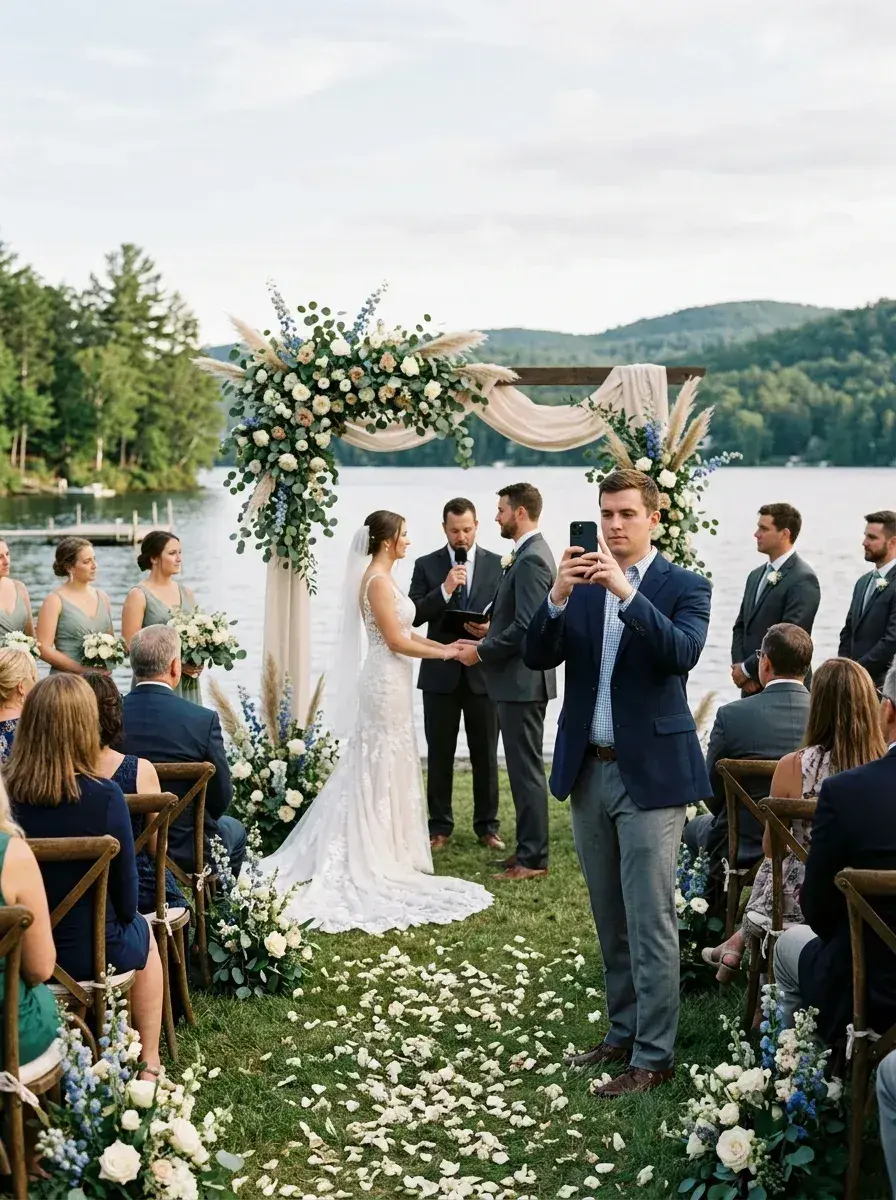
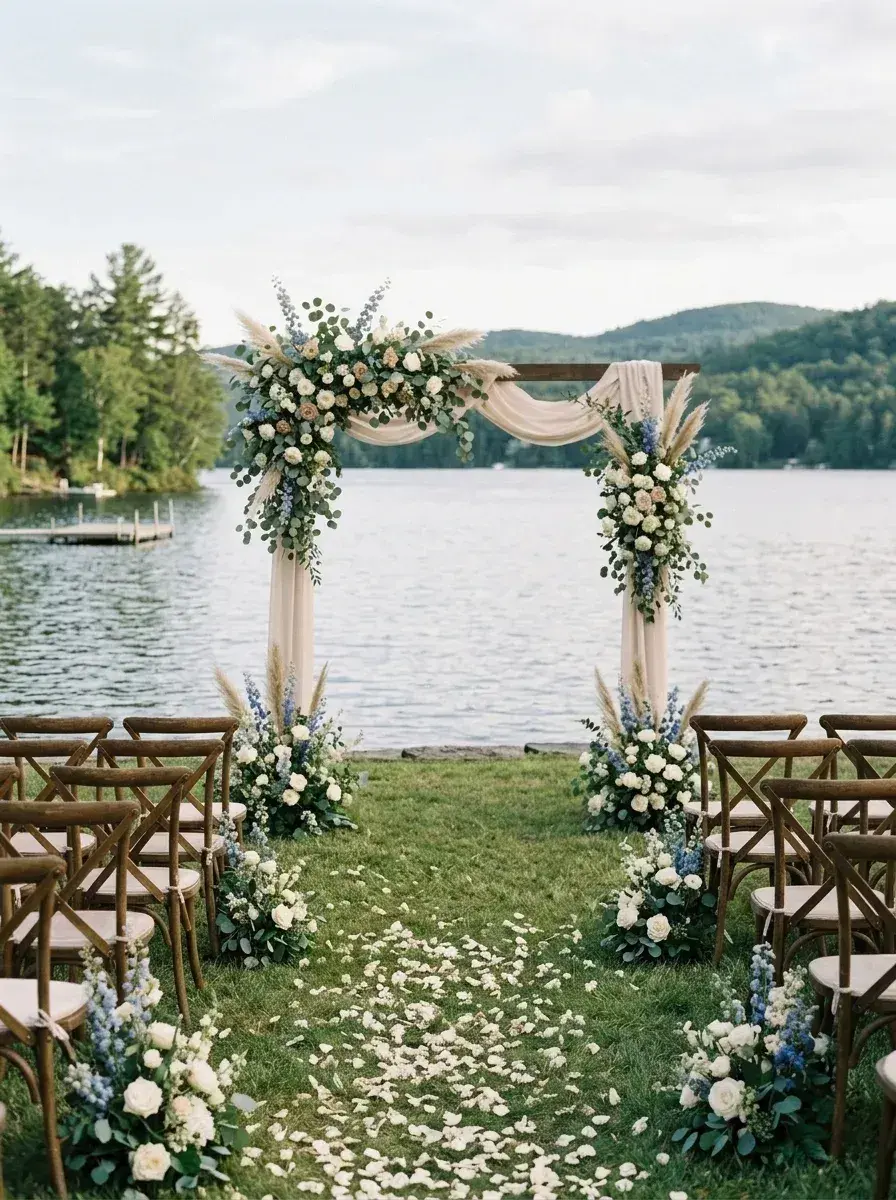 Before → after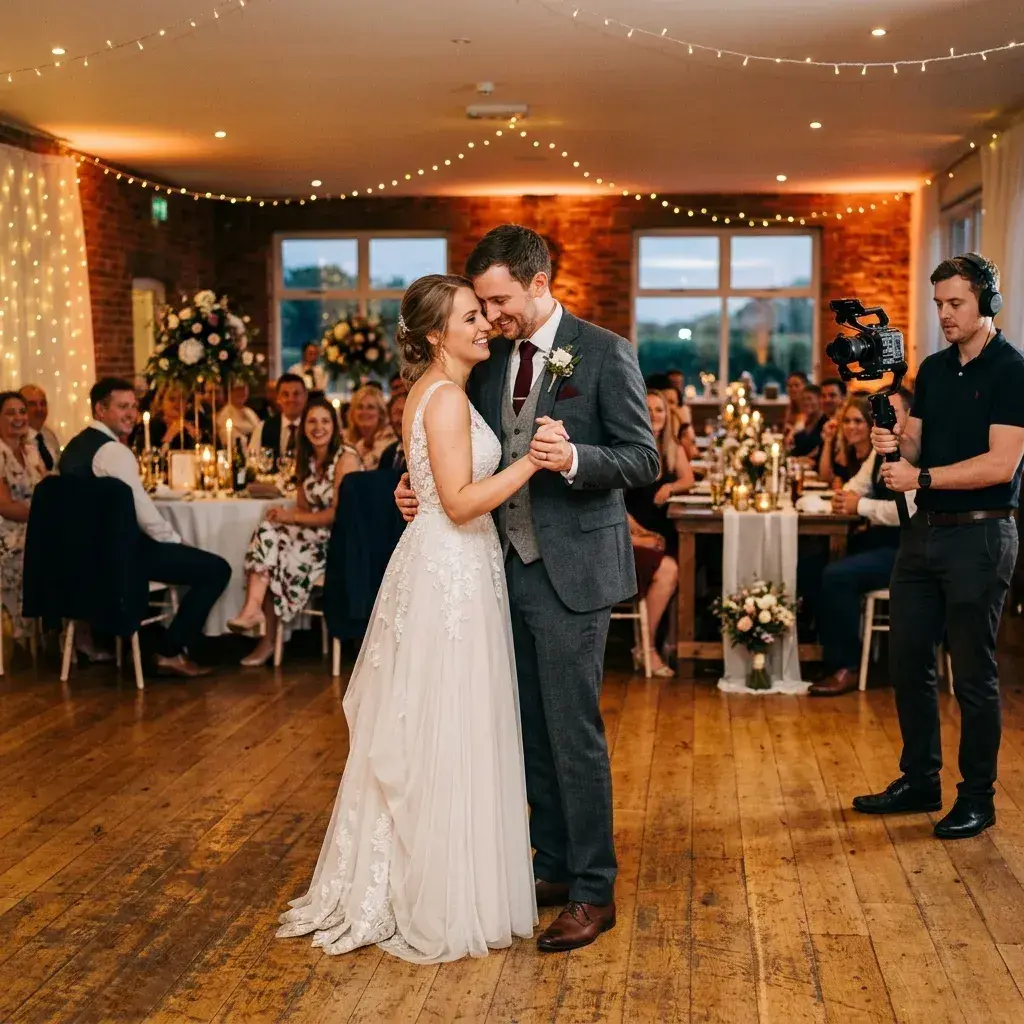
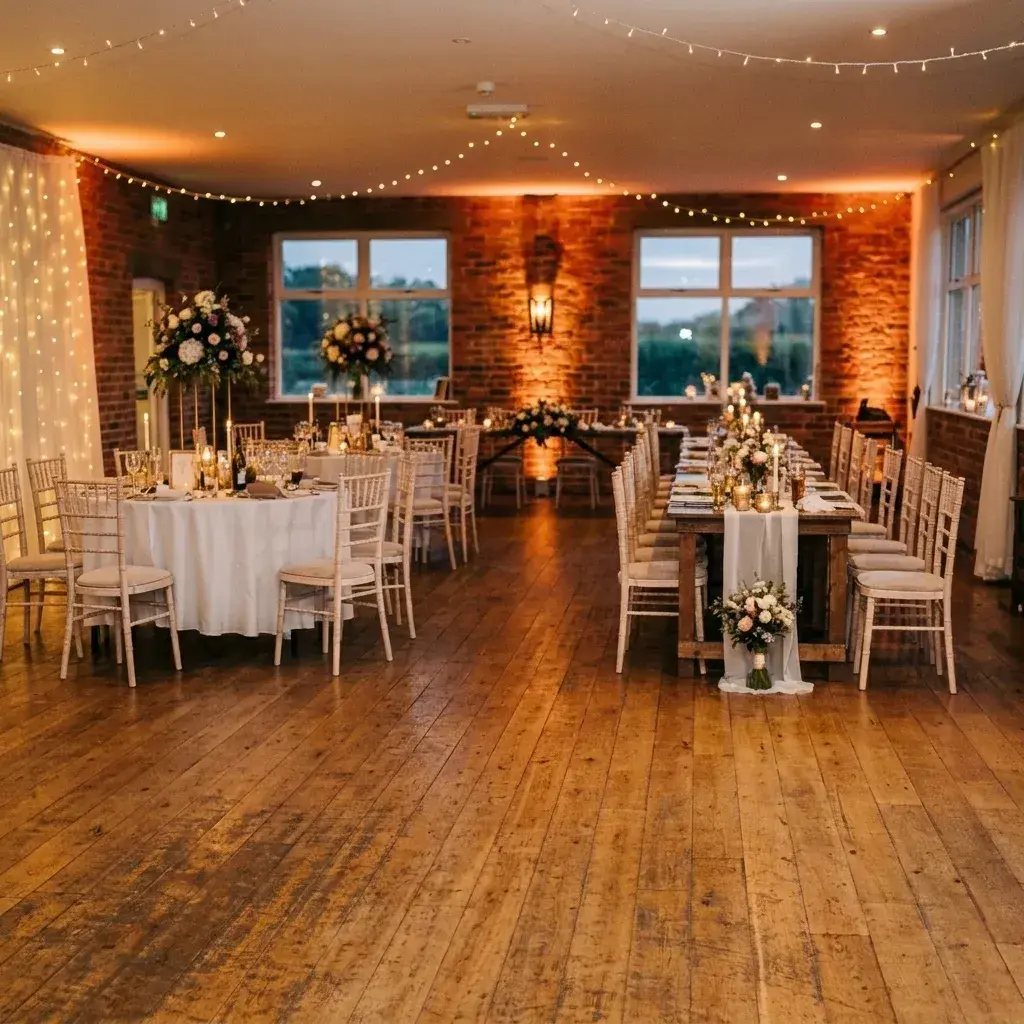 Before → after
Common questions
Will the edit match my photographer's color grading?
Can it remove someone from the aisle in ceremony shots?
What resolution do I get for printing?
Is there a watermark on my downloaded wedding photos?
How many wedding photos can I edit per month?
Can I use this tool online without installing anything?
Ready to fix your photo?
3 HD edits for $4.99 once · no subscription. Each new generation uses one edit.
or drag & drop it here
JPEG · PNG · WebP · up to 20 MB · zero photo storage