Remove People from the Background of a Photo
Use our AI to remove people from background areas of your photos in seconds. Just describe who to erase. No watermarks or manual brushing required.
3 HD edits for $4.99 once · no subscription
or drag & drop it here
JPEG · PNG · WebP · up to 20 MB · zero photo storage
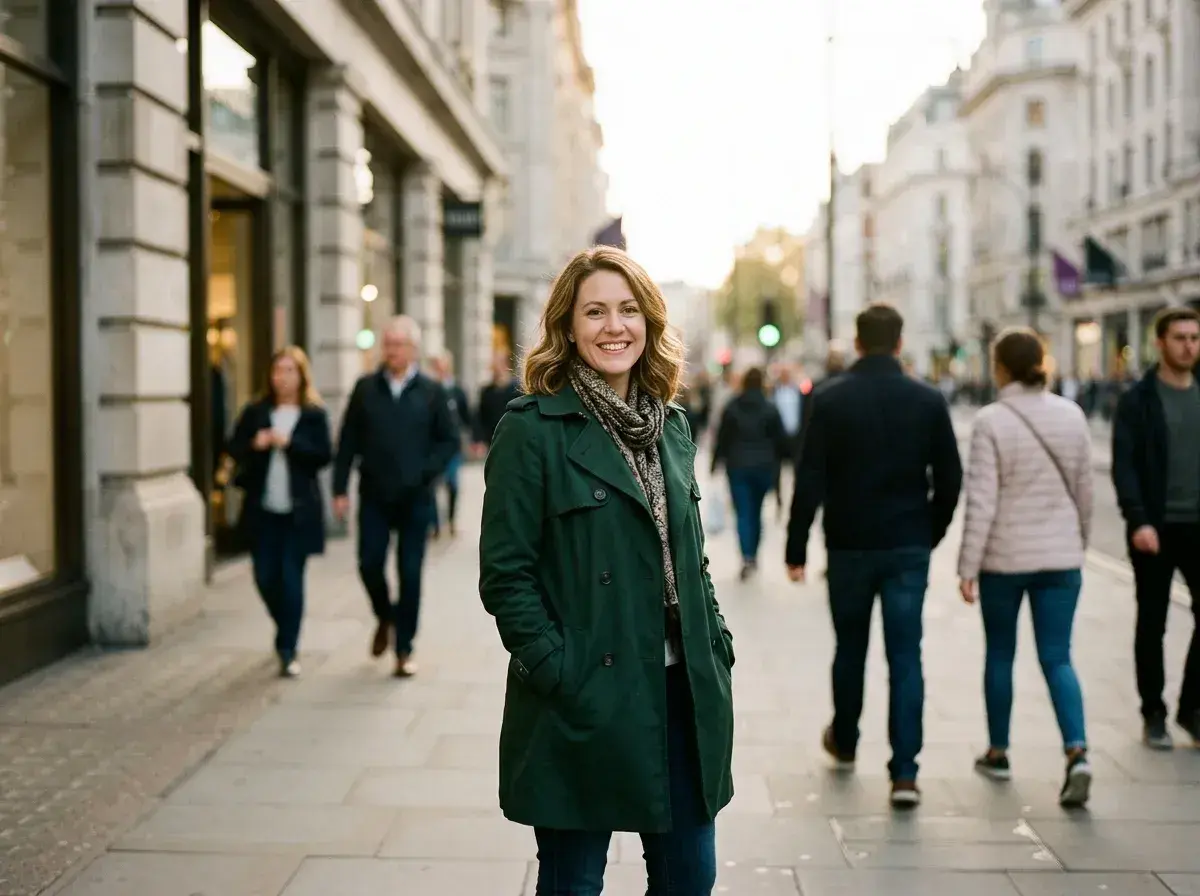
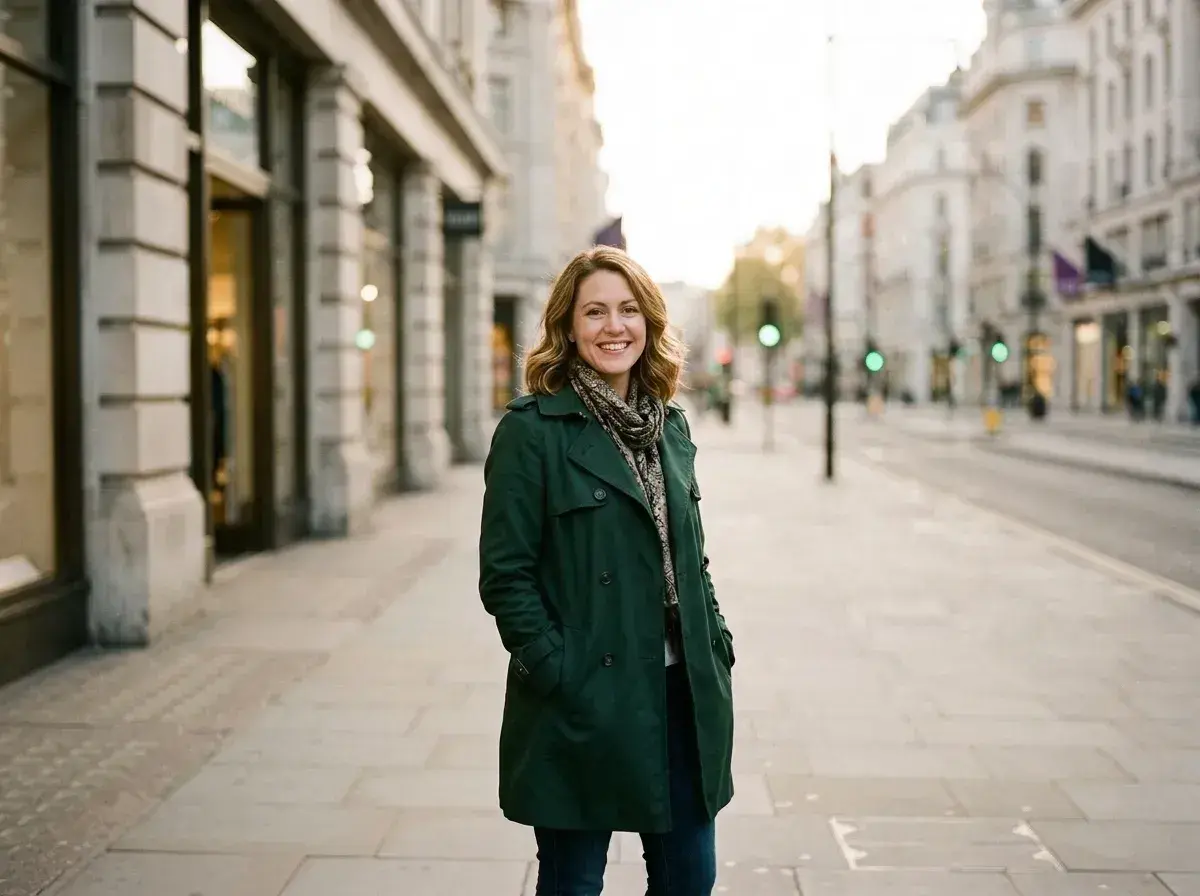 Before → after
It happens every time you find the perfect lighting or a stunning backdrop: you take the shot, only to realize the frame is cluttered with strangers. Whether it is a group of tourists wandering into your frame or a passerby ruining the composition of your favorite portrait, background distractions pull the focus away from where it belongs. Traditionally, fixing this meant hours of tedious work with complex software, carefully brushing over every limb and shadow. Our AI changes that by letting you simply speak your mind.
At removepeople.ai, we have replaced the paintbrush with plain English. You do not need to be a professional editor to clean up your images. By using our tool online in your browser, you can take out unwanted figures just by describing them. Our model understands the context of your image, allowing it to distinguish between the person you want to keep and the crowd you want to delete. You can turn a cluttered snapshot into a cleaner photograph without manually selecting pixels.
The process is designed for speed and simplicity. Once you upload your picture and provide a quick instruction, our AI analyzes the scene, erases the targets, and reconstructs the background from scratch. When the edit is ready, review the result and download a watermark-free image. Because we process everything in memory and never store your data, your privacy is guaranteed from the moment you hit upload.
This is one situation the tool handles. Remove people from any photo — upload yours and describe who should go.
The Power of Plain Language Editing
The biggest hurdle in photo editing has always been the interface. Most tools require you to zoom in and manually mask out the people you want to get rid of, which is nearly impossible to do accurately on a mobile device. We have eliminated that entire step. To remove people from background sections of your snap, you just type a sentence. You can be as specific or as general as you like.
For example, if you are standing in front of a monument and there is a crowd behind you, you can simply type 'remove everyone except the woman in the green coat.' Our AI identifies the subject you want to preserve and intelligently targets everyone else. This 'negative selection' approach is incredibly effective for portraits where you are the main focus but the environment is busy. You don't have to worry about clicking on every single person; the tool does the heavy lifting for you.
Why Background Figures are the Easiest to Erase
Our AI is particularly skilled at handling figures in the distance. When you want to remove people from background shots, the model looks at the surrounding textures—like a brick wall, a forest, or a city street—and calculates what that space would look like if the person weren't there. Because background figures usually occupy a smaller portion of the pixel data, the reconstruction is often indistinguishable from reality.
This makes our tool ideal for clearing out entire scenes. If you have a wide-angle shot of a park or a plaza, you can ask the AI to 'delete all the strangers' and it will systematically rebuild the landscape. The result is a clean, empty version of the location that looks like you had the whole place to yourself. It is a level of control that used to require a tripod and multiple exposures, now available in a single click.
Handling Overlaps and Complex Silhouettes
One of the most common challenges in photo cleanup is when a stranger is standing directly behind your subject's head or shoulder. These edge cases are difficult because the AI has to figure out where your hair ends and the stranger begins. Our model is trained to recognize human anatomy, allowing it to carefully separate the foreground from the background even when they are touching.
When you ask the tool to take out someone standing right behind you, it doesn't just blur the area. It actually attempts to reconstruct the edges of your silhouette and the background behind it. While extremely complex overlaps can sometimes be tricky, the AI usually manages to maintain the integrity of your subject while getting rid of the photobomber. It is a significant step up from basic healing tools that often leave behind smudges or 'ghost' limbs.
Professional Results Without the Wait
You can edit online without manual masking or waiting for a human retoucher. Processing time depends on the photo, resolution and current demand. Review the result before you download it.
Because our tool runs entirely in your browser, there is no software to install and no heavy files to manage. You get high-quality, watermark-free downloads that are ready for social media or professional portfolios. We offer three straightforward tiers: Starter at $9/mo for 20 edits, Plus at $19/mo for 50 edits at high resolution, and Studio at $49/mo for 100 edits in 4K with priority support. You can cancel any plan with a single click, and your unused edits refresh every month.
More real results
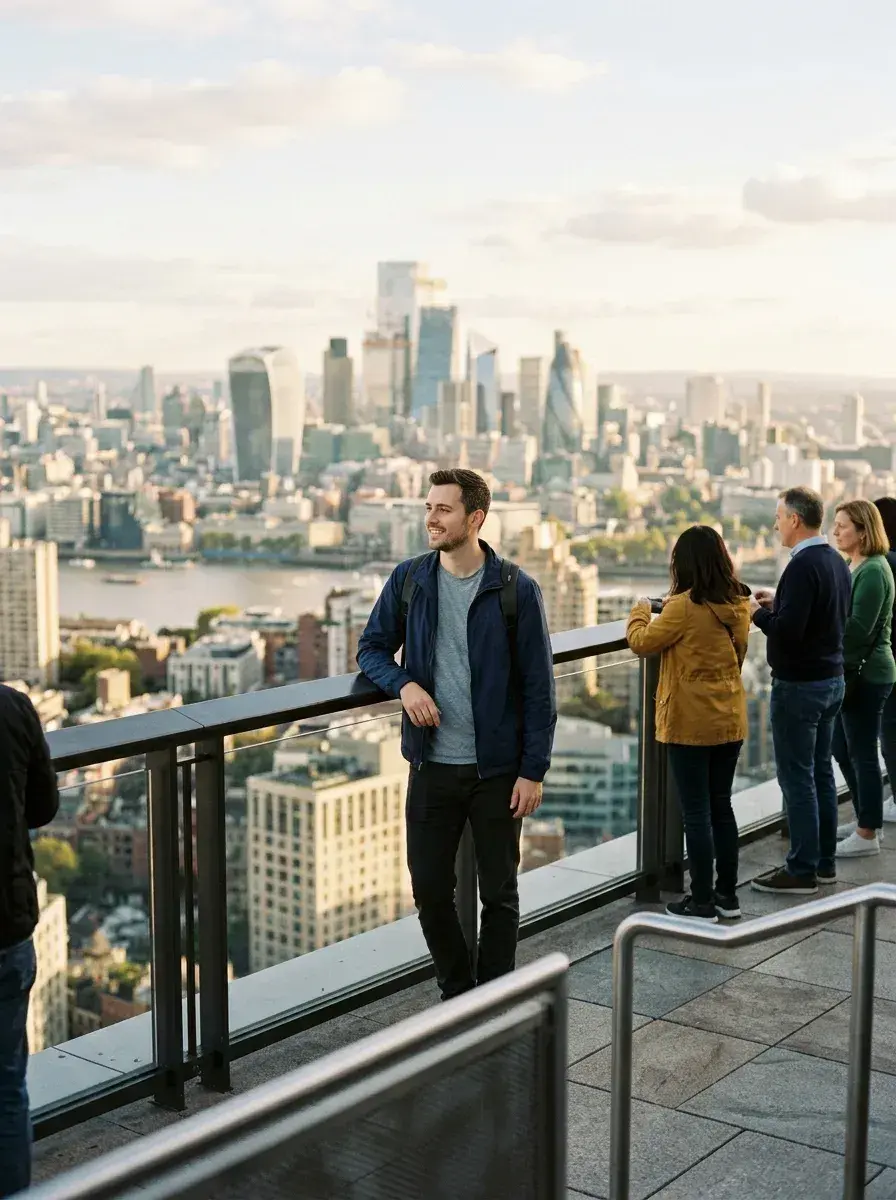
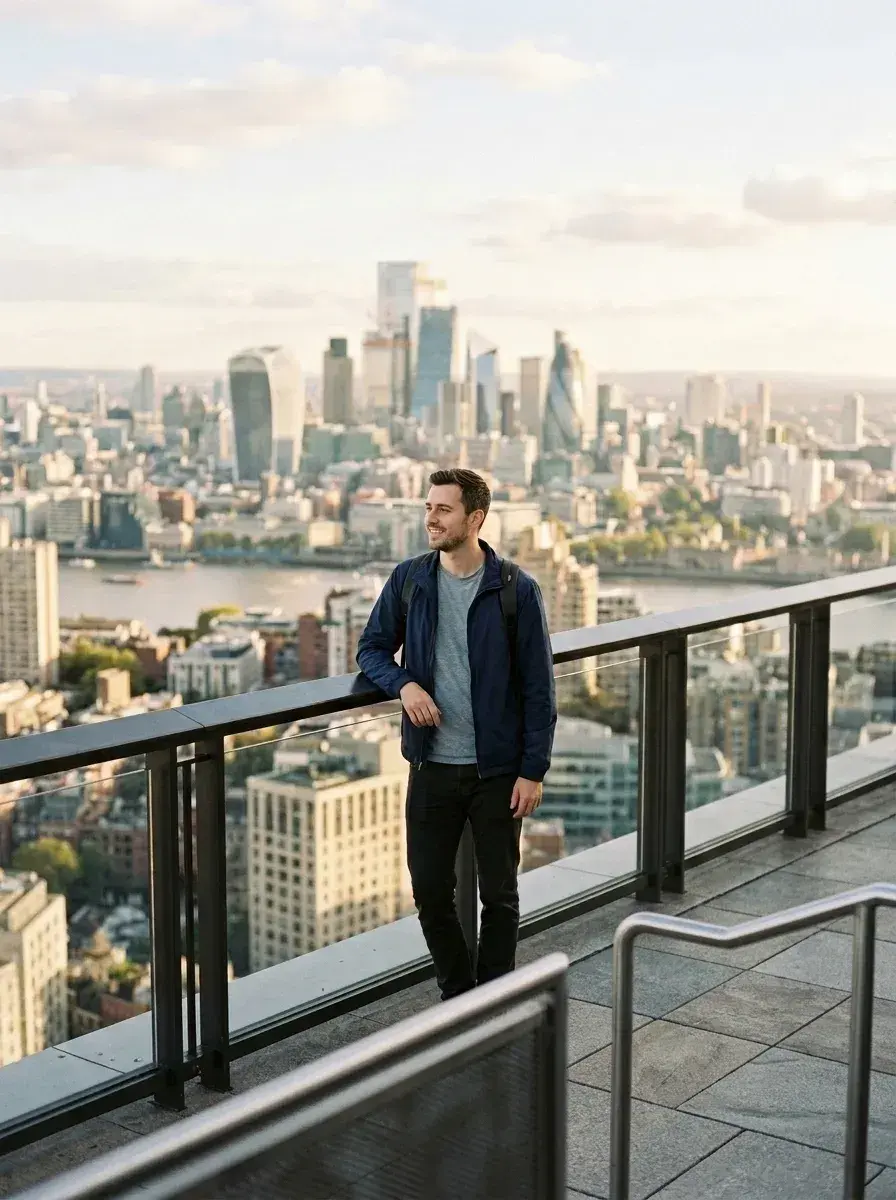 Before → after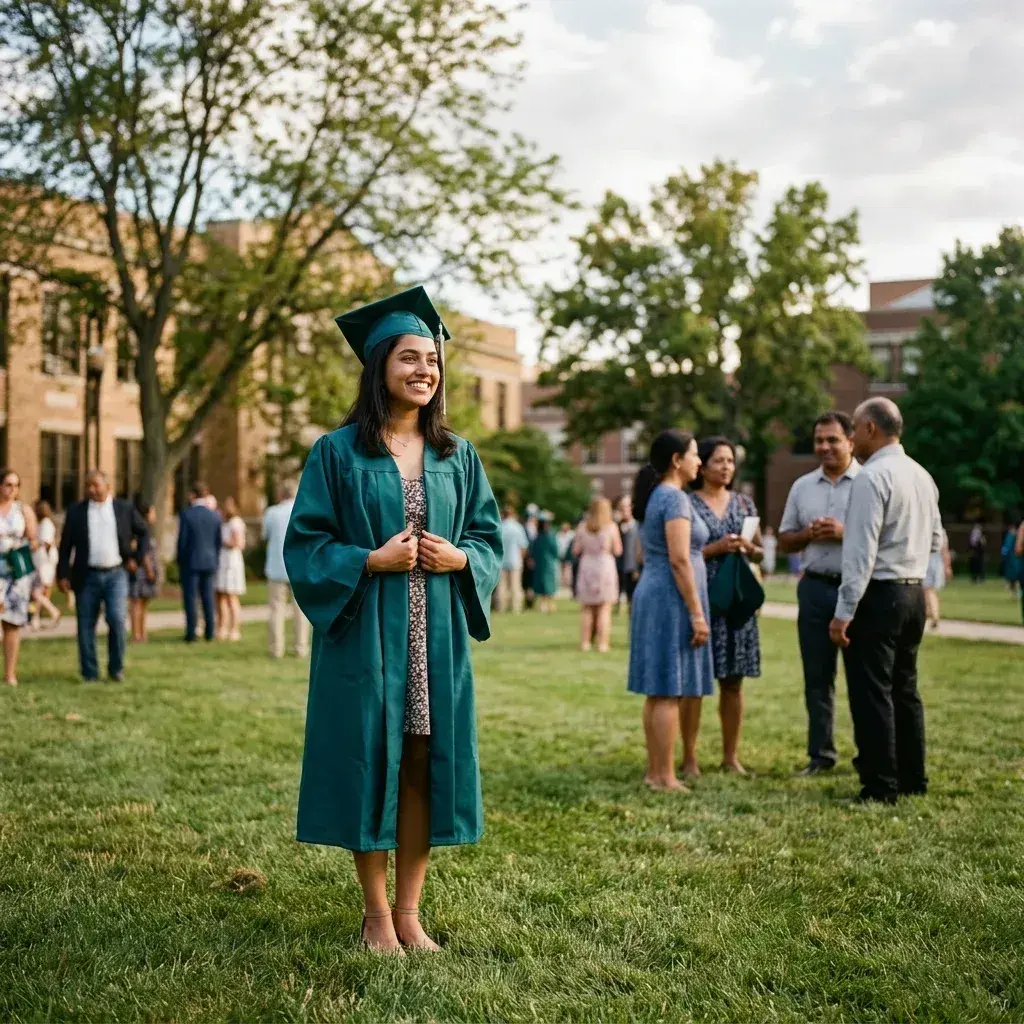
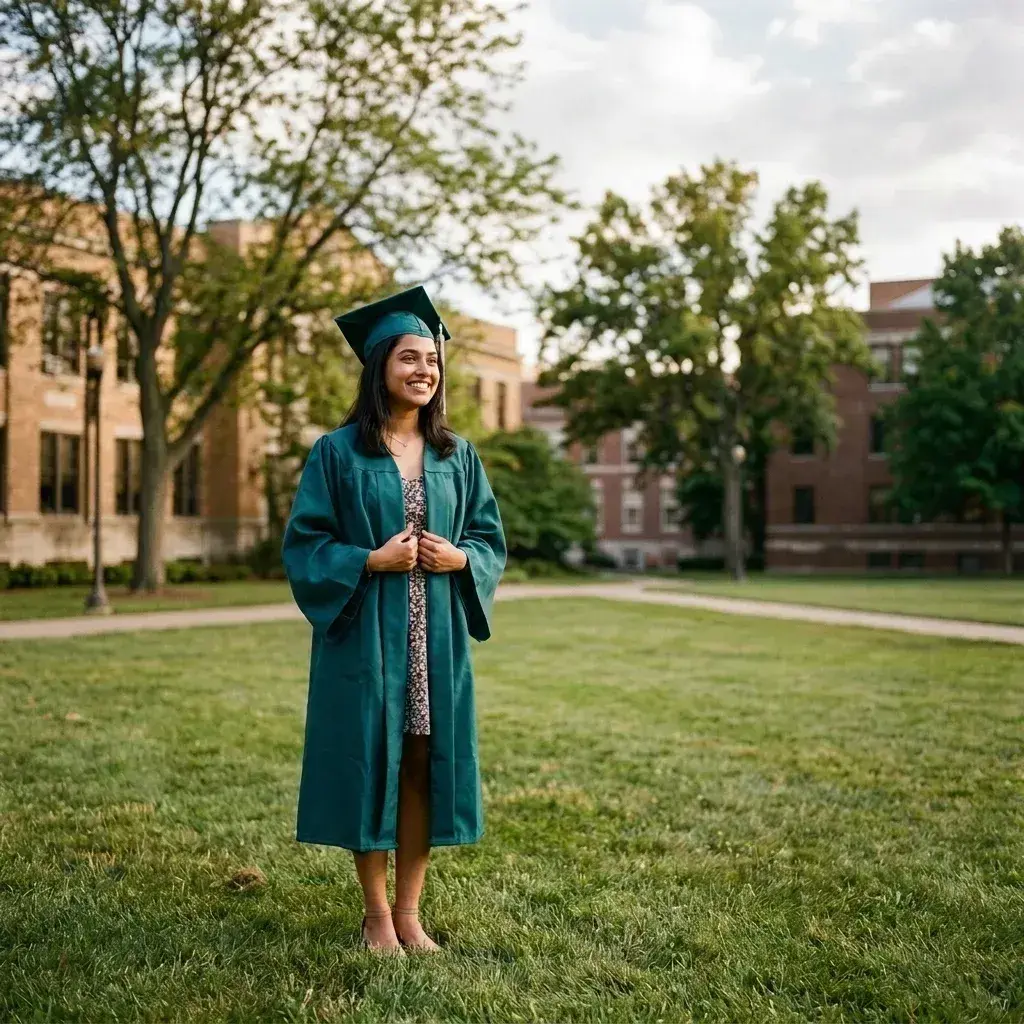 Before → after
Common questions
Can it remove the people behind me without changing me?
What if someone in the background is standing right behind my head?
Will it blur the background instead of rebuilding it?
How many people can I take out at once?
Are my photos stored on your servers?
What resolution are the downloads?
Ready to fix your photo?
3 HD edits for $4.99 once · no subscription. Each new generation uses one edit.
or drag & drop it here
JPEG · PNG · WebP · up to 20 MB · zero photo storage