AI Person Remover
Use our AI person remover to delete anyone from your pictures in seconds. No brushing or masking required. Get high-resolution, watermark-free results.
or drag & drop it here
JPEG · PNG · WebP · up to 20 MB · zero photo storage
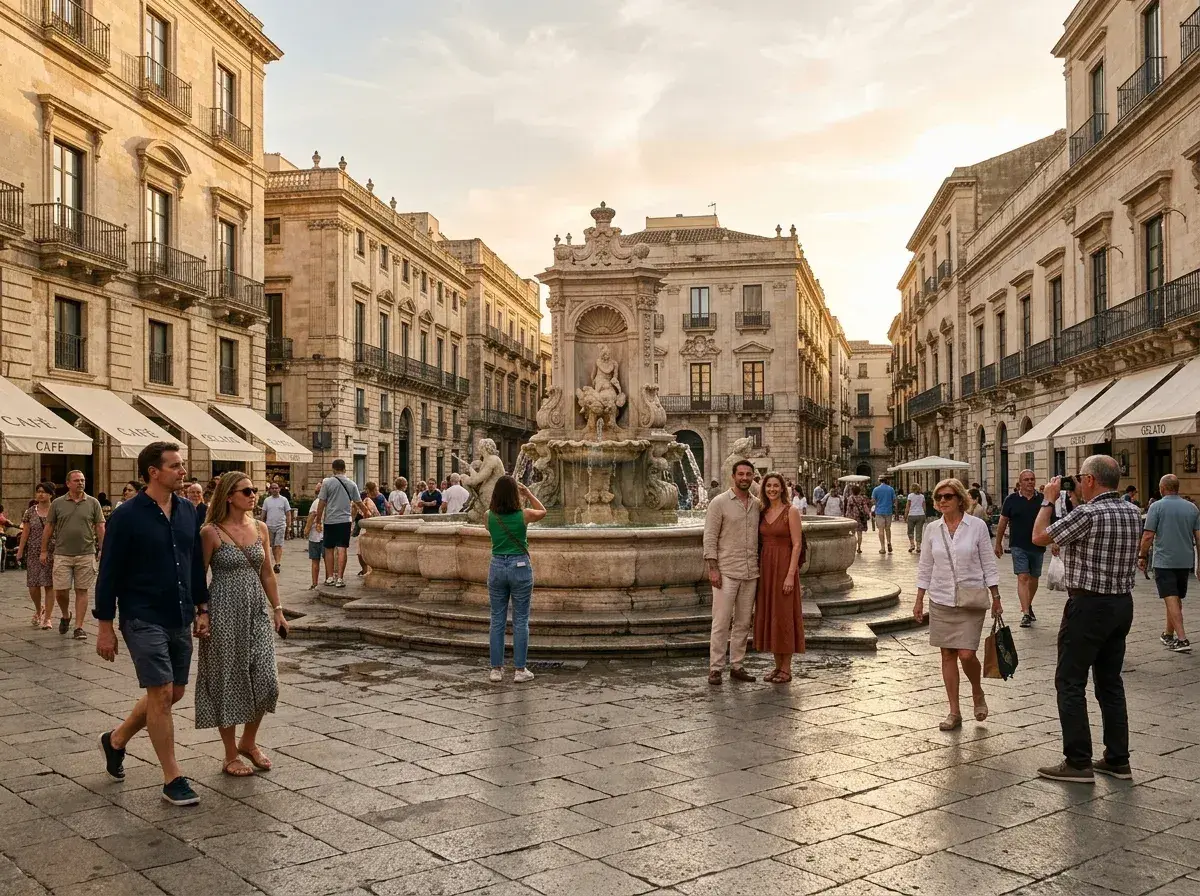
 Before → after
We have all been there: you capture a breathtaking shot of a sunset or a perfect candid moment with a loved one, only to realize later that a stranger is wandering through the background. In the past, getting rid of that person required professional editing skills or hours of tedious work with a clone stamp. Today, an AI person remover can handle the heavy lifting for you in a matter of seconds, right in your browser.
Our tool is designed to be the simplest way to clean up your images. Unlike traditional editors that force you to carefully brush over the person you want to take out, we use a plain-language interface. You simply upload your photo and describe who needs to go—whether it is "the man in the red jacket" or "everyone behind us." Our model understands your intent and executes the edit without you ever having to pick up a virtual brush.
Because this process happens entirely online, there is nothing to download or install. You can transform a cluttered snap into a professional-looking shot from any device. Whether you are a traveler trying to clear a crowded landmark or a photographer perfecting a portrait, our AI provides a fast, high-quality solution that reconstructs what was hidden behind the subject.
This is one situation covered by our main guide, Remove a Person from a Photo — start there if you want the full walkthrough.
How an AI Person Remover Actually Works
Modern image editing has moved far beyond simple pixel pushing. When you use our tool, the process involves two sophisticated stages: segmentation and inpainting. First, the AI performs segmentation, which is the act of identifying the exact boundaries of the person you want to delete. Because you provide a text description, the model knows exactly which pixels belong to the "stranger on the left" and which belong to the scenery.
Once the person is identified and removed, the AI faces its biggest challenge: filling the empty space. This is called inpainting. Instead of just blurring the area, our model looks at the surrounding context—the texture of the grass, the pattern of a brick wall, or the gradient of the sky—and reconstructs the background from scratch. It creates new pixels that logically fit the scene, making it look as though the person was never there to begin with. This entire process is completed in under 10 seconds.
Generative Reconstruction vs. Traditional Clone Tools
If you have ever tried to get rid of someone using a traditional "clone stamp" or "patch" tool, you know how difficult it can be. Those tools work by copying one part of a photo and pasting it over another. This often results in "smearing" or obvious repeating patterns that make the edit look fake. If you are removing someone from a complex background like a forest or a busy street, the clone tool almost always leaves a visible trace.
Generative AI is different. It doesn't just copy and paste; it understands the geometry of the world. If you erase someone standing in front of a fence, the AI knows how to continue the lines of that fence behind them. This generative approach is why an AI person remover produces much more realistic results than older mobile apps. It treats the image as a whole scene rather than a flat collection of colors, ensuring the lighting and shadows of the reconstructed area match the rest of your picture.
What to Look for in a Removal Tool
When comparing different tools to take out people from your shots, there are three main factors to consider: resolution, watermarks, and ease of use. Many free tools will return a tiny, blurry thumbnail or slap a giant logo over your finished work. We believe your photos should remain yours, which is why all our downloads are completely watermark-free.
Resolution is also key. Our Starter plan ($9/mo) provides 20 edits at standard resolution, which is perfect for social media. If you need higher quality for printing or professional use, our Plus plan ($19/mo) offers 50 high-resolution edits. For those requiring the absolute best, our Studio plan ($49/mo) provides 100 edits at 4K resolution. All plans allow you to cancel with a single click, and your unused edits refresh every month, giving you the flexibility to clean up your library at your own pace.
Honest Limits of AI Editing
While our AI is incredibly powerful, it is important to be realistic about what any AI person remover can do. The tool works best when the person being removed is a relatively small part of the overall image. If a person is taking up 80% of the frame, the AI has very little information to use when guessing what the background should look like. In those cases, the reconstruction might look a bit "dreamy" or less sharp than the rest of the photo.
Additionally, the AI is reconstructing reality, not uncovering it. If you remove someone standing in front of a specific sign, the AI will recreate what it thinks the sign should look like, but it might not get the exact text or logo right. However, for most travel photos, wedding snaps, and everyday pictures, the results are indistinguishable from the original background. We encourage you to try the sample photos on our homepage to see the quality for yourself before committing to a plan.
More real results

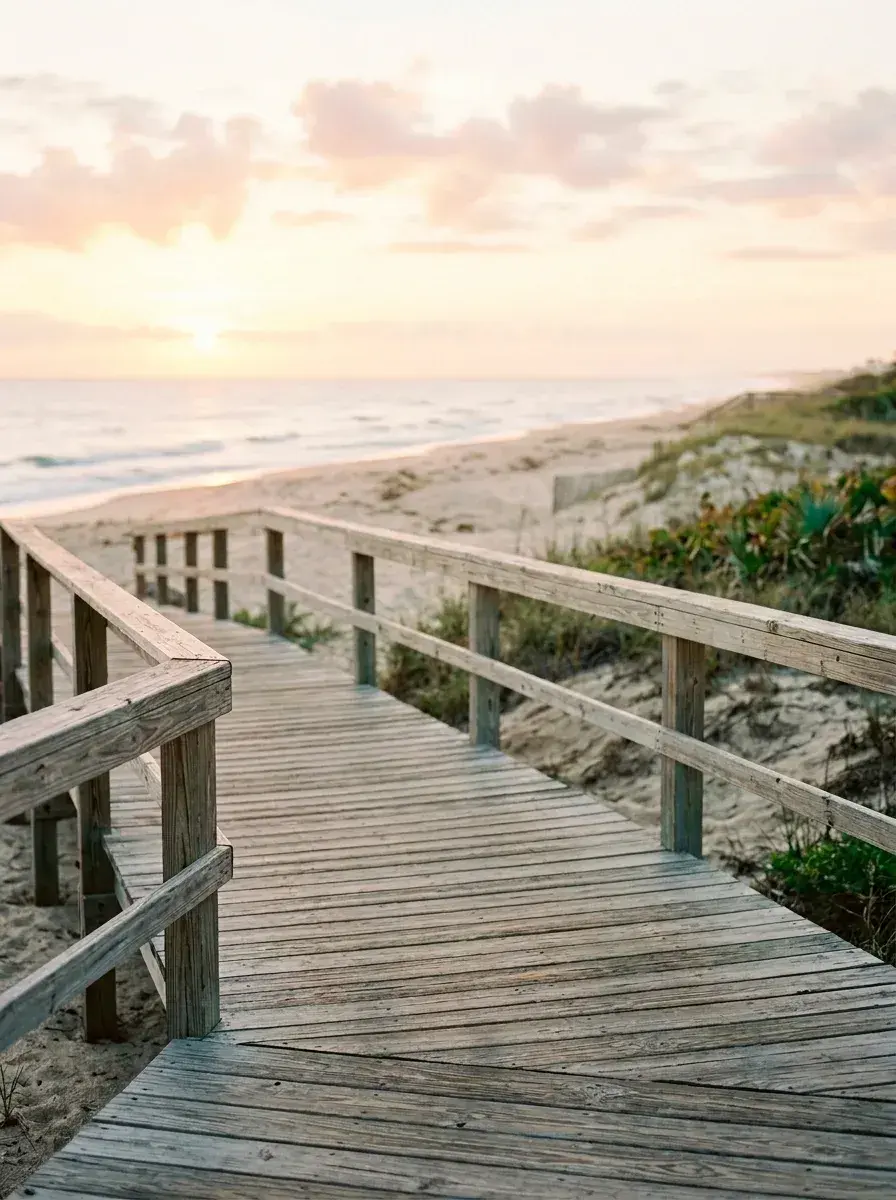 Before → after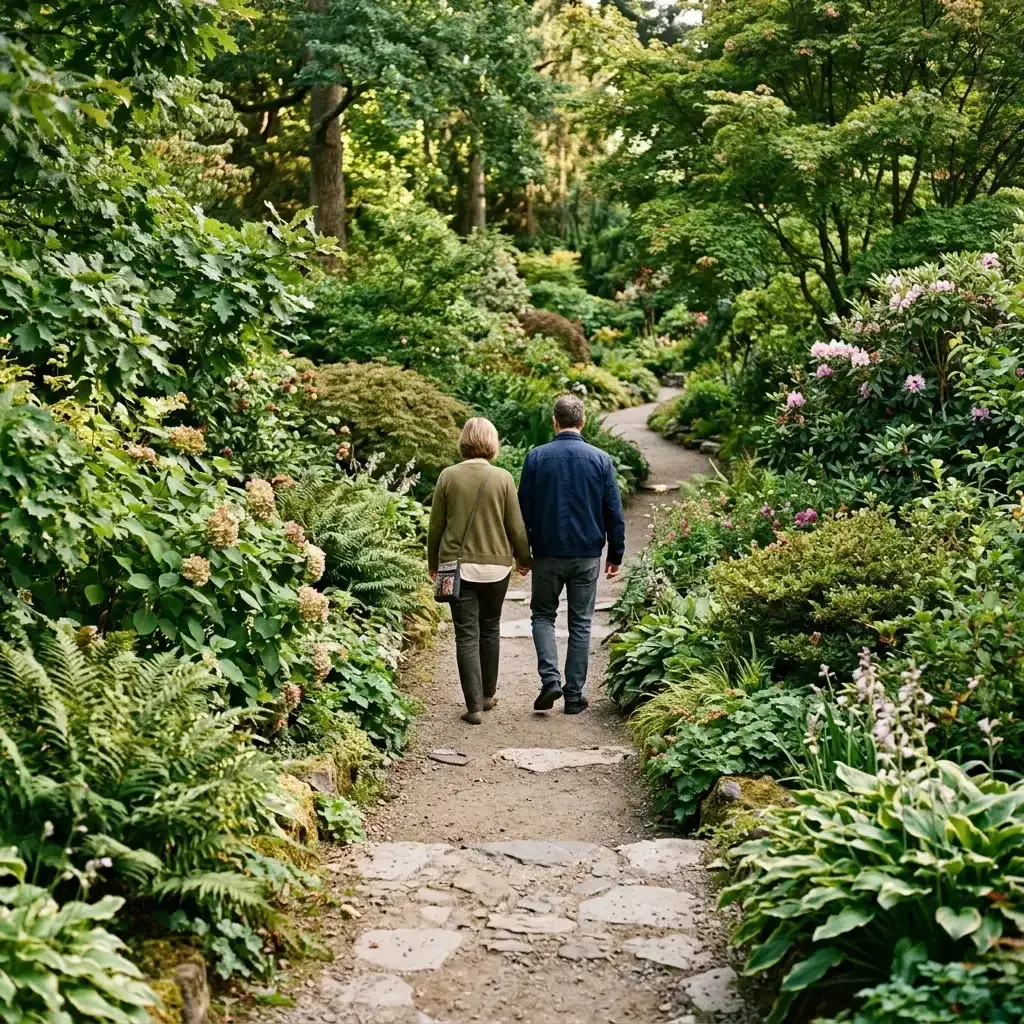
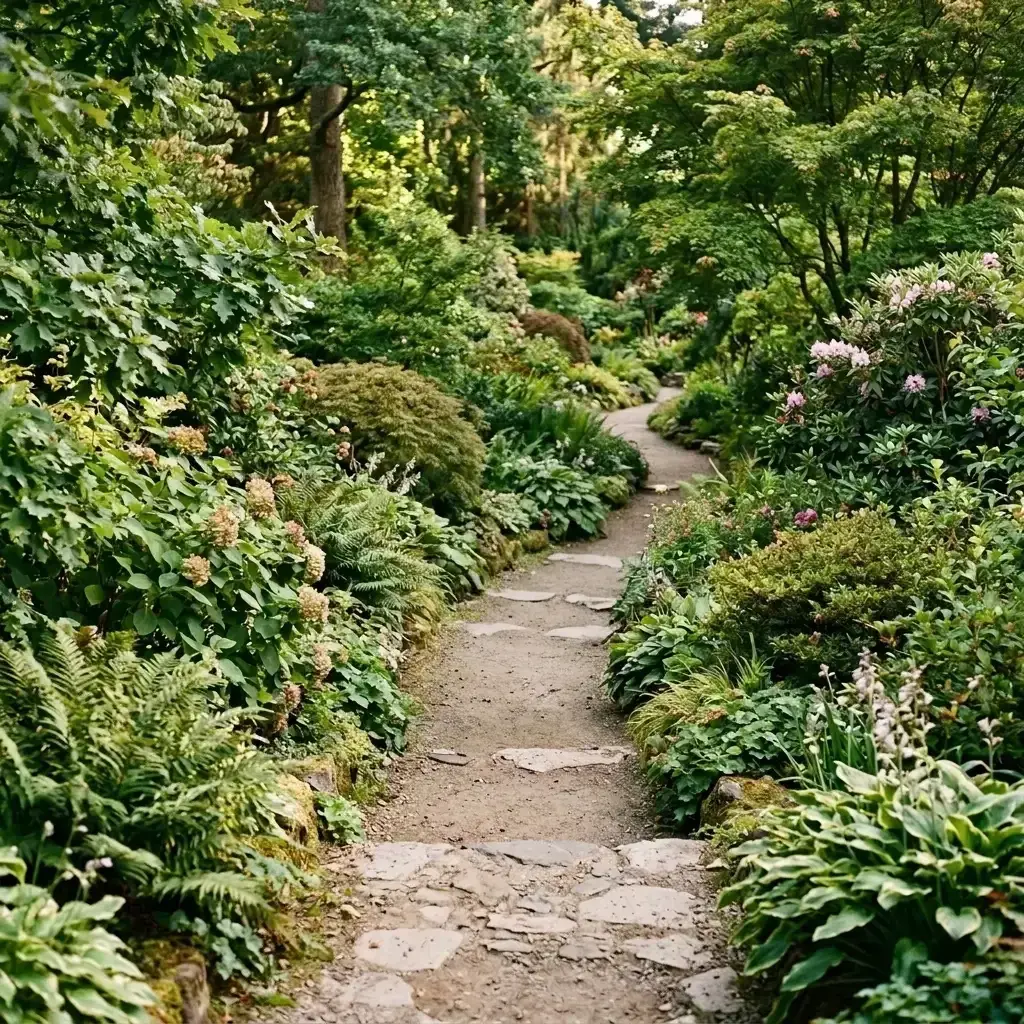 Before → after
Common questions
How is an AI person remover different from the clone tool in Photoshop?
What resolution does the final image come out at?
Can it remove several people at once?
Are my photos stored on your servers?
Do I need to install an app to use this?
Can I try the tool before I buy a plan?
Fix your photo in the next minute
Plans from $9/month · cancel anytime
or drag & drop it here
JPEG · PNG · WebP · up to 20 MB · zero photo storage