Remove Tourists from Travel Photos
Use AI to remove tourists from photos in seconds. Just describe who to erase. No brushing or masking. Get clean travel shots online with no watermarks.
3 HD edits for $4.99 once · no subscription
or drag & drop it here
JPEG · PNG · WebP · up to 20 MB · zero photo storage
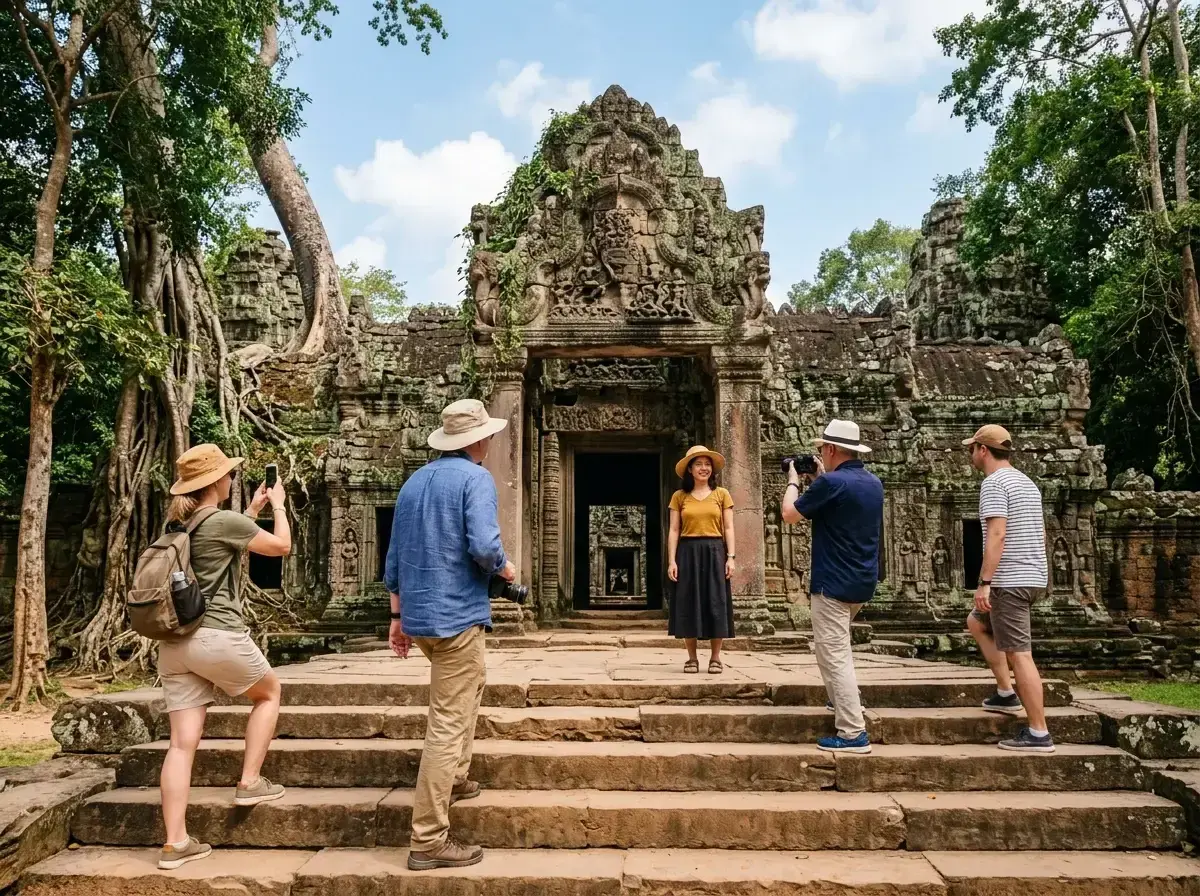
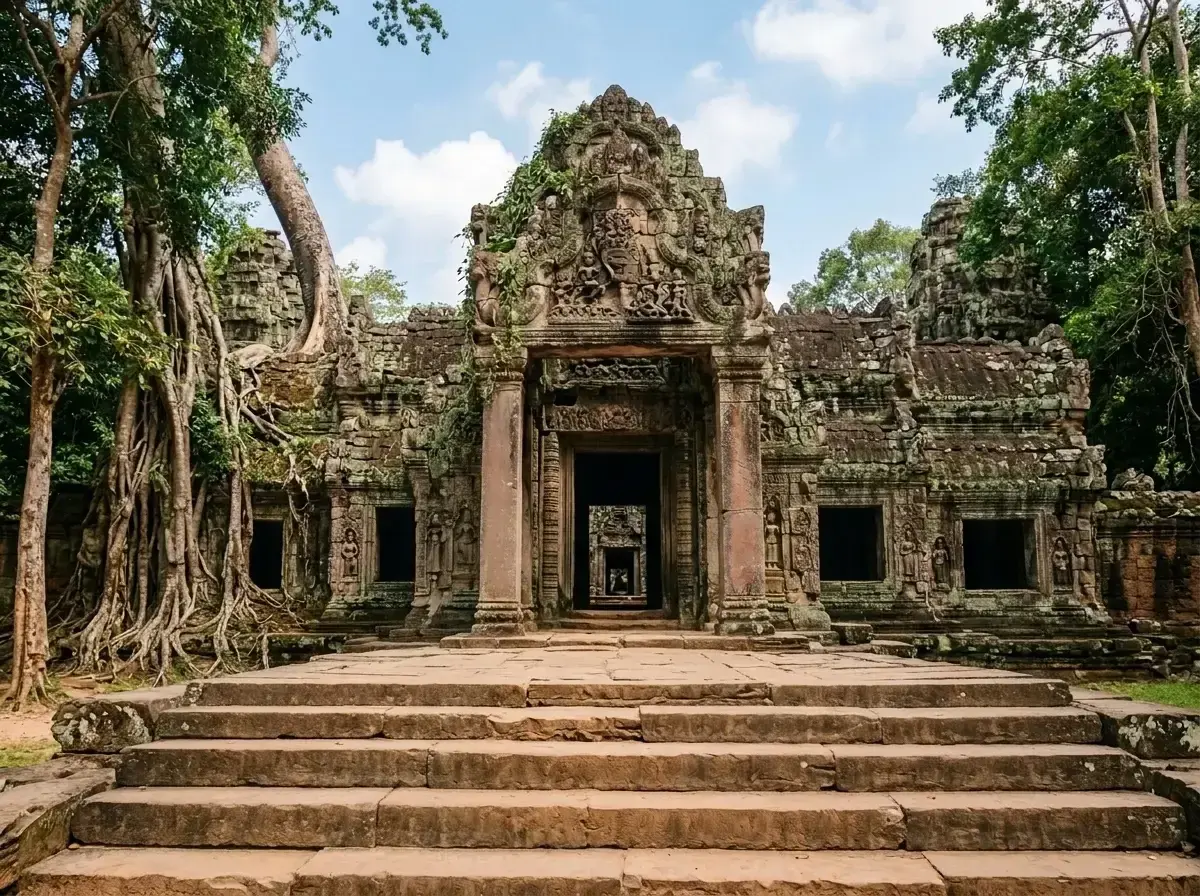 Before → after
You woke up at 5:00 AM to beat the crowds at the Trevi Fountain or the Taj Mahal, only to find fifty other people had the same idea. It is the classic travel dilemma: you have the perfect composition and the perfect lighting, but a dozen strangers in neon windbreakers are ruining the frame. Usually, this means spending hours with complex desktop software or just settling for a cluttered memory that doesn't look like the postcard you imagined.
Our AI tool changes how you handle these ruined shots. Instead of tedious manual editing, you can now remove tourists from photos by simply describing them. Whether it is a single person photobombing your selfie or a whole group of strangers standing in front of a monument, our model understands your instructions and cleans up the image without manual masking. Review the result closely for railings, steps and other details behind the tourists.
Because this works entirely online in your browser, you do not need to install any heavy software or wait until you get home to your computer. You can take a snap, upload it, and get rid of someone while you are still sitting at a nearby cafe. It is a professional-grade solution designed for travelers who want to share their best moments immediately, without the distraction of a crowded background.
This is one situation the tool handles. Remove people from any photo — upload yours and describe who should go.
The Landmark Problem: Reclaim Your View
Iconic travel spots are rarely as empty as they look on Instagram. Most of the time, you are fighting for a square inch of space just to see the view, let alone photograph it. When you finally click the shutter, you often end up with a picture that feels more like a crowded subway station than a historic site. Our tool allows you to erase tourists from your pictures and reconstruct what was behind them—whether that is the intricate stonework of a cathedral, the texture of a mountain path, or the blue of the Mediterranean Sea.
Our AI does not just smudge the area where a person was standing. It intelligently analyzes the surrounding environment to fill in the gaps. If you take out a stranger standing in front of a brick wall, the model generates the missing bricks to match the existing pattern. This means your travel memories look natural and authentic, as if you really were the only person there at sunrise.
No Brushing or Masking—Just Plain English
Most editing tools require you to zoom in and carefully brush over every person you want to delete. It is a frustrating process, especially on a mobile screen. We have replaced that entire workflow with a simple text box. To remove tourists from photos, you just type what you see. You can say 'the man in the red jacket,' 'the group on the left,' or even 'everyone except the two people in the center.'
This plain-language interface makes it easy for anyone to get professional results without any prior editing experience. Once you submit your prompt, our AI processes the request and returns an image you can review before downloading. There is no learning curve and no need to master complex layers or selection tools. You describe the problem, and the tool provides the solution.
A Phone-Friendly Workflow for Travelers
Travel photography happens in the moment, and your editing should too. Since our tool runs in your browser, it is fully compatible with your smartphone. You can upload a photo directly from your camera roll while you are still on the train to your next destination. This allows you to get rid of strangers and share your high-quality, watermark-free images to social media before the day is even over.
We offer three straightforward plans to fit your trip. The Starter plan at $9/mo gives you 20 edits at standard resolution, perfect for a weekend getaway. For more frequent travelers, the Plus plan at $19/mo offers 50 edits at high resolution. If you are a professional creator or need the highest possible quality, the Studio plan at $49/mo provides 100 edits and priority support. All plans allow you to cancel in one click, and your unused edits refresh every month.
Privacy and Quality You Can Trust
We know your travel photos are personal, which is why we take a strict approach to privacy. We never store your images. When you upload a picture, it is processed entirely in memory and is gone the moment your edit is returned to you. Nothing is ever written to disk, nothing is retained, and we never use your photos to train our AI. Your data stays yours.
Furthermore, we never add watermarks to your downloads. Whether you are on the Starter, Plus, or Studio plan, the image you download is clean and ready for use. While the Studio plan is the only option that supports 4K output, every plan delivers a result that looks great on screens and in digital albums. You get the quality of a professional studio without the complexity or the privacy concerns.
More real results
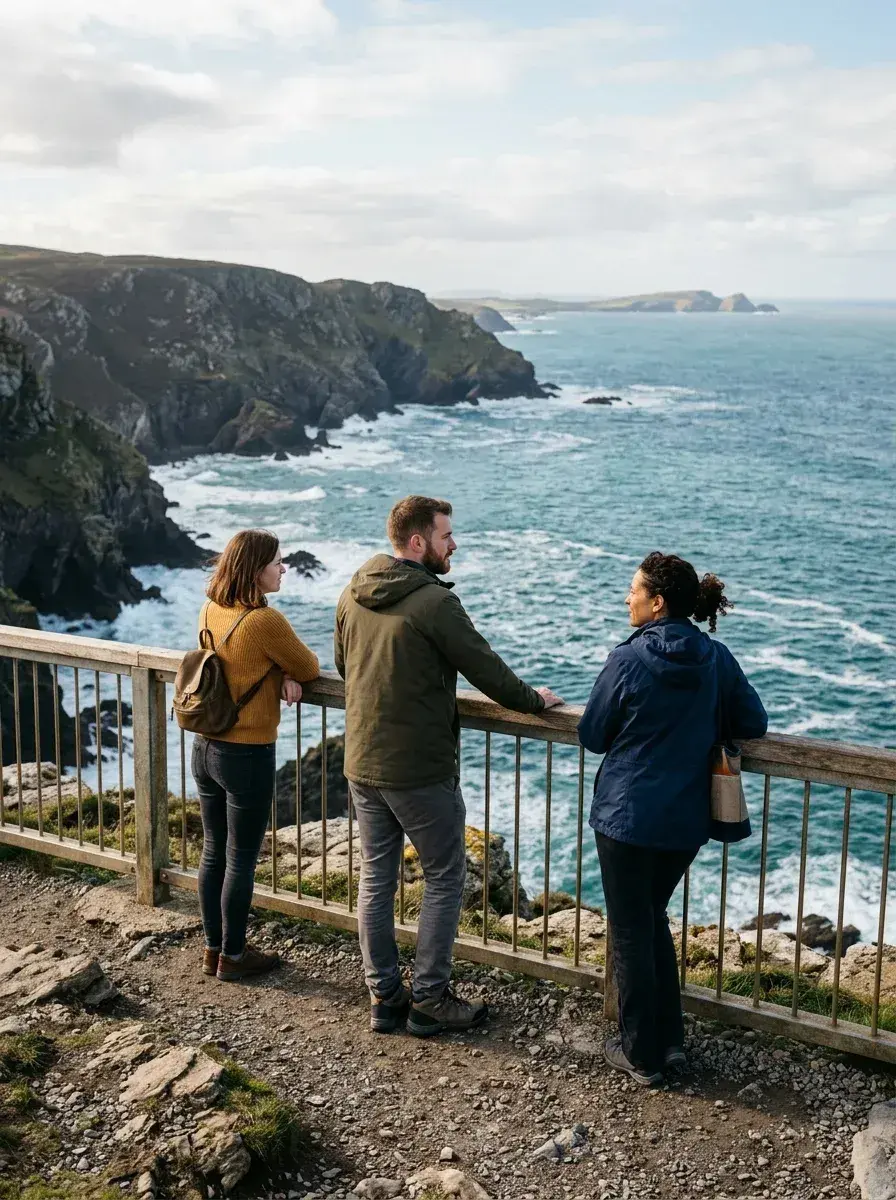
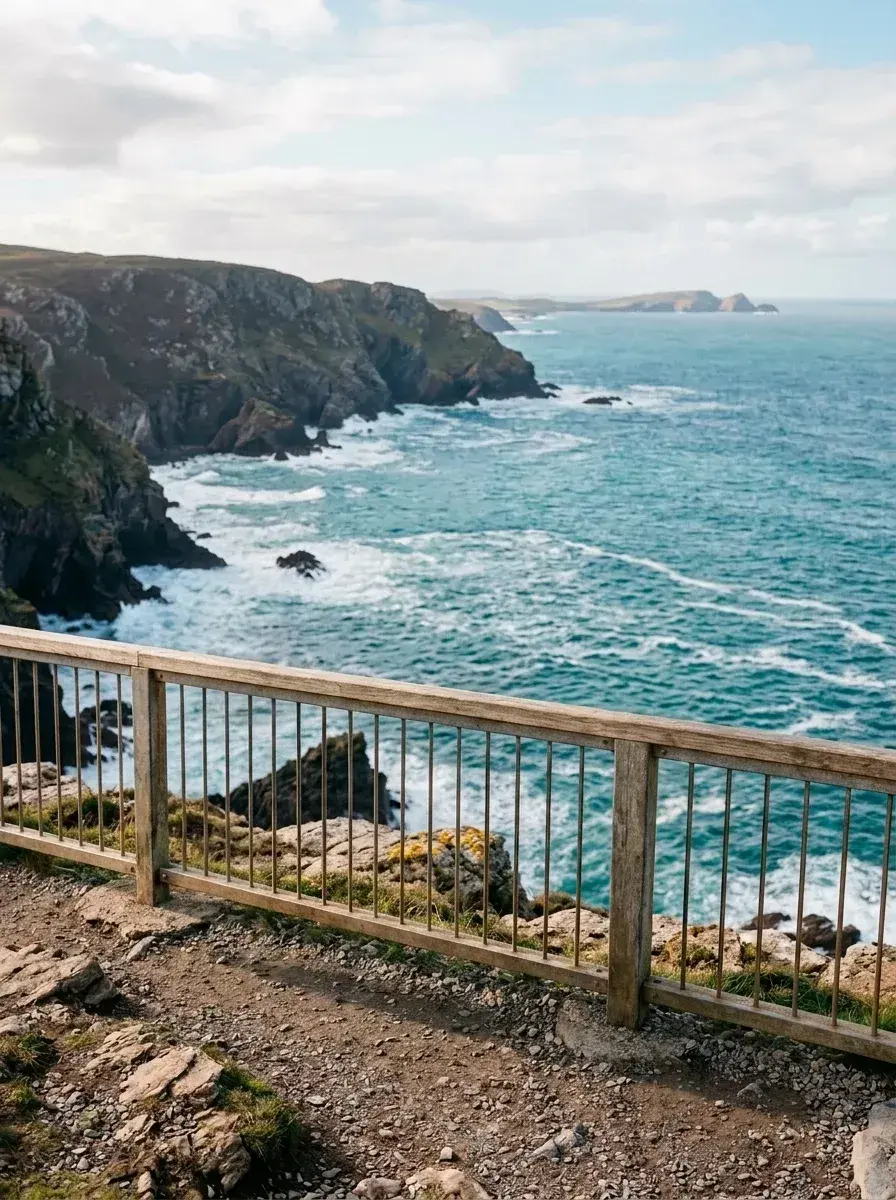 Before → after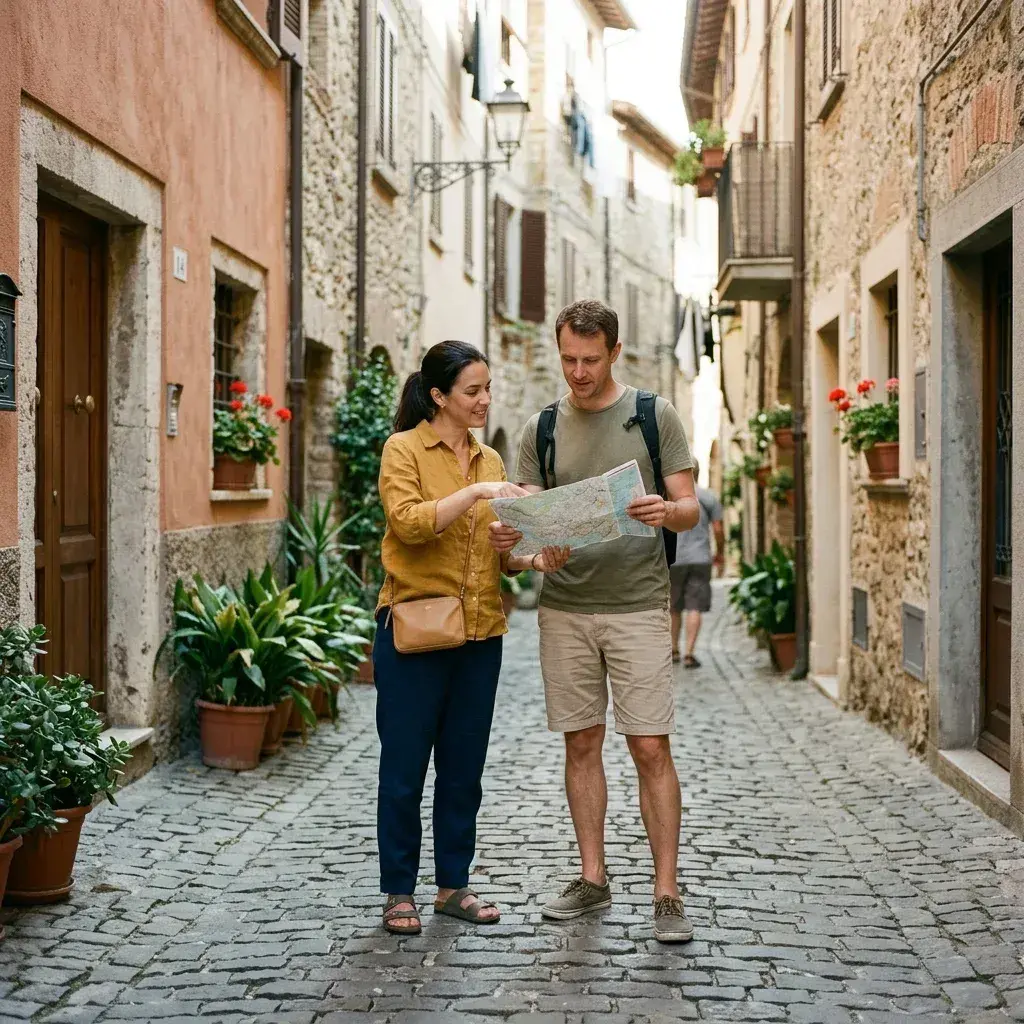
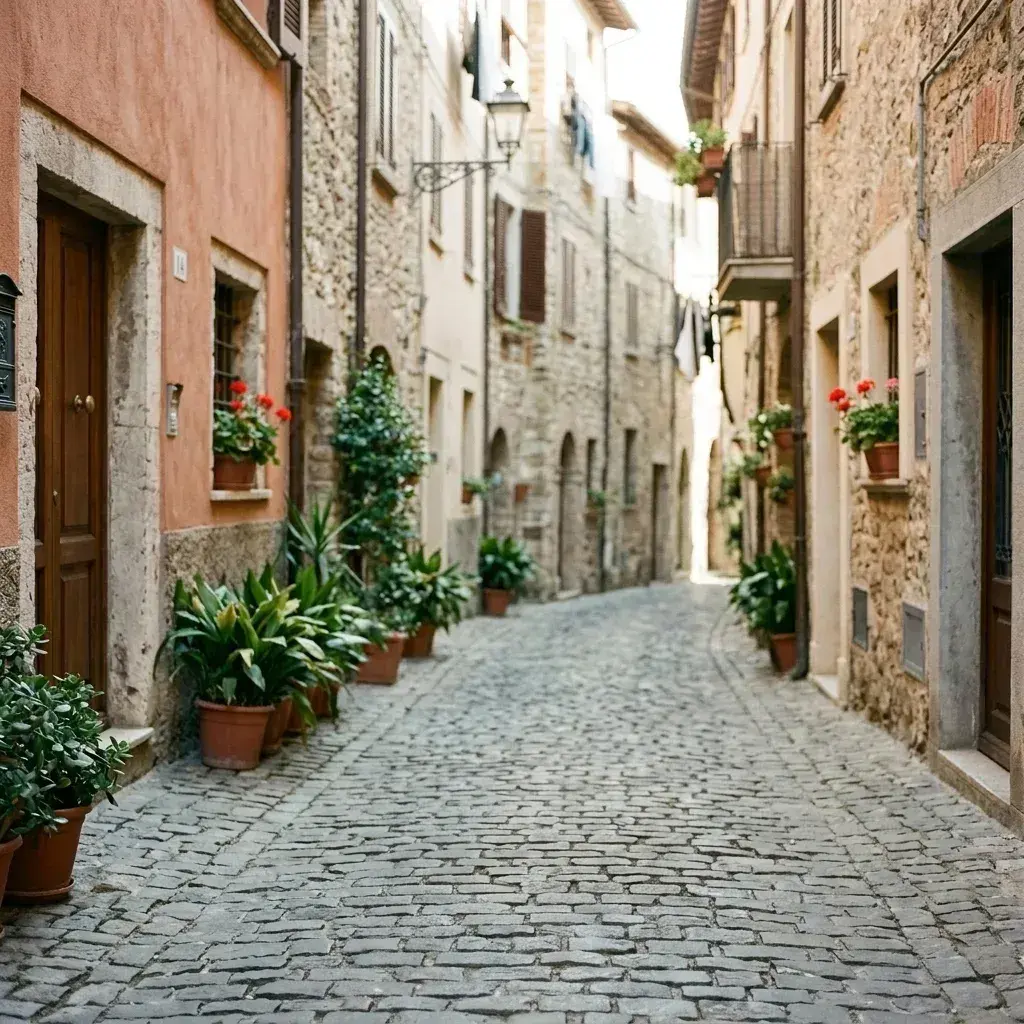 Before → after
Common questions
Can I do this from my phone while still on the trip?
Will it keep me in the photo and remove everyone else?
How does it handle reflections and shadows tourists leave behind?
Is there a way to try the tool before I buy a plan?
What happens to my photo after I upload it?
Can I get 4K resolution for my travel pictures?
Ready to fix your photo?
3 HD edits for $4.99 once · no subscription. Each new generation uses one edit.
or drag & drop it here
JPEG · PNG · WebP · up to 20 MB · zero photo storage