Remove People from London Photos
Erase crowds from your London photos in seconds. Use plain English to remove people from London photos at Big Ben or Tower Bridge. No masking required.
3 HD edits for $4.99 once · no subscription
or drag & drop it here
JPEG · PNG · WebP · up to 20 MB · zero photo storage
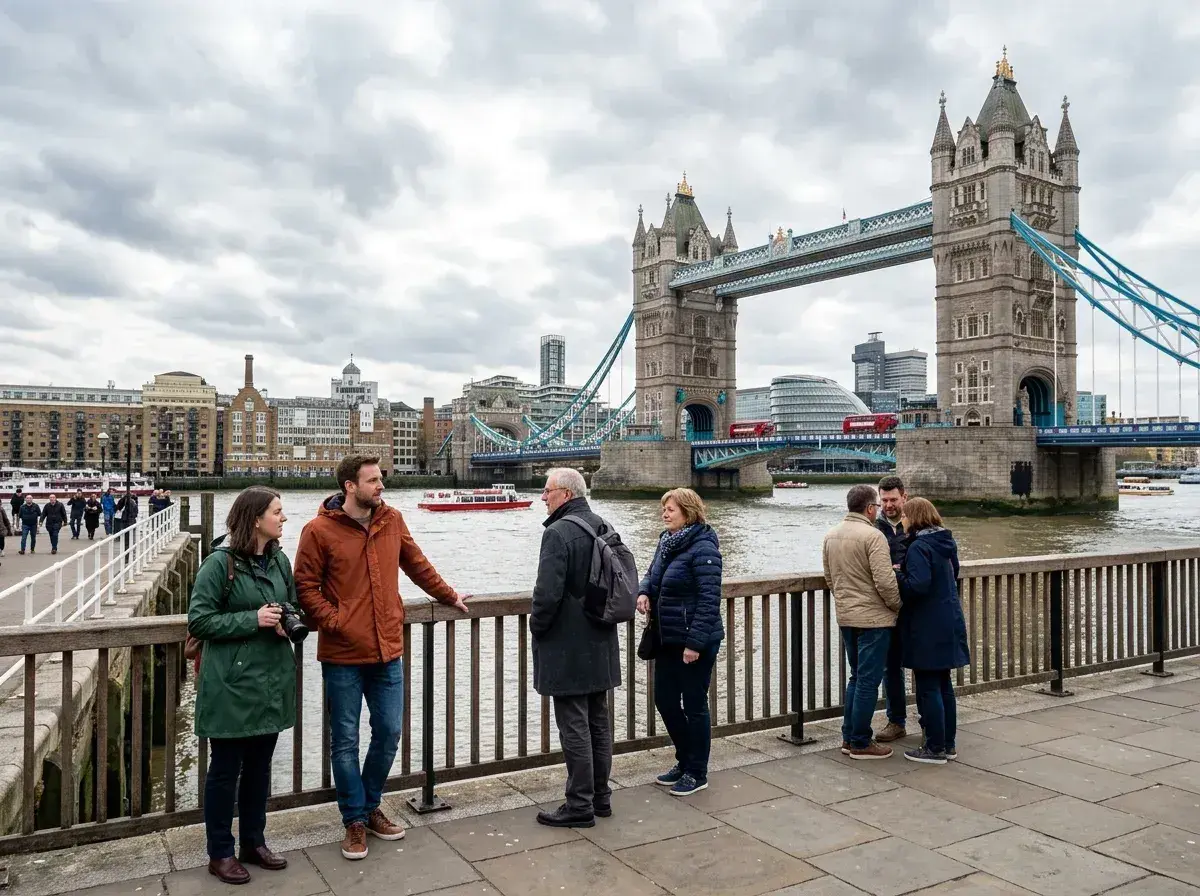
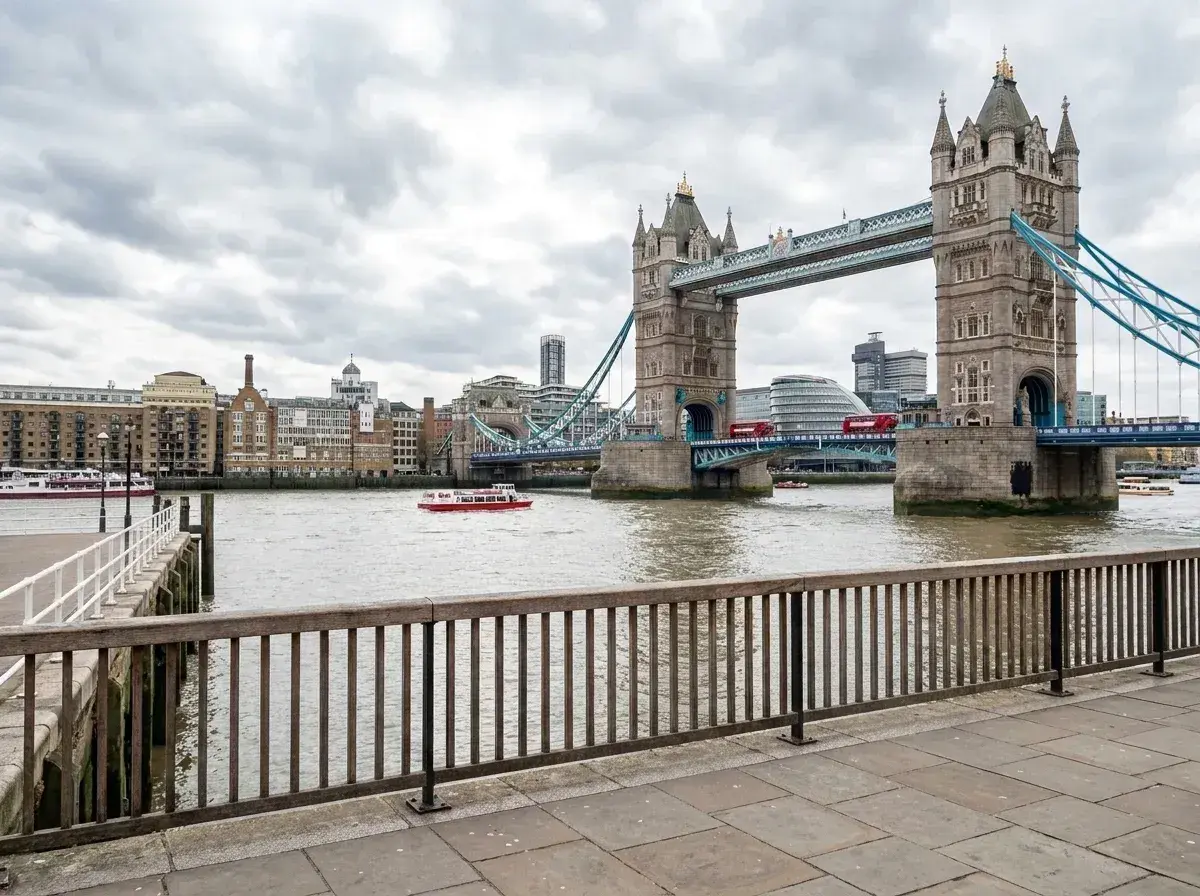 Before → after
London is a city of eight million residents and millions more visitors, making it nearly impossible to capture a clean shot of its iconic landmarks. Whether you are standing on Westminster Bridge or exploring the stalls at Camden Market, your pictures are almost guaranteed to feature a sea of strangers. You wait for a gap in the crowd that never comes, eventually settling for a photo that feels cluttered and chaotic.
Our AI tool changes that by allowing you to remove people from London photos using nothing but plain English. You do not need to be a professional editor or spend hours meticulously masking out tourists. By simply describing who you want to get rid of, you can transform a busy street scene into a focused, high-quality image that highlights the beauty of the city rather than the crowd surrounding you.
Everything happens online and directly in your browser. There is no software to install and no steep learning curve to overcome. Our model handles the heavy lifting, reconstructing the background behind the subjects you erase to ensure the final result looks natural and untouched.
This is one situation the tool handles. Remove people from any photo — upload yours and describe who should go.
Clearing the Chaos at Major Landmarks
From the historic architecture of Tower Bridge to the royal gates of Buckingham Palace, London’s most famous spots are permanent magnets for crowds. It is rare to get a snap of the Elizabeth Tower without dozens of other people holding up their phones in your frame. When you upload your picture to our tool, you can simply type "remove everyone behind us" or "delete the tourists on the left" to clean up the composition.
The AI is specifically trained to understand these complex environments. It doesn't just cut out the person; it intelligently fills in the gaps. If a stranger is blocking a portion of a red telephone box or a piece of ornate stonework at Westminster Abbey, our tool reconstructs those textures and patterns. This allows you to take out the distractions while keeping the essential London character of your shot intact.
The Power of a Plain Language Interface
Most editing software requires you to use brushes, lassos, or complicated masking tools to select what you want to erase. We have replaced that entire process with a simple text box. If you have a great shot of a red double-decker bus but a group of pedestrians is walking right in front of it, you just tell the AI to "remove the people in front of the bus." It is the most intuitive way to edit a photo ever created.
This approach is perfect for those tricky London snaps where people are overlapping with complex backgrounds like the ironwork of the London Eye or the neon lights of Piccadilly Circus. Because you are using words to guide the AI, you don't have to worry about shaky hands or imprecise mouse clicks. You describe the person, and our model identifies and removes them without manual masking.
Mastering London’s Unique Lighting and Textures
London is famous for its flat, grey light and frequent overcast skies. While this can make for moody and atmospheric photography, it can be a challenge for some editing tools that struggle with low-contrast environments. Our AI excels in these conditions. Whether it is a misty morning by the Thames or a rainy afternoon in Covent Garden, the tool accurately matches the lighting and shadows of the original image when reconstructing the background.
The tool also handles the intricate textures found throughout the city. From the weathered brickwork of Shoreditch to the polished marble of high-end galleries, the AI ensures that the area where a person once stood blends seamlessly with the rest of the image. You get a clean, professional-looking result that looks like the strangers were never there in the first place.
Fast Processing and Total Privacy
We believe your photos should remain yours. That is why we never store your images. When you upload a snap to be edited, it is processed entirely in memory. The moment the result is returned to your browser, the data is gone. Nothing is written to a disk, nothing is retained on a server, and we never use your personal photos to train our AI models. Your privacy is built into the core of the tool.
You can edit London photos online without manually selecting each person. Processing time varies with the image and current demand. We offer three straightforward plans to fit your needs. The Starter plan at $9/mo provides 20 edits at standard resolution. The Plus plan at $19/mo offers 50 edits at high resolution. For those who need the highest quality, our Studio plan at $49/mo includes 100 edits at 4K resolution and priority support. All plans allow you to cancel with a single click, and your edit balance refreshes every month.
More real results
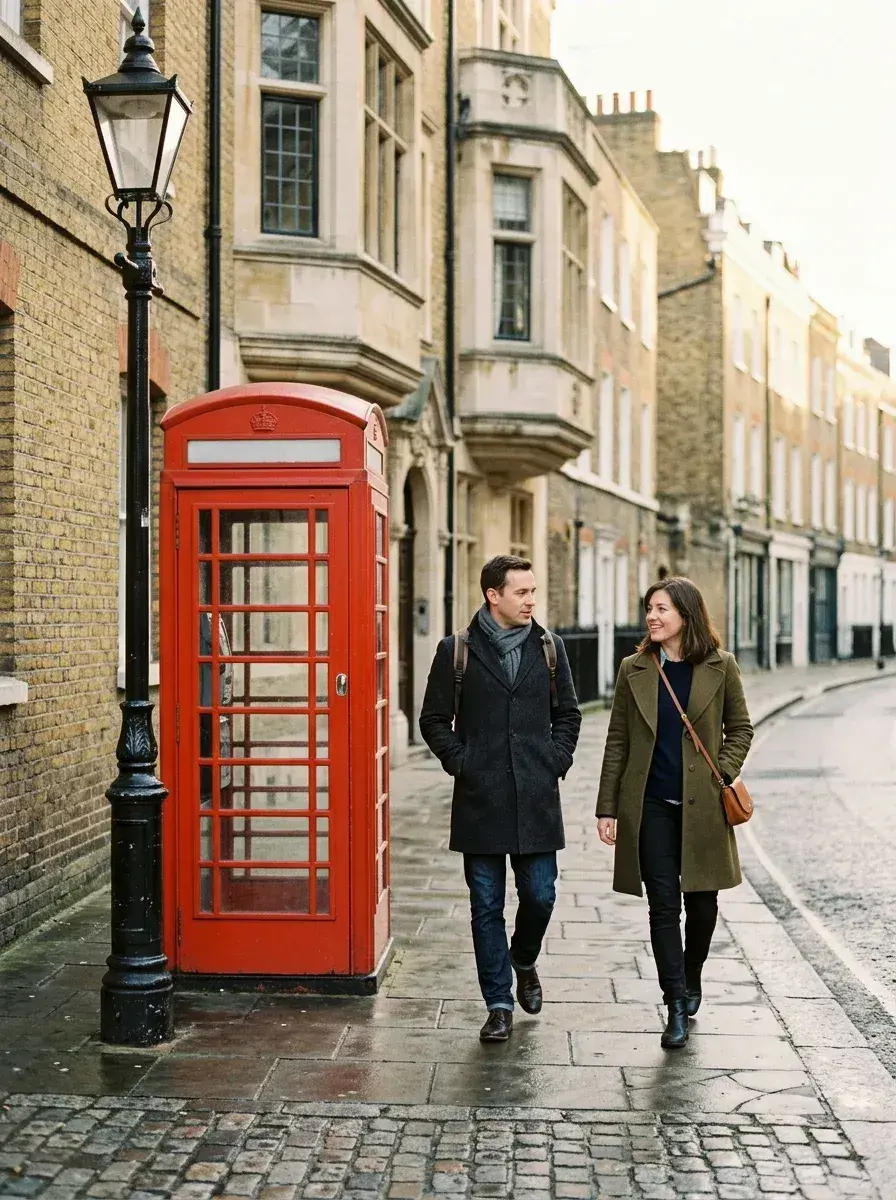
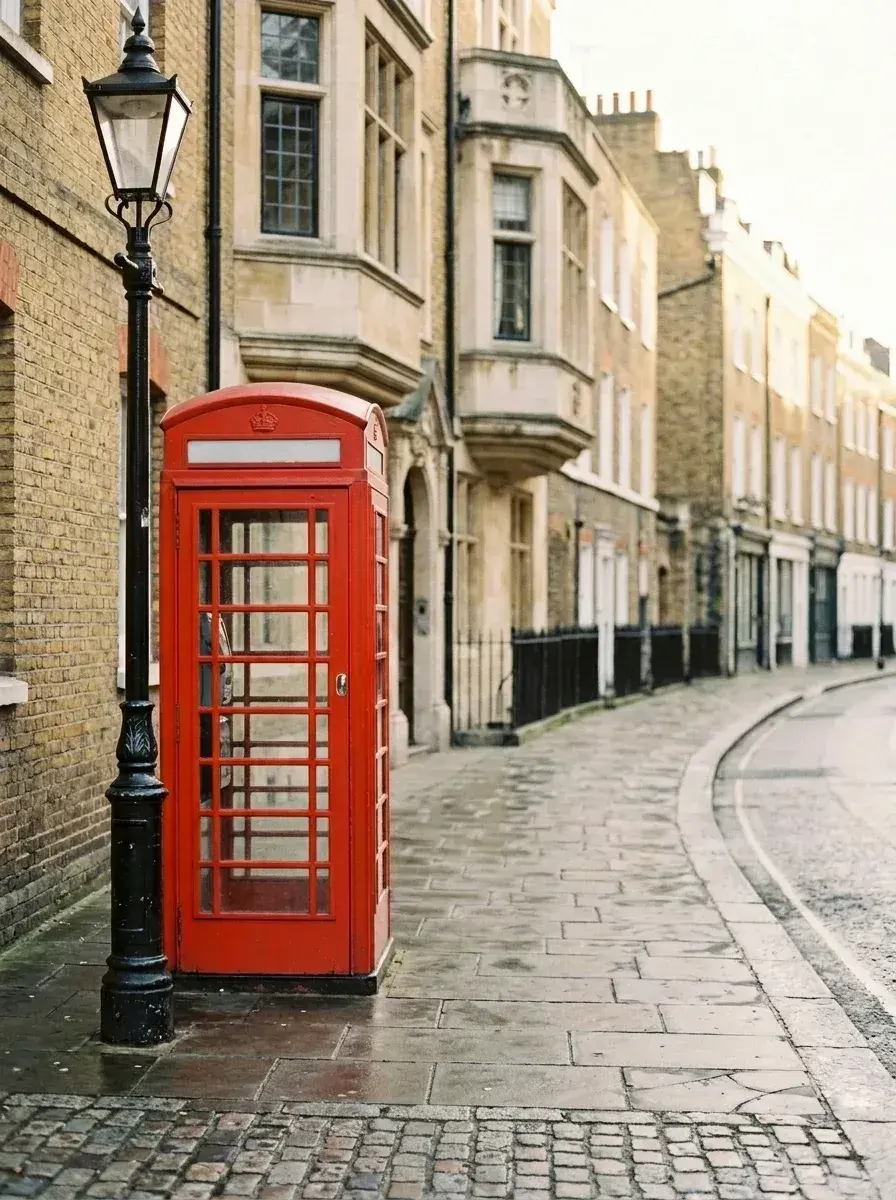 Before → after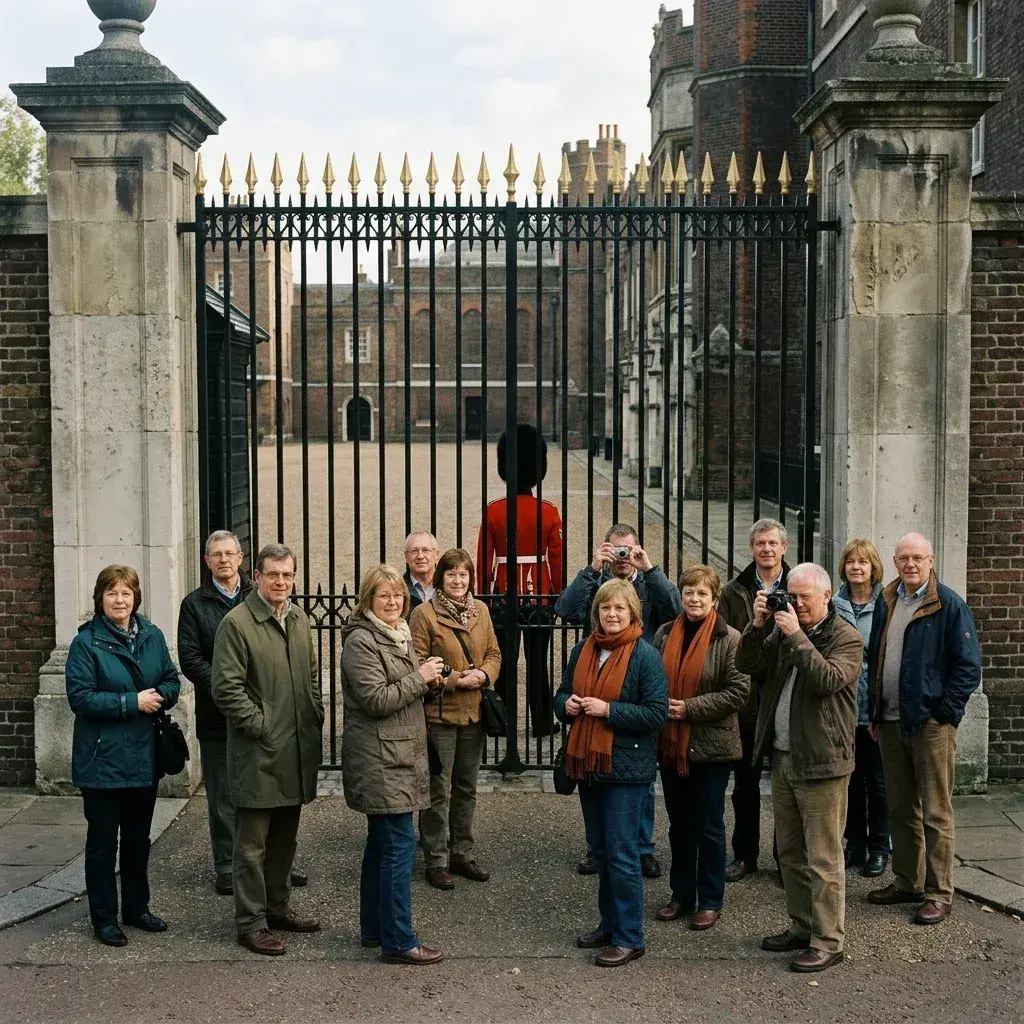
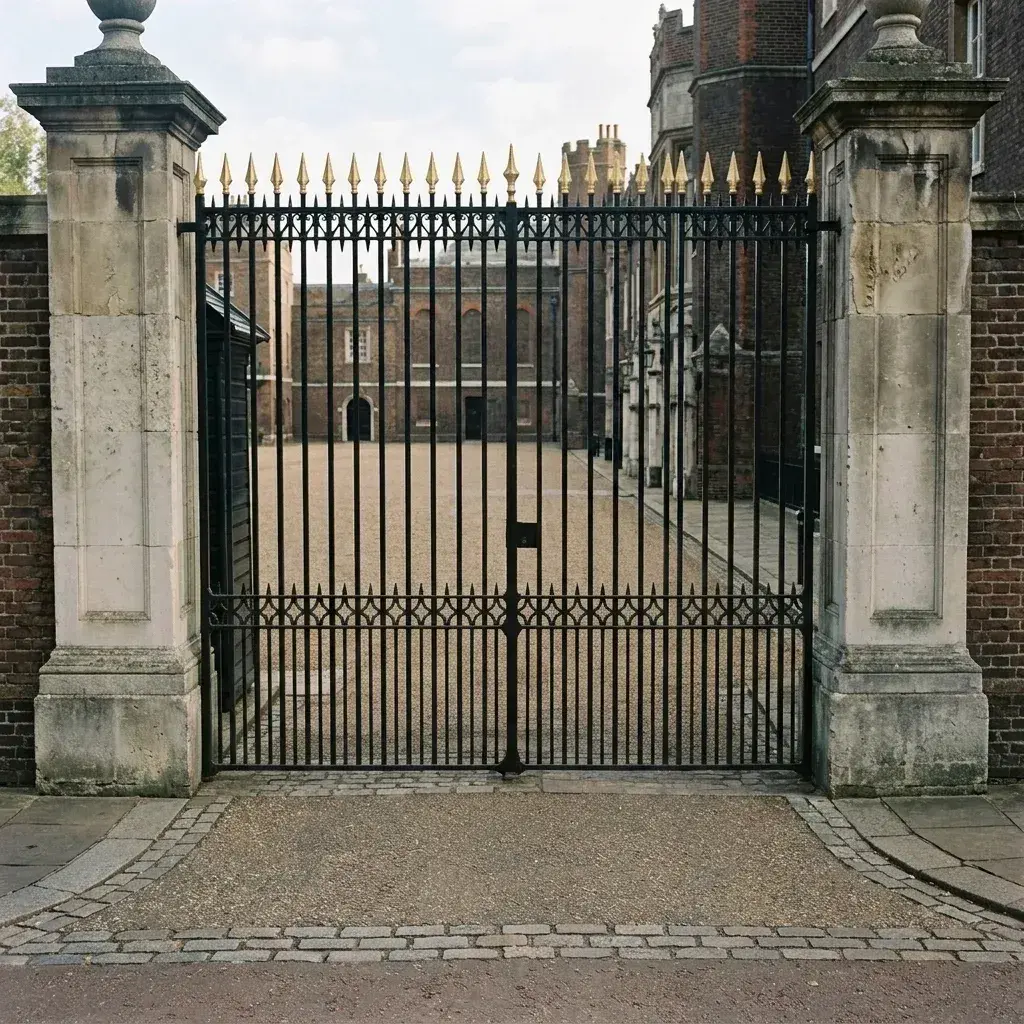 Before → after
Common questions
Can it clear the crowds outside Buckingham Palace?
Does it work in flat grey London light?
Can it remove people but keep the red buses and phone boxes?
How long does it take to get my edited image back?
Do you keep a copy of my London photos?
What resolution are the downloads?
Ready to fix your photo?
3 HD edits for $4.99 once · no subscription. Each new generation uses one edit.
or drag & drop it here
JPEG · PNG · WebP · up to 20 MB · zero photo storage