Remove People from New Year's Eve Photos
Remove people from New Year's Eve photos with AI. Describe who should go, review sample results, and download a watermark-free edit without masking.
3 HD edits for $4.99 once · no subscription
or drag & drop it here
JPEG · PNG · WebP · up to 20 MB · zero photo storage
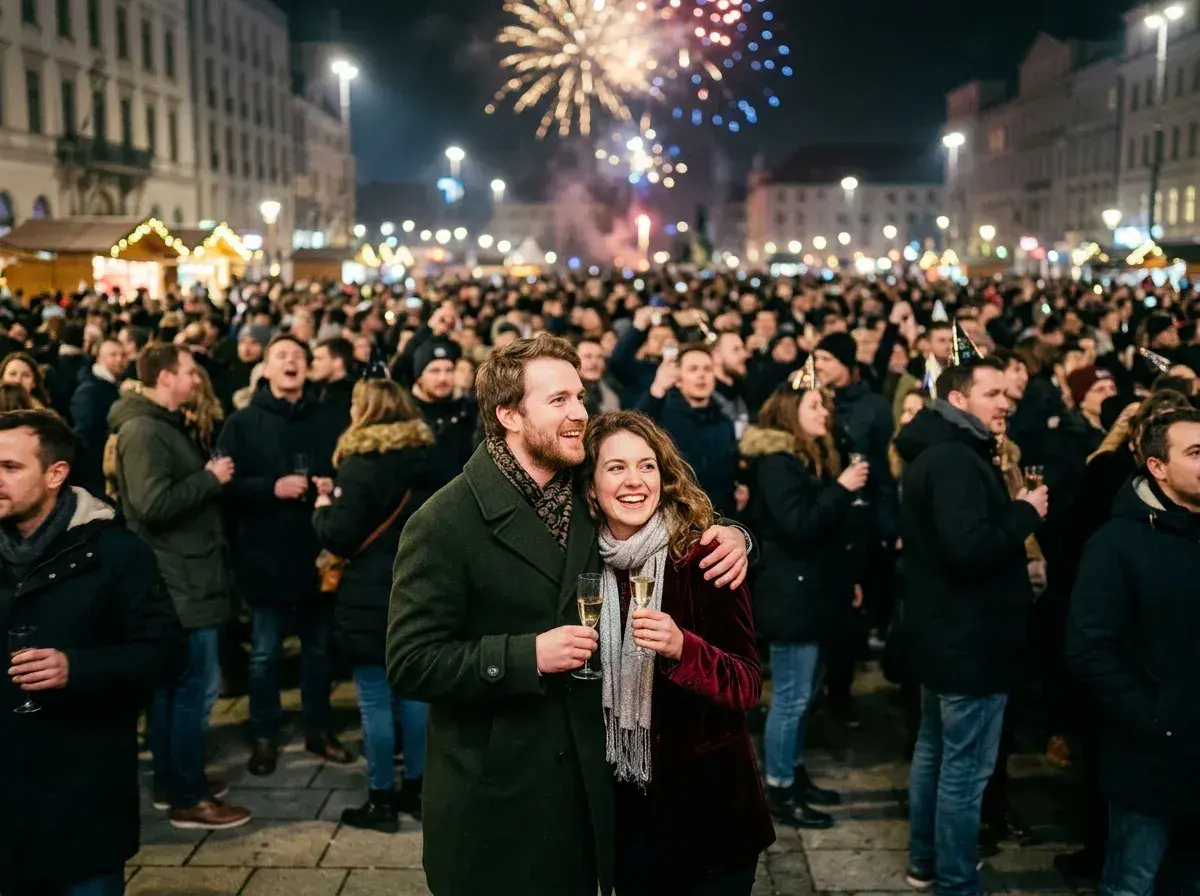
 Before → after
Midnight strikes, confetti falls, and you capture what should be a core memory from New Year's Eve. But when you look at the shot the next morning, the main focus isn't you and your friends—it's a dense wall of strangers, photobombers, and packed crowds filling the frame behind you. Standard photo editors force you to spend minutes carefully tracing every person with a brush, usually leaving behind smudged light beams and blurry artifacts.
With our AI tool, you can remove people from New Year's Eve photos directly in your browser without any manual editing skills. Simply upload your snap and write a brief prompt describing whoever's in the way—whether it's 'the crowd behind us' or 'the stranger in the yellow party hat.' After you submit the instruction, our AI deletes them and seamlessly reconstructs dark midnight lighting, background architecture, and festive ambient glow.
This is one situation the tool handles. Remove people from any photo — upload yours and describe who should go.
Clear Crowded Countdown Shots in Seconds
When you're celebrating in a city square, packed bar, or street event, taking a picture without anyone else in the frame is almost impossible. Instead of giving up on a great holiday memory, you can take out whole crowds instantly. Simply prompt the tool with plain phrases like 'everyone in the background' or 'get rid of the people on the left.' The AI reads the context of your image, isolates every unwanted person, and removes them all in one pass.
Preserve Fireworks, Sparklers, and Party Lights
New Year's Eve images present a unique editing challenge: high-contrast dark backgrounds mixed with vibrant neon signs, flashes, sparklers, and bursting fireworks. Traditional object removers struggle with lens flare and complex shadows, often creating distorted splotches. Our model understands nocturnal lighting conditions. When it erases photobombers, it fills in missing areas by accurately extending background buildings, night skies, and light reflections, keeping your holiday backdrop natural and intact.
Plain Language Prompting with Zero Masking
Forget about tedious zooming, precision brushing, or tricky selection tools. You do not need to highlight edges or fine-tune sliders. Just type simple text instructions to target exact individuals or broad groups. Whether you want to eliminate a single stranger walking past your midnight kiss or erase an entire backdrop of partygoers, the editor carries out your text instructions cleanly and quickly.
No Photo Storage and Clean High-Res Exports
Your privacy remains fully protected throughout the entire process. Images uploaded to our online app are processed strictly in temporary memory and are permanently gone the instant your edit is returned. Nothing is written to disk, stored in databases, or used for AI training. When your final shot is ready, you get a clean export with no watermark. Starter plan exports deliver crisp standard resolution (1k), Plus offers high resolution (2k), and Studio provides max output (4k) for high-end prints.
More real results
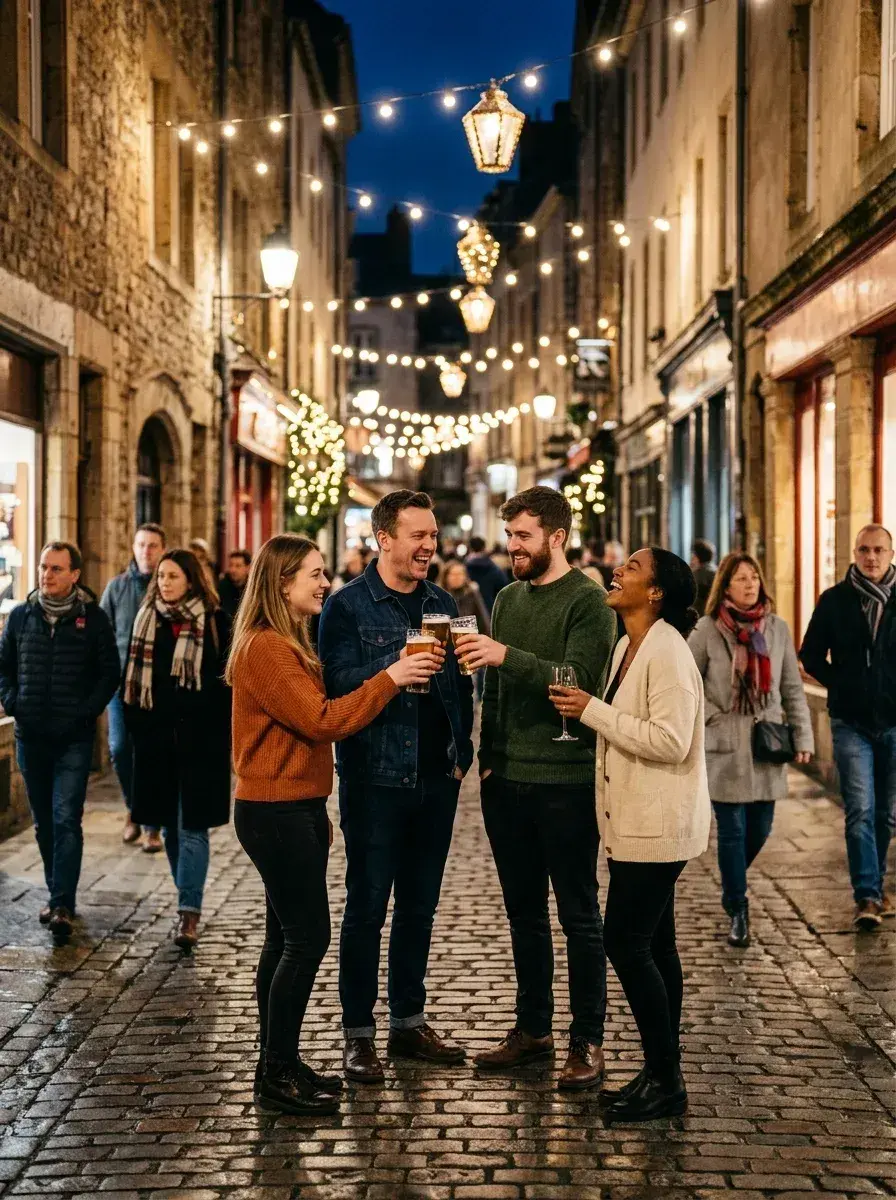
 Before → after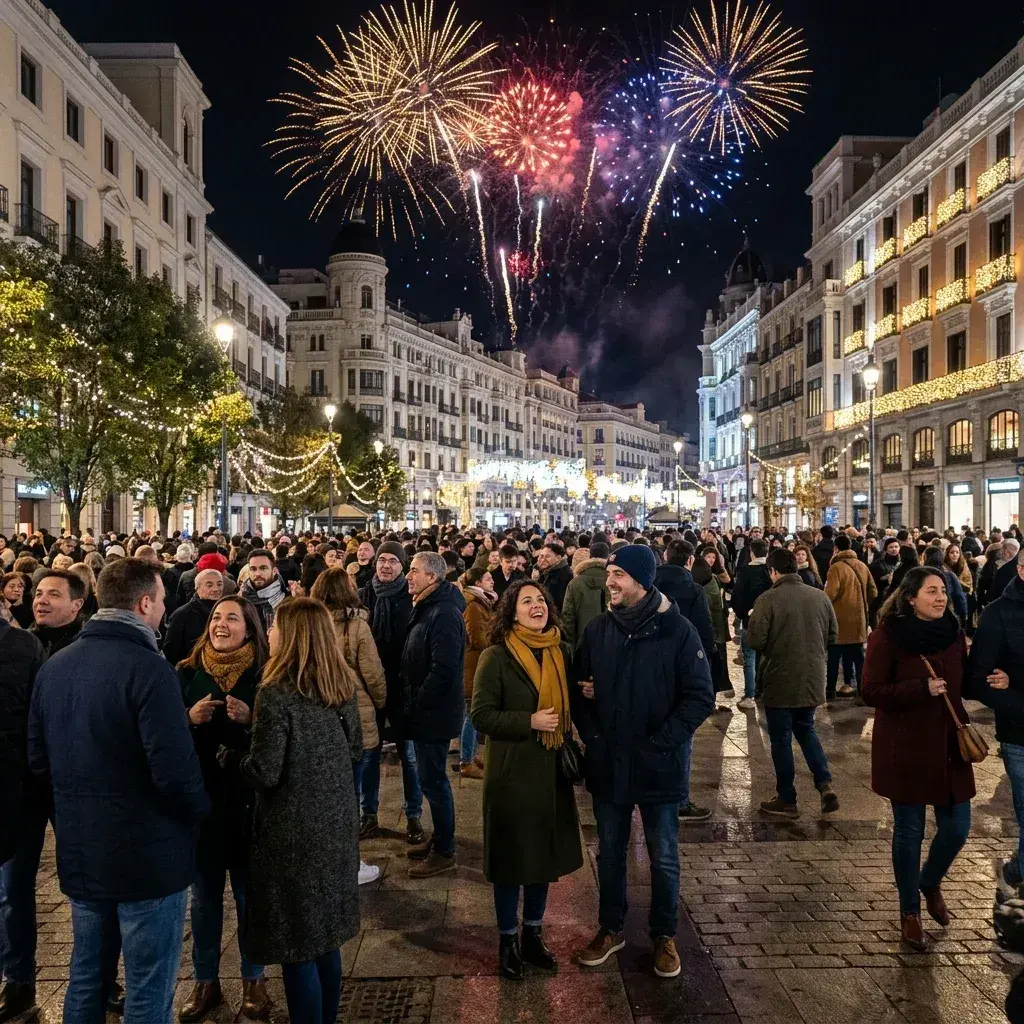
 Before → after
Common questions
The photo was taken at night and it is quite dark — does that matter?
Can it clear a whole crowd rather than one person?
Will the fireworks and lights be affected?
How does pricing work for editing photos?
Do I need to download software or use a brush tool?
Are my photos stored or saved on your servers?
Ready to fix your photo?
3 HD edits for $4.99 once · no subscription. Each new generation uses one edit.
or drag & drop it here
JPEG · PNG · WebP · up to 20 MB · zero photo storage