Remove People from Beach Photos
Erase strangers and crowds to remove people from beach photos in seconds. No brushing or masking—just describe who to delete for a clean, empty beach shot.
3 HD edits for $4.99 once · no subscription
or drag & drop it here
JPEG · PNG · WebP · up to 20 MB · zero photo storage
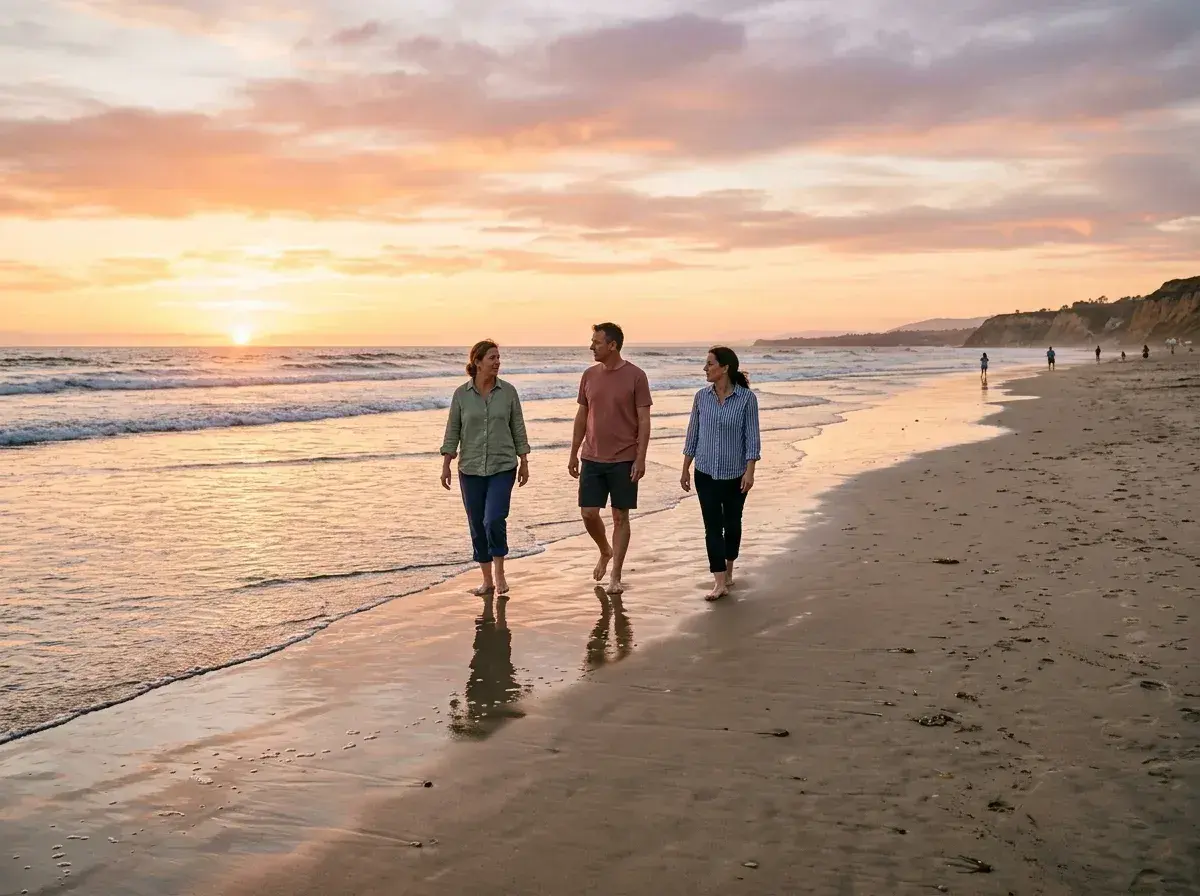
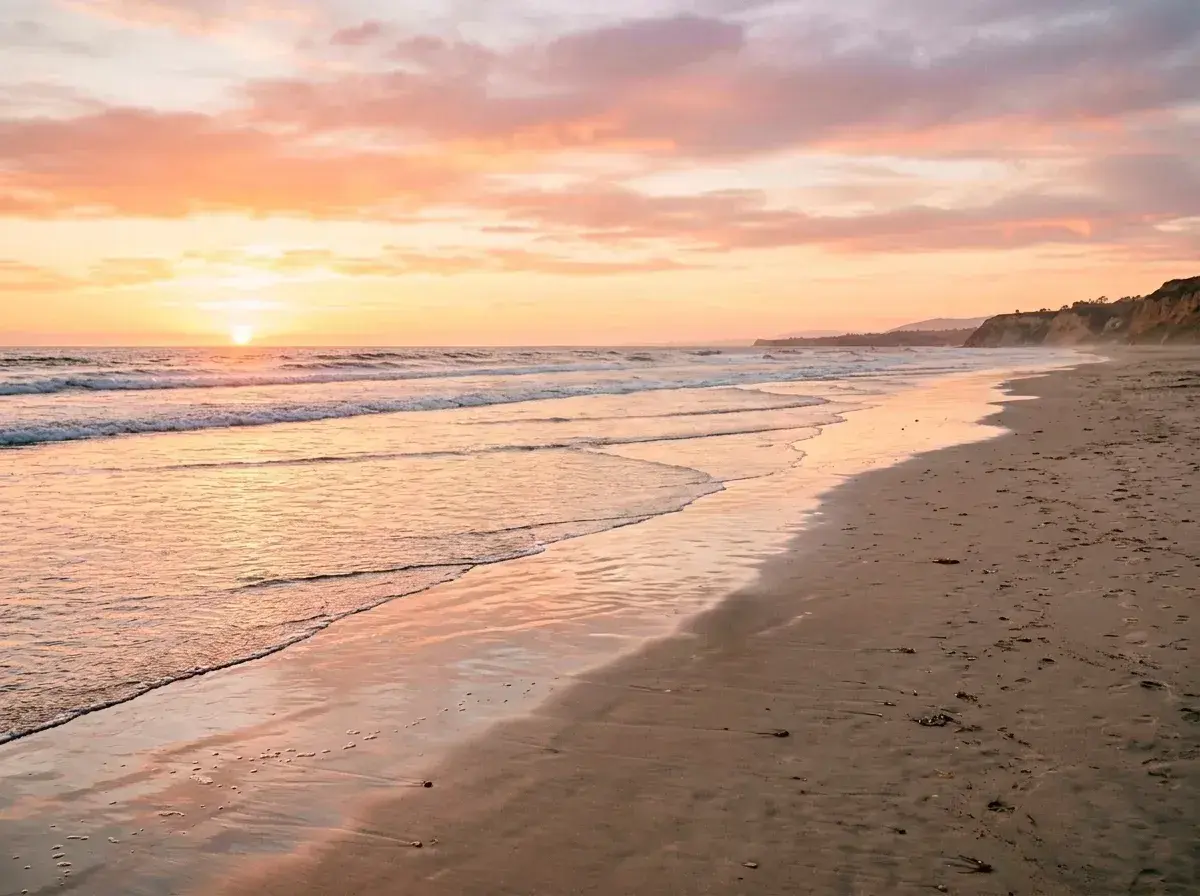 Before → after
There is nothing quite like the perfect beach snap—the golden hour glow, the rhythmic crash of the waves, and the vast expanse of the horizon. But more often than not, that serene moment is interrupted by a crowd of tourists, a stray swimmer in the background, or a group of people setting up umbrellas right in your line of sight. You wanted a private paradise, but you ended up with a busy public scene.
Our AI tool is designed to fix exactly that. By using removepeople.ai, you can get rid of anyone standing between you and the perfect aesthetic. Whether you are looking to create a clean image for your social feed or a high-quality print for your home, our model allows you to take out the distractions without needing any complex editing software. You don't need to be a professional photographer to achieve a professional result.
The process happens entirely online and in your browser. There is no software to install and no steep learning curve. You simply upload your picture, tell the AI who to delete using plain English, and watch as the background is reconstructed without manual masking. Review the result for natural-looking sand, water and shadows before downloading.
This is one situation the tool handles. Remove people from any photo — upload yours and describe who should go.
Why Beaches are the Ideal Canvas for AI Reconstruction
Beaches offer a unique advantage when it comes to AI editing. Unlike complex urban environments with intricate architecture and straight lines, beach landscapes are composed of continuous, organic textures like sand, sea, and sky. When you remove people from beach photos, our AI has an easier time 'understanding' what should be behind them.
Our model analyzes the surrounding grains of sand, the foam of the tide, and the gradient of the sky to fill in the gaps left behind. Because these elements follow natural patterns, the reconstruction is incredibly seamless. Whether it is a footprint-heavy shore or a smooth, wind-swept dune, the tool erases the subject and replaces them with a texture that looks like it was always there. This makes beach shots some of the most successful transformations you can achieve with our technology.
Perfecting Sunset Shots and Low-Light Snaps
One of the biggest challenges in photo editing is maintaining the integrity of light, especially during a sunset. When you erase someone from a sunset picture, you aren't just removing a person; you are removing how they interact with the light. A stranger standing in the surf might be casting a long shadow or reflecting the orange and purple hues of the sky.
Our AI is trained to handle these lighting complexities. It doesn't just cut out the person; it recalculates the light and shadow of the reconstructed area. If you delete a stranger from a low-light evening shot, the tool ensures the color gradients of the horizon remain smooth and natural. You won't see the 'smudging' or 'ghosting' effects common with traditional mobile apps. The result is a clean, empty beach that looks exactly as it did in your memory.
A Mobile-Friendly Workflow for Your Vacation
You shouldn't have to wait until you get home to your desktop to fix your vacation photos. Our tool works directly in your mobile browser, making it easy to get rid of unwanted people while you are still sitting on your beach towel. If you just took a great family photo but realized there is a group of tourists in the background, you can handle it immediately.
Since our interface relies on plain language rather than manual brushing, it is much easier to use on a small screen. Trying to mask out a person with your thumb on a phone screen is frustrating and often inaccurate. With removepeople.ai, you just type 'the people in the water' or 'everyone behind us,' and the AI does the heavy lifting. It is a streamlined, stress-free way to curate your gallery on the go.
Simple Language, Professional Results
The core philosophy of our tool is simplicity. We believe that you shouldn't have to learn how to use 'layers' or 'clone stamps' just to clean up a picture. Our interface is a simple text box. You can be as specific as you need to be: 'the man in the green swim trunks' or 'the person walking the dog.'
Once you provide the description, our model identifies the subjects and removes them instantly. There is no watermark on your downloads, so your photos are ready for use immediately. We offer three straightforward plans to fit your needs: the Starter plan at $9/mo for 20 edits at standard resolution, the Plus plan at $19/mo for 50 edits at high resolution, and the Studio plan at $49/mo for 100 edits with 4K output and priority support. All plans allow for one-click cancellation, and your unused edits refresh every month.
More real results
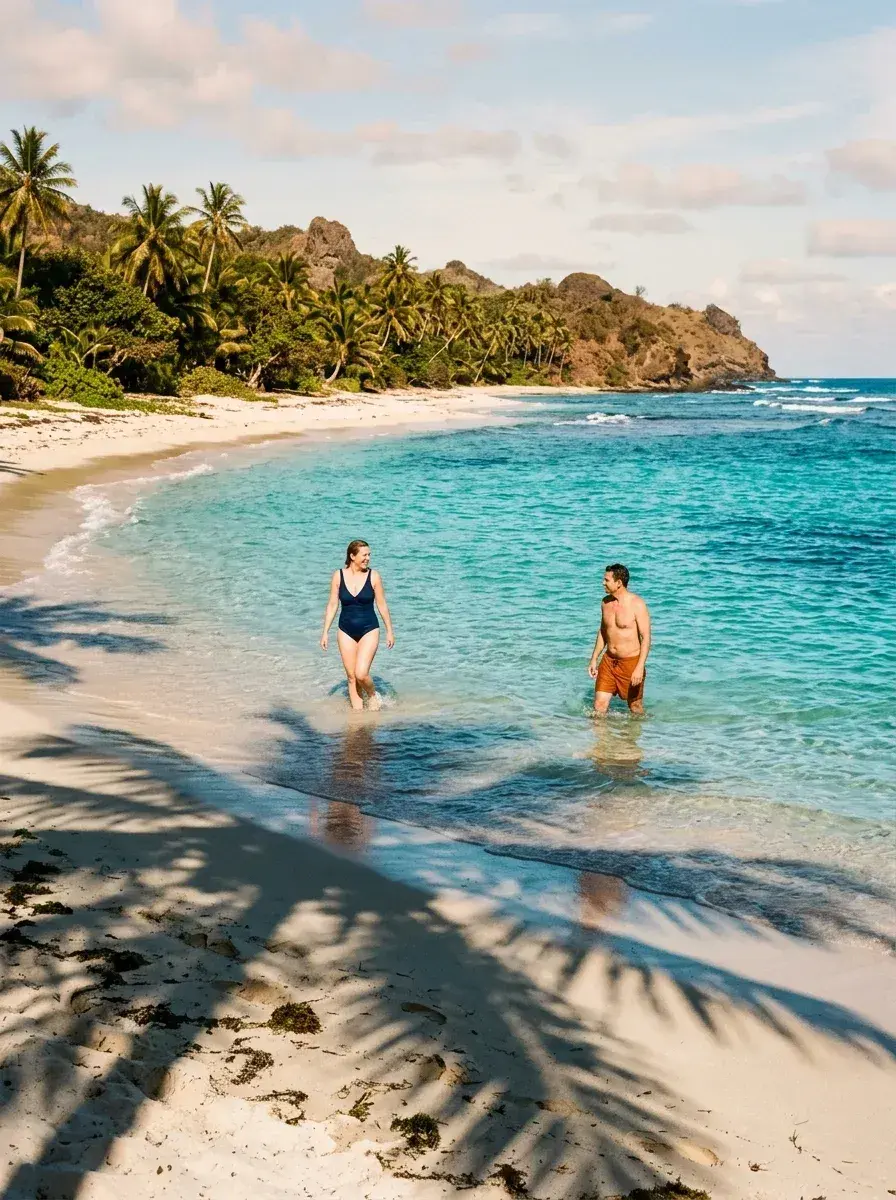
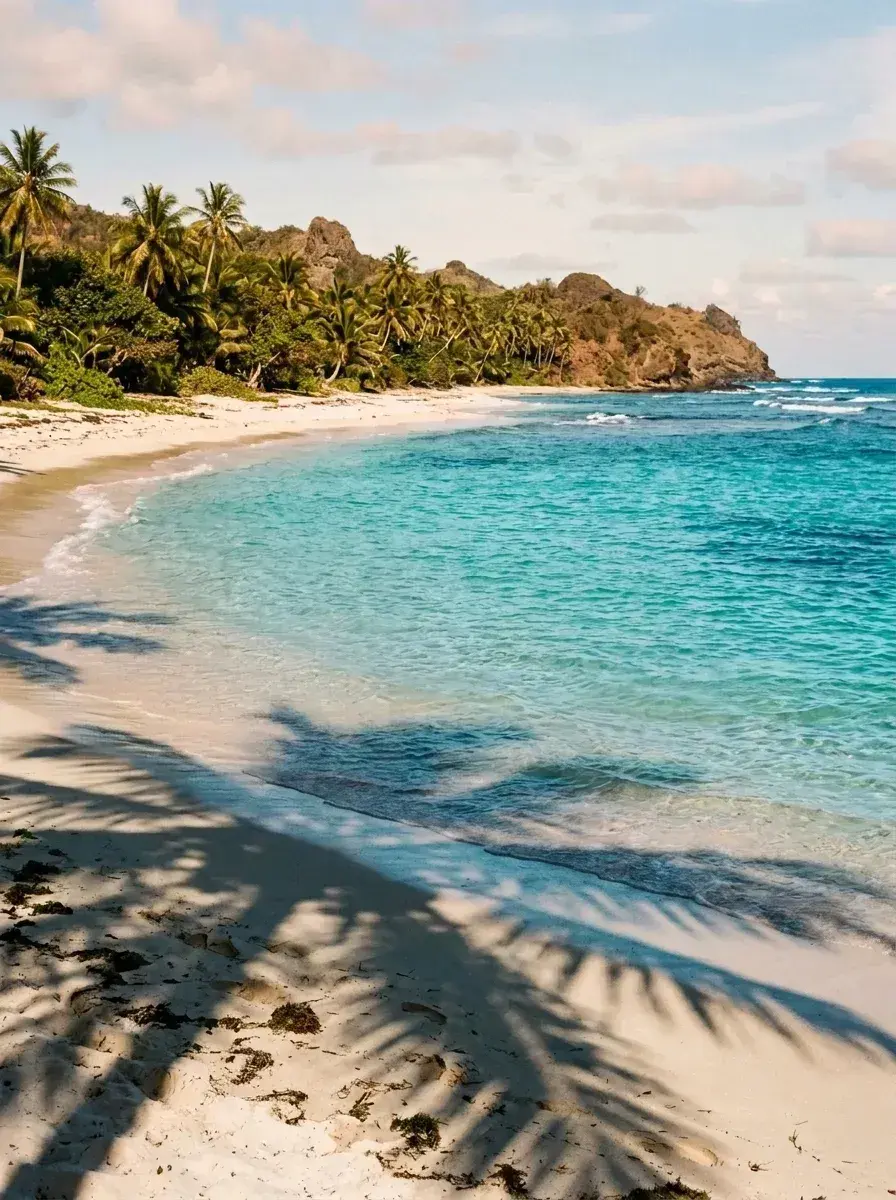 Before → after
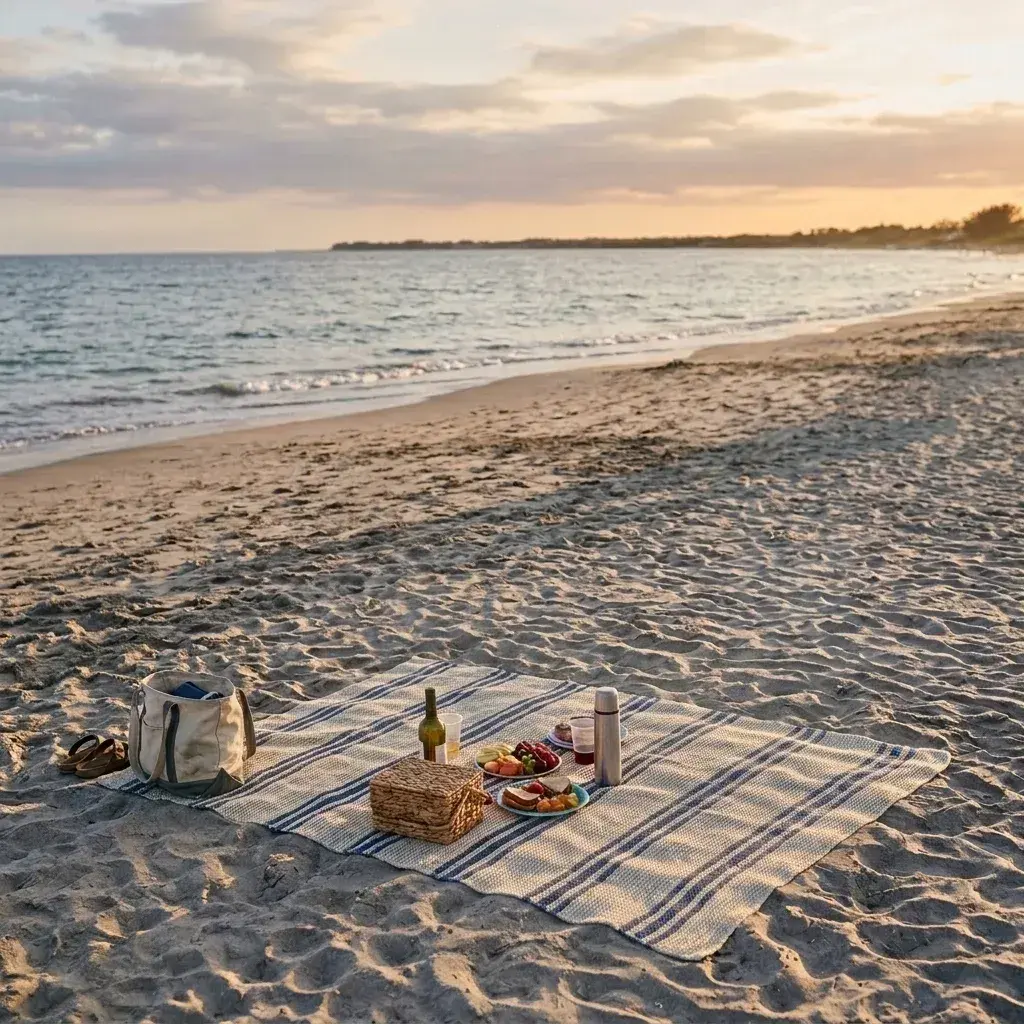 Before → after
Common questions
Can it remove people reflected in wet sand?
Does it work on sunset and low-light beach photos?
Can I remove people but keep our beach setup untouched?
How long are my photos stored on your servers?
What resolution are the final images?
Can I try the tool before I buy a plan?
Ready to fix your photo?
3 HD edits for $4.99 once · no subscription. Each new generation uses one edit.
or drag & drop it here
JPEG · PNG · WebP · up to 20 MB · zero photo storage