Remove People from Real Estate Photos
Erase agents, neighbors, or crowds from your property shots in seconds. Use plain language to remove people from real estate photos online. No masking.
3 HD edits for $4.99 once · no subscription
or drag & drop it here
JPEG · PNG · WebP · up to 20 MB · zero photo storage
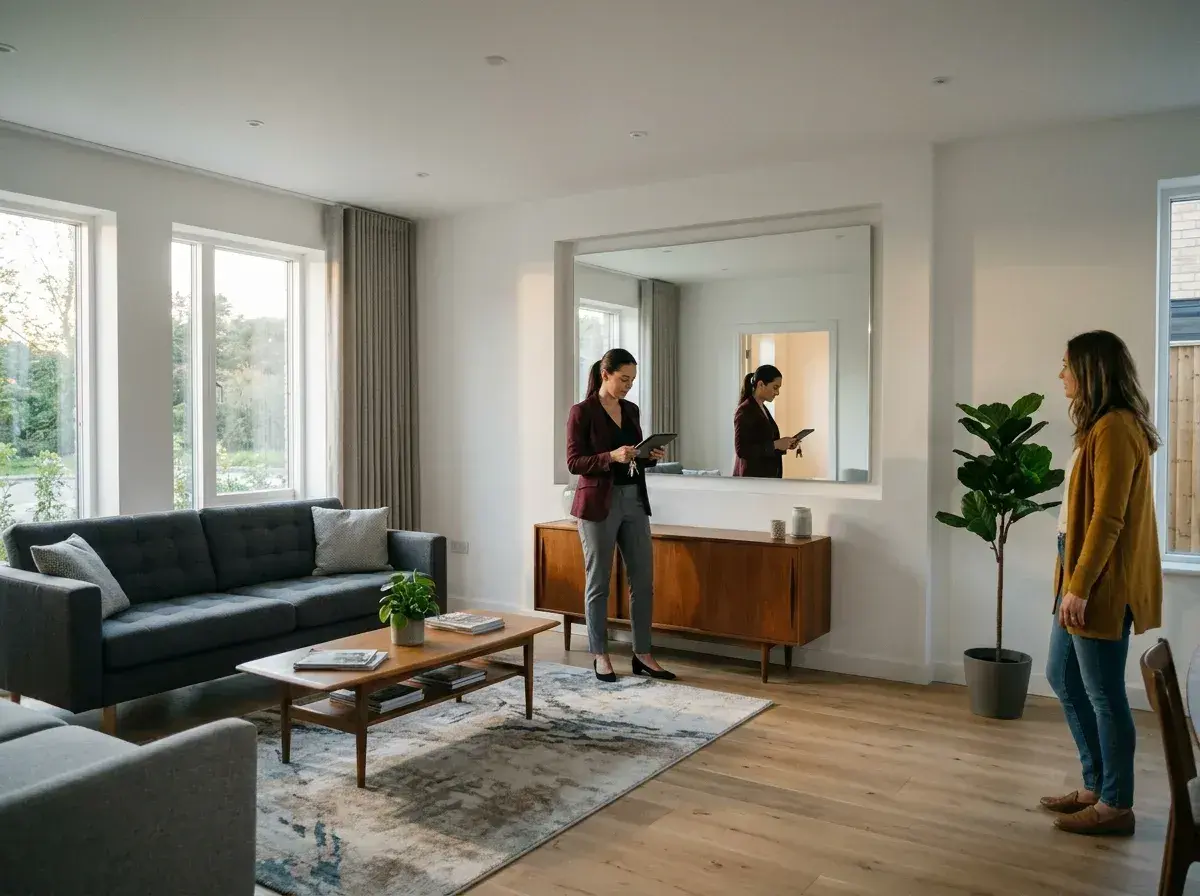
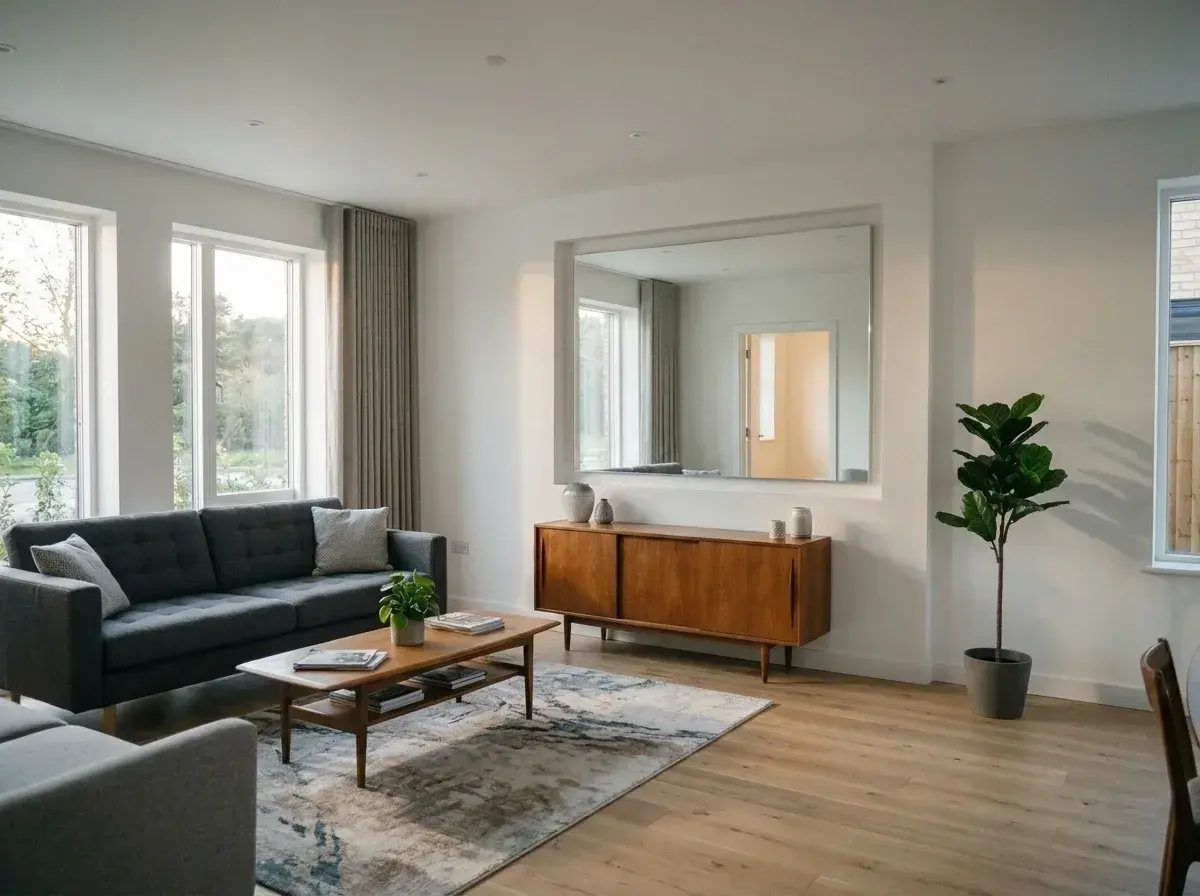 Before → after
Real estate photography is about selling a dream, and that dream rarely includes a neighbor mowing their lawn or an agent accidentally caught in a hallway mirror. When you are preparing a listing for the MLS, the standard is clear: the focus should be on the property, not the people. Even the most carefully staged shoot can be compromised by a pedestrian on the sidewalk or a stray reflection in a window. Our AI tool allows you to clean up these images instantly in your browser, ensuring your listings meet professional standards without the need for a dedicated retoucher.
The process is built for speed and simplicity. Unlike traditional editing software that requires you to zoom in and carefully mask out subjects, our interface relies entirely on plain language. You simply upload your picture and describe who you want to get rid of. Whether it is 'the person in the reflection' or 'everyone on the porch,' our model understands your intent, removes the distraction, and reconstructs the background to look as if they were never there. It is a professional-grade solution for agents and hosts who need to move fast.
Because real estate marketing moves at a high volume, we have designed this tool to be as frictionless as possible. There is nothing to install and no complex tools to master. You can take a snap on your phone during an open house, upload it to our site, and have a clean, person-free image ready for your listing without manual masking. This allows you to maintain a high-quality portfolio of images that keep the viewer's attention exactly where it belongs: on the home's features and potential.
This is one situation the tool handles. Remove people from any photo — upload yours and describe who should go.
Erase Accidental Reflections and Mirror Glitches
One of the most common issues in real estate photography is the 'accidental agent.' When shooting tight spaces like bathrooms or hallways with mirrored closets, it is nearly impossible to stay out of the frame. These reflections can look unprofessional and distract potential buyers from the finishes and layout of the room. Our AI is specifically trained to handle these complex scenarios. You don't need to brush over your reflection; just type 'remove the person in the mirror' and the tool will delete them while intelligently recreating the tile, wallpaper, or cabinetry behind them.
This capability extends to windows and glass doors as well. If a host or photographer is visible in the reflection of a sliding glass door leading to the patio, you can take them out in seconds. By removing these human elements, you create a 'blank canvas' feel that allows buyers to imagine themselves in the space, which is a core requirement for high-performing real estate listings.
Clear the Sidewalks and Neighboring Properties
Exterior shots are the first thing a buyer sees, but you cannot always control the environment outside the property line. A neighbor standing in their driveway or a group of tourists walking past the front gate can clutter an otherwise perfect hero shot. To remove people from real estate photos of the exterior, simply describe the subjects you want gone. Our AI can erase someone standing on the sidewalk or get rid of a neighbor in the background, seamlessly filling in the lawn, fence, or street details.
This is particularly useful for urban listings where foot traffic is constant. Instead of waiting hours for a clear moment or trying to coordinate with strangers, you can take the shot whenever the lighting is best and handle the cleanup online. The result is a pristine, quiet-looking streetscape that highlights the curb appeal of the home without the visual noise of a busy neighborhood.
Clean Up Open House Candids for Social Media
Sometimes the best photos of a home's flow happen during a busy open house, but these shots are often filled with visitors who haven't signed a privacy waiver. If you have a great angle of a renovated kitchen but there are people standing around the island, you can use our tool to delete whoever's in the way. This allows you to repurpose candid shots into clean marketing materials for Instagram, Facebook, or your personal website.
By using plain language like 'remove everyone behind the counter,' you can transform a crowded event photo into a serene architectural shot. This flexibility ensures that you never lose a great composition just because the house was full of people at the time you pressed the shutter.
Studio-Quality Resolution for Print Listings
While standard resolution is often enough for mobile browsing, high-end real estate marketing often requires print-ready files for brochures, yard signs, and luxury magazines. For these use cases, our Studio plan is the ideal choice. It provides 4K output, ensuring that when you remove a person from a high-resolution image, the final result maintains the crispness and detail required for physical printing.
The Studio plan is designed for power users who manage multiple listings and need the highest possible fidelity. At $49/mo, it includes 100 edits and priority support, making it a reliable partner for professional real estate photographers and high-volume agencies. Whether you are on the Starter, Plus, or Studio plan, every download is completely free of watermarks, so your branding remains front and center.
More real results
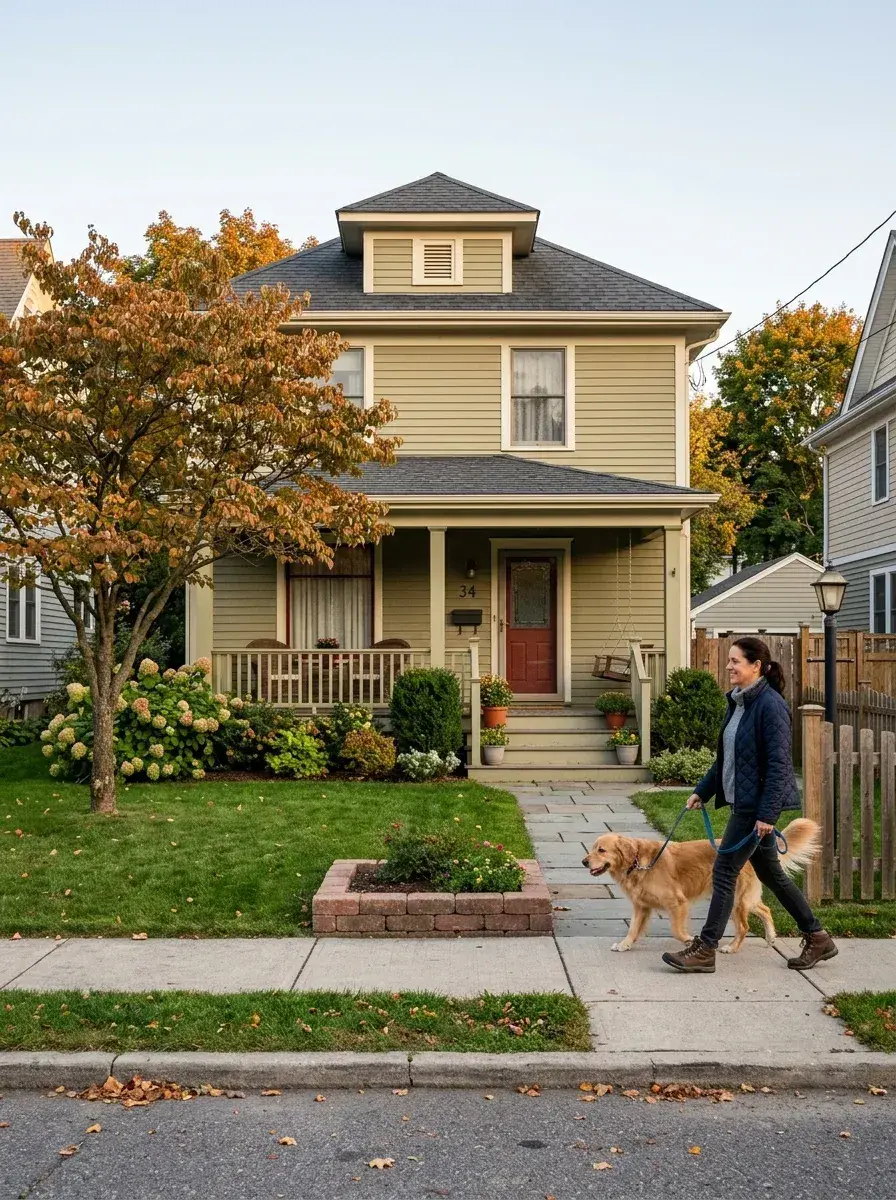
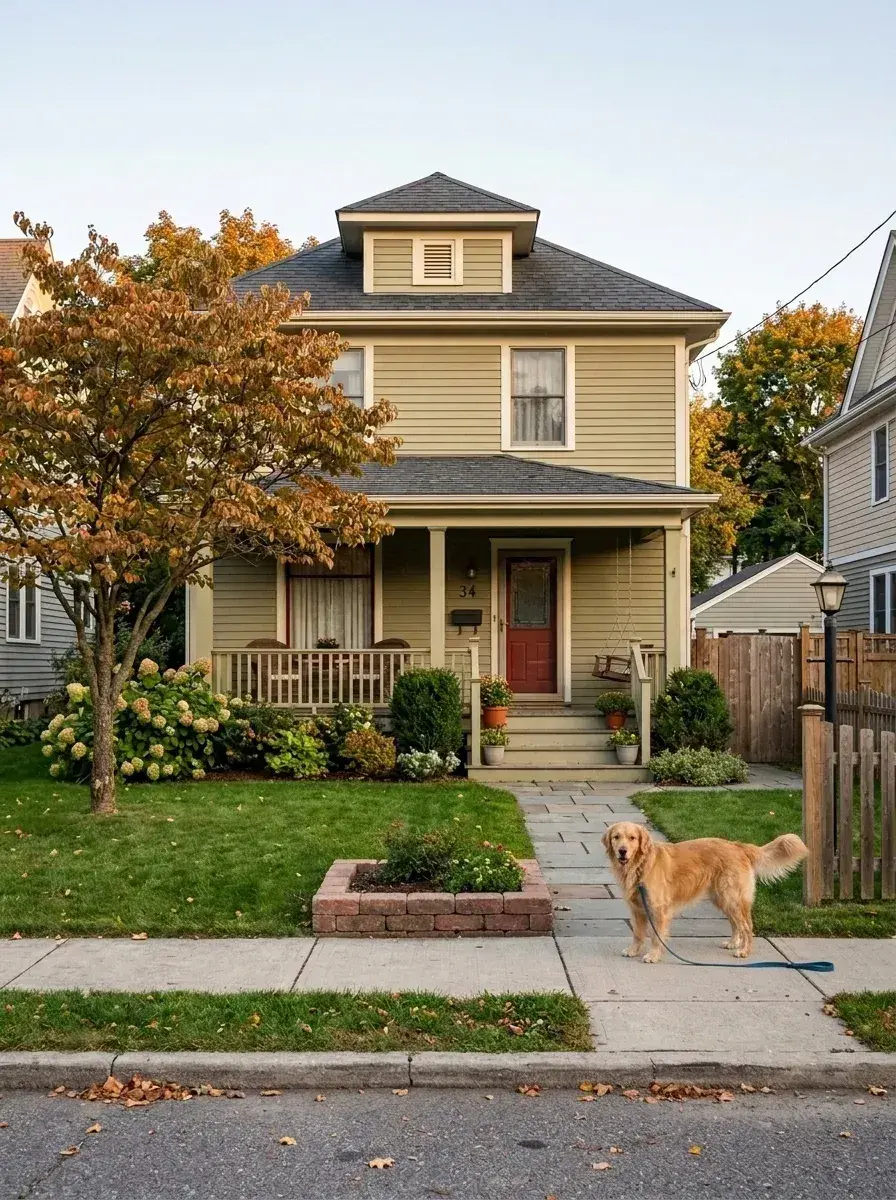 Before → after
 Before → after
Common questions
Can it remove people reflected in mirrors and windows?
What resolution do I need for print-quality listing photos?
Is AI-edited photography acceptable for MLS listings?
How long does it take to process a real estate image?
Are my property photos stored on your servers?
Can I try the tool before committing to a plan?
Ready to fix your photo?
3 HD edits for $4.99 once · no subscription. Each new generation uses one edit.
or drag & drop it here
JPEG · PNG · WebP · up to 20 MB · zero photo storage