Remove People from Paris Photos
Erase tourists and crowds from your Paris pictures in seconds. Use our AI to remove people from Paris photos online with no brushing or masking required.
3 HD edits for $4.99 once · no subscription
or drag & drop it here
JPEG · PNG · WebP · up to 20 MB · zero photo storage
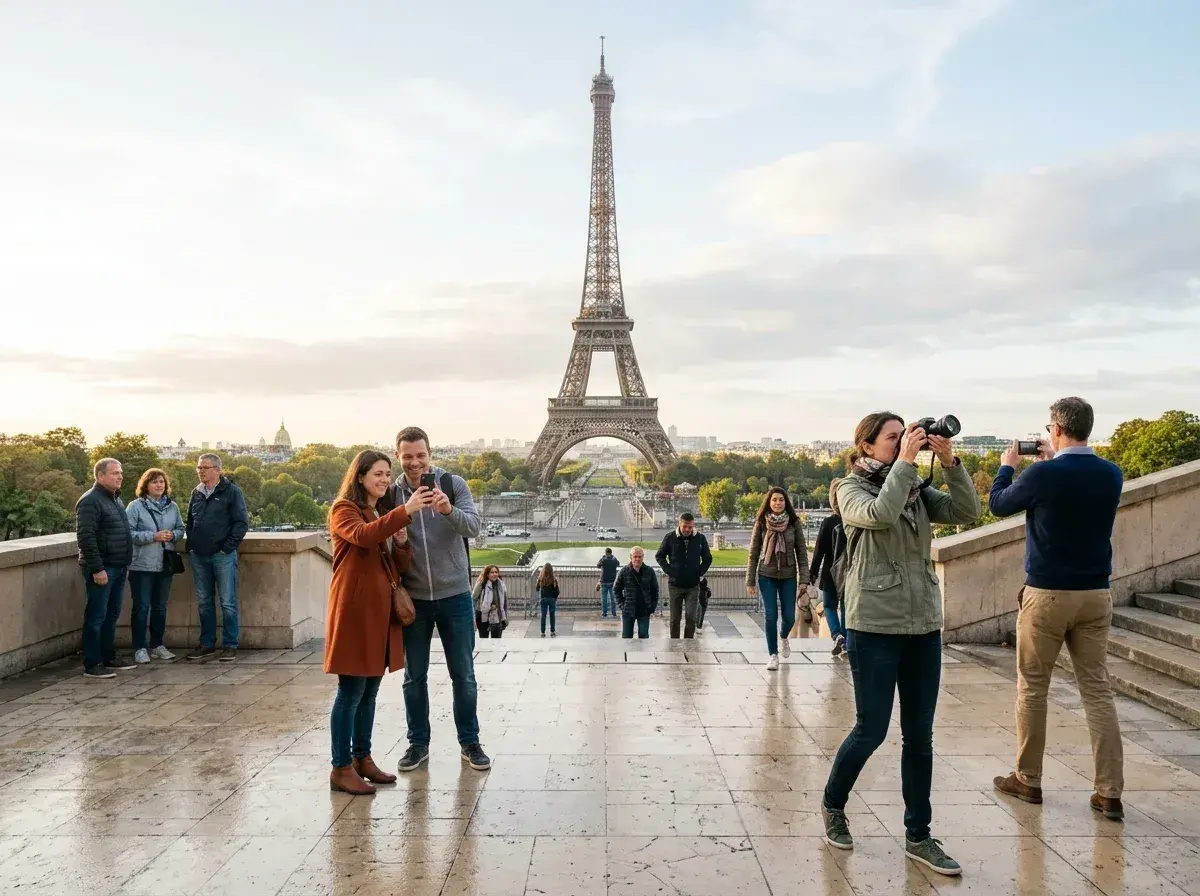
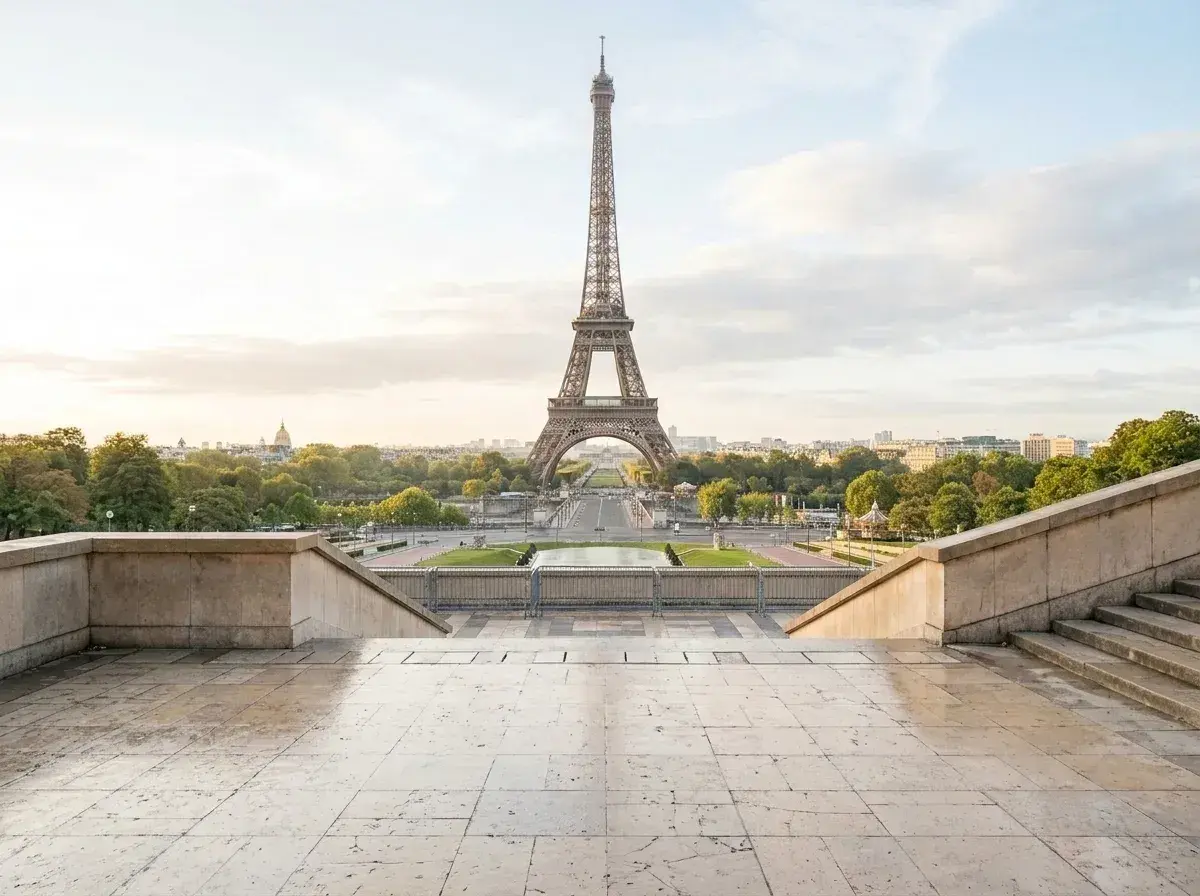 Before → after
Paris is widely considered the most beautiful city in the world, but it is also one of the most crowded. Whether you are standing in front of the Eiffel Tower at sunrise or wandering through the narrow streets of Montmartre, the reality of modern travel is that you are rarely alone. You might have the perfect outfit and the perfect lighting, but your postcard-worthy shot is almost always interrupted by a sea of selfie sticks, tour groups, and wandering strangers.
The dream of the 'empty' Parisian street is often a myth sold by influencers who wake up at 4:00 AM, and even then, they usually have to contend with delivery trucks or other photographers. For the rest of us, the only way to get that clean, cinematic look is to take the shot anyway and fix it later. Using our AI to remove people from Paris photos is the fastest way to turn a cluttered tourist snap into a professional-grade memory.
Our tool is designed to be used entirely in your browser, meaning you don't need to install heavy software or learn complex editing techniques. You simply upload your image and describe who needs to go. Within seconds, our model reconstructs the background—whether it's the intricate ironwork of a bridge or the weathered cobblestones of the Latin Quarter—leaving you with a clean image that looks like you had the city all to yourself.
This is one situation the tool handles. Remove people from any photo — upload yours and describe who should go.
The Problem with Iconic Parisian Landmarks
Every iconic spot in Paris has its own specific crowd problem. At the Trocadéro, you are fighting for a clear view of the Eiffel Tower against hundreds of other visitors. At the Louvre, the glass pyramid is constantly surrounded by people posing for the same photo. Even the 'secret' spots in Le Marais are now bustling with activity at all hours of the day. There is no 'quiet time' anymore; there is only the time you have and the people who happen to be in your frame.
Instead of waiting for a gap in the crowd that may never come, you can take your picture and let our AI handle the rest. Our tool is specifically trained to understand complex environments. When you delete a stranger from your shot, the AI doesn't just smudge the area; it intelligently recreates what should be there, such as the architectural details of a Haussmann-style building or the dappled light hitting a sidewalk cafe. This allows you to get rid of whoever's in the way without leaving any trace of the edit.
No Brushing or Masking—Just Plain English
Most photo editors require you to carefully brush over the person you want to erase, which is nearly impossible to do accurately on a mobile screen. We have replaced that tedious process with a simple text interface. To take out a person from your image, you just describe them. You can type 'the woman in the yellow dress' or 'everyone behind us,' and our AI will identify the subjects and remove them automatically.
This approach avoids manual pixel selection. Because you aren't manually selecting pixels, you don't have to worry about shaky hands or jagged edges. The tool understands the context of your request and processes the change without manual masking. Review the result for convincing background detail before you download it.
Professional Results for Every Traveler
We offer three straightforward plans to suit different needs. The Starter plan at $9/mo gives you 20 edits at standard resolution, perfect for a quick weekend trip. For those who want higher quality for social media or small prints, the Plus plan at $19/mo offers 50 edits at high resolution. If you are a professional photographer or a serious enthusiast looking for the highest possible fidelity, our Studio plan at $49/mo provides 100 edits in 4K resolution along with priority support.
Regardless of the plan you choose, every download is completely free of watermarks. We believe your memories should belong to you, not our brand. You can cancel your subscription with a single click at any time, and your unused edits will refresh every month. While you can test the editor for free using the sample images on our homepage, uploading your own Parisian snaps requires an active plan to process and download.
Privacy You Can Trust
When you upload a personal photo, you want to know it isn't being stored on a server or used to train a machine learning model. At removepeople.ai, we have a strict zero-retention policy. Your image is processed entirely in memory. The moment the edit is finished and returned to your browser, the data is gone. Nothing is ever written to a hard drive, and we never keep a history of your uploads.
This means your private vacation photos stay private. We don't use your images to improve our AI, and we don't store them for 'later use.' Once you close your browser tab, the session is wiped. This commitment to privacy is a core part of our service, ensuring that you can edit your travel photos with total peace of mind.
More real results
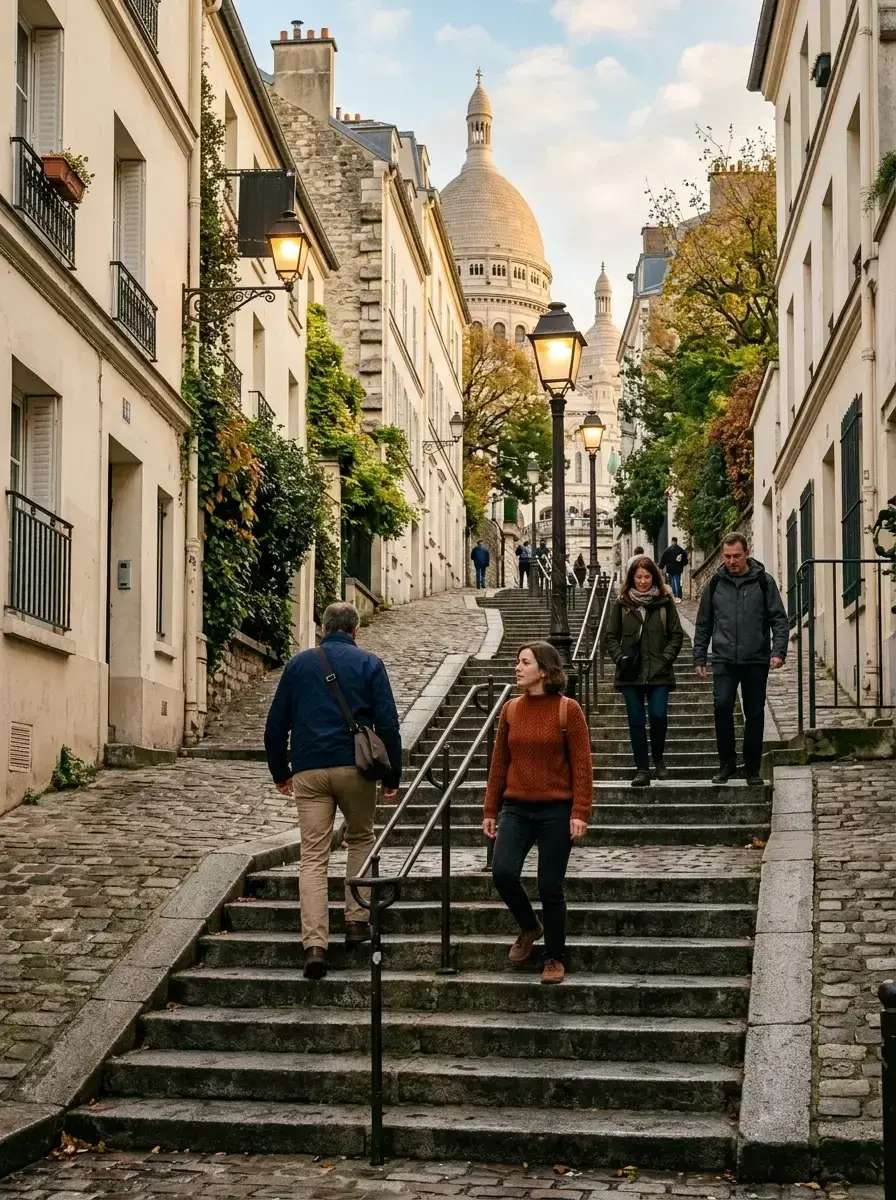
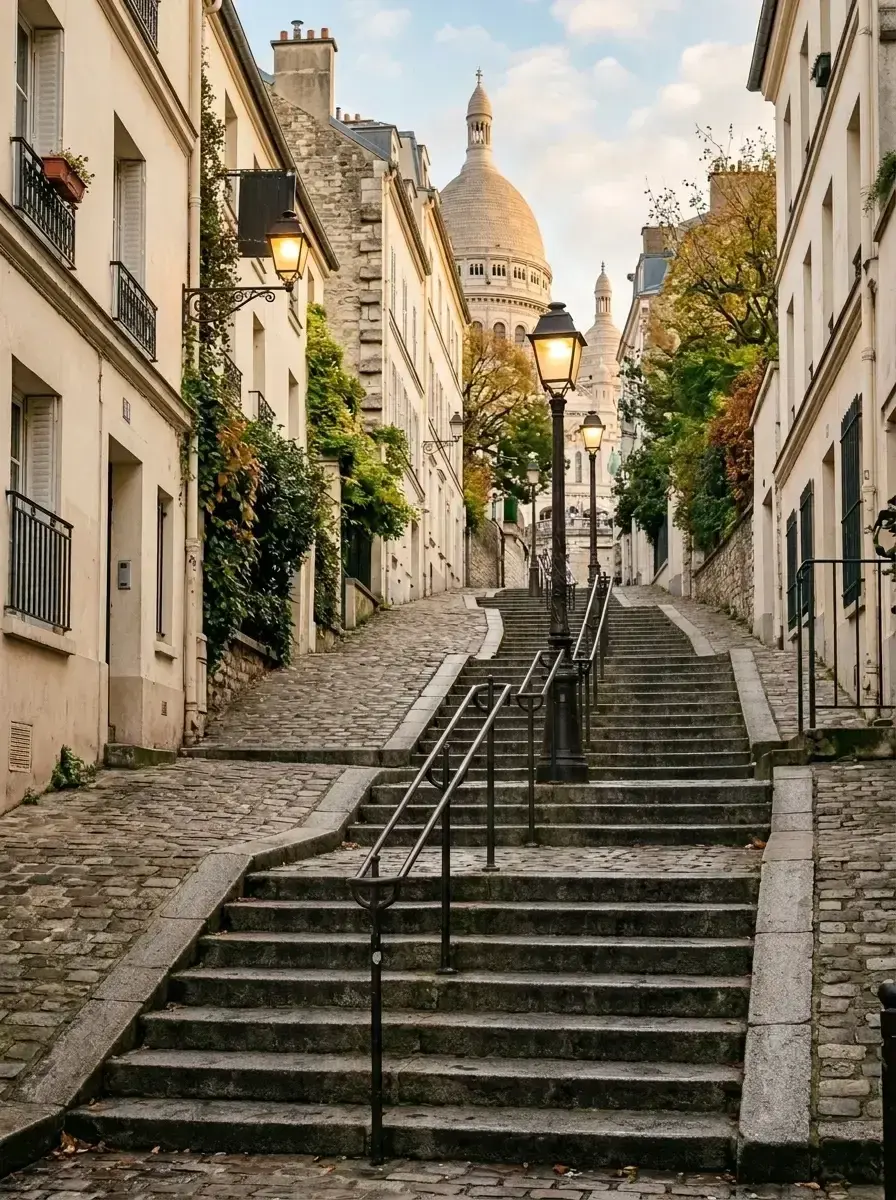 Before → after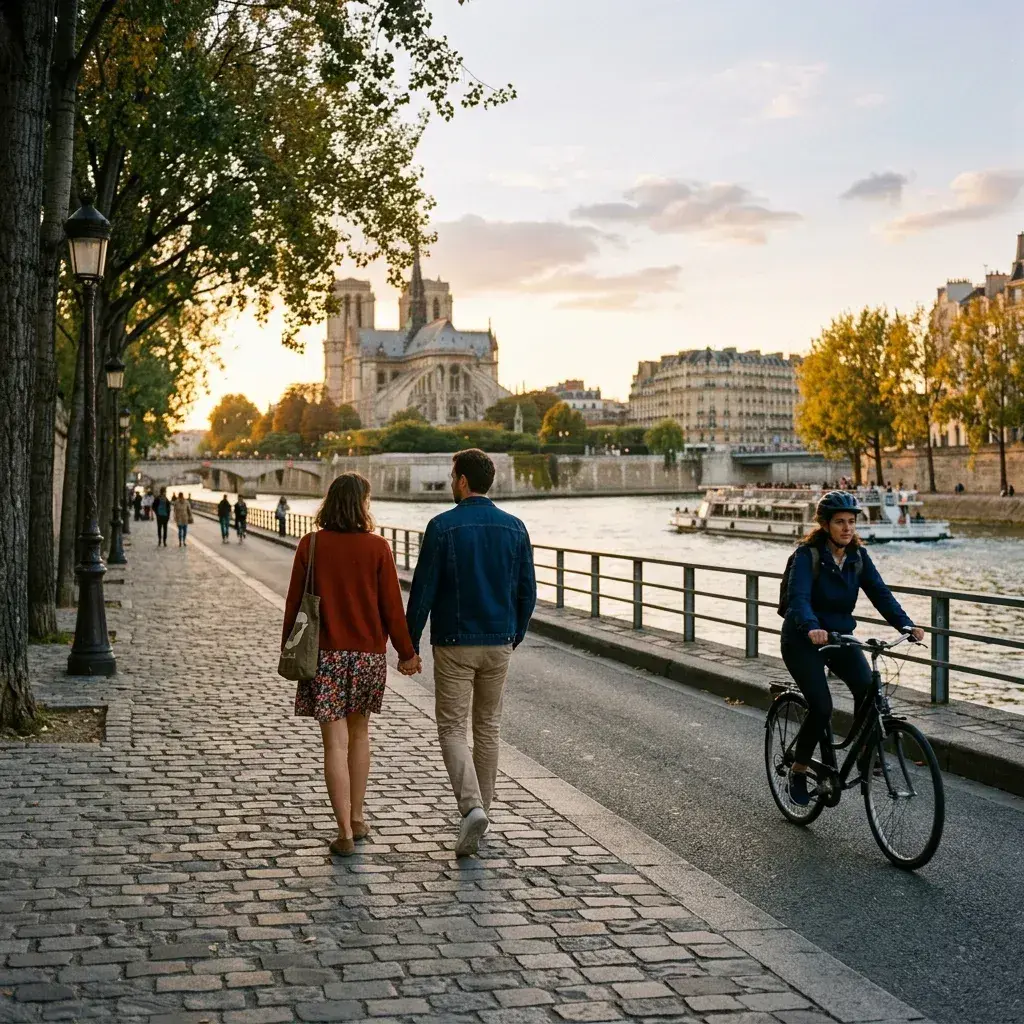
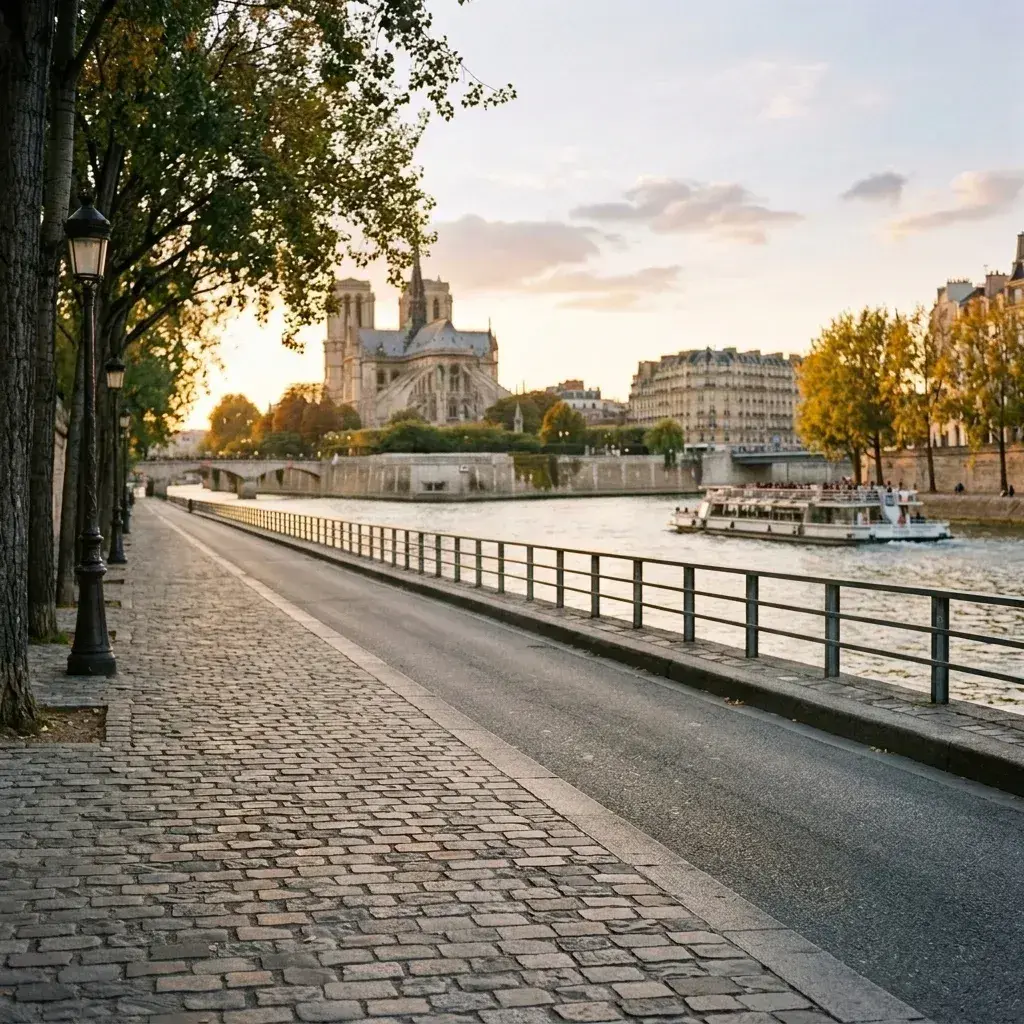 Before → after
Common questions
Can the AI handle the massive crowds at the Eiffel Tower and Louvre?
Will reflections in shop windows and puddles be fixed too?
Can I edit photos from my phone while still in Paris?
Are there any watermarks on the downloaded images?
What happens to my photos after I upload them?
Do I need to be an expert to use this tool?
Ready to fix your photo?
3 HD edits for $4.99 once · no subscription. Each new generation uses one edit.
or drag & drop it here
JPEG · PNG · WebP · up to 20 MB · zero photo storage