Remove People from Airbnb Photos
Remove people from Airbnb photos in seconds using AI. Erase reflections, cleaners, or strangers with simple text prompts directly in your browser.
3 HD edits for $4.99 once · no subscription
or drag & drop it here
JPEG · PNG · WebP · up to 20 MB · zero photo storage
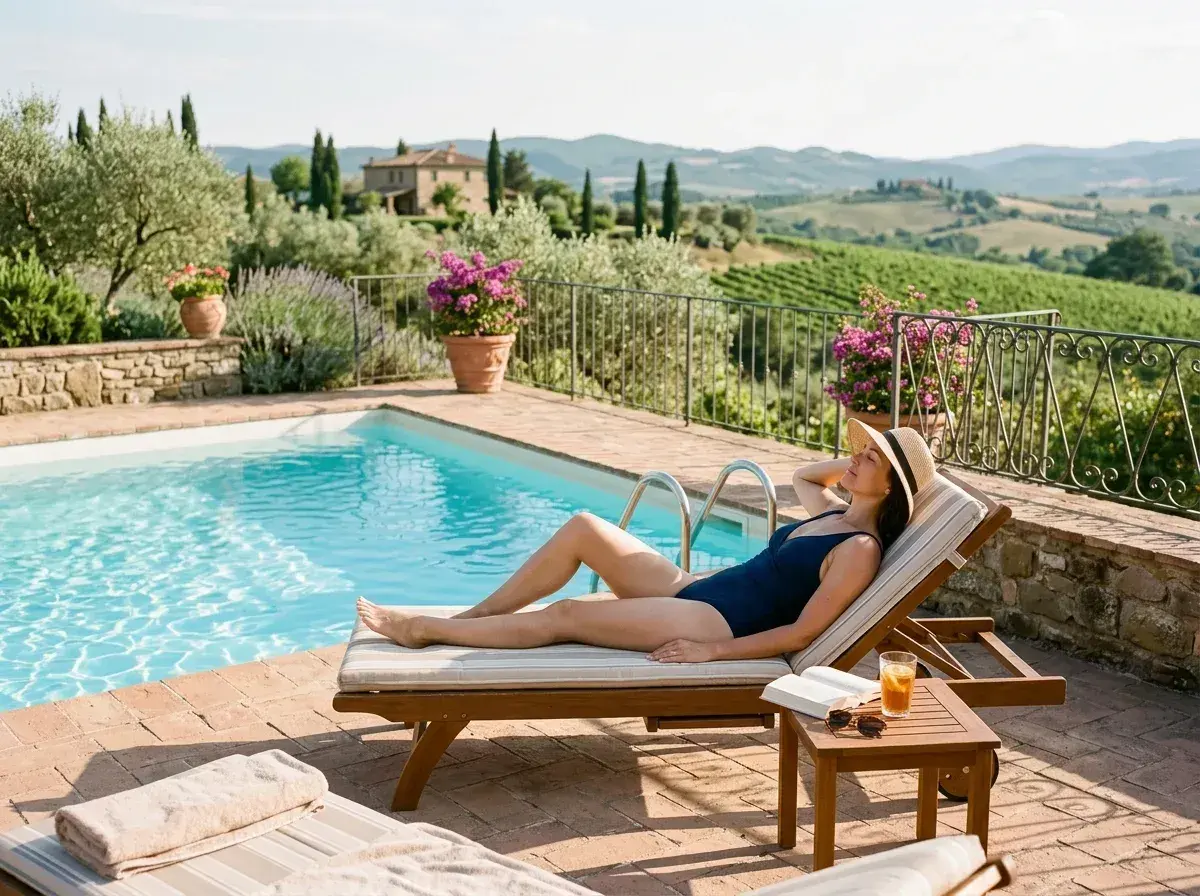
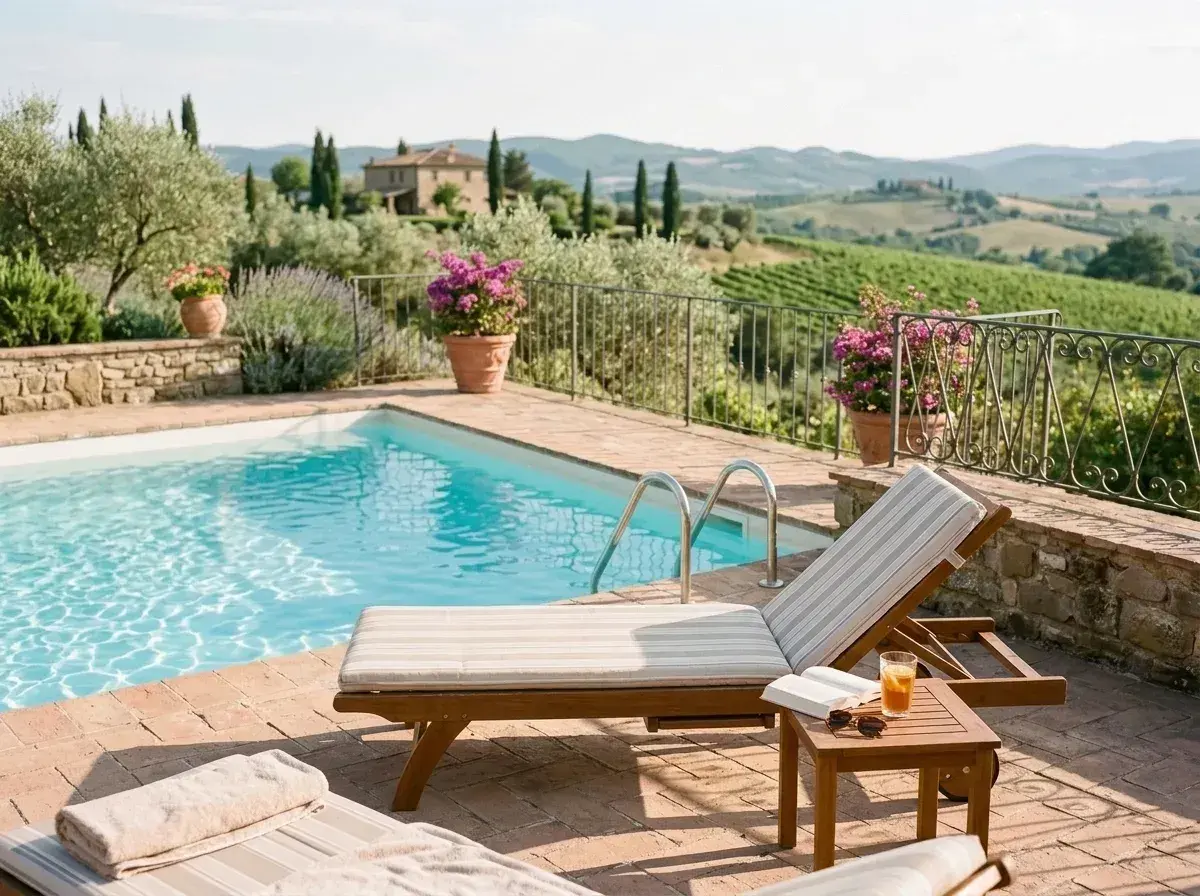 Before → after
Capturing clean, guest-ready property photos is tough when you are rushing through turnovers or photographing shared amenities. A stray reflection in a TV screen, a cleaner carrying linens down the hallway, or a stranger lounging by the community pool can spoil an otherwise perfect listing shot.
High-converting Airbnb listing photos require flawless presentation. When prospective guests see other people in your listing pictures, it distracts from the layout and creates privacy or crowding concerns. To earn bookings, your images need to highlight the space itself—bright, welcoming, and entirely theirs.
With our AI tool, you can remove people from Airbnb photos directly in your browser without learning complex photo-editing software. Simply upload your image, describe who to erase in plain words, and get a crisp, distraction-free photo back in about ten seconds.
This is one situation the tool handles. Remove people from any photo — upload yours and describe who should go.
Eliminate Reflections and Distractions from Hero Shots
Your hero shot is the single most important image on your listing. It determines whether a traveler clicks on your property or scrolls past it. However, taking wide-angle interior shots often captures unwanted elements: your own reflection in a bathroom mirror, a glare showing your silhouette on a glass patio door, or someone caught standing in a darkened doorway.
Instead of struggling with manual brush tools or awkward cropping, our AI handles the cleanup instantly. You can type simple descriptions like 'the reflection of the photographer in the glass' or 'the person standing in the hallway.' The model identifies the subject, deletes them, and reconstructs the underlying textures—like subway tile, wood paneling, or drywall—so the edit looks natural.
Clear Out Strangers from Balcony and Pool Pictures
If your property includes access to shared features like a condo rooftop deck, a resort pool, or a private balcony overlooking a lively street, getting a clear shot without pedestrians is almost impossible. A stranger sitting on a pool lounger or someone walking beneath your terrace ruins the feeling of a peaceful getaway.
You can take out unwanted background figures in seconds. Upload the image and type 'everyone sitting by the pool' or 'the pedestrian on the sidewalk.' Our AI intelligently reconstructs the concrete, water reflections, or landscaping beneath them. You get clean, appealing marketing photos that make shared spaces look inviting and spacious.
A Quick Mobile Workflow Between Turnovers
As an Airbnb host or co-host, your time between check-out and check-in is tight. When you update decor, replace furniture, or add new amenities, you need to update your listing photos immediately. Waiting days for a professional photographer isn't practical when you have guests arriving at 4:00 PM.
You can snap a quick picture on your phone, open our tool online, and get rid of whoever's in the way before uploading the snap to your Airbnb dashboard. Because there are no complicated masks to draw on small phone screens, plain text commands allow you to edit photos on the fly during your routine turnover walkthrough.
More real results
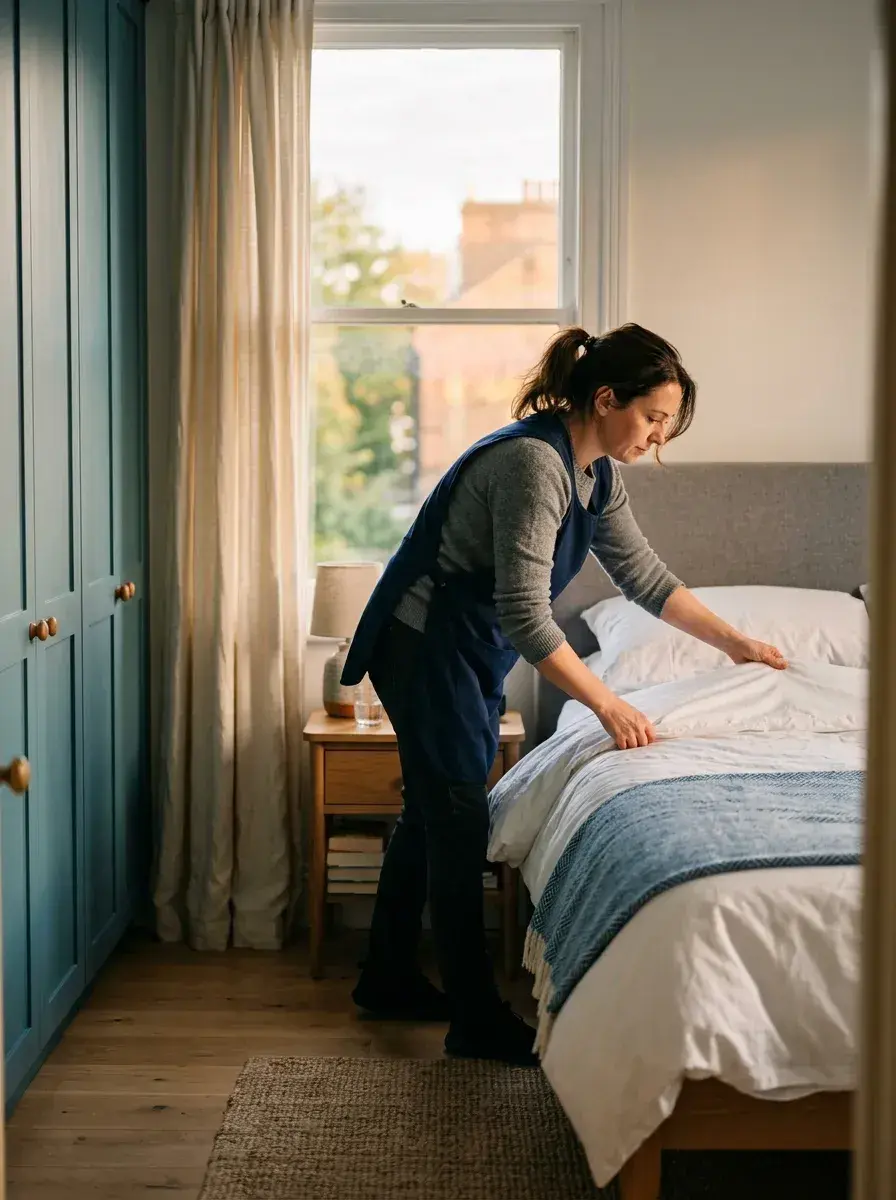
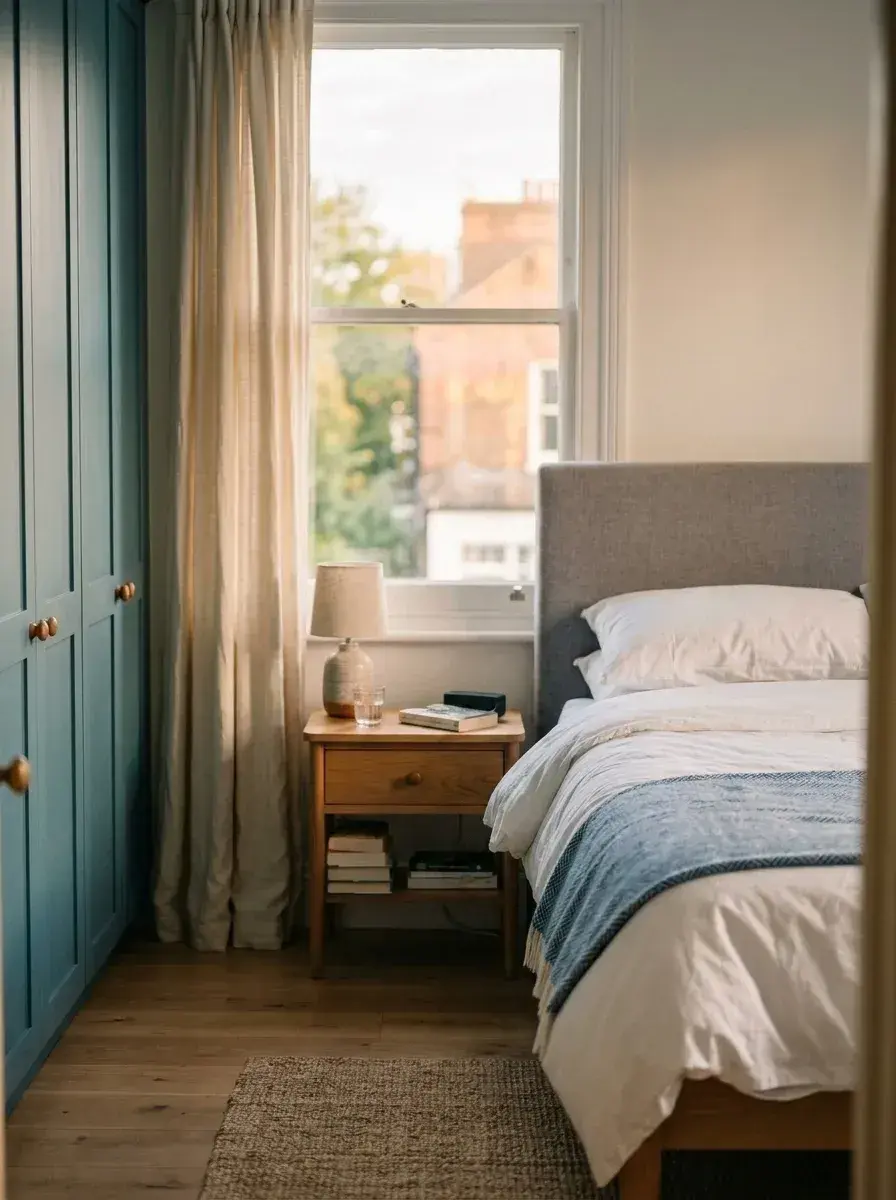 Before → after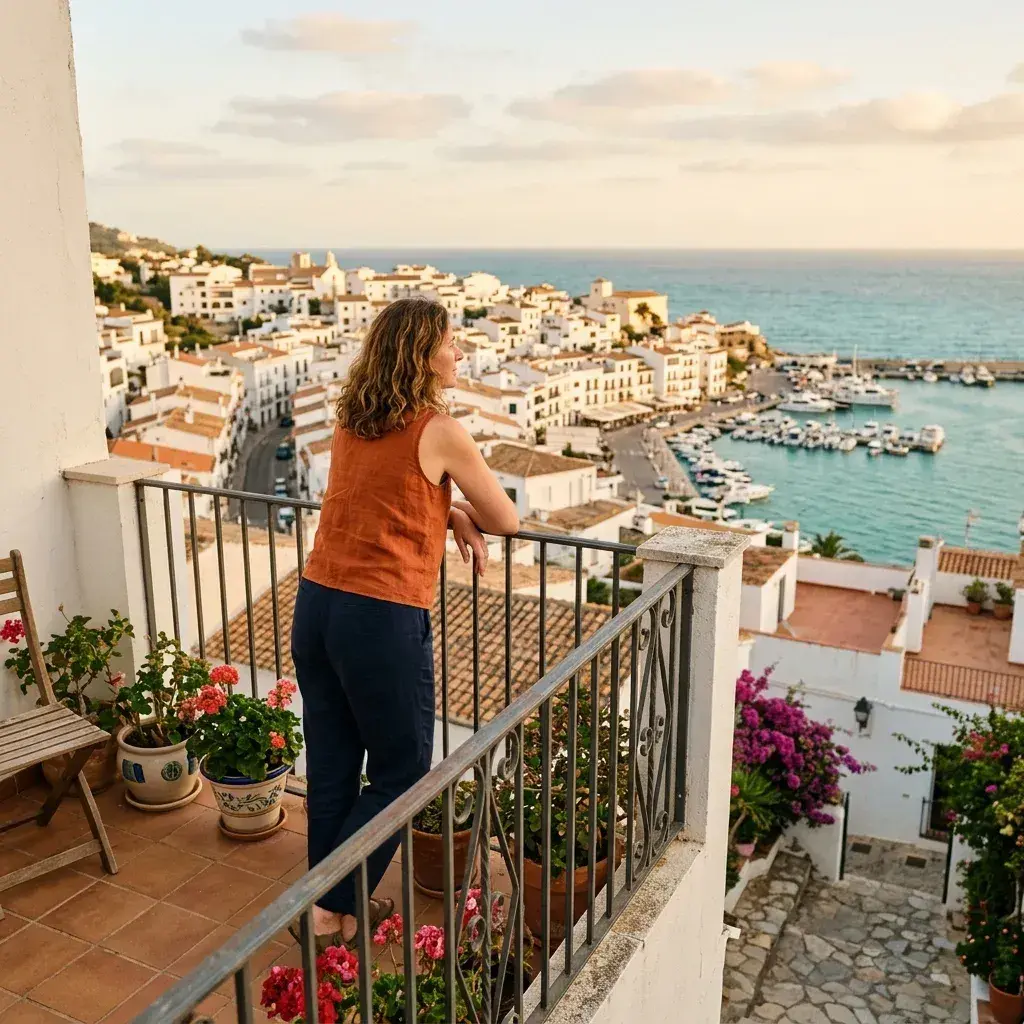
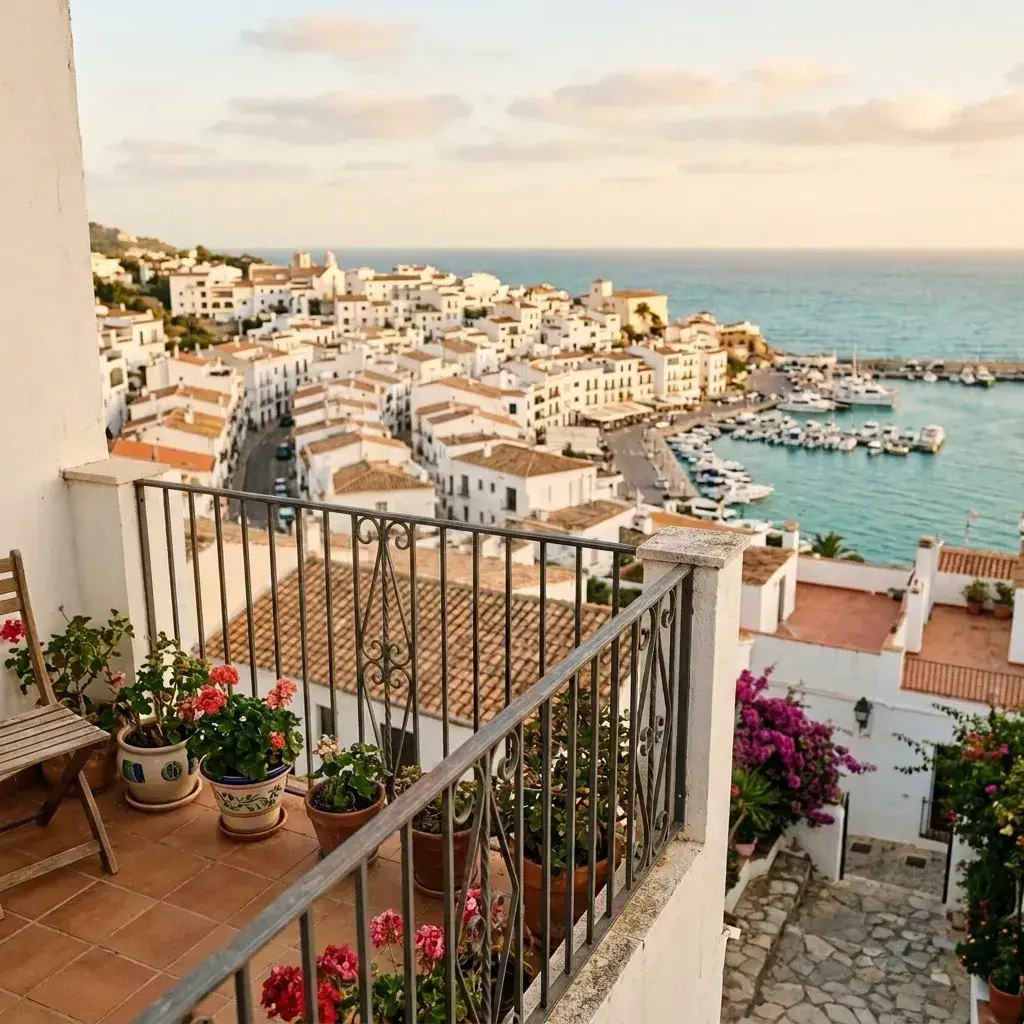 Before → after
Common questions
Can I shoot my listing while guests are around and clean it up after?
Will Airbnb accept AI-edited photos?
Can it remove my reflection from mirrors and TV screens?
Do I need to install any apps to edit my property pictures?
How long are my property photos stored on your servers?
Can I test the tool before purchasing a plan?
Ready to fix your photo?
3 HD edits for $4.99 once · no subscription. Each new generation uses one edit.
or drag & drop it here
JPEG · PNG · WebP · up to 20 MB · zero photo storage