๐Ÿ‡ฌ๐Ÿ‡ง Perfect for London Vacation Photos

Remove Tourists from London Photos

Get picture-perfect London landmark photos in seconds with AI. Remove crowds of tourists from Big Ben, Tower Bridge, Buckingham Palace, St Paul's Cathedral, and more. No more waiting for the perfect moment โ€” just upload your photo and let AI clear the scene.

Visited London only to find every landmark swarming with tourists? Now you can finally get those magazine-worthy shots without waking up at 5am. Upload your photo, describe who to remove, and download your clean London memory in under 10 seconds.

โœจ Clean Up Your London Photos

โœ“ 500+ travel photos cleaned up and counting

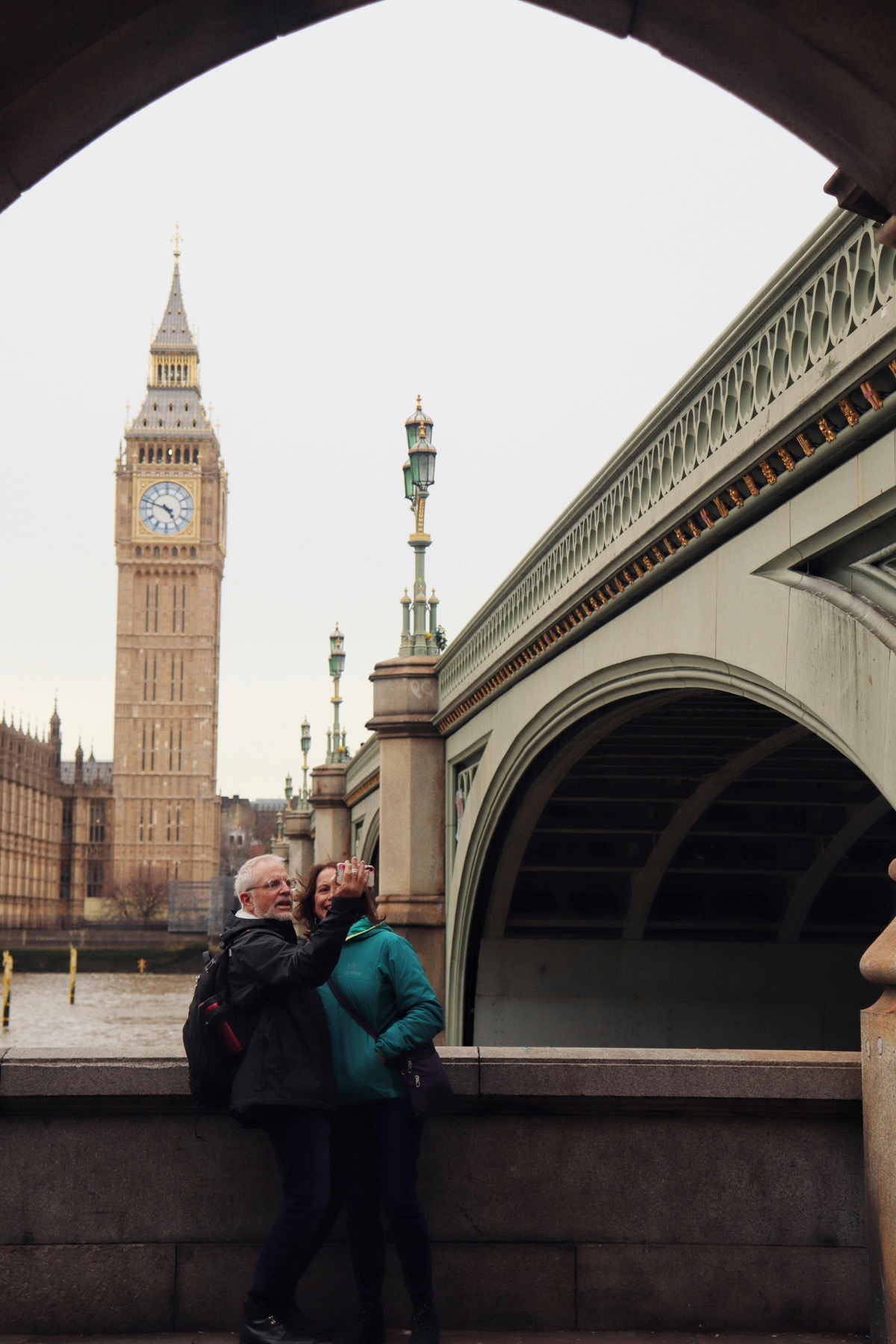
Before Millennium Bridge crowded with tourists walking towards St Pauls Cathedral London - before AI removal
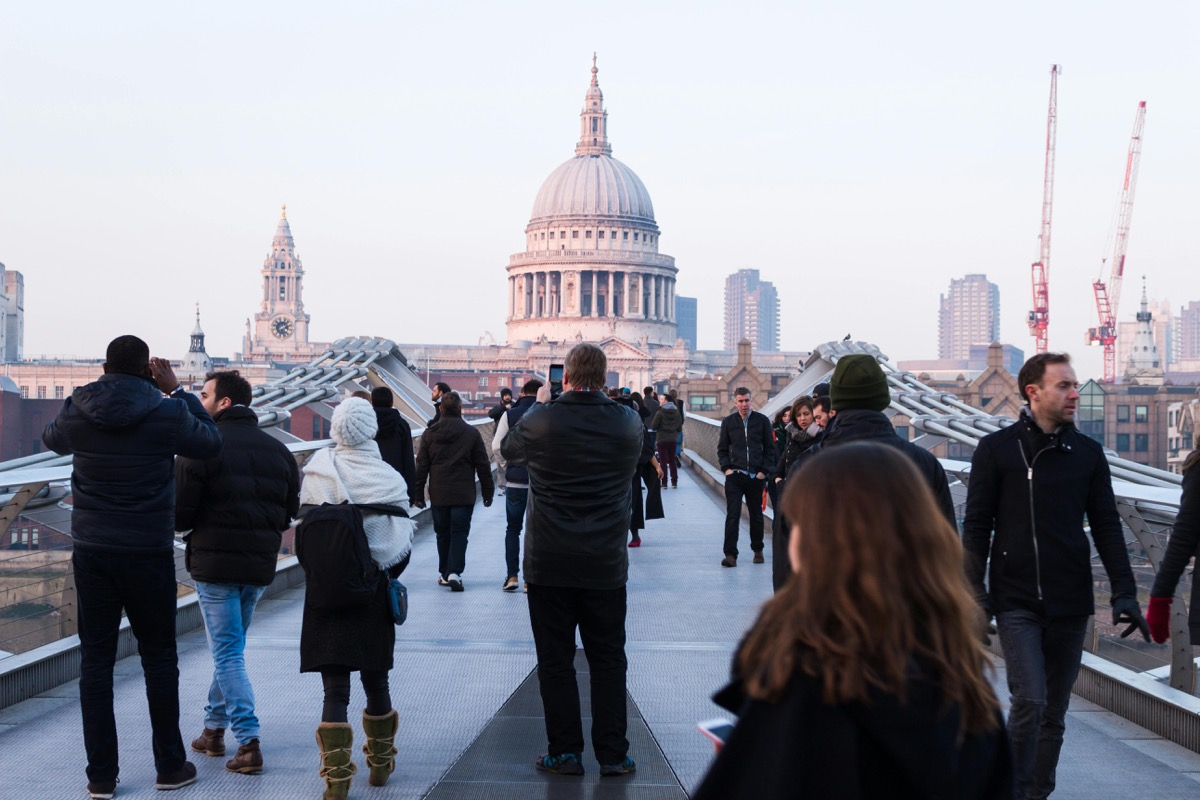
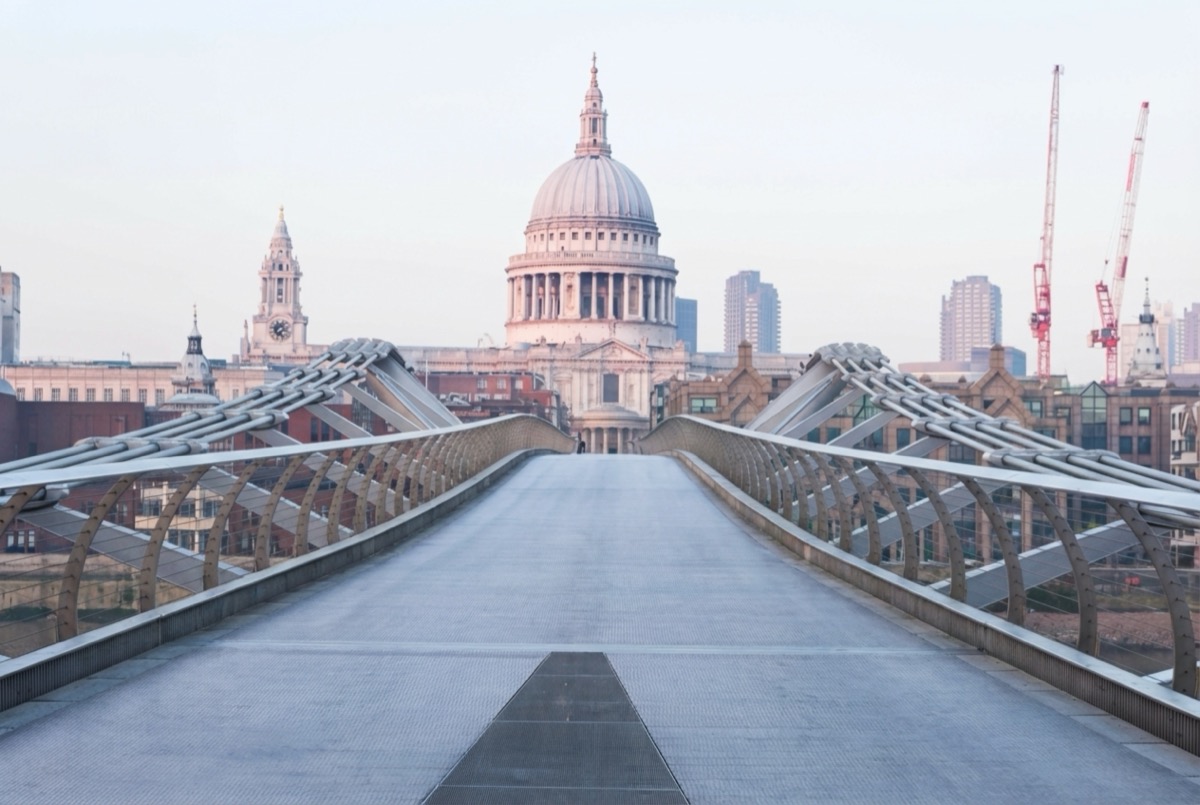
After Millennium Bridge completely empty with St Pauls Cathedral London - after AI removed all tourists
๐ŸŒ‰ Millennium Bridge & St Paul's Cathedral

The most dramatic transformation โ€” a bridge packed with dozens of tourists becomes completely empty. The iconic view of St Paul's Cathedral is now unobstructed, perfect for printing or sharing on social media.

Why Remove Tourists from Your London Photos?

London is one of the world's most visited cities, with over 30 million tourists each year. That means iconic landmarks like Tower Bridge, Big Ben, Buckingham Palace, and the London Eye are almost never empty. Getting a clean shot feels impossible โ€” unless you arrive at dawn or brave the British weather in off-peak seasons.

Traditional photo editing requires expensive software and hours of meticulous work. Even skilled Photoshop users struggle with complex scenes featuring dozens of overlapping tourists. Our AI handles all of this automatically โ€” you just describe what to remove, and the AI does the rest in seconds.

Whether you're cleaning up holiday photos, creating content for social media, or building a travel portfolio, removepeople.ai transforms your crowded London snapshots into professional-looking images. The AI reconstructs cobblestones, bridges, architectural details, and even shadows naturally.

How to Remove Tourists from London Photos

Three simple steps โ€” no Photoshop skills required

1

Upload Your Photo

Sign in with Google and upload your London photo. We support JPG, PNG, and WebP up to 10MB.

2

Describe Who to Remove

Type "remove all tourists," "remove people in foreground," or describe specific individuals to remove.

3

Download Your Result

AI removes everyone in 5-10 seconds. Download your tourist-free London photo instantly โ€” no watermarks.

What Makes Our AI Tourist Remover Different?

Most photo editing apps simply blur or crop out people, leaving obvious artifacts and ruining your photo. Our AI actually reconstructs the background โ€” filling in what was behind the tourists with realistic cobblestones, bridge railings, architectural details, and natural shadows.

This is especially important for London's iconic landmarks, which feature complex Victorian architecture, intricate stonework, and historic paving. Our AI has been trained on millions of images and understands how to rebuild these detailed scenes seamlessly.

The result? Photos that look like you had the entire landmark to yourself โ€” even if you visited at peak tourist season. Perfect for travel blogs, Instagram, printing, or simply having beautiful memories without the crowds.
Popular London Photo Edits

What travelers are cleaning up with our AI

๐Ÿ“ธ Landmark Photos

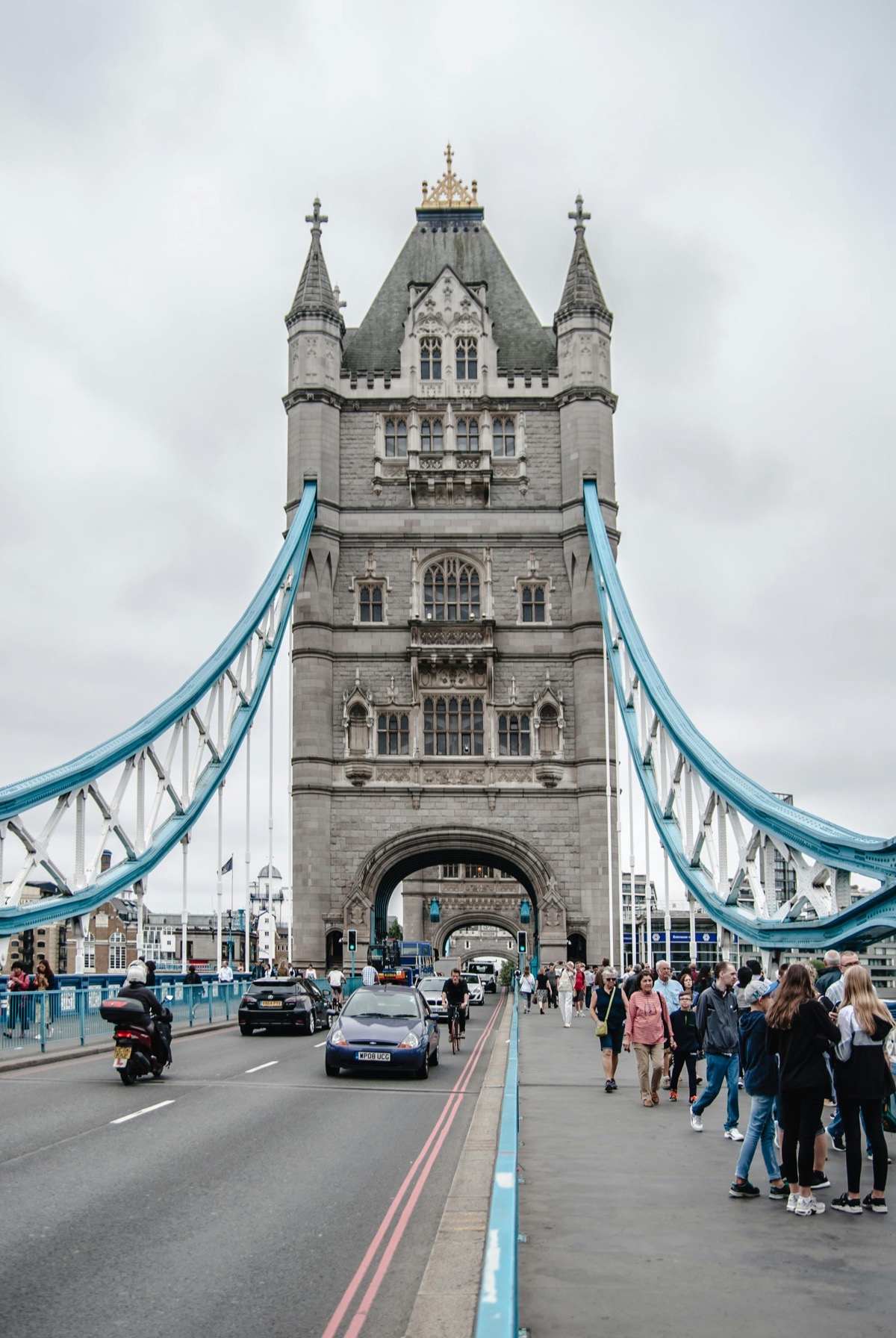
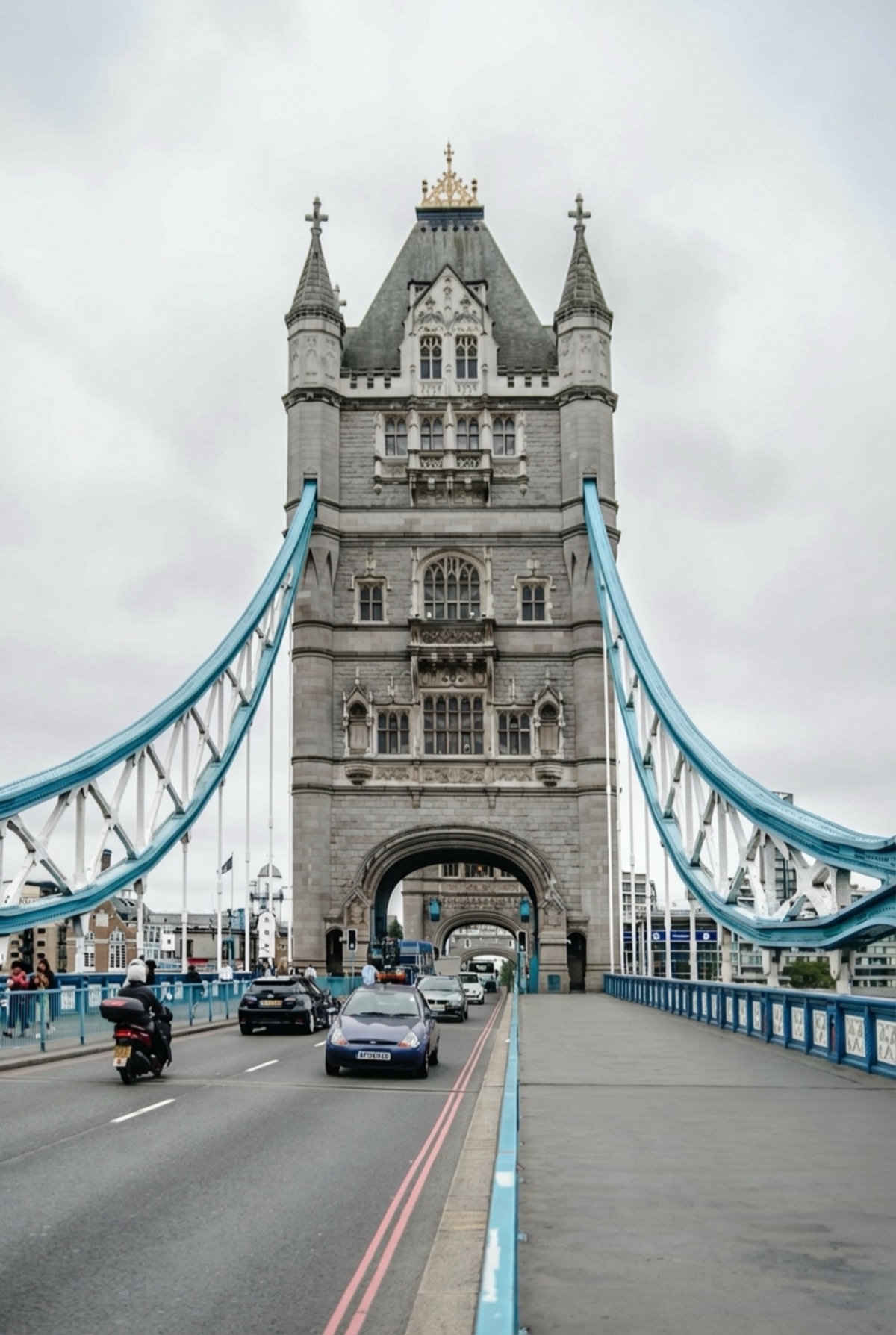
Big Ben, Tower Bridge, London Eye, St Paul's โ€” get clean shots of every iconic landmark without the crowds.

๐Ÿ‘‘ Royal London

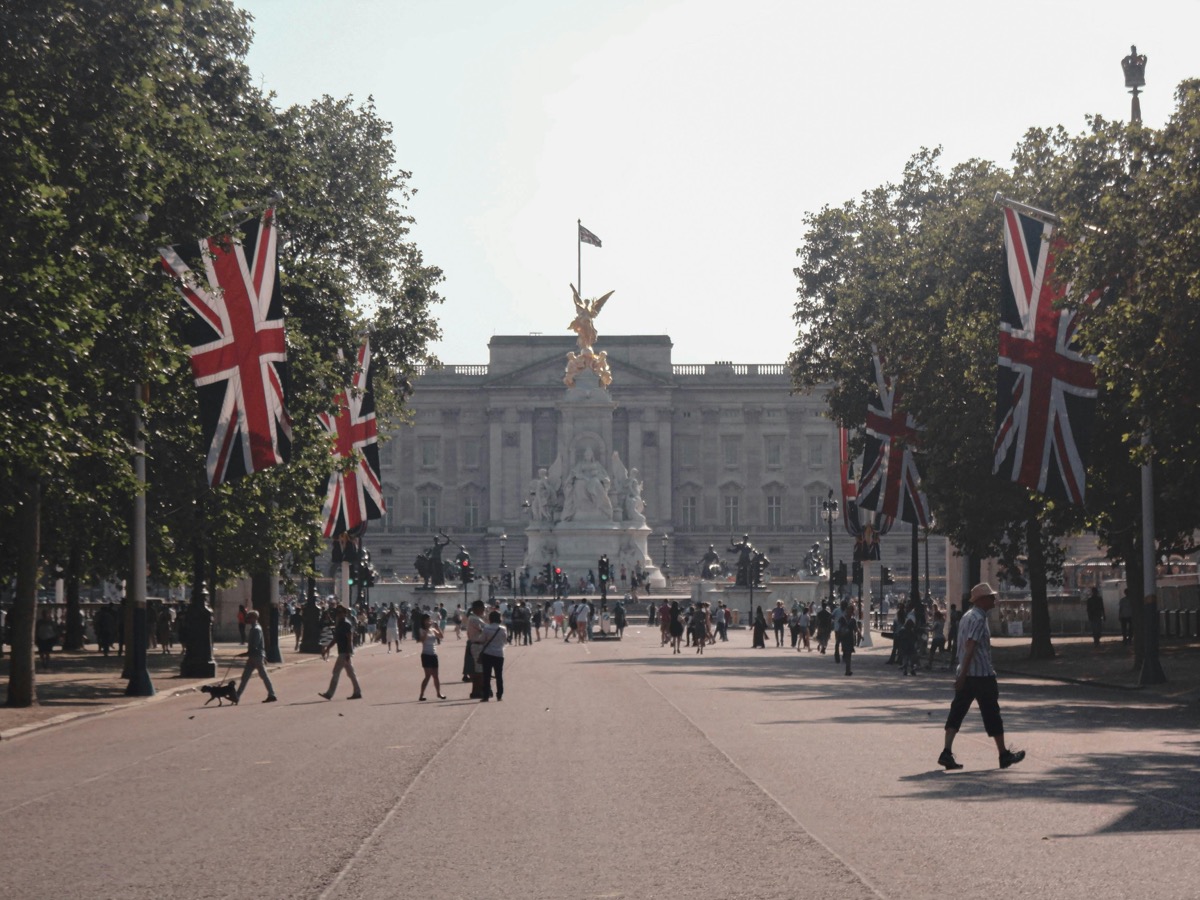
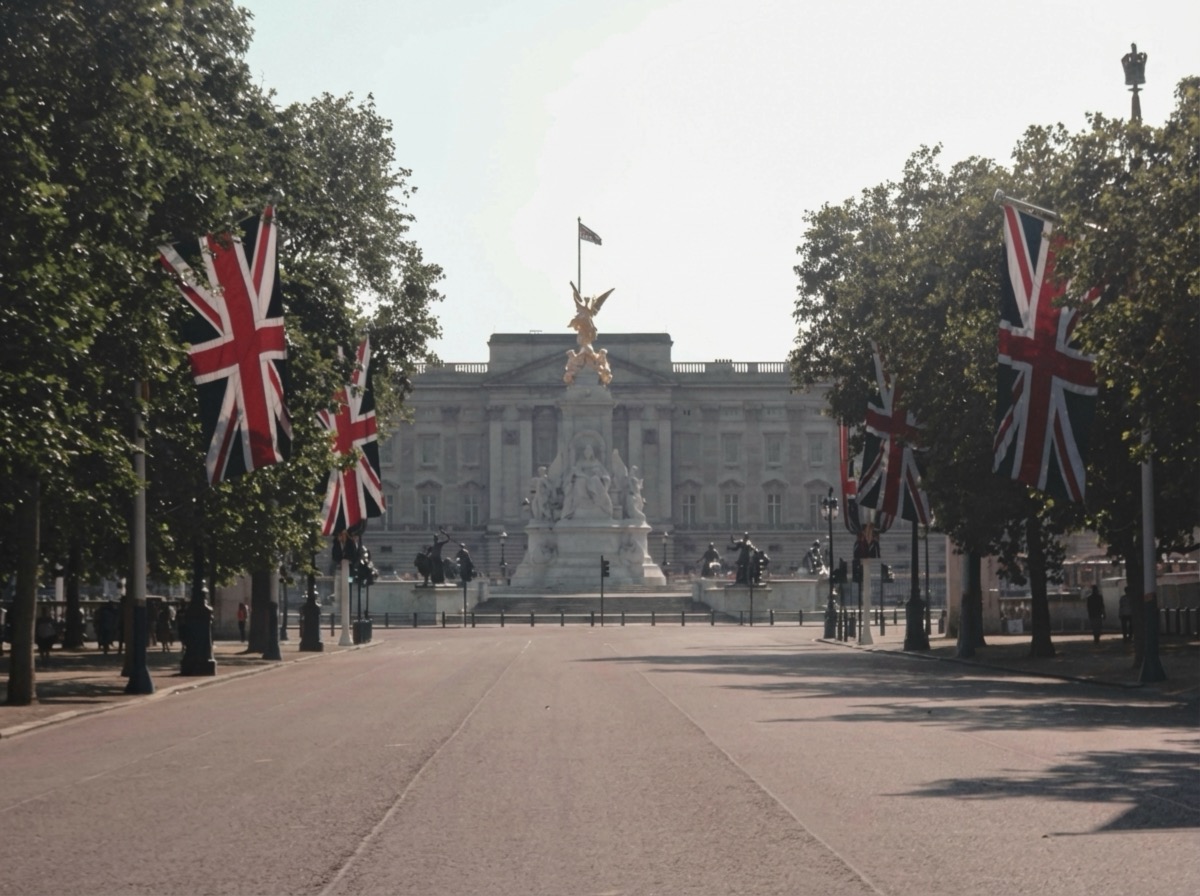
Buckingham Palace, Westminster Abbey, Tower of London โ€” create regal photos worthy of a postcard.

๐Ÿ›๏ธ Museums & Galleries

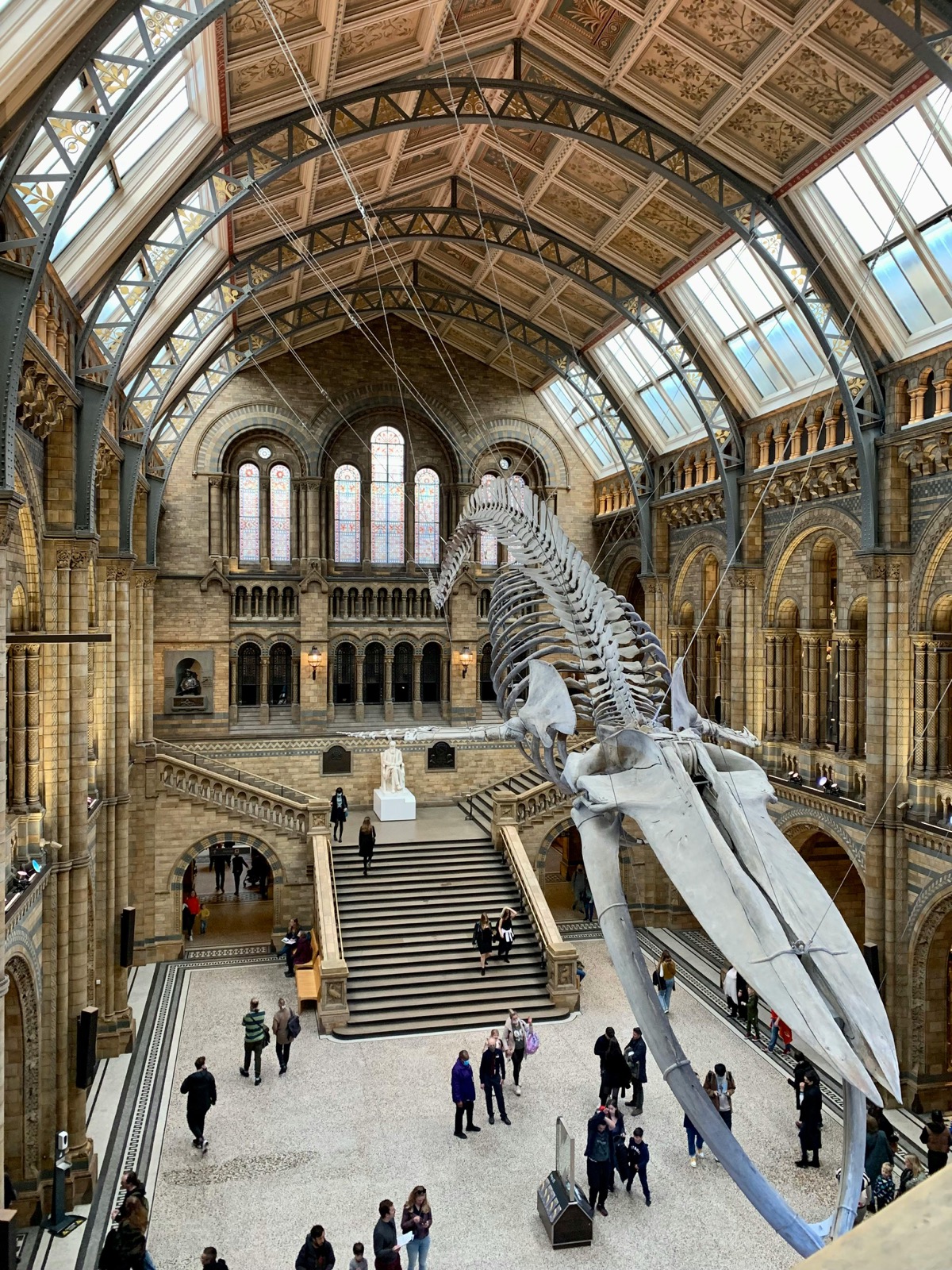
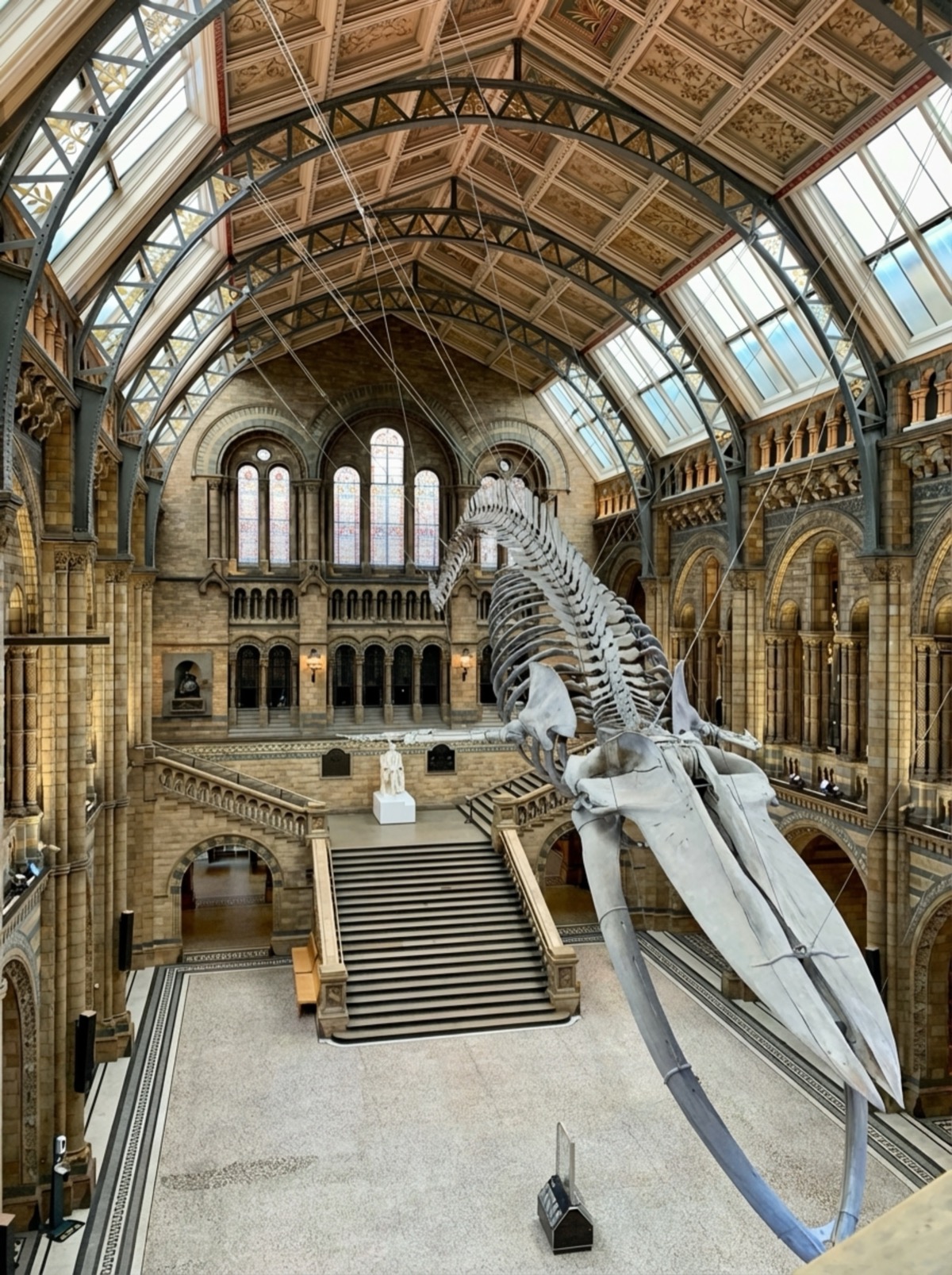
Natural History Museum, British Museum, Tate Modern โ€” showcase stunning interiors without visitor crowds.

๐ŸŒ‰ Bridges & Rivers

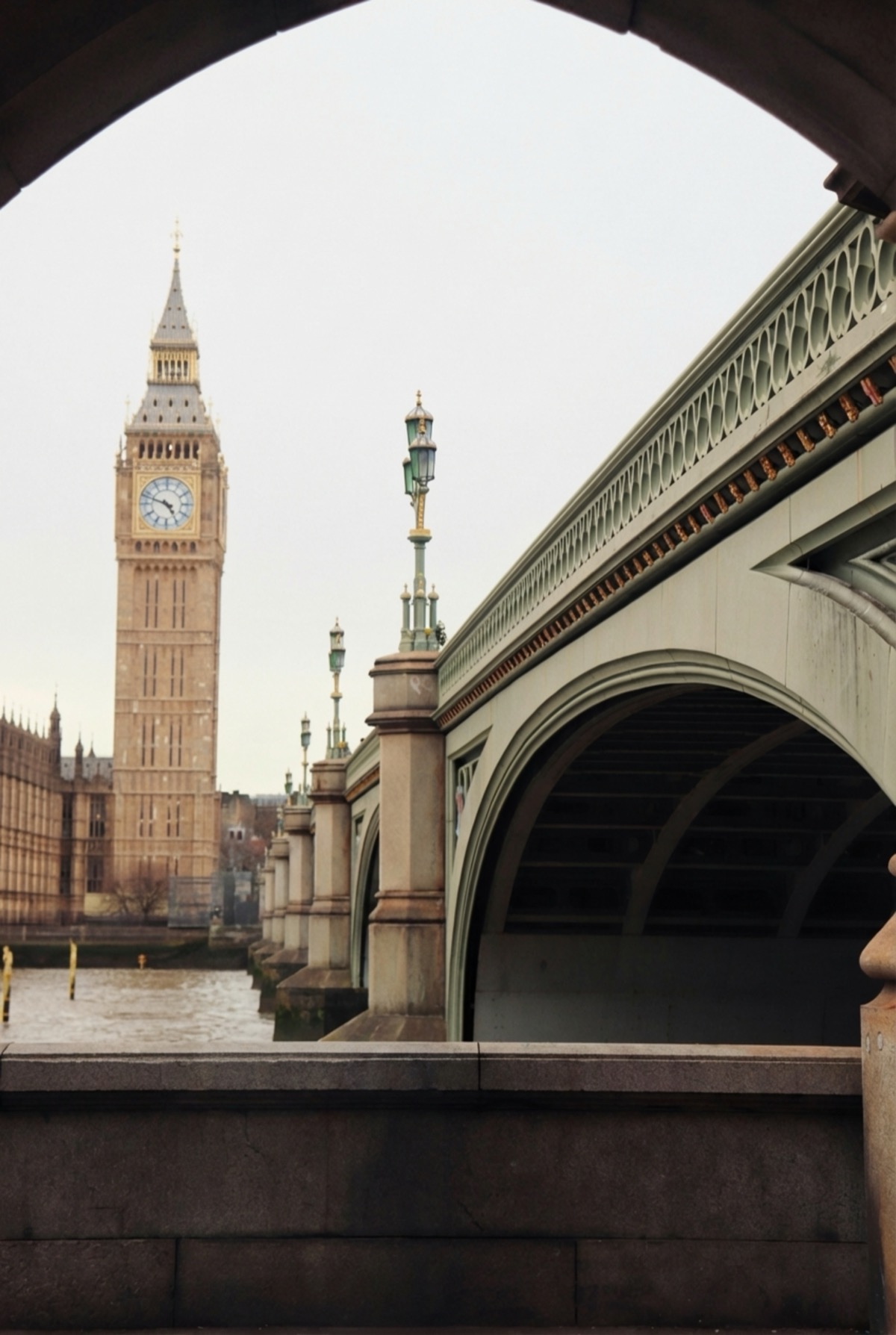
Tower Bridge, Millennium Bridge, Westminster Bridge โ€” capture London's famous crossings tourist-free.

๐Ÿ“ฑ Social Media Content

Create Instagram-worthy London content that stands out. No more "spot the tourist" in your travel posts.

๐Ÿ–ผ๏ธ Print & Frame

Turn your London vacation photos into wall art. Clean, professional shots perfect for printing and framing.

Ready to Clean Up Your London Photos?

Get started in seconds. No watermarks, professional results.

Remove Tourists Now ๐Ÿ‡ฌ๐Ÿ‡ง

Frequently Asked Questions

How do I remove tourists from London photos? +
Simply upload your London landmark photo, describe what to remove (like "all tourists" or "people in foreground"), and our AI removes them in 5-10 seconds. No watermarks on your results.
How do I describe which people to remove? +
Use natural language! Examples: "remove all people," "remove all tourists," "remove everyone in the foreground," or "remove the group on the left." Our AI understands context and will clear exactly what you describe.
Will removing tourists damage the landmark in my photo? +
No! Our AI intelligently reconstructs the background. Cobblestones, bridge railings, architectural details, and even shadows are preserved and rebuilt naturally. The result looks like the tourists were never there.
How long does it take to remove tourists from a crowded photo? +
Most photos are processed in 5-10 seconds, regardless of how many tourists are in the image. This is much faster than manual Photoshop editing (which could take hours for a crowded scene) or waiting at dawn for an empty shot.
Does this work on photos from inside London attractions? +
Absolutely! Our AI works on both outdoor landmarks and indoor spaces like the Natural History Museum, British Museum, St Paul's Cathedral interior, and more. Complex backgrounds with ornate architecture are handled beautifully.
Is my photo data private and secure? +
Yes. Your photos are processed securely and automatically deleted from our servers immediately after processing. We never store, share, or use your photos for any other purpose. Your London memories stay yours.