or drop a file
Sign in with Google for 1 free edit — no watermark
AI is removing people...
This usually takes 5-10 seconds
⚡ Professional results in seconds • 🎯 No skills required • ✨ AI-powered magic

Remove unwanted people from photos with AI-powered precision
Whether you're dealing with photobombers at landmarks, strangers in your wedding photos, or crowds ruining your perfect shot, removepeople.ai uses advanced AI to seamlessly erase unwanted people while preserving your image quality.
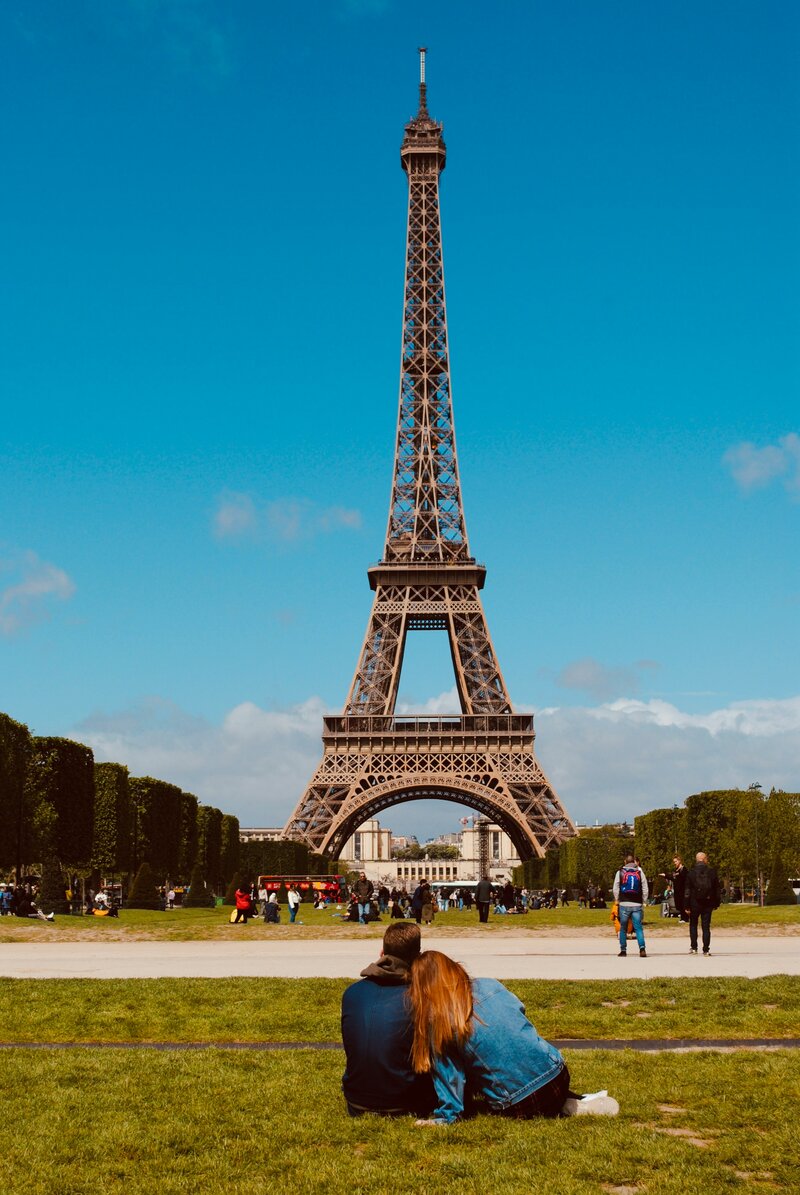
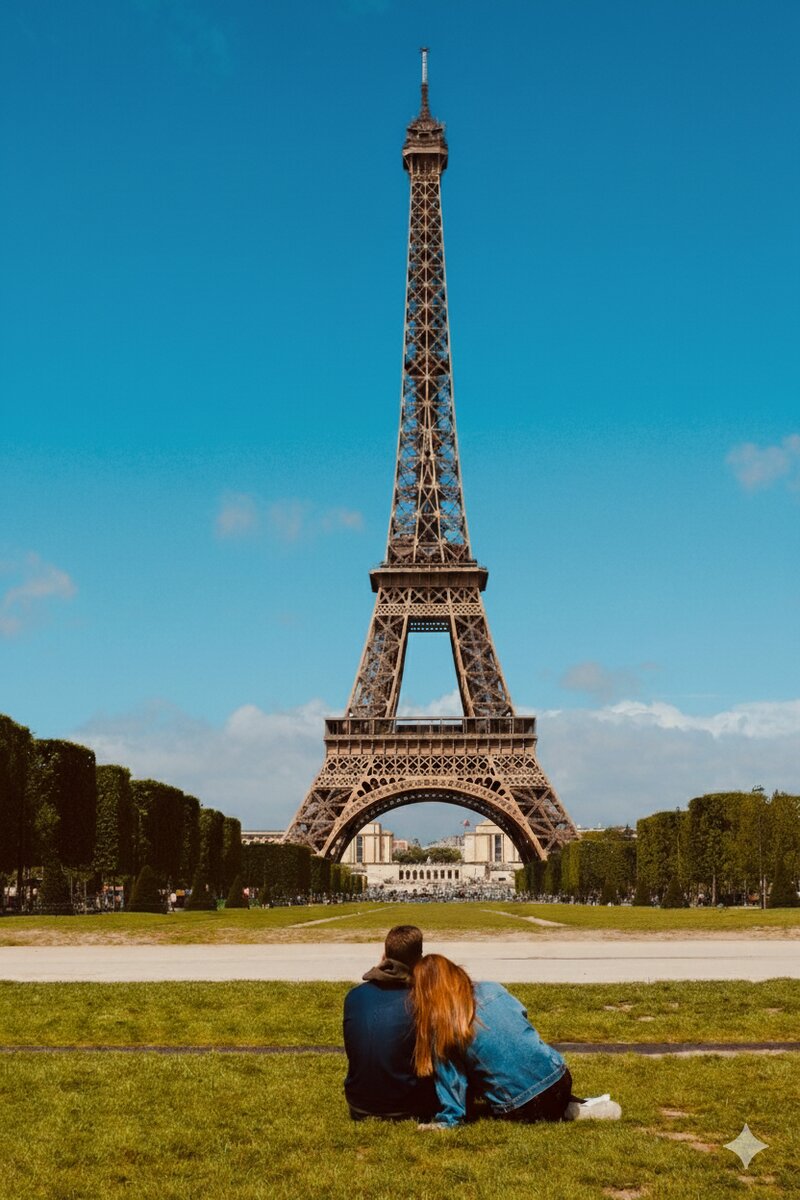
Turn crowded tourist photos into picture-perfect memories. Remove strangers and crowds from your Eiffel Tower photos instantly.
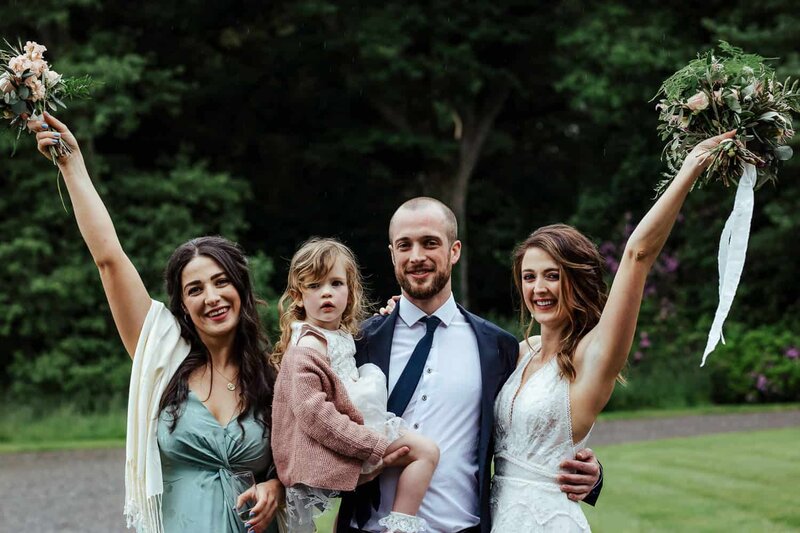
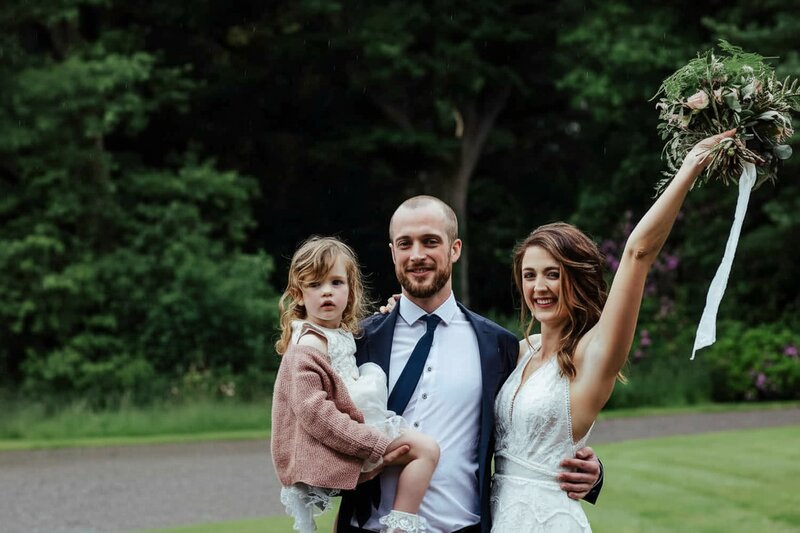
Keep your special day perfect. Remove unwanted guests, photobombers, or ex-partners from wedding photos in seconds.
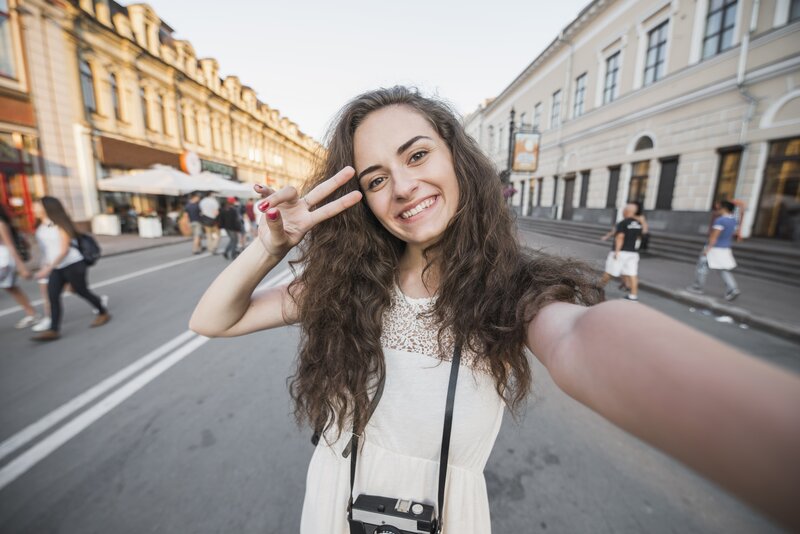
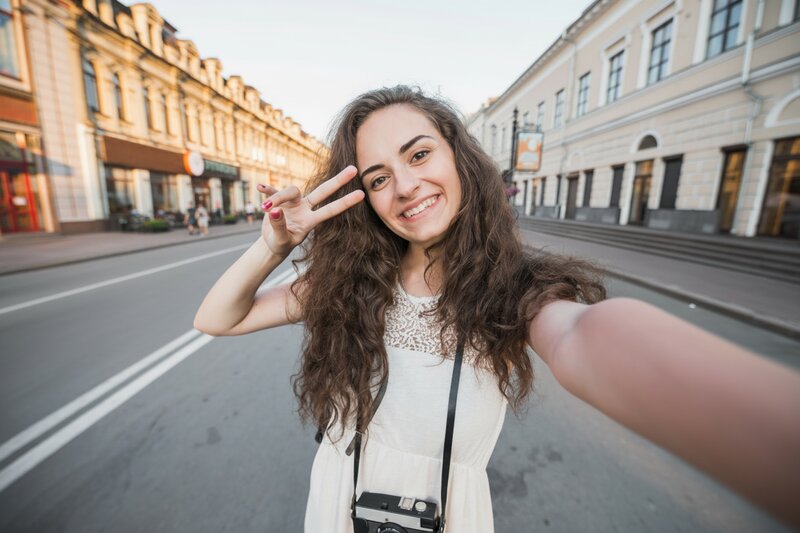
Get the perfect solo shot. Remove background people, strangers, and photobombers from selfies and portraits instantly.
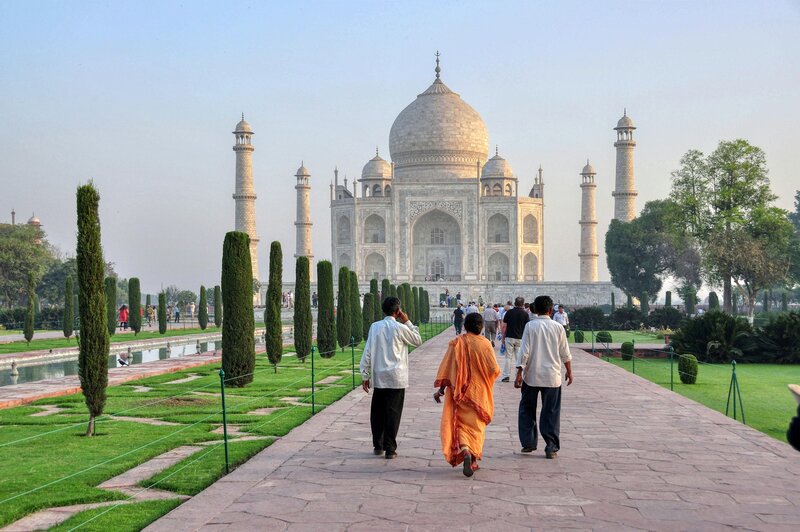
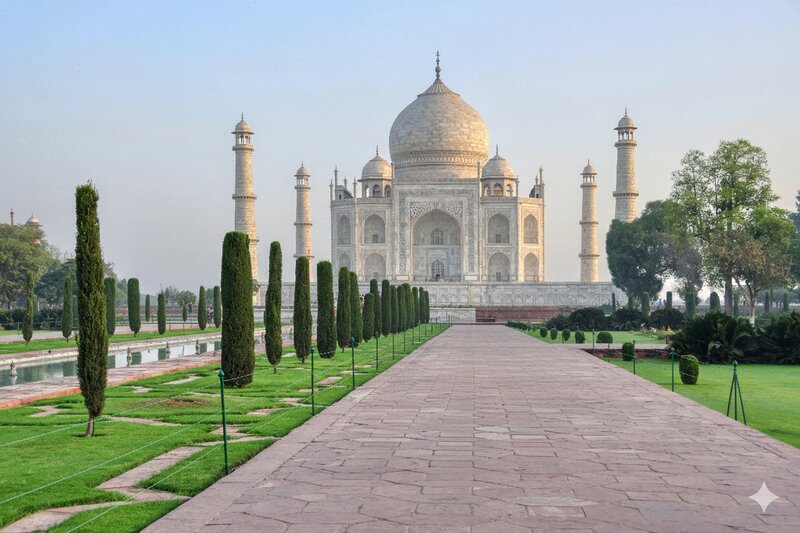
Experience famous landmarks without crowds. Remove tourists from your Taj Mahal, Colosseum, or any landmark photos effortlessly.
See how people use removepeople.ai to perfect their photos
Moving on? Erase your ex-boyfriend or ex-girlfriend from vacation photos, group shots, and memories.
Get perfect travel photos without crowds at Big Ben, Tower Bridge, or any landmark.
Someone ruined your perfect shot? Remove unwanted people and strangers from any photo.
Remove uninvited guests, strangers, or unwanted people from your special day photos.
Clean up distracting background people for professional portraits and product photos.
Selectively remove one person from a group photo while keeping everyone else perfect.
Need to delete or erase someone from any picture? Our AI makes it easy and fast.
AI photo editor that removes people in seconds. No Photoshop needed.
Whether you need to remove your ex from photos, delete tourists from vacation pictures, erase photobombers from selfies, or clean up wedding photos — our AI-powered tool makes it easy. No Photoshop skills required, no watermarks.
"RemoveThePeople saved my vacation photos! I had beautiful shots of the Eiffel Tower ruined by crowds. In seconds, it removed everyone and gave me the perfect solo shots I wanted. Absolutely magical!"
"As a real estate photographer, this tool is a game-changer. I can instantly remove passersby from property photos without any editing skills. My clients are amazed by the clean, professional results!"
"Finally found a tool that actually works! Removed my ex from all our travel photos perfectly. The AI understood exactly what I wanted and the background reconstruction is flawless. Worth every penny!"
Join ...+ happy users creating picture-perfect memories with AI.
Professional AI photo editing — no Photoshop needed
No watermarks on any plan. Cancel anytime.
For occasional edits
For regular photo editing
For power users & professionals
We use advanced AI models specifically trained for high-end image reconstruction to analyze your photo, identify people, and seamlessly reconstruct the background behind them. It's like a professional editor doing hours of work in seconds.
We offer three plans: Starter ($3/mo, 5 edits), Plus ($9/mo, 40 edits — most popular), and Pro ($39/mo, 200 edits + 4K resolution). Annual billing is also available with two months free. No watermarks on any plan. Cancel anytime.
No. removepeople.ai runs entirely in your browser. It works on iPhone, Android, Mac, and PC without installing anything.
Absolutely. This is our most popular use case. Just type "remove tourists" or "people in background" and our AI will clear the crowds from your landmarks photos. Learn more about removing tourists.
Yes. You can describe the specific person you want to remove (e.g., "man on the right" or "person in blue shirt") and keep everyone else in the photo.
Yes, wedding photographers and couples use our tool to remove uninvited guests, photobombers, or catering staff from the background of wedding shots.
Yes. Unlike other tools that delete everyone, our AI understands natural language. You can say "remove the guy in the hat" and it will only remove him.
Starter and Plus subscribers get high-quality standard resolution (up to 2048px). Pro subscribers can upload and download images in full 4K resolution (up to 4096px) — perfect for large prints and professional framing.
Most images are processed in 5-10 seconds. High-resolution images for Pro users might take slightly longer (15-20 seconds) due to the detail involved.
We support JPG, PNG, and WebP formats. Files up to 10MB are accepted.
Privacy is our priority. Your photos are processed securely and are automatically deleted from our servers shortly after processing. We do not store your personal photos or use them for training.
Subscription credits refresh each month and unused credits do not roll over. You can cancel your subscription at any time.
If you're unhappy with a result, please contact support. We generally don't refund used credits, but we're happy to help if something went wrong. You can cancel your subscription at any time.
You can manage your subscription in the Billing portal (link in footer). Cancellation is immediate and you keep your credits until the end of the billing period.
Yes, real estate agents use removepeople.ai to clean up property listings by removing pedestrians, reflections, or construction workers from shots.
Not publicly yet, but reach out to [email protected] if you have high-volume needs.
Photoshop's "Generative Fill" requires a paid subscription ($20+/mo) and a powerful computer. removepeople.ai works instantly in your browser on any device, is cheaper for casual use, and doesn't require manual selection tools.